
1. Introduction
This manual provides essential information for the assembly, operation, and maintenance of your Bush Business Furniture Office 500 72W x 36D Executive Desk. Designed for professional environments, this desk features a distinctive breakfront design, integrated wire management, and a durable thermally fused laminate surface. Please read these instructions carefully before proceeding with assembly and use to ensure proper setup and longevity of your product.

Image 1.1: The Bush Business Furniture Office 500 Executive Desk in Black Walnut.
2. Safety Information
- Weight Capacity: The desk is designed to support a maximum weight of 200 pounds (90.7 kg). Do not exceed this limit to prevent damage or injury.
- Assembly: Assembly requires two individuals due to the size and weight of the components. Attempting to assemble alone may result in injury or damage to the product.
- Stability: Ensure the desk is placed on a level surface. Use the adjustable levelers on the desk feet to compensate for uneven floors and ensure maximum stability.
- Children and Pets: Keep children and pets away from the assembly area. Small parts can be a choking hazard.
- Proposition 65 Warning: This product may expose you to chemicals known to the State of California to cause cancer or birth defects or other reproductive harm.
3. Package Contents
Before beginning assembly, verify that all components and hardware are present. Refer to the detailed parts list included in the separate assembly instructions provided with your product. This product does not include all assembly tools; a hammer and Phillips screwdriver are typically required.

Image 3.1: Desk dimensions and knee well space diagram.
4. Setup and Assembly
Detailed assembly instructions are provided in a separate document within your product packaging. Please follow those instructions step-by-step. The following is a general overview:
- Preparation: Clear a spacious area for assembly. Lay out all parts and hardware, comparing them against the parts list.
- Tools Required: A Phillips head screwdriver and a hammer are necessary for assembly.
- Team Assembly: Due to the weight (approximately 160.55 lbs) and size of the desk, two people are recommended for safe and efficient assembly.
- Component Assembly: Assemble the desk frame and panels according to the provided diagrams.
- Final Placement: Once assembled, carefully move the desk to its desired location. Use the adjustable levelers on the bottom of the desk to ensure it sits evenly and stably on your floor.
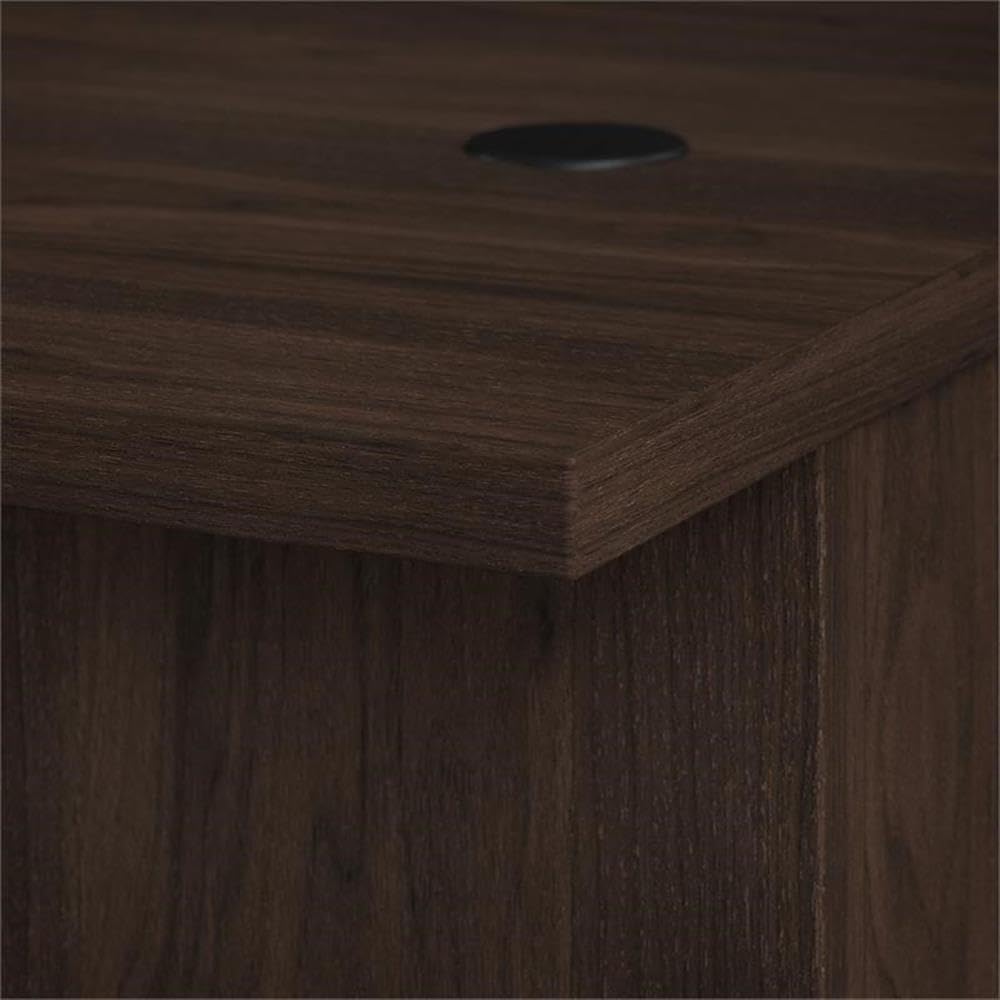
Image 4.1: Detail of the desk's edge and finish.
5. Operating Instructions
5.1 Wire Management
The desk is equipped with built-in wire management grommets on the desktop. These allow you to route power cords and data cables neatly, keeping your workspace organized and clutter-free. Simply feed your cables through the grommet openings.

Image 5.1: Integrated wire management grommet.
5.2 Adjustable Levelers
The desk features adjustable levelers on its base. To adjust, gently lift the corner of the desk and rotate the leveler clockwise to raise or counter-clockwise to lower, until the desk is stable and level on your floor.
5.3 Knee Well Space
The desk provides ample knee well space for comfortable seating. The dimensions for the knee well are approximately 68.58 inches (174.20 cm) in width, 24.61 inches (62.50 cm) in depth, and 28.82 inches (73.20 cm) in height.

Image 5.2: Knee well space beneath the desk.
6. Maintenance
6.1 Cleaning
To clean the desk surface, wipe it with a damp cloth. Avoid using harsh chemicals or abrasive cleaners, as these can damage the thermally fused laminate finish. Dry immediately with a soft, clean cloth.
6.2 Surface Protection
The thermally fused laminate finish is designed to resist scratches and stains. However, to maintain its appearance, avoid placing hot items directly on the surface without protection, and use coasters for beverages. Promptly wipe up any spills.

Image 6.1: Detail of the Black Walnut finish.
7. Troubleshooting
- Desk Wobbles: If the desk is unstable, ensure it is on a level surface. Adjust the levelers on the bottom of the desk feet until stability is achieved.
- Missing or Damaged Parts: If you discover any missing or damaged parts upon unpacking, do not proceed with assembly. Contact Bush Business Furniture customer support immediately for assistance.
- Assembly Difficulties: If you encounter difficulties during assembly, refer to the detailed assembly instructions provided. Ensure all steps are followed correctly and all hardware is securely fastened. If issues persist, contact customer support.
8. Specifications
| Feature | Detail |
|---|---|
| Brand | Bush Furniture |
| Model Number | OFD172BWK |
| Product Dimensions (D x W x H) | 35.43"D x 71.02"W x 29.82"H (90cm D x 180.4cm W x 75.74cm H) |
| Item Weight | 160.55 Pounds (72.82 kg) |
| Color | Black Walnut |
| Material Type | Engineered Wood |
| Finish Type | Thermally Fused Laminate |
| Maximum Weight Recommendation | 200 Pounds (90.7 kg) |
| Assembly Required | Yes |
| Recommended Number of People for Assembly | 2 |
| Special Feature | Adjustable Levelers, Wire Management |
9. Warranty
This Bush Business Furniture Office 500 Executive Desk is backed by a 10 Year Manufacturer's Warranty. This is a Limited, Comprehensive Warranty covering defects in materials and workmanship under normal use. For specific details regarding coverage, terms, and conditions, please refer to the warranty documentation included with your product or visit the official Bush Business Furniture website.
10. Support
For further assistance, replacement parts, or to address any questions not covered in this manual, please contact Bush Business Furniture customer support. Contact information can typically be found on the manufacturer's website or within your product packaging.
10.1 Product Video
Video 10.1: An overview of the Bush Business Furniture Office 500 Collection, showcasing various furniture pieces and design elements, including the executive desk.


