
Introduction
Thank you for choosing the Northpoint LED Multifunction Motion Sensor Induction Charging Light. This device serves as a versatile lighting solution, combining a night light, motion sensor light, and a removable, inductively charged flashlight. This manual provides essential information for the safe and effective use of your product.
Product Overview
The Northpoint LED Multifunction Light offers several key features:
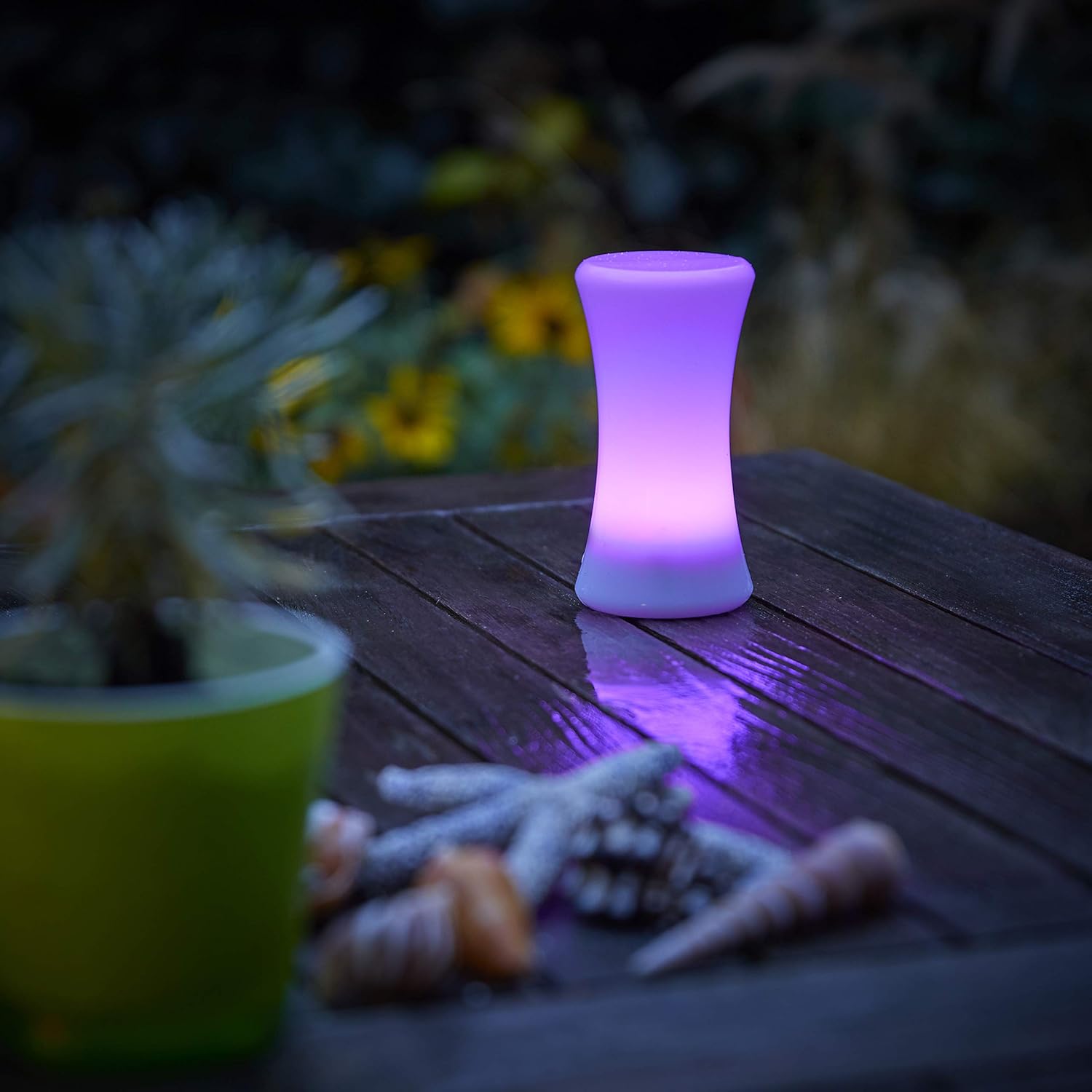
- Removable Flashlight: The light unit can be detached from the charging base and used as a portable flashlight. It is splash-resistant, making it suitable for outdoor use.
- Adjustable Light Color: Easily switch between warm white, automatic color change, and fixed color modes with a simple button press.
- Integrated Night Light: The charging station includes an additional night light feature, activated by a dusk sensor or motion detector.
- Power Outage Function: In the event of a power failure, the light automatically illuminates, providing emergency lighting.
- Long Battery Life: Offers up to 60 hours of illumination in Eco mode.
- Wireless Induction Charging: The removable light recharges wirelessly when placed back into its induction charging station.
Package Contents
Please verify that all components are present in the package:
- Northpoint LED Night Light (Cylinder shape)
- Induction Charging Station
- User Manual
Setup
- Unpack the Device: Carefully remove all components from the packaging.
- Plug in the Charging Station: Insert the induction charging station into a standard wall outlet. Ensure it is securely plugged in. The station's night light may activate depending on ambient light conditions.
- Initial Charge: Place the removable LED light unit onto the induction charging station. The light will begin charging automatically. For optimal performance, allow the unit to charge fully before first use.

Operating Instructions
Night Light Mode (Charging Station)
The charging station features an integrated night light. This light can be activated in two ways:
- Dusk Sensor: The night light will automatically turn on when the ambient light levels are low and turn off when it becomes brighter.
- Motion Detector: The night light will activate when motion is detected within its range in low light conditions.
Removable Flashlight Mode
To use the device as a portable flashlight:
- Remove from Base: Gently pull the LED light unit upwards to detach it from the induction charging station.
- Activate Light: Locate the power button (typically a tactile switch) on the flashlight unit. Press it to turn the light on.
- Change Colors: Repeatedly press the power button to cycle through different light colors (warm white, automatic color change, fixed colors).
- Turn Off: Press the power button until the light turns off.
- Recharge: Place the flashlight back onto the induction charging station to recharge.

Power Outage Function
When the LED light unit is docked in the charging station and a power outage occurs, the light will automatically turn on to provide emergency illumination. This feature ensures visibility during unexpected power interruptions.
Maintenance
- Cleaning: Use a soft, dry cloth to clean the surface of the light unit and charging station. Do not use abrasive cleaners or solvents.
- Splash Resistance: While the removable light is splash-resistant, avoid submerging it in water or exposing it to heavy rain.
- Battery Care: To maintain the internal battery's lifespan, ensure the light unit is regularly returned to the charging station when not in use. Avoid prolonged periods of complete discharge.
Troubleshooting
| Problem | Possible Cause | Solution |
|---|---|---|
| Light unit does not charge. | Charging station not powered; improper placement of light unit. | Ensure charging station is securely plugged into a live outlet. Re-seat the light unit firmly on the charging station. |
| Motion sensor not activating. | Sufficient ambient light; obstruction of sensor; incorrect mode. | Ensure the area is dark enough for sensor activation. Clear any obstructions from the sensor. Verify the unit is in motion sensor mode. |
| Light unit not turning on when removed. | Low battery; unit not activated. | Return the light unit to the charging station for a full charge. Press the power button on the unit to activate it. |
| Power outage function not working. | Light unit not docked; unit not charged. | Ensure the light unit is properly docked in the charging station. Confirm the unit has sufficient charge. |
Specifications
| Attribute | Detail |
|---|---|
| Brand | Northpoint |
| Model Number | NP-MFL-Parent |
| Dimensions (L x W x H) | 5.2 x 3.6 x 16.3 cm |
| Weight | 200 grams |
| Material | Plastic |
| Light Type | LED |
| Special Features | Dimmable, Color Changing, Multi-function Modes |
| Power Source | Battery Powered (Induction Charging) |
| Switch Style | Tactile |
| Installation Type | Wall Mount (Charging Station) |
Safety Information
- Do not attempt to disassemble or modify the device.
- Keep the device away from extreme temperatures and direct sunlight.
- Ensure the charging station is plugged into a suitable electrical outlet.
- This product is not a toy. Keep out of reach of children.
- Dispose of the product and its battery responsibly according to local regulations.


