1. Introduction
Thank you for purchasing the HOMCOM L Shaped Computer Desk. This versatile desk features a 180° rotating design, allowing it to be configured as an L-shape or a straight desk to suit various spaces and needs. It includes integrated storage with a drawer, open shelves, and a cabinet, providing ample space for your office essentials. Please read this manual thoroughly before assembly and use to ensure proper installation and safe operation.
2. Safety Information
- Always assemble the desk according to the provided instructions. Failure to do so may result in instability or damage.
- Do not overload the desk. The maximum weight capacity for the tabletop is 154 lbs (70 kg) and for the bookcase is 88 lbs (40 kg).
- Ensure the desk is placed on a flat, stable surface to prevent tipping.
- When utilizing the rotating feature, exercise caution and ensure no objects are obstructing the movement path.
- Keep small parts and packaging materials away from children to prevent choking hazards.
- Regularly check all fasteners to ensure they remain tight. Retighten as necessary.
3. Assembly Instructions
Assembly of this desk requires two people and approximately 60 minutes. Basic tools are required for assembly and are not included. Please ensure all parts are present before beginning assembly.
3.1 Unpacking and Part Identification
Carefully unpack all components and lay them out on a clean, soft surface to prevent scratches. Refer to the parts list (not provided in this document, refer to your product packaging) to identify each piece.
3.2 Step-by-Step Assembly
- Begin by assembling the main desk section. Attach the legs to the tabletop using the provided hardware.
- Assemble the storage unit, including the drawer, open shelves, and cabinet door. Ensure all hinges and drawer slides are securely fastened.
- Attach the anti-slip foot pads to the base of the desk and storage unit to protect your floor and enhance stability.
- Position the main desk section and the storage unit. The storage unit is designed to rotate 180 degrees relative to the main desk.
- Secure the rotating mechanism as per the detailed instructions in your product manual. This allows for flexible configuration between L-shape and straight desk layouts.

Image: The desk can be configured in an L-shape or a straight line, demonstrating its two-way use.

Image: Detailed dimensions for both the L-shaped and straight desk configurations.
4. Operating Instructions
4.1 Rotating the Desk
The unique 180° rotating feature allows you to adapt the desk to your space. To change the configuration:
- Clear the tabletop and surrounding area of any items that might obstruct the rotation.
- Gently lift the main desk section slightly from the storage unit.
- Rotate the main desk section to achieve either the L-shape or straight configuration.
- Ensure the desk is stable and properly aligned in its new position before placing items back on it.

Image: The HOMCOM L Shaped Computer Desk configured in an L-shape, ideal for corner use.

Image: The HOMCOM L Shaped Computer Desk configured in a straight line, suitable for various room layouts.
4.2 Utilizing Storage Features
The desk offers various storage options:
- Drawer: Use the integrated drawer for storing smaller office supplies, documents, or personal items.
- Open Shelves: The two open shelves are suitable for books, decorative items, or frequently accessed files.
- Cabinet: The enclosed cabinet provides discreet storage for items you wish to keep out of sight.
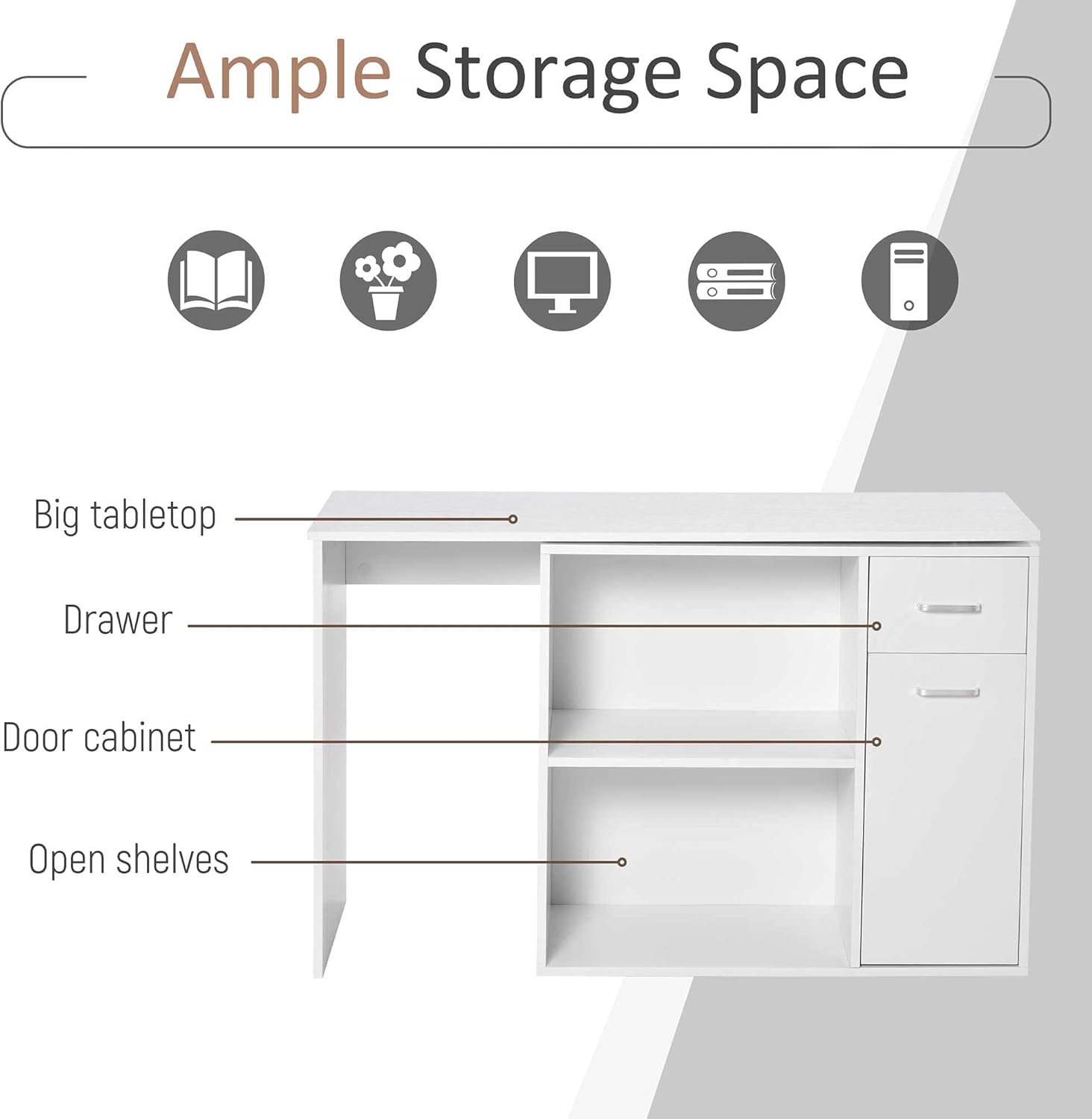
Image: An illustration highlighting the tabletop, drawer, door cabinet, and open shelves for storage.

Image: A close-up view of the sleek handle on the desk's drawer.
4.3 Product Overview Video
Video: An overview of the HOMCOM L Shaped Computer Desk, demonstrating its features and functionality, including the rotating design and storage options.
5. Maintenance
- Cleaning: Wipe the desk surfaces with a soft, damp cloth. Avoid using harsh chemicals or abrasive cleaners, as these can damage the laminated finish.
- Spills: Clean up spills immediately to prevent staining or damage to the particleboard.
- Fasteners: Periodically check all screws and bolts to ensure they are tight. Retighten as needed to maintain stability.
- Sunlight: Avoid prolonged exposure to direct sunlight, which can cause fading or discoloration.
- Heat: Do not place hot items directly on the desk surface. Use coasters or protective pads.
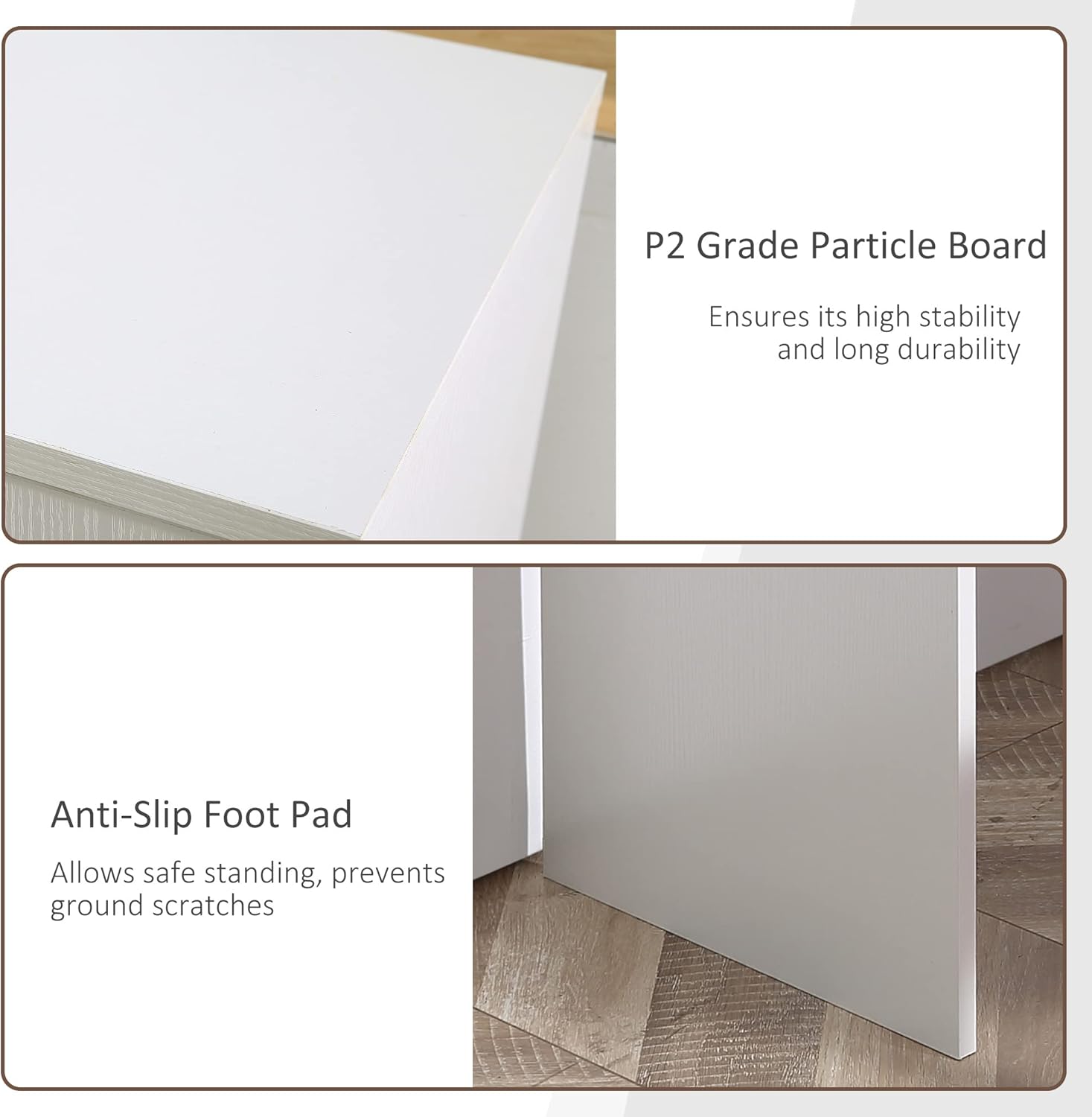
Image: Details showcasing the P2 grade particle board construction for durability and anti-slip foot pads for stability and floor protection.
6. Troubleshooting
- Desk feels wobbly: Ensure all assembly screws are tightened. Check that the desk is on a level surface. Adjust the anti-slip foot pads if necessary.
- Drawer not sliding smoothly: Check the drawer slides for any obstructions or misalignment. Ensure the screws holding the slides are secure.
- Difficulty rotating the desk: Ensure the area around the rotating mechanism is clear. If the mechanism feels stiff, check for any debris or misalignment. Do not force the rotation.
- Missing parts: If you find any parts missing during assembly, please contact HOMCOM customer support with your product model number and a description of the missing part.
7. Specifications
| Feature | Detail |
|---|---|
| Brand | HOMCOM |
| Model Number | 836-073V80WT |
| Product Dimensions (L-shape) | 46"D x 15.75"W x 29.25"H (Table), 31.5"W x 13.75"D x 28"H (Bookcase) |
| Color | White |
| Material | P2 Grade Particleboard (Engineered Wood) |
| Weight Capacity (Tabletop) | 154 lbs (70 kg) |
| Weight Capacity (Bookcase) | 88 lbs (40 kg) |
| Number of Drawers | 1 |
| Number of Open Shelves | 2 |
| Number of Cabinets | 1 |
| Special Feature | 180° Rotating Design |
| Assembly Required | Yes (Recommended 2 people) |
| Item Weight | 64.9 Pounds (29.4 kg) |
8. Warranty and Support
This HOMCOM product comes with a limited warranty. For specific warranty details, claims, or technical support, please refer to the warranty information included with your purchase or visit the official HOMCOM website. When contacting support, please have your model number (836-073V80WT) and purchase information ready.
For further assistance, you may visit the HOMCOM Store on Amazon.


