
1. Introduction
The Muddy Manifest 2.0 Cellular Trail Camera is designed for wildlife monitoring and hunting applications, offering advanced features for capturing high-resolution images and videos. This Verizon model provides cellular connectivity for remote access and management via the COMMAND App.
Key Features:
- 16 Megapixel Images: Captures high-resolution still images.
- 0.8 Second Trigger Speed: Ensures quick capture of moving subjects.
- 80ft Detection & IR Range: Provides extensive coverage for monitoring.
- Cellular Connectivity (Verizon): Remote access and image/video transmission.
- COMMAND App Compatibility: Android and iOS compatible for camera control and media management.
- AI Night Color Photo Technology: Converts black and white night photos to color via the app.
- AI Animal Recognition: Automatically tags and sorts photos by animal type.
- Watertight & Sturdy Design: Durable housing for outdoor use.
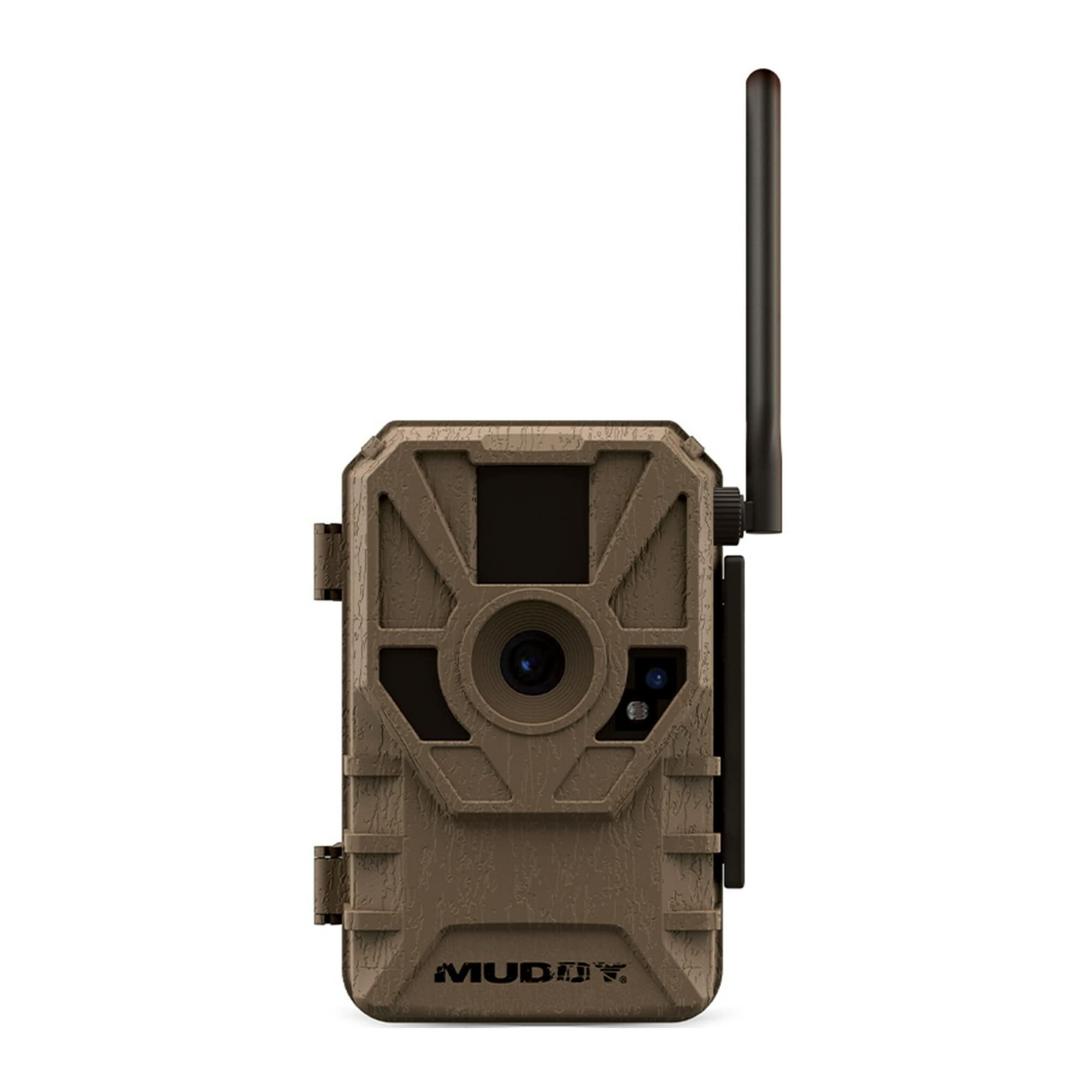
Image: Muddy Manifest 2.0 Cellular Trail Camera securely mounted to a tree in a forest setting.
2. Setup Guide
2.1 Battery and SD Card Installation
The Manifest 2.0 operates on 8 AA batteries. Ensure fresh, high-quality batteries are used for optimal performance and battery life. The camera supports an SD card up to 32GB for storing captured media. Insert the SD card into the designated slot before powering on the device.
2.2 Mounting the Camera
Utilize the included mounting strap to secure the camera to a vertical surface, such as a tree. Position the camera to ensure an optimal field of view for monitoring. The camera also features an integrated Python lock latch for added security.
2.3 App Connection and Activation
To activate and control your camera, download the Muddy COMMAND App, compatible with both Android and iOS devices. The app facilitates a quick scan QR code setup process. Once connected, you can manage camera settings and view media remotely.
Video: An overview of the Muddy Manifest 2.0 Trail Camera, highlighting its features, app integration, and setup process.
3. Operating Your Camera
3.1 Image and Video Capture
The Manifest 2.0 captures images at resolutions of 16MP, 8MP, or 4MP. It features a rapid 0.8-second trigger speed to minimize missed events. The camera supports a burst mode, capturing 1-3 images per triggering event. Recovery time between triggers can be set from 2-59 seconds or 3-59 minutes. Each capture is stamped with time, date, moon phase, and camera name.
3.2 COMMAND App Functions
The COMMAND App provides comprehensive control and management of your trail camera:
- AI Night Color Photo Technology: Transform black and white night photos into color with a single tap, utilizing AI to identify and color animals.
- Cellular Video Transmission: Switch the camera to video mode and receive GIF previews on the app. You can then choose to download the full high-definition video.
- AI Animal Recognition and Tagging: The app's AI identifies animals in images and automatically sorts them into categories (e.g., Buck, Doe, Turkey, Hog, Human). Users can also create custom tags for specific animals.
- Advanced Filtering: Filter photos by temperature, time of day, and moon phase to identify patterns in wildlife activity.
- Remote Settings Control: Adjust all camera settings directly from your smartphone.

Image: Examples of high-resolution images captured by the Manifest 2.0, including day and AI-enhanced night color photos.

Image: The COMMAND App gallery interface, showing various captured images and filtering options.

Image: The COMMAND App's Photo Tracker, illustrating activity patterns over time.
4. Maintenance
4.1 Weather Protection
The Muddy Manifest 2.0 features a watertight and sturdy design, ensuring protection against various weather elements. While designed for outdoor use, periodic inspection for any damage or wear is recommended to maintain its integrity.
4.2 Power Management
The camera operates on 8 AA batteries. Battery life will vary depending on usage frequency, settings, and environmental conditions. For extended operation, the camera includes an external power jack compatible with the optional SOLPAK solar battery pack (sold separately).
5. Troubleshooting
If you encounter issues with your Muddy Manifest 2.0 camera, consider the following:
- No Images/Videos Captured: Check if batteries are properly installed and charged. Ensure the SD card is correctly inserted and has sufficient free space. Verify camera settings for trigger mode and sensitivity.
- Connectivity Issues: Confirm that the camera is within range of a Verizon cellular signal. Check the signal strength indicator in the COMMAND App. Ensure your cellular plan is active.
- App Functionality: If the app is not displaying images or controlling the camera, ensure your smartphone has a stable internet connection and the app is updated to the latest version. Try restarting the app or your phone.
- Poor Image Quality: Ensure the camera lens is clean and free from obstructions. Check the selected image resolution settings in the app.
For persistent issues, refer to the manufacturer's support resources or contact customer service.
6. Specifications
| Feature | Specification |
|---|---|
| Brand | MUDDY |
| Model Name | MUDDY MANIFEST CELLULAR TRAIL CAMERA |
| Style | Verizon |
| Connectivity Technology | Wireless, Cellular |
| Video Capture Resolution | 16 MP |
| Effective Still Resolution | 6 MP |
| Trigger Speed | 0.8 seconds |
| Detection & IR Range | 80 Feet |
| Power Source | Battery Powered (8 AA batteries) |
| SD Card Support | Up to 32GB |
| Water Resistance Level | Water Resistant (IP54) |
| Item Dimensions L x W x H | 4 x 3 x 6 inches |
| Item Weight | 8.8 Ounces |
| Included Components | Hunting Game & Trail Cameras |
7. Warranty and Support
7.1 Warranty Information
The Muddy Manifest 2.0 Cellular Trail Camera comes with a 1-year manufacturer's warranty. Please retain your proof of purchase for warranty claims.
7.2 Customer Support
For technical assistance, troubleshooting, or warranty inquiries, please contact GSM Outdoors, the manufacturer of Muddy products. Contact information can typically be found on the manufacturer's official website or product packaging.


