1. Introduction
This manual provides comprehensive instructions for the installation, operation, and troubleshooting of the Start-X Remote Starter Kit for Chevrolet Silverado and GMC Sierra models from 2015 to 2023, equipped with key ignition. This kit adds remote start functionality to your vehicle, allowing you to pre-heat or cool your vehicle for a comfortable driving experience.

Image: Start-X Remote Starter Kit packaging with compatible Chevrolet Silverado and GMC Sierra trucks.
2. Product Overview & Compatibility
The Start-X Remote Starter Kit is designed for specific Chevrolet Silverado and GMC Sierra models. It utilizes your existing factory remote for operation, eliminating the need for additional devices.
2.1 Vehicle Compatibility
- Models: Chevrolet Silverado and GMC Sierra 1500/2500/3500
- Model Years: 2015, 2016, 2017, 2018, 2019, 2020, 2021, 2022, 2023
- Ignition Type: Key Ignition Vehicles ONLY (Not compatible with push-to-start vehicles)
- Transmission: Automatic Transmission ONLY
- Fuel Type: Compatible with both gasoline and diesel vehicles.
- Body Style: Compatible with both old body style and new body style.
A factory remote is required for operation; no remote is included with this kit.

Image: Visual representation of vehicle requirements: Automatic Transmission, Key Ignition, and Gas Only (note: JSON states compatible with diesel too, so the text description clarifies).
3. Package Contents
The Start-X Remote Starter Kit includes all necessary components for installation:
- Remote Start Module (pre-flashed for your vehicle's firmware)
- Vehicle-specific T-Harness
- Pry Tool
- Zip Ties
- Installation Guide
- Welcome Card
- Warning Sticker

Image: All components included in the Start-X Remote Starter Kit package.
4. Installation Guide
The Start-X Remote Starter Kit features a plug-and-play design, minimizing the need for wire cutting or splicing. Some vehicle disassembly may be required to access connection points.
4.1 General Installation Steps
- Access the vehicle's BCM (Body Control Module) and ignition wiring.
- Disconnect the factory connectors from the BCM/ignition.
- Connect the vehicle-specific T-Harness in-line with the factory wiring.
- Program the remote start module using a Windows PC.
- Secure the module and wiring using the provided zip ties.
- Reassemble any removed vehicle panels.
4.2 Installation Video for Silverado/Sierra (2015-2023)
For a detailed visual guide on the installation process for your Chevrolet Silverado or GMC Sierra, please refer to the video below. This video demonstrates the steps for accessing the BCM, connecting the T-Harness, and initial setup.
Video: Step-by-step installation guide for the Start-X Remote Starter Kit in a 2015-2023 Chevrolet Silverado or GMC Sierra with key ignition.
Another helpful installation video is provided below, focusing on the T-Harness connections.
Video: Detailed T-Harness connection steps for the Start-X Remote Starter Kit in a Chevrolet Silverado or GMC Sierra.
4.3 Programming Requirements
A Windows PC is required to complete the programming of the remote start module. Refer to the included installation guide for specific programming procedures.
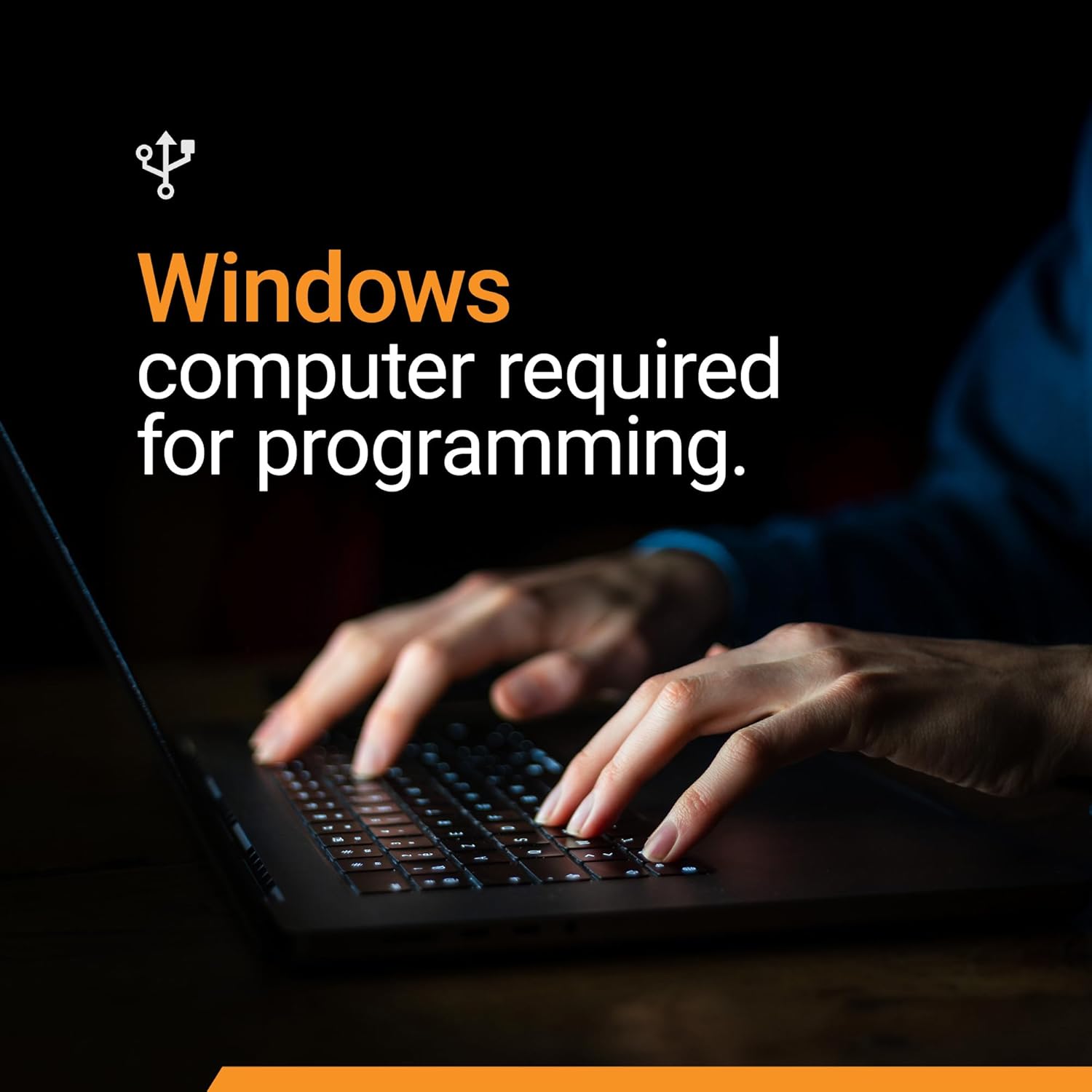
Image: A Windows computer is necessary for the programming phase of the installation.
5. Operating Instructions
Once installed and programmed, the Start-X Remote Starter Kit operates using your vehicle's factory remote:
- To Remote Start: Press the Lock button on your factory remote three (3) times consecutively. The vehicle will start.
- To Turn Off: Press the Lock button on your factory remote three (3) times consecutively. The vehicle will turn off.
The remote start distance is limited to the range of your factory remote. For extended range, a Start-X RF kit (sold separately) can be used.
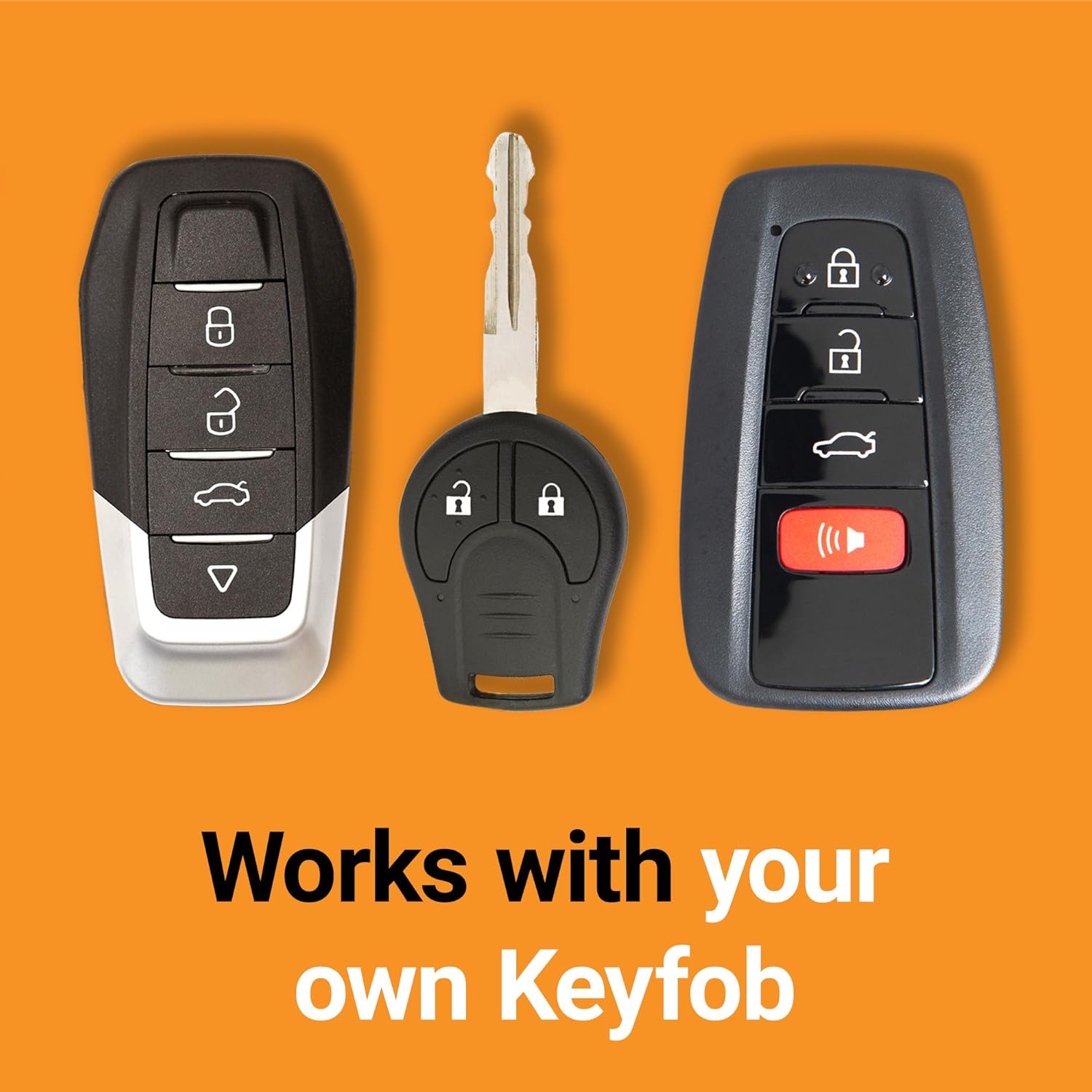
Image: Operating the remote start by pressing the lock button on the factory key fob.
6. Safety Information
- As a safety precaution, the vehicle will shut down when a door is opened after remote starting. The vehicle must be restarted with the key before driving.
- Ensure the vehicle is in Park (P) before attempting to remote start.
- Never leave children or pets unattended in a remote-started vehicle.
- Always ensure your vehicle is in a well-ventilated area when using remote start to avoid carbon monoxide buildup.
7. Troubleshooting Tips
- Vehicle Not Starting:
- Ensure the factory remote is within range and has fresh batteries.
- Verify that the Lock button is pressed three times consecutively with proper timing.
- Check all T-Harness connections to ensure they are fully seated and clicked into place.
- Confirm that the remote start module has been correctly programmed using a Windows PC.
- Programming Issues:
- Some users have reported needing to try different USB ports or older Windows operating systems for successful programming.
- Carefully follow all programming steps provided in the detailed installation guide.
- Vehicle Shuts Down Immediately: This is a normal safety feature if a door is opened after remote starting. Restart the vehicle with the key.
If issues persist, refer to the detailed troubleshooting section in your included installation guide or contact customer support.
8. Product Specifications
| Brand | Start-X |
| Model Number | BA-GM7 |
| Item Weight | 1.48 pounds |
| Package Dimensions | 8.82 x 4.65 x 3.62 inches |
| First Available Date | June 15, 2020 |
9. Support & Warranty
Start-X provides a dedicated technical and customer support team to assist with any questions or issues you may encounter during installation or operation. Please refer to the contact information provided in your included Welcome Card or Installation Guide for assistance.
For warranty details, please consult the documentation included with your product. Protection plans are also available for purchase separately.


