
Soul Electronics SS57GN
SOUL S-FIT True Wireless Earbuds User Manual
Model: SS57GN
Introduction
Thank you for choosing the SOUL S-FIT True Wireless Earbuds. These earbuds are designed for active lifestyles, offering a secure fit, robust durability, and clear audio performance. This manual provides detailed instructions for setup, operation, and maintenance to ensure optimal use of your device.

Image: SOUL S-FIT True Wireless Earbuds and their charging case, presented in a green color.
Package Contents
Verify that all items are present in your product packaging:
- SOUL S-FIT True Wireless Earbuds (Left and Right)
- Charging Case
- USB Charging Cable
- Multiple Sizes of Ear Tips
- Multiple Sizes of Freebit Wing-Shaped Earlocks
- Instruction Manual

Image: The retail packaging for the SOUL S-FIT earbuds, showing the earbuds and case with water splash graphics.
Product Overview
The SOUL S-FIT earbuds feature an ergonomic design with Freebit wing-shaped earlocks for a secure and comfortable fit during various activities. They are IP67 rated for water and dust resistance.
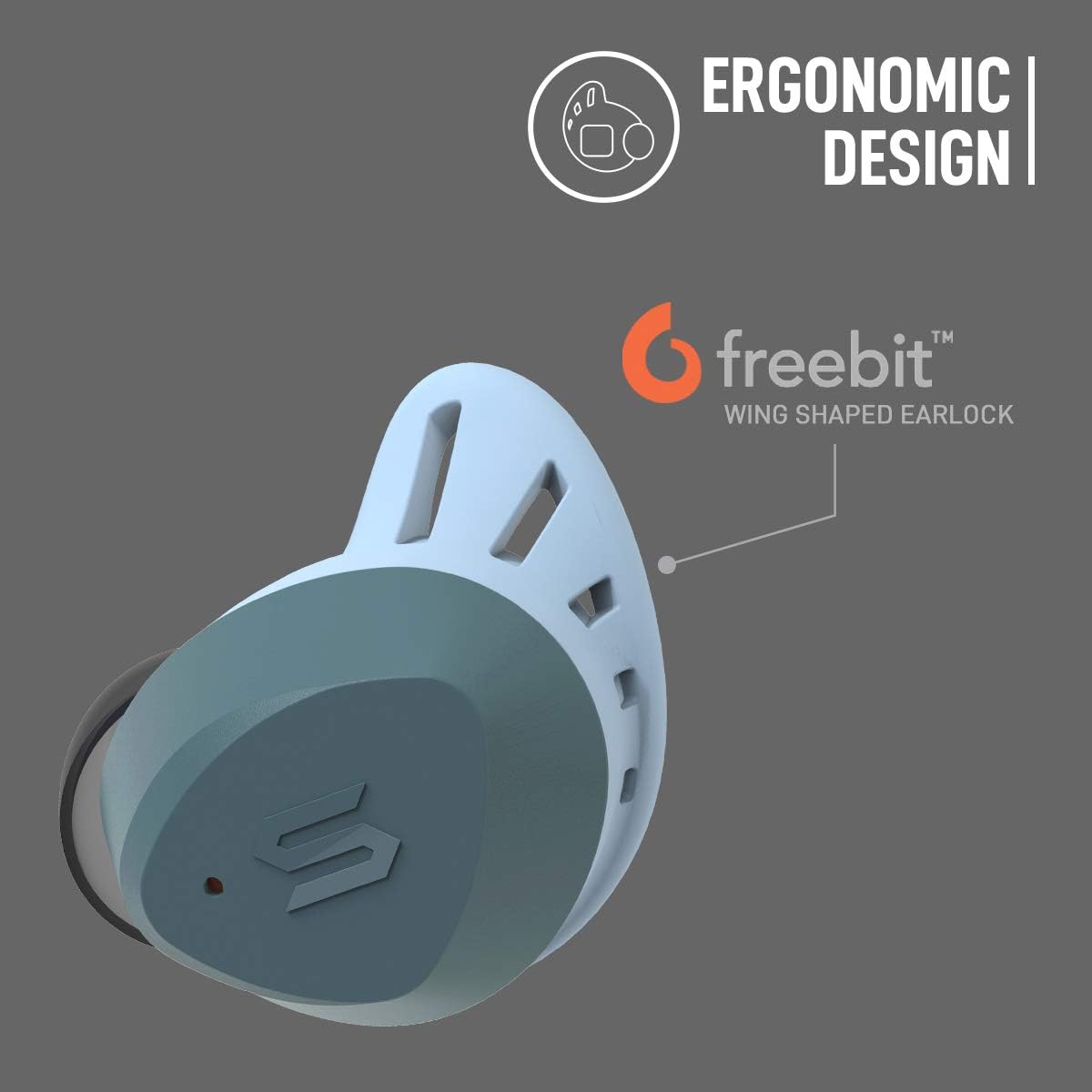
Image: A close-up view of a single SOUL S-FIT earbud highlighting its ergonomic design and the Freebit wing-shaped earlock for secure fitting.
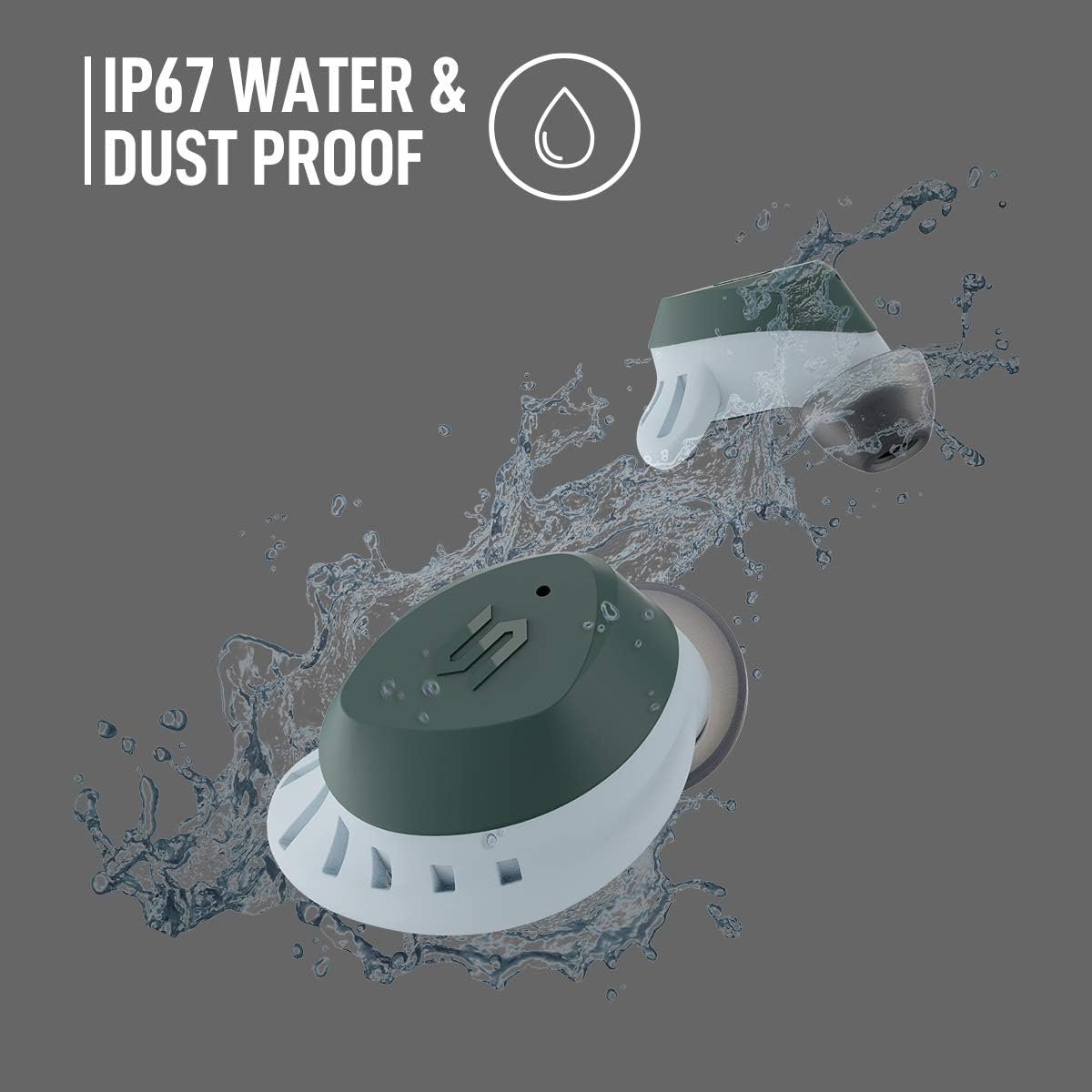
Image: Two SOUL S-FIT earbuds shown with water splashing, illustrating their IP67 water and dust proof rating.
Setup
1. Charging the Earbuds and Case
Before first use, fully charge the earbuds and the charging case.
- Place the earbuds into the charging case. Ensure they are correctly seated.
- Connect the USB charging cable to the charging port on the case and to a power source.
- The LED indicators on the case will show charging status. A full charge provides up to 33 hours of total playtime with the charging case.

Image: The SOUL S-FIT earbuds and charging case, with an overlay indicating "Up to 33 hrs Battery Life".
2. Bluetooth Pairing
Follow these steps to pair your SOUL S-FIT earbuds with a Bluetooth-enabled device:
- Open the charging case. The earbuds will automatically enter pairing mode.
- On your device (smartphone, tablet, etc.), go to Bluetooth settings and ensure Bluetooth is enabled.
- Search for available devices and select "SOUL S-FIT" from the list.
- Once connected, you will hear an audio prompt, and the LED indicators on the earbuds will change.
- The earbuds will automatically reconnect to the last paired device when removed from the case, if Bluetooth is enabled on the device.
Operating Instructions
Touch Controls
The SOUL S-FIT earbuds feature intuitive touch controls for managing audio playback and calls.
- Play/Pause: Single tap on either earbud.
- Next Track: Double tap on the right earbud.
- Previous Track: Double tap on the left earbud.
- Answer/End Call: Single tap on either earbud during an incoming call.
- Reject Call: Press and hold either earbud for 2 seconds during an incoming call.
- Activate Voice Assistant: Triple tap on either earbud.
- Volume Up: Press and hold the right earbud.
- Volume Down: Press and hold the left earbud.
Transparency Mode
Transparency Mode allows you to hear your surroundings while listening to audio, enhancing situational awareness.
- Toggle Transparency Mode: Triple tap on the right earbud.

Image: Two SOUL S-FIT earbuds depicted with sound wave graphics, illustrating the audio transparency feature.
Fit and Comfort
Achieving a proper fit is crucial for both sound quality and stability. The SOUL S-FIT earbuds come with various sizes of ear tips and Freebit wing-shaped earlocks to ensure a customizable and secure fit.
- Experiment with different ear tip sizes to find the ones that create a comfortable seal in your ear canal.
- Select the Freebit wing-shaped earlocks that fit snugly against the inner ridge of your ear, providing stability without discomfort.
- Insert the earbuds into your ears and gently twist them forward or backward until they feel secure.
Maintenance
Proper care extends the lifespan of your earbuds.
- Cleaning: Regularly clean the ear tips and the mesh grilles of the earbuds with a soft, dry, lint-free cloth. For stubborn dirt, a slightly damp cloth can be used, ensuring no moisture enters the earbud openings.
- Storage: Always store the earbuds in their charging case when not in use to protect them from damage and to keep them charged.
- Water Resistance: While the earbuds are IP67 water and dust proof, avoid prolonged submersion in water. Ensure the earbuds are dry before placing them back into the charging case to prevent damage to the charging contacts.
- Temperature: Avoid exposing the earbuds to extreme temperatures.
Troubleshooting
If you encounter issues with your SOUL S-FIT earbuds, refer to the following common solutions:
| Problem | Solution |
|---|---|
| Earbuds not pairing |
|
| Only one earbud has sound |
|
| Earbuds not charging |
|
| Low volume |
|
Specifications
| Feature | Detail |
|---|---|
| Model Number | SS57GN |
| Wireless Communication Technology | Bluetooth 5.0 |
| Bluetooth Range | Up to 10 meters (33 feet) |
| Battery Life (Earbuds + Case) | Up to 33 hours |
| Water Resistance Level | IP67 (Waterproof and Dustproof) |
| Control Type | Media Control (Touch) |
| Ear Placement | In Ear |
| Form Factor | In Ear |
| Noise Control | Active Noise Cancellation |
| Product Dimensions | 5.28 x 1.54 x 7.32 inches (packaging/overall) |
| Item Weight | 9.8 ounces |
| Carrying Case Weight | 50 Grams |
| UPC | 840311105205 |
Safety Information
Please read and follow these safety guidelines to prevent damage to your device or injury to yourself:
- Do not disassemble or modify the earbuds or charging case.
- Keep the device away from extreme temperatures, direct sunlight, and open flames.
- Avoid listening at high volume levels for extended periods to prevent hearing damage.
- Keep out of reach of children and pets.
- Dispose of the device and its battery responsibly according to local regulations.
Warranty and Support
Your SOUL S-FIT True Wireless Earbuds are covered by a limited warranty. For specific warranty terms and conditions, please refer to the warranty card included with your purchase or visit the official Soul Electronics website.
For technical support, frequently asked questions, or to contact customer service, please visit the Soul Electronics support page: Soul Electronics Official Store.
Related documentsSS57GN


Ask a question about this manual
Ask about setup, troubleshooting, compatibility, parts, safety, or missing instructions. Manuals+ will review the question and use this page’s manual context to help answer it.