
QCY T1C-BLACK
Contents
QCY T1C-BLACK Wireless Earbuds
User Manual
1. Introduction
Thank you for choosing the QCY T1C-BLACK Wireless Bluetooth 5.0 Earbuds. These earbuds are designed to provide a seamless audio experience with advanced features such as automatic connection, high-definition microphone, and IPX4 water resistance, making them ideal for daily use and sports activities. This manual will guide you through the setup, operation, and maintenance of your new earbuds.
2. Setup and First Use
2.1 Package Contents
- QCY T1C-BLACK Wireless Earbuds (Left and Right)
- Charging Case
- USB-C Charging Cable
- Ear Tips (various sizes)
- User Manual
2.2 Initial Charging
Before first use, fully charge the earbuds and the charging case. Connect the USB-C cable to the charging port on the case and to a power source. The indicator light on the case will show charging status.

Image: Earbuds placed in the charging case, showing the charging process.
2.3 Automatic Connection and Pairing
The QCY T1C-BLACK earbuds feature automatic connection. Once removed from the charging case, they will automatically power on and attempt to connect to the last paired device. For first-time pairing:
- Ensure the earbuds are charged.
- Open the charging case and remove both earbuds. They will automatically enter pairing mode.
- On your device (smartphone, tablet, etc.), enable Bluetooth and search for new devices.
- Select "QCY T1C" from the list of available devices to complete the pairing process.
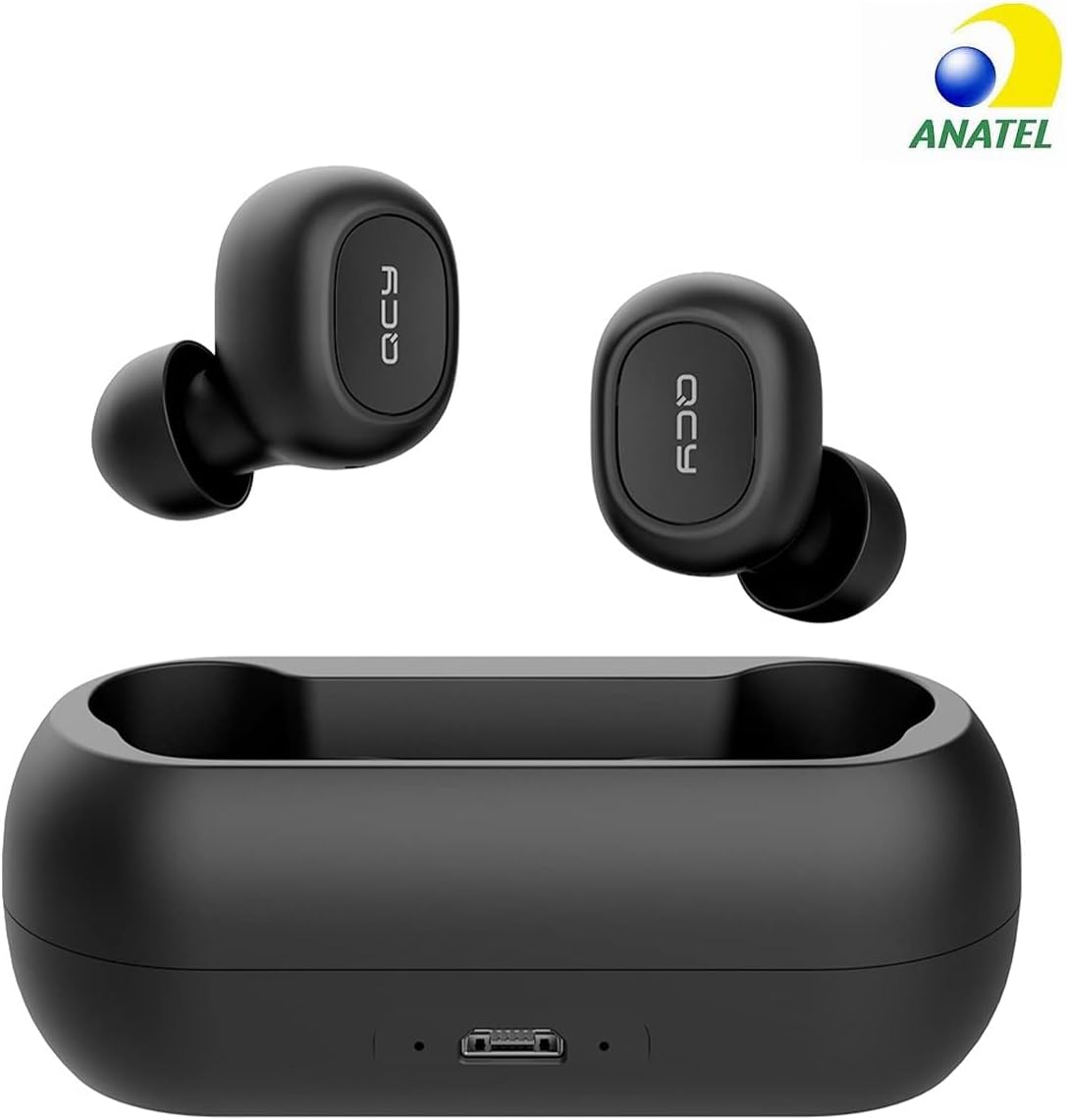
Image: The QCY T1C-BLACK earbuds removed from their charging case, ready for connection.
2.4 Unilateral Mode
You can use a single earbud for calls or audio. Simply remove one earbud from the case, and it will automatically switch to unilateral conversation mode. To switch back to stereo, remove the second earbud.
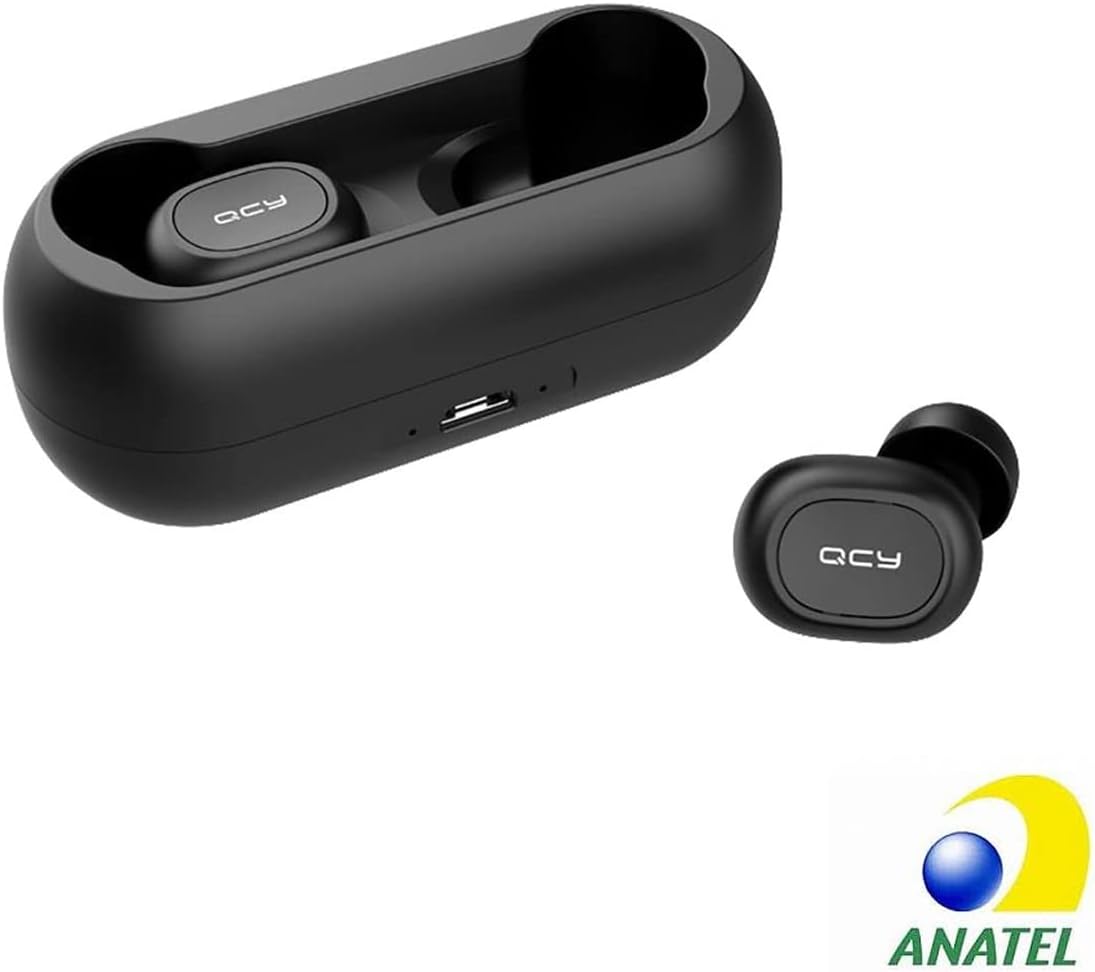
Image: The QCY T1C-BLACK earbuds nestled in their charging case.
3. Operating Instructions
3.1 Audio Playback
The QCY T1C-BLACK earbuds deliver deep bass and clear treble, ensuring a high-quality audio experience for music, podcasts, and games. The Bluetooth 5.0 chip reduces audio delay by up to 25%.
3.2 Calls
Experience clear communication with the integrated HD microphone. When a call comes in, the earbuds will automatically switch to call mode. You can answer or end calls using the touch controls (refer to the quick start guide for specific touch commands).
3.3 Controls
The earbuds feature intuitive touch controls for managing playback, calls, and voice assistants. Please refer to the included quick start guide for a detailed list of touch commands for play/pause, skip track, answer/end call, and activate voice assistant.
4. Maintenance
4.1 Battery Life and Charging
Each earbud provides up to 4 hours of playtime on a single charge. The magnetic charging case, with its 380 mAh battery, provides an additional 16 hours of power, extending the total playtime to 20 hours. Always store the earbuds in the charging case when not in use to keep them charged and protected.
4.2 Water Resistance (IPX4)
The QCY T1C-BLACK earbuds are IPX4 waterproof, making them resistant to splashes and sweat. This makes them suitable for sports activities like jogging, cycling, or gym workouts. Note: IPX4 rating means resistance to splashing water from any direction. Do not submerge the earbuds in water.

Image: The QCY T1C-BLACK earbuds and case on a wet surface, demonstrating their IPX4 water resistance.
4.3 Cleaning
To maintain optimal performance and hygiene, regularly clean your earbuds and charging case. Use a soft, dry, lint-free cloth to wipe down the surfaces. For ear tips, you may gently clean them with a damp cloth and mild soap, ensuring they are completely dry before reattaching them to the earbuds.
5. Troubleshooting
5.1 Earbuds Not Pairing
- Ensure both earbuds are charged.
- Place both earbuds back into the charging case, close the lid, wait a few seconds, then open the lid and remove them again.
- Turn off and on Bluetooth on your device.
- Forget/delete "QCY T1C" from your device's Bluetooth list and try pairing again.
5.2 No Sound or Low Volume
- Check the volume level on both your device and the earbuds.
- Ensure the earbuds are properly seated in your ears.
- Clean any debris from the earbud nozzles.
- Reconnect the earbuds to your device.
5.3 Charging Issues
- Ensure the charging cable is securely connected to both the case and the power source.
- Try a different USB-C cable and power adapter.
- Clean the charging contacts on both the earbuds and inside the case.
6. Specifications
| Feature | Detail |
|---|---|
| Model Number | T1C-BLACK |
| Brand | QCY |
| Bluetooth Version | 5.0 |
| Earbud Playtime | Up to 4 hours |
| Total Playtime (with case) | Up to 20 hours |
| Charging Case Battery | 380 mAh |
| Earbud Weight (each) | 4.8 g |
| Item Weight | 70 Grams |
| Water Resistance | IPX4 (Splashproof) |
| Frequency Range | 20 Hz - 20,000 Hz |
| Impedance | 32 ohms |
| Ear Placement | In-ear |
| Noise Isolation | Acoustic Isolation |
| Compatible Devices | Smartphones, tablets, laptops, desktops, smart speakers, TVs |
7. Warranty and Support
7.1 Spare Parts Availability
Spare parts for the QCY T1C-BLACK earbuds are guaranteed to be available for 2 years from the date of purchase.
7.2 Software Updates
Information regarding guaranteed software updates is not available at this time. Please check the official QCY website for any future updates or announcements.
7.3 Customer Support
For further assistance, technical support, or warranty claims, please visit the official QCY website or contact their customer service through the details provided on the product packaging or purchase platform. Please have your model number (T1C-BLACK) and proof of purchase ready when contacting support.
Ask a question about this manual
Ask about setup, troubleshooting, compatibility, parts, safety, or missing instructions. Manuals+ will review the question and use this page’s manual context to help answer it.