
1. Introduction
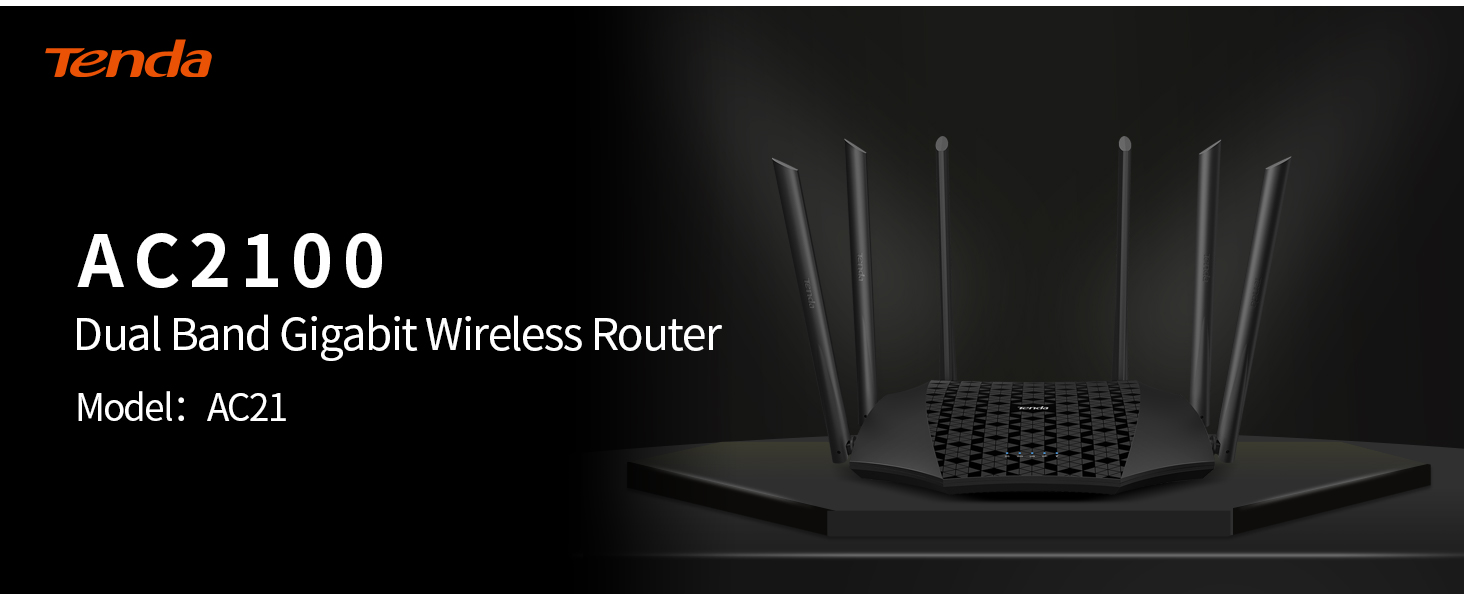
The Tenda AC21 is a dual-band Gigabit wireless router designed for households requiring high-speed internet access. It supports 802.11ac wave2 technology, delivering WiFi speeds up to 2033Mbps (300Mbps on 2.4 GHz and 1733Mbps on 5GHz) to optimize performance for fiber internet connections. Equipped with 4x4 MU-MIMO technology on the 5GHz band, it offers wider WiFi coverage and faster speeds compared to routers with 3x3 MU-MIMO technology. Its full Gigabit ports support up to 1000Mbps bandwidth, and the dual-core 28nm 1GHz CPU with a 500MHz co-processor ensures fast and optimized operation.
2. Product Features
2.1 High-Speed Dual-Band WiFi
Experience fast WiFi performance with speeds up to 2033Mbps, ideal for streaming, gaming, and connecting multiple devices. The router operates on both 2.4 GHz (300Mbps) and 5GHz (1733Mbps) bands.
2.2 4x4 MU-MIMO Technology
Powered by 4x4 MU-MIMO technology on the 5GHz band, the AC21 provides wider WiFi coverage and faster WiFi speeds, efficiently handling multiple devices simultaneously.
2.3 Enhanced WiFi Coverage with 6*6dBi External Antennas
With six 6dBi external antennas and four data streams on the 5GHz band, the AC21 delivers optimized long-range WiFi and a stronger 5GHz WiFi signal.
2.4 Full Gigabit Ports
Equipped with full Gigabit ports, the router supports up to 1000Mbps bandwidth access, ensuring high-speed wired connections for your devices.

This image displays the rear panel of the Tenda AC21 router, highlighting the power input, the Gigabit WAN port for internet connection, and three Gigabit LAN ports for wired devices. The WPS/RST button is also visible.
A detailed view of the Tenda AC21 router's rear panel, emphasizing its full Gigabit ports that support up to 1000Mbps bandwidth access, ideal for high-speed fiber internet connections.
2.5 Dual-Core Processor
The 28nm 1GHz CPU equipped with a 500MHz co-processor features a dual-core design, providing faster processing speed and optimized operation for stable network performance.

An internal view of the Tenda AC21 router's circuit board, showcasing its 28nm 1GHz CPU with a 500MHz co-processor. This dual-core design ensures faster processing speed and optimized, stable operation.
2.6 IPv6 Protocol Support
The AC21 supports IPv6, which helps reduce data transmission time and minimize lag, contributing to a better gaming and overall online experience.

This graphic highlights the Tenda AC21's support for IPv6 protocol, which helps reduce data transmission time and minimize network lag, providing a better online experience.
2.7 Built-in Signal Amplifier
The AC21 features a built-in signal amplifier for both 2.4GHz and 5GHz bands, enhancing signal penetration and expanding WiFi coverage.
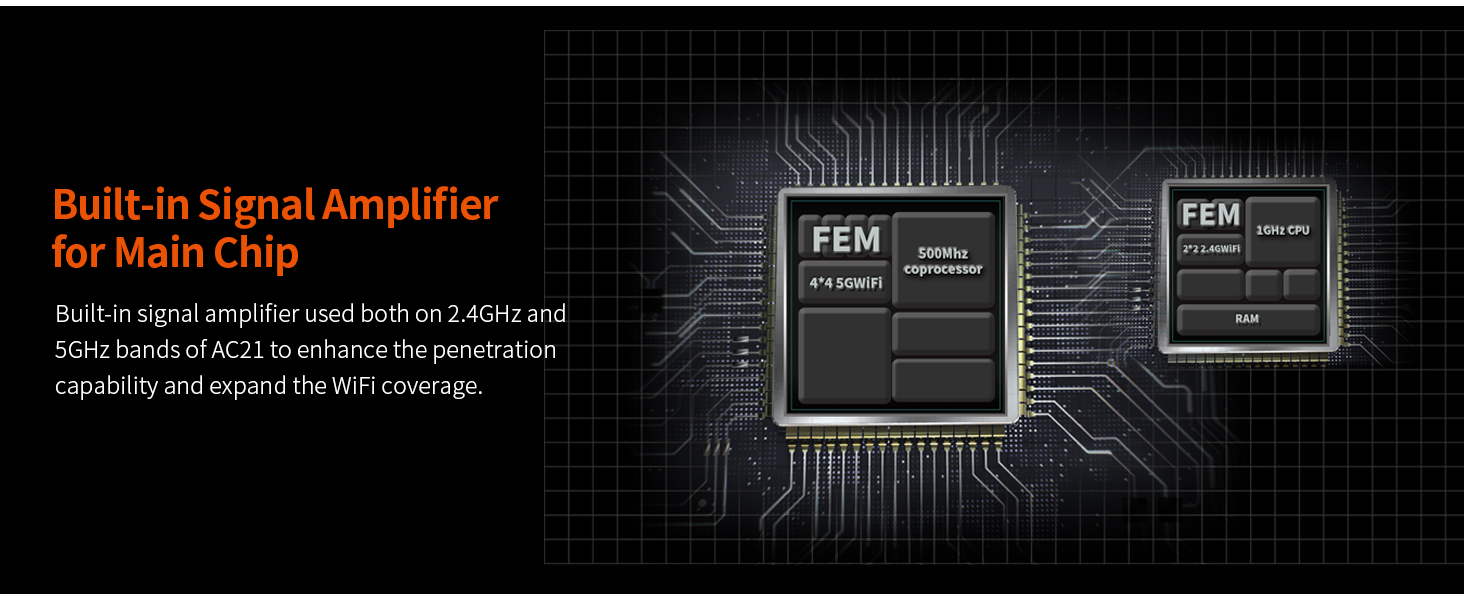
This diagram illustrates the built-in signal amplifier used in the Tenda AC21 for both 2.4GHz and 5GHz bands. This technology enhances penetration capability and expands WiFi coverage throughout your home.
2.8 Additional Features
- Broadband Account Migration: Easily transfer account information without complex configuration.
- Guest Network: Create a separate WiFi network for guests, enhancing security.
- Unify 2.4GHz and 5GHz Signals: Smartly combine both bands under one SSID for seamless connectivity.
- Beamforming: Focuses WiFi signals directly to connected devices for stronger, more reliable connections.
- Client Filter: Manage and control connected devices on your network.
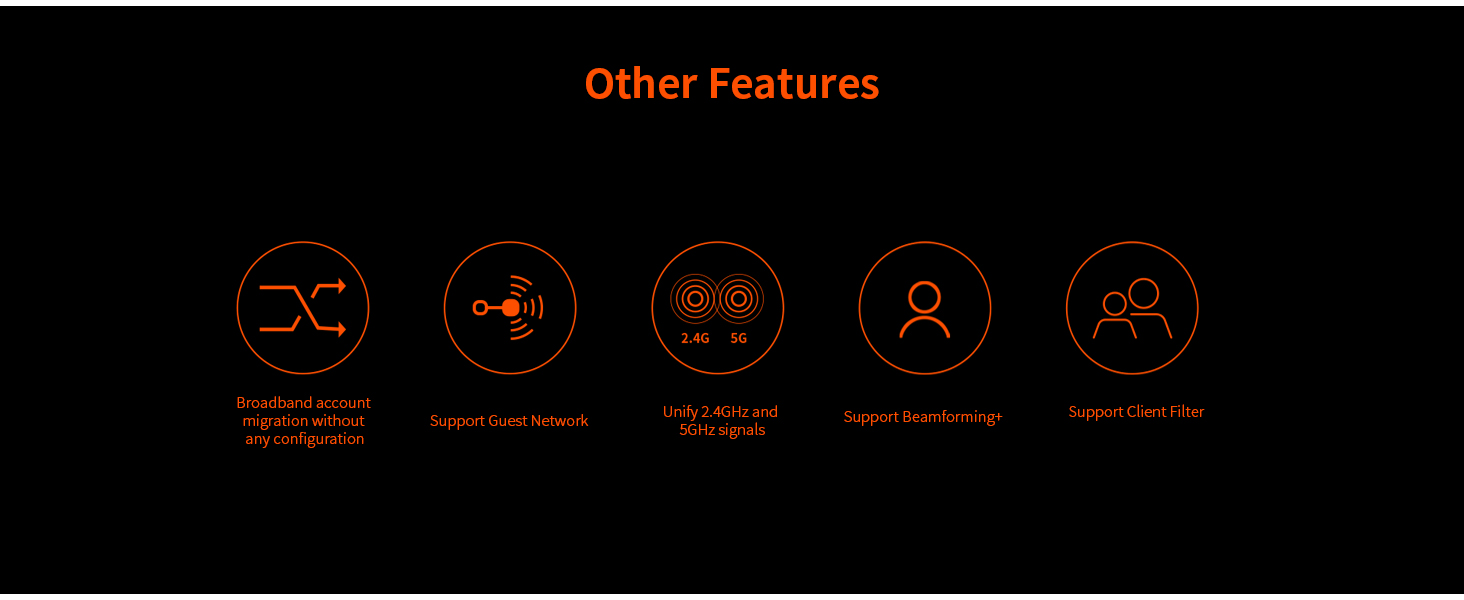
This image presents icons for various features of the Tenda AC21 router, including broadband account migration, guest network support, unified 2.4GHz and 5GHz signals, Beamforming technology, and client filtering for network management.
This video provides an introduction to the Tenda AC21 router, highlighting its key features and functionalities.
3. Setup Guide
3.1 Package Contents
Before you begin, ensure all items are present in the package:
- AC2100 Smart Dual-band Gigabit Wifi Router AC21
- Ethernet Cable
- Power Adapter
- Quick Install Guide
3.2 Physical Connection
- Power Connection: Connect the power adapter to the router's power jack and plug it into a power outlet.
- WAN Connection: Connect your modem's Ethernet cable to the router's WAN port (usually labeled 'WAN' or a different color).
- LAN Connection (Optional): For wired devices, connect an Ethernet cable from the router's LAN ports to your computer, smart TV, or gaming console.
3.3 Initial Configuration
After physical connections are made, wait for the router's indicator lights to stabilize. You can then configure your router using one of the following methods:
- Web Interface: Open a web browser on a connected device (wired or wirelessly using the default WiFi name/password found on the router's label) and enter the default IP address (e.g., 192.168.0.1 or tendawifi.com) to access the setup wizard.
- Tenda WiFi App: Download the Tenda WiFi app on your smartphone or tablet and follow the on-screen instructions for quick setup.
4. Operating Instructions
4.1 Managing WiFi Networks
- Changing SSID and Password: Access the router's web interface or Tenda WiFi app to modify your WiFi network name (SSID) and password for both 2.4GHz and 5GHz bands.
- Guest Network: Enable and configure a separate guest network with its own SSID and password to provide internet access to visitors without sharing your main network credentials.
4.2 Parental Control
Utilize the parental control features to manage internet access for specific devices. You can set time limits, block websites, and restrict access to certain content categories.
4.3 Firmware Update
Regularly check for and install firmware updates through the router's web interface or Tenda WiFi app. Firmware updates can improve performance, add new features, and enhance security.
5. Maintenance
- Regular Reboot: Rebooting your router periodically (e.g., once a month) can help clear its memory and improve performance.
- Physical Cleaning: Keep the router in a well-ventilated area and periodically clean dust from its vents to prevent overheating.
- Secure Placement: Place the router in a central location, away from obstructions and other electronic devices that might cause interference.
6. Troubleshooting
6.1 No Internet Connection
- Check all cable connections (power, WAN, LAN) to ensure they are secure.
- Verify that your modem is working correctly.
- Reboot both your modem and router.
- Check the WAN status in the router's web interface to ensure it's receiving an IP address from your ISP.
6.2 Slow WiFi Speed
- Ensure your devices are connected to the 5GHz band for higher speeds, if supported.
- Reduce the number of active devices or bandwidth-intensive activities.
- Check for interference from other electronic devices or neighboring WiFi networks.
- Update your router's firmware to the latest version.
6.3 WiFi Signal Drops Frequently
- Relocate the router to a more central position to improve coverage.
- Minimize physical obstructions (walls, large furniture) between the router and your devices.
- Check for external interference and adjust WiFi channels if necessary.
6.4 Resetting to Factory Defaults
If you encounter persistent issues or forget your login credentials, you can reset the router to its factory default settings. Locate the WPS/RST button on the back of the router. With the router powered on, press and hold the WPS/RST button for approximately 8-10 seconds until the system LED blinks rapidly. Release the button, and the router will restart with factory settings.
7. Specifications
| Brand | Tenda |
| Model Name | AC21 |
| Wireless Type | 2.4 GHz Radio Frequency, Dual-Band |
| Connectivity Technology | Wi-Fi |
| Wireless Communication Standard | 802.11ac wave2 |
| Data Transfer Rate | Up to 2033Mbps (2.4 GHz: 300Mbps, 5GHz: 1733Mbps) |
| Antennas | 6*6dBi External Antennas |
| Ports | Full Gigabit Ports (1 WAN, 3 LAN) |
| CPU | 28nm 1GHz CPU with 500MHz co-processor (Dual-core) |
| Special Features | WPS, 4x4 MU-MIMO, Parental Control, IPv6 Support, Beamforming |
| Operating System | RouterOS (Tenda Firmware) |
| Item Weight | 13.4 ounces |
| Product Dimensions | 9.1 x 5.9 x 1.6 inches |
8. Warranty and Support
The Tenda AC21 Smart WiFi Router comes with a manufacturer's warranty. For specific warranty terms, duration, and to register your product, please refer to the warranty card included in your package or visit the official Tenda website. For technical support, troubleshooting assistance, or further inquiries, please contact Tenda customer support through their official website or the contact information provided in your Quick Install Guide.


