
1. Introduction
Welcome to the user manual for your DUCO DC5206 Blue Light Blocking Glasses. These glasses are designed to help protect your eyes from harmful blue light emitted by digital screens and UV rays. By filtering blue light, they aim to reduce digital eye strain, discomfort, and contribute to better sleep patterns. Please read this manual carefully to ensure proper use and maintenance of your eyewear.
2. Product Overview
The DUCO DC5206 glasses feature a durable and lightweight TR90 frame combined with high-impact resistant polycarbonate lenses. They offer UV400 protection and effectively block a significant portion of harmful blue light.

Figure 2.1: Front view of the DUCO DC5206 glasses.
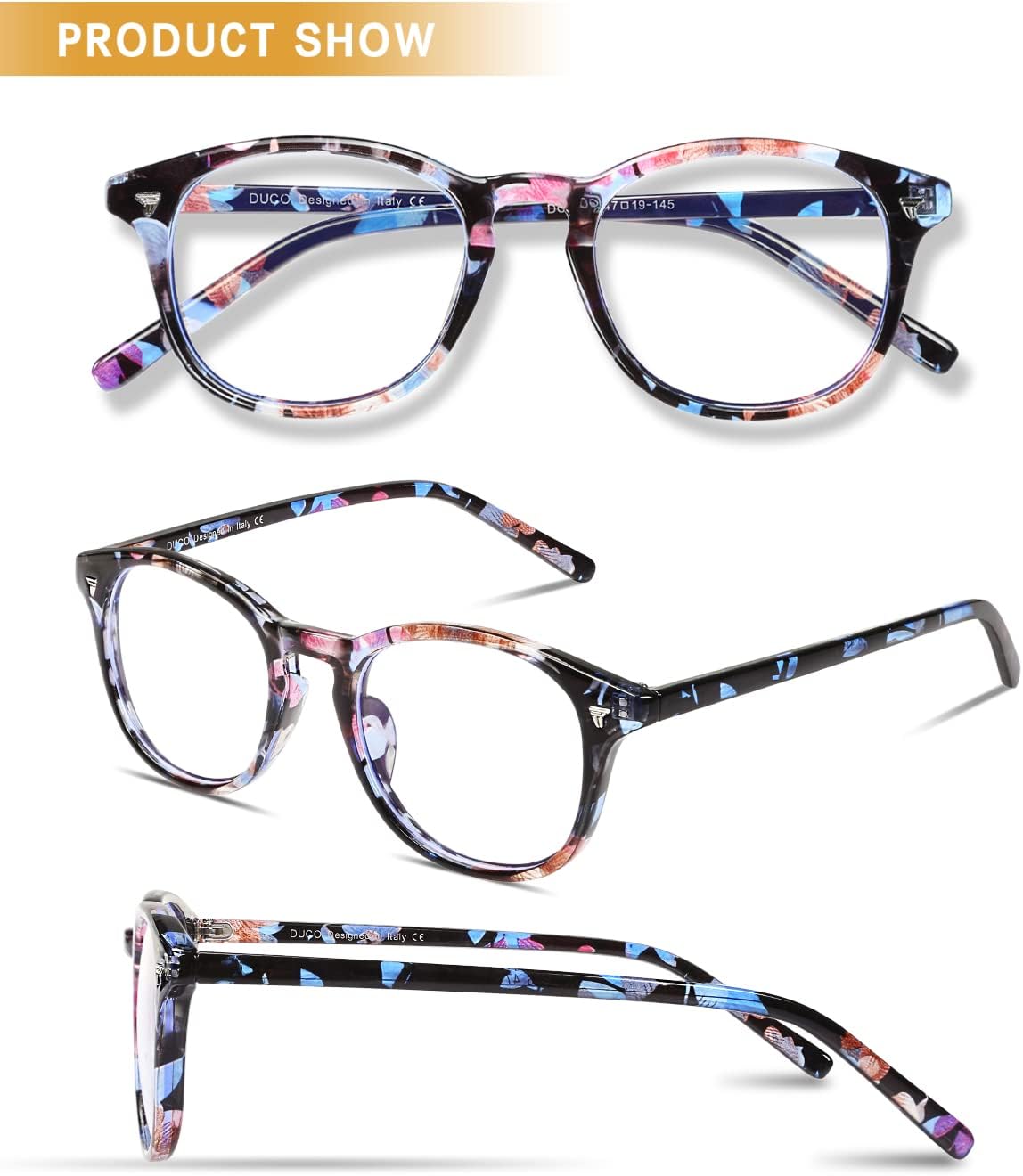
Figure 2.2: Top-down view of the DUCO DC5206 glasses, showcasing the frame design.
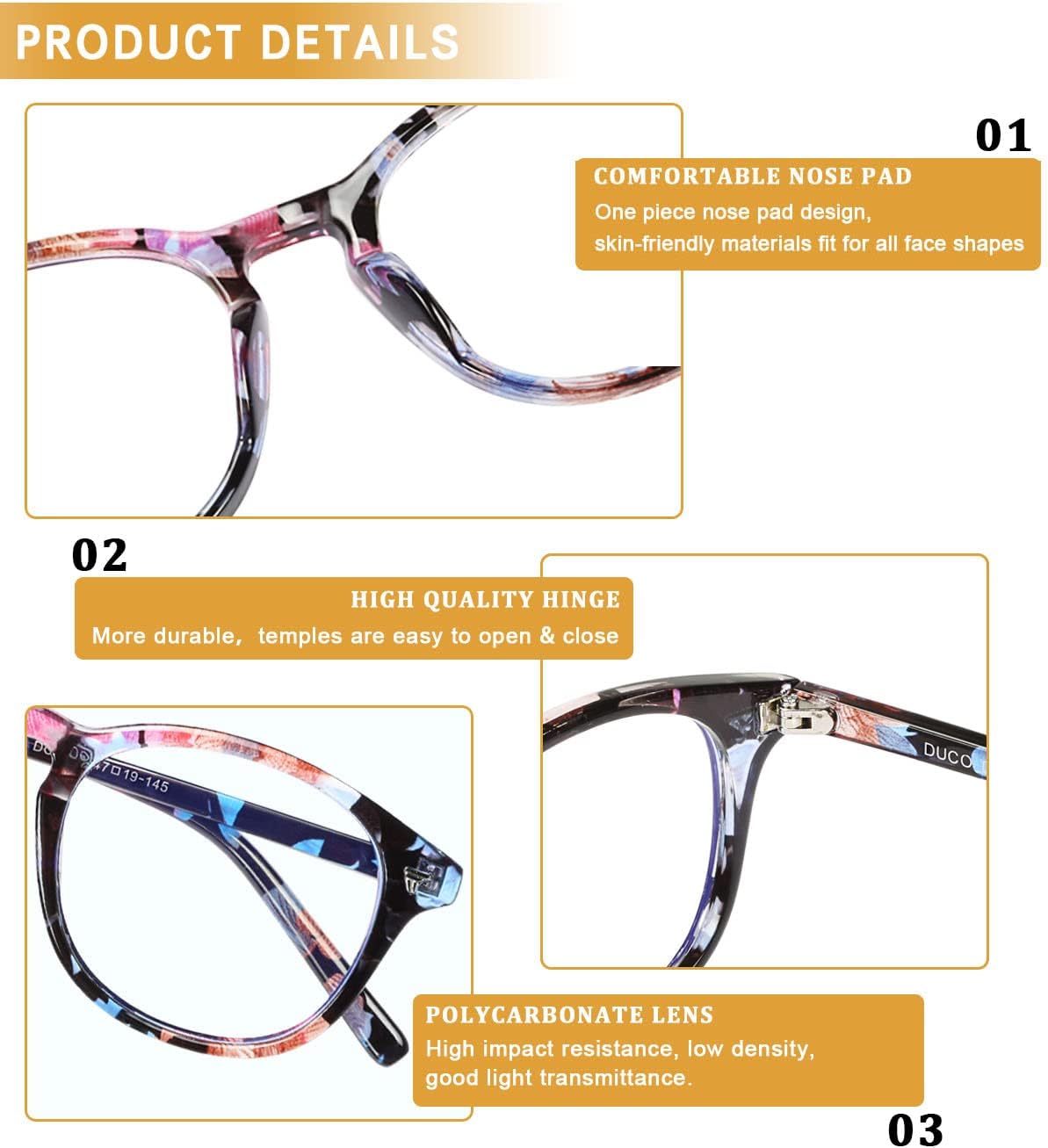
Figure 2.3: Side view of the DUCO DC5206 glasses, highlighting the temple design.

Figure 2.4: Angled view of the DUCO DC5206 glasses, showing the overall aesthetic.
Key Features:
- Polycarbonate Lenses: High impact resistance, low density, and good light transmittance for clear vision.
- TR90 Frame: Durable, flexible, and super light, designed for long-term comfortable wear.
- One-Piece Nose Pad: Ergonomic design for a comfortable, skin-friendly fit that prevents slipping.
- Sturdy Hinges: High flexibility, easy to open and close, ensuring durability and a secure fit.
- UV400 Protection: Blocks 100% of harmful UVA/UVB rays.
- Blue Light Filtering: Reduces exposure to high-energy blue light from digital screens.

Figure 2.5: Detail of the polycarbonate lens, designed for clarity and protection.

Figure 2.6: Detail of the lightweight and flexible TR90 frame.

Figure 2.7: Close-up of the ergonomic one-piece nose pad for enhanced comfort.

Figure 2.8: Detail of the sturdy hinges, designed for durability and smooth operation.

Figure 2.9: Illustration of a blue light blocking test, demonstrating the effectiveness of the lenses.
3. Setup
3.1 Unpacking and Inspection
- Carefully remove the DUCO DC5206 glasses from their packaging.
- Inspect the glasses for any visible damage or defects. If you find any issues, please refer to the Warranty and Support section.
- Ensure all included accessories, such as the cleaning cloth and case, are present.
3.2 First Use
The DUCO DC5206 glasses are designed for a comfortable fit for most face shapes. Gently unfold the temples and place the glasses on your face. The flexible TR90 frame allows for a snug yet comfortable fit. If needed, minor adjustments to the temple arms can be made by a qualified optician for a personalized fit.
4. Operating Instructions
4.1 Wearing the Glasses
Place the glasses on your face, ensuring the nose pads rest comfortably on your nose bridge and the temple arms extend over your ears without causing pressure. The lenses should be centered over your eyes.
4.2 Optimal Use
For best results, wear your DUCO DC5206 blue light blocking glasses during prolonged exposure to digital screens, such as computers, laptops, tablets, smartphones, and televisions. They are also beneficial when reading under fluorescent lighting.
Benefits of consistent use include:
- Reduced eye strain and fatigue.
- Minimization of headaches associated with digital screen use.
- Improved sleep quality by reducing blue light exposure before bedtime.

Figure 4.1: Visual representation of the benefits of using blue light blocking glasses, including anti-eye fatigue, reduced headaches, and improved sleep.

Figure 4.2: Examples of situations where blue light blocking glasses are beneficial, such as using phones, working in an office, playing computer games, and daily use.
5. Maintenance and Care
5.1 Cleaning Instructions
- Rinse the lenses under lukewarm water to remove any loose dust or debris.
- Apply a small drop of mild dish soap to each lens.
- Gently rub the lenses and frame with your fingertips.
- Rinse thoroughly with lukewarm water to remove all soap residue.
- Dry the lenses and frame with a clean, soft microfiber cloth. Avoid using paper towels or rough fabrics, as these can scratch the lenses.
5.2 Storage
When not in use, always store your DUCO DC5206 glasses in the provided protective case. This will prevent scratches and damage from accidental drops or pressure.
5.3 Precautions
- Avoid exposing the glasses to extreme temperatures (e.g., leaving them in a hot car).
- Do not use harsh chemicals, abrasive cleaners, or alcohol-based solutions on the lenses or frame.
- Do not place the glasses face down on hard surfaces.
6. Troubleshooting
Common Issues and Solutions:
- Blurry Vision: Ensure lenses are clean. Follow cleaning instructions in Section 5.1.
- Discomfort or Poor Fit: The TR90 frame is flexible. For minor adjustments, gently bend the temple arms. For significant adjustments, consult a professional optician.
- Persistent Eye Strain: While these glasses help reduce eye strain, prolonged screen time without breaks can still cause discomfort. Remember to take regular breaks (e.g., the 20-20-20 rule: every 20 minutes, look at something 20 feet away for 20 seconds). If symptoms persist, consult an eye care professional.
7. Specifications
| Feature | Detail |
|---|---|
| Model | DC5206 |
| Frame Material | TR90 |
| Lens Material | Polycarbonate |
| UV Protection | UV400 (100% UVA/UVB) |
| Blue Light Filtering | Yes |
| Frame Width | 140mm (5.51in) |
| Lens Width | 57mm (2.24in) |
| Lens Height | 46mm (1.81in) |
| Bridge Width | 21mm (0.82in) |
| Temple Length | 138mm (5.43in) |
| Manufacturer | Duco |
| Date First Available | May 27, 2020 |
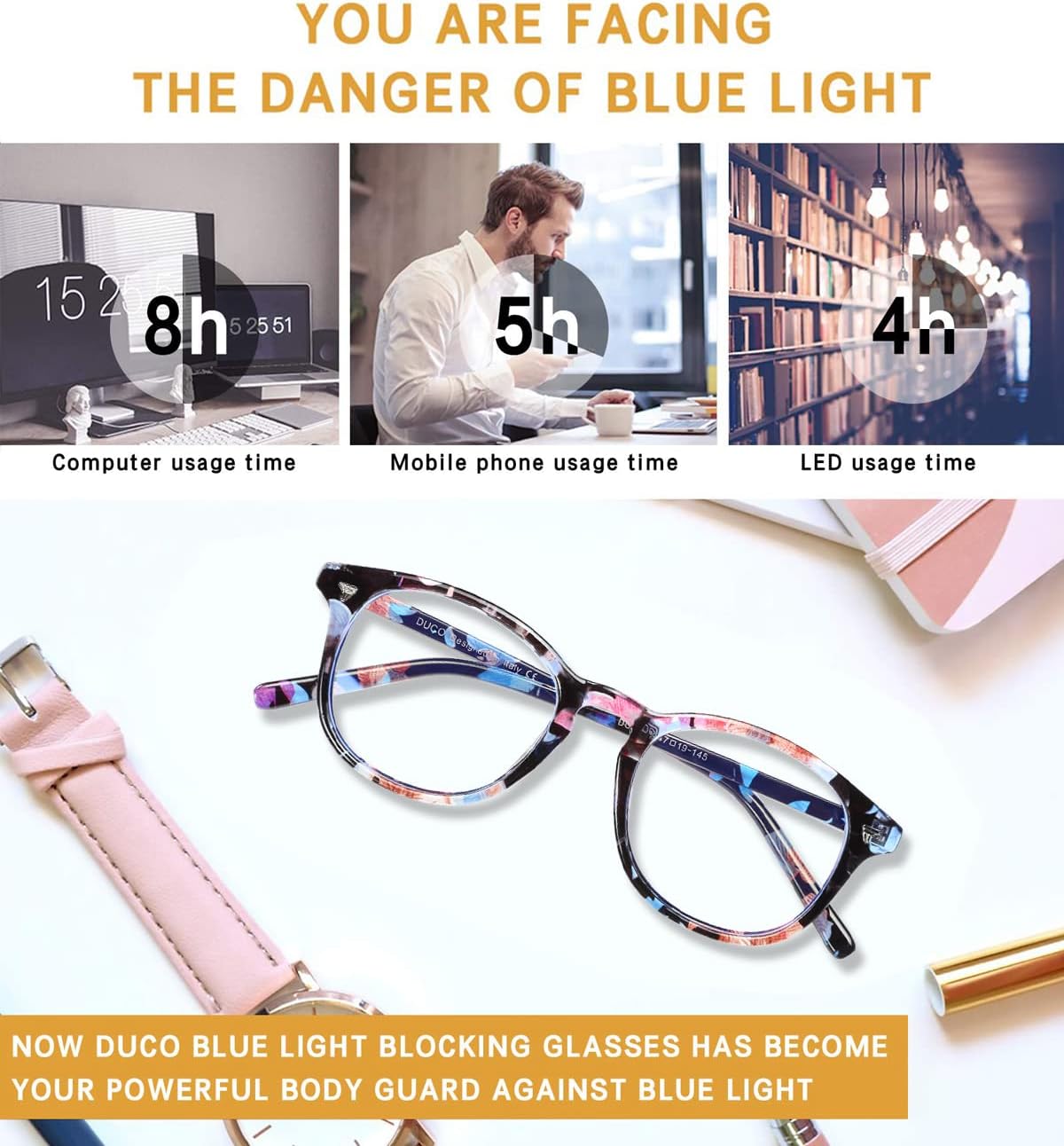
Figure 7.1: Detailed dimensions of the DUCO DC5206 glasses.
8. Warranty and Support
DUCO stands behind the quality of its products. We offer a risk-free after-sale service to ensure your satisfaction.
- If your DUCO DC5206 glasses are damaged under normal use, DUCO will repair or replace them for you.
- For any questions, concerns, or to initiate a warranty claim, please contact DUCO customer support through the retailer where you purchased the product or visit the official DUCO store page on Amazon: DUCO Store.
Your satisfaction is our priority, and we are committed to providing excellent support for your DUCO eyewear.