
Introduction
Thank you for choosing the Bushnell 2000 Lumen Rechargeable Flashlight. This manual provides essential information for the safe and efficient operation, maintenance, and troubleshooting of your new flashlight. Please read it thoroughly before use and retain it for future reference.

Image: The Bushnell 2000 Lumen Rechargeable Flashlight in operation, showcasing its powerful light beam.
Safety Information
Always observe the following safety precautions to prevent injury or damage to the flashlight:
- Do not look directly into the light beam to avoid eye injury.
- Keep out of reach of children.
- Do not attempt to disassemble or modify the flashlight.
- Use only the specified charging cable and power source.
- Avoid exposing the flashlight to extreme temperatures or direct sunlight for prolonged periods.
- Dispose of the battery according to local regulations.
Setup and Initial Charging
Your Bushnell 2000 Lumen Rechargeable Flashlight comes with a pre-installed Lithium Ion battery. Before first use, it is recommended to fully charge the battery.
- Locate the charging port at the end of the flashlight. It is concealed by a rotating collar.
- Gently pull the rotating collar at the tail end of the flashlight to expose the USB charging port.
- Connect the provided USB charging cable to the flashlight's port and to a compatible USB power source (e.g., wall adapter, computer USB port).
- The LED indicator light near the charging port will illuminate. It typically shows red while charging and turns green when fully charged.
- Once fully charged, disconnect the USB cable and push the rotating collar back into place to protect the port.

Image: The USB charging port is revealed by pulling down the collar at the end of the flashlight. A green light indicates a full charge.

Image: The USB charging port with a red indicator light, signifying that the flashlight is currently charging.

Image: The USB charging port is securely covered by the rotating collar when not in use.
Operating Instructions
The Bushnell 2000 Lumen Rechargeable Flashlight features two light modes: High and Low.
- Power On/Off: Press the power button located at the tail end of the flashlight to turn it on. Press again to turn it off.
- Switching Modes: With the flashlight on, press the power button repeatedly to cycle through the available modes: High, Low, and Off.
Performance Overview:
- High Mode: Provides 2000 Lumens with a beam distance of 115 meters and an approximate runtime of 8 hours.
- Low Mode: Provides 132 Lumens with an approximate runtime of 32 hours.
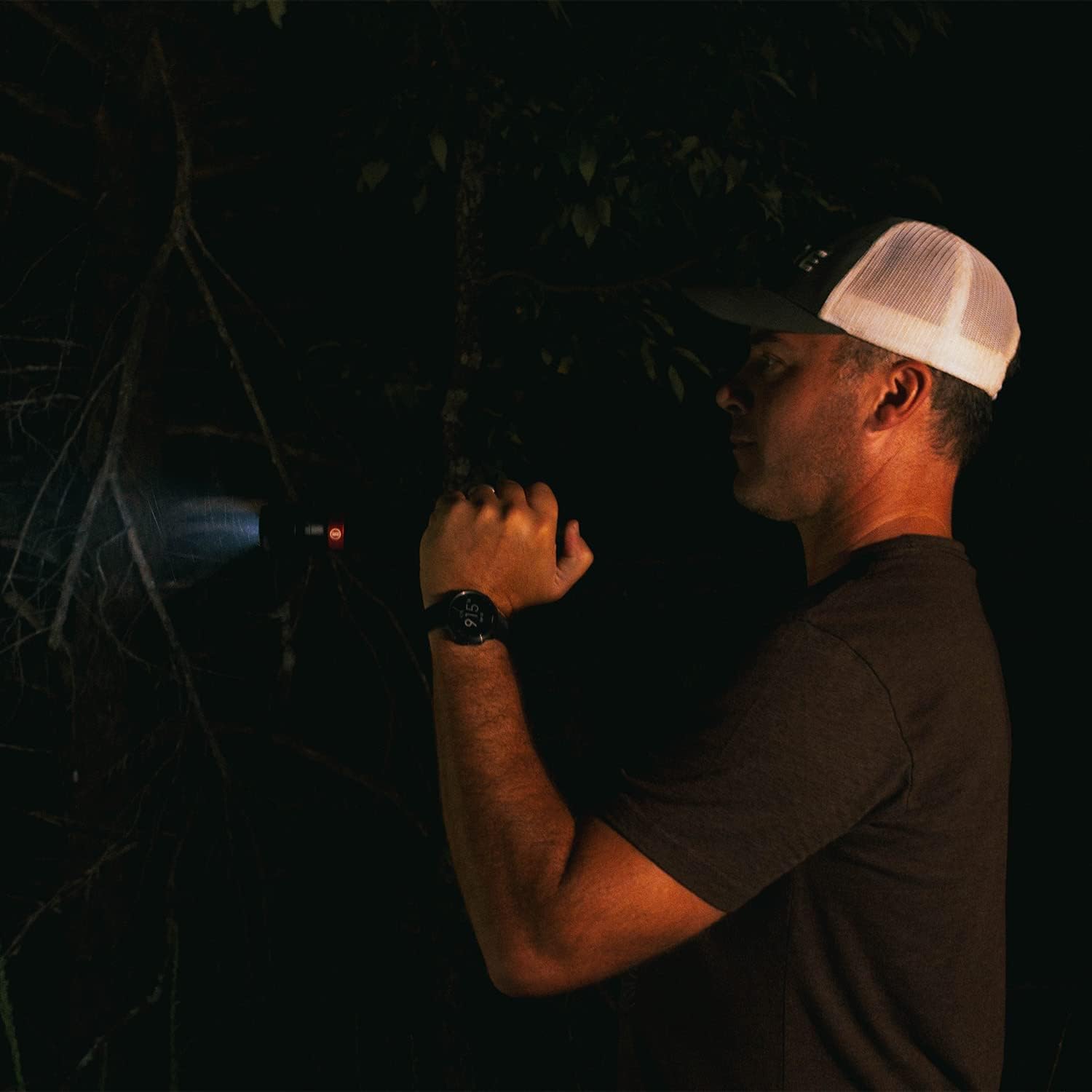
Image: The flashlight being used to illuminate a dark environment, demonstrating its powerful output.
Maintenance
To ensure the longevity and optimal performance of your Bushnell flashlight, follow these maintenance guidelines:
- Cleaning: Wipe the flashlight body with a soft, damp cloth. Do not use abrasive cleaners or solvents. Clean the lens gently with a lens cloth to avoid scratches.
- Storage: Store the flashlight in a cool, dry place away from direct sunlight and extreme temperatures. If storing for extended periods, charge the battery every 3-6 months to maintain its health.
- Water Resistance: The flashlight is IPX-4 rated for weather resistance, meaning it is protected against splashing water from any direction. It is not designed for submersion. Ensure the charging port cover is securely closed to maintain water resistance.
Troubleshooting
| Problem | Possible Cause | Solution |
|---|---|---|
| Flashlight does not turn on. | Battery is depleted. | Charge the flashlight fully using the provided USB cable. |
| Light output is dim. | Low battery level. | Recharge the battery. |
| Charging indicator light does not illuminate. | Loose connection or faulty cable/power source. | Ensure the USB cable is securely connected. Try a different USB port or power adapter. |
| Flashlight gets warm during prolonged use. | Normal operation for high-lumen flashlights. | This is normal. If it becomes excessively hot, turn it off and allow it to cool. |
Specifications
| Feature | Detail |
|---|---|
| Light Output (High) | 2000 Lumens |
| Light Output (Low) | 132 Lumens |
| Beam Distance (High) | 115 Meters |
| Runtime (High) | 8 Hours |
| Runtime (Low) | 32 Hours |
| Power Source | Rechargeable Lithium Ion Battery (included) |
| Material | Aluminum |
| Water Resistance | IPX-4 Rated (Weather Resistant) |
| Color | Black |
| Item Weight | 16 ounces (1 pound) |
| Dimensions | 12.91 x 7.6 x 2.91 inches (Package Dimensions) |
Warranty and Support
Bushnell products are manufactured to the highest standards and are designed to provide reliable performance. For specific warranty details and customer support, please refer to the warranty card included with your product or visit the official Bushnell website.
Manufacturer: I2D Licensed Brands
UPC: 810007482019
Date First Available: May 26, 2020


