
SEMIER SM-226
Portable Cassette Player Recorder AM FM Radio User Manual
Brand: SEMIER | Model: SM-226
1. Introduction
Thank you for choosing the SEMIER Portable Cassette Player Recorder AM FM Radio. This compact and versatile device allows you to enjoy your favorite cassette tapes, record audio, and tune into AM/FM radio stations. Designed for portability and ease of use, it offers a nostalgic audio experience with modern convenience.
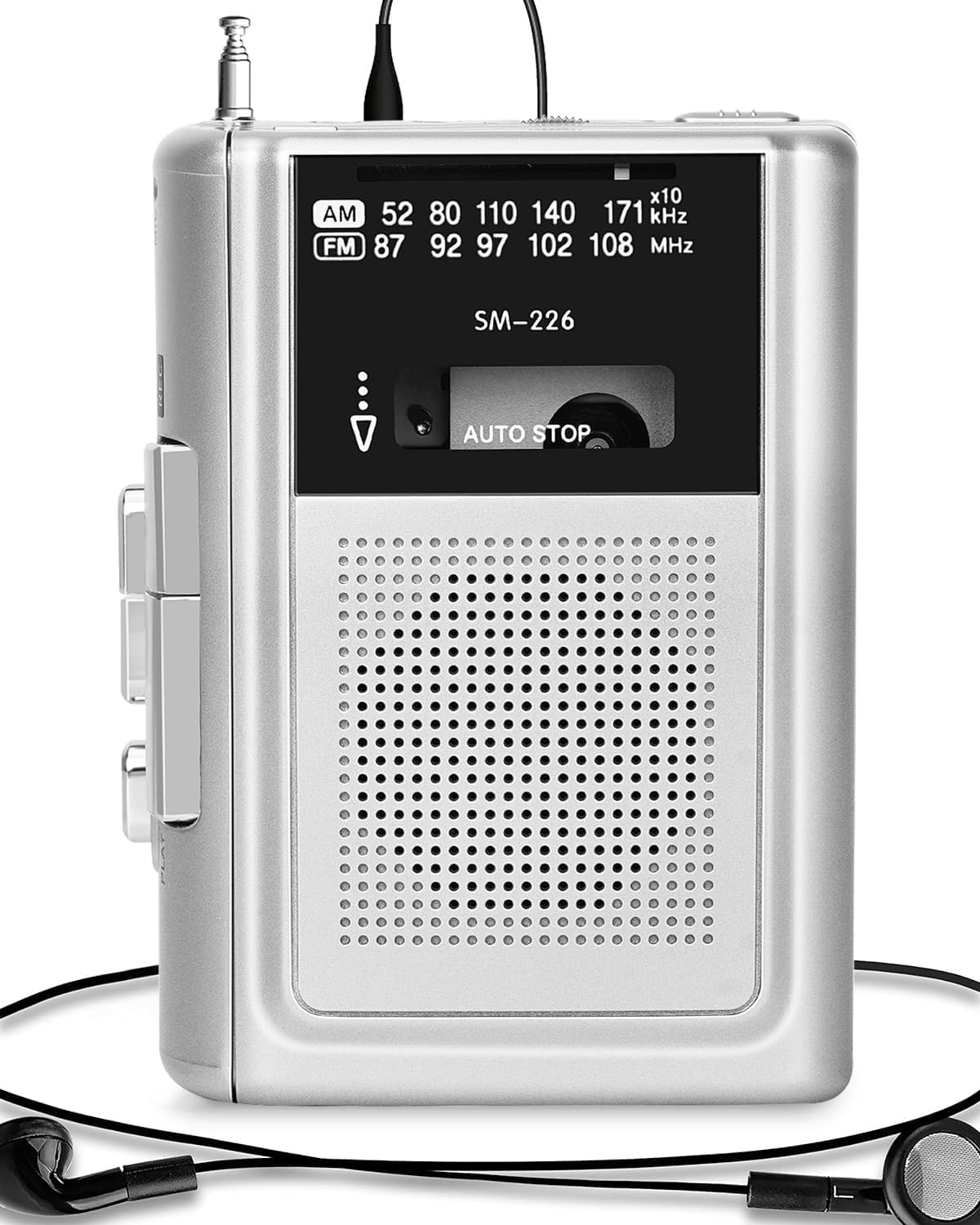
Figure 1: SEMIER Portable Cassette Player Recorder (Model SM-226)
2. Setup
2.1 Powering the Device
Your cassette player offers dual power options:
- Battery Power: For portable use, insert two (2) AA batteries into the battery compartment located on the back of the unit. Ensure correct polarity (+/-).
- DC 5V Power: For indoor use, connect a DC 5V wall adapter (not included, but a compatible USB cable is provided) to the DC 5V input jack on the side of the unit.

Figure 2: Dual Power Options (Battery and DC 5V)
Video 1: Demonstrating battery insertion and power connection for the SEMIER Cassette Player.
2.2 Inserting and Removing Cassettes
- To open the cassette compartment, slide the OPEN/CLOSE button located on the side of the unit.
- Gently insert your cassette tape with the open side facing the playback head.
- Close the compartment firmly until it clicks into place.
- To remove, slide the OPEN/CLOSE button again and carefully lift out the cassette.
3. Operating Instructions
3.1 Playing Cassettes
Once a cassette is inserted and the unit is powered on:
- Press the PLAY button to start playback.
- Press the STOP button to halt playback.
- Use the FWD (Fast Forward) and REW (Rewind) buttons to navigate through the tape.
- The unit features an Auto-Stop function, which automatically stops playback when the tape reaches its end.

Figure 3: Auto-Stop Cassette Feature
3.2 Recording Audio
The SEMIER cassette player allows you to record audio from its built-in microphone or an external microphone, as well as directly from AM/FM radio:
- Insert a blank cassette tape.
- To record from the built-in microphone, simply press the PLAY and REC (Record) buttons simultaneously.
- For enhanced sound quality, connect an external microphone (not included) to the MIC jack.
- To record from AM/FM radio, switch the mode to AM or FM, tune to your desired station, and then press PLAY and REC simultaneously.
- Press STOP to end recording.
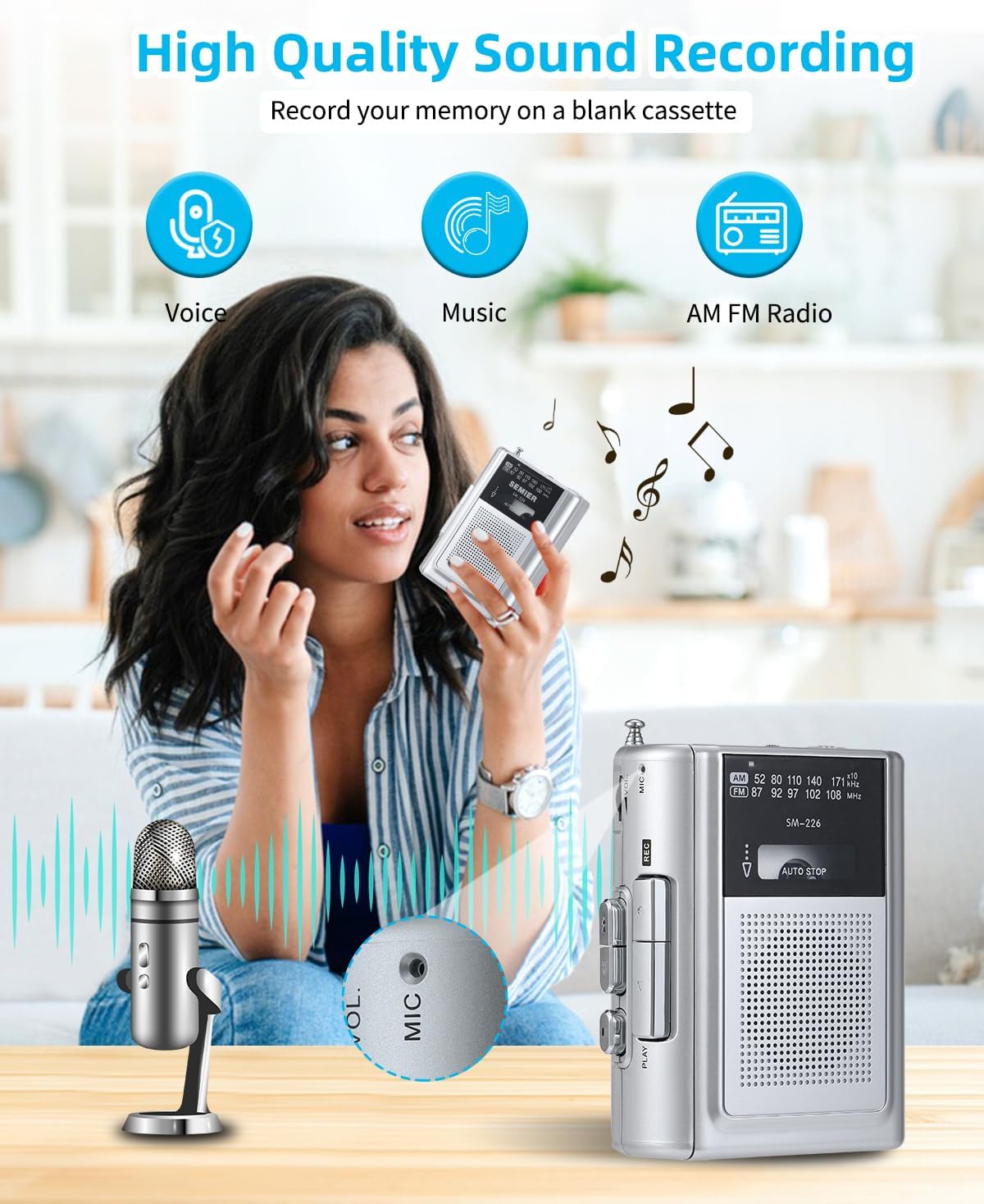
Figure 4: High Quality Sound Recording Capabilities
Video 2: Demonstration of recording and radio functions on the SEMIER Portable Cassette Player.
3.3 Listening to AM/FM Radio
To enjoy radio broadcasts:
- Slide the mode switch to either AM or FM.
- Extend the metal antenna for optimal reception.
- Use the Tuning dial to find your desired radio station. The wide frequency range (FM 87-108MHz, AM 520-1710kHz) ensures excellent reception.

Figure 5: Excellent AM/FM Radio Reception
3.4 Using the Earphone Jack
For private listening, plug your headphones into the 3.5mm earphone jack located on the side of the unit. The built-in 3 Watts loudspeaker provides clear sound for general listening.

Figure 6: 3.5mm Audio Port for Private Listening
4. Maintenance
- Cleaning: Use a soft, dry cloth to clean the exterior of the unit. Do not use liquid cleaners or abrasive materials.
- Tape Heads: Periodically clean the tape heads with a cotton swab lightly dampened with isopropyl alcohol to ensure optimal sound quality and prevent tape damage.
- Battery Replacement: If using batteries, replace them when the sound becomes distorted or the unit stops functioning. Remove batteries if the unit will not be used for an extended period.
- Storage: Store the unit in a cool, dry place away from direct sunlight, extreme temperatures, and humidity.
5. Troubleshooting
| Problem | Possible Cause | Solution |
|---|---|---|
| No power / Unit not turning on | Dead batteries; Power adapter not connected properly. | Replace batteries; Ensure power adapter is securely connected. |
| Poor sound quality / Distortion | Dirty tape heads; Worn-out tape; Low battery power. | Clean tape heads; Try a different tape; Replace batteries. |
| Tape not playing / Tape jammed | Tape incorrectly inserted; Tape mechanism issue. | Re-insert tape correctly; Gently remove any jammed tape (if visible). |
| Poor radio reception | Antenna not extended; Weak signal area. | Fully extend the antenna; Try moving to a different location. |
6. Specifications
| Feature | Detail |
|---|---|
| Product Dimensions | 4.6 x 3.4 x 1.3 inches (11.68 x 8.64 x 3.3 cm) |
| Item Weight | 7.2 ounces (204.12 Grams) |
| Model Number | SM-226 |
| Brand | SEMIER |
| Power Source | Battery Powered (2 AA batteries) / DC 5V |
| Tuner Technology | FM, AM |
| Radio Bands Supported | FM (87-108MHz), AM (520-1710kHz) |
| Connectivity Technology | USB (for power), 3.5mm Audio (earphone/mic) |
| Special Feature | Portable, Lightweight, Recording Function, Built-in Speaker |
| Manufacturer | SEMIER |
| Country of Origin | China |
7. Warranty and Support
For warranty inquiries or technical support, please contact SEMIER customer service directly via email:
Please provide your product model (SM-226) and a detailed description of your issue for prompt assistance.
Ask a question about this manual
Ask about setup, troubleshooting, compatibility, parts, safety, or missing instructions. Manuals+ will review the question and use this page’s manual context to help answer it.