1. Introduction
Thank you for choosing the Charmast 10400mAh Slim Power Bank. This portable charger is designed to provide reliable power for your mobile devices on the go. It features a compact design, multiple charging ports, and an LED display for battery status. Please read this manual carefully before use to ensure optimal performance and safety.
2. Package Contents
- 1 x Charmast 10400mAh Power Bank
- 1 x USB-A to USB-C Cable (20 cm)
- 1 x Travel Pouch
- 1 x User Manual
3. Product Overview
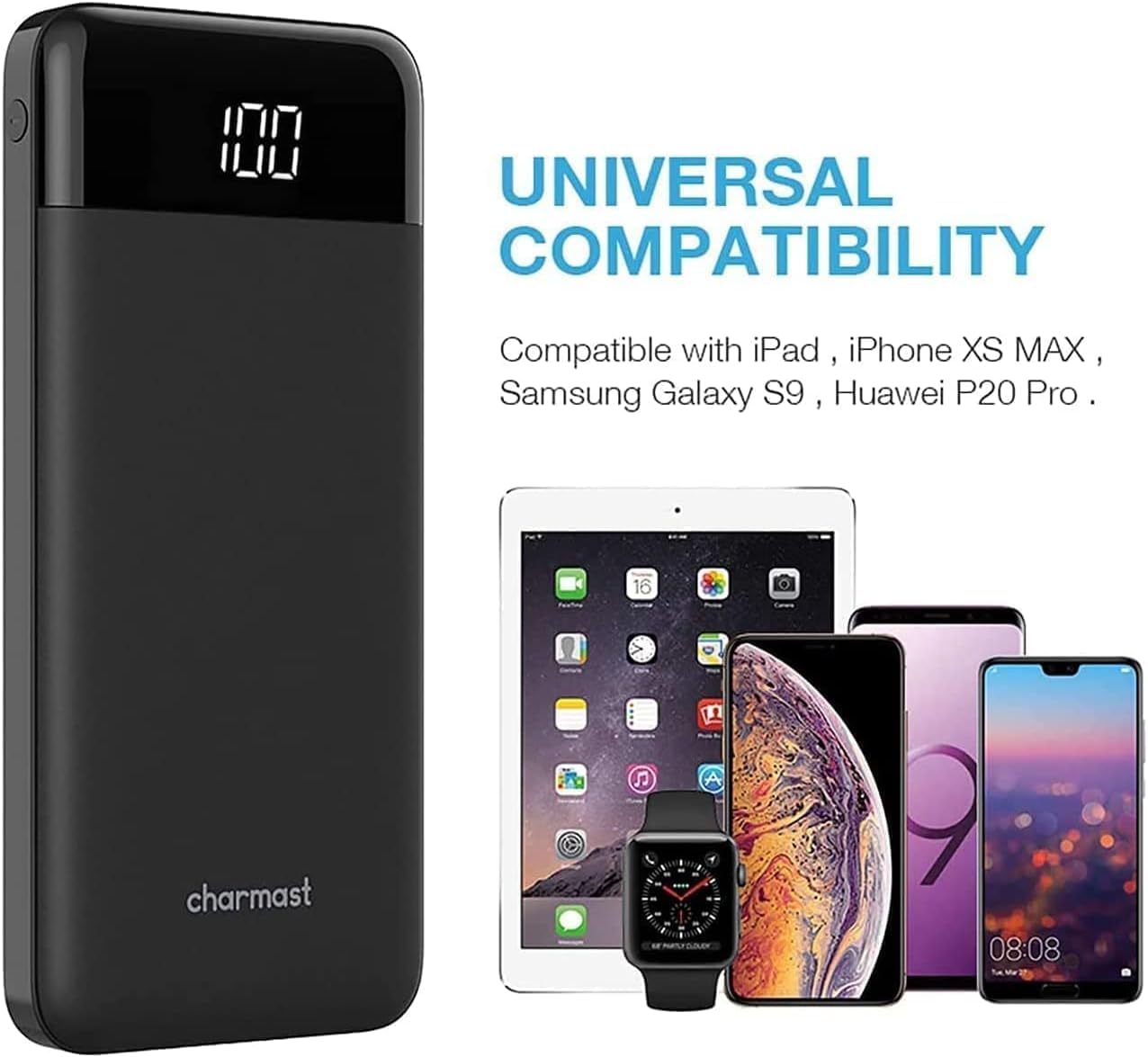
The Charmast 10400mAh Power Bank features a slim profile and multiple ports for versatile charging.

Key Features:
- 10400mAh Capacity: Provides multiple charges for smartphones and other devices.
- Multiple Ports: Two input ports (Micro USB, USB-C) and three output ports (USB-C, 2x USB-A) for versatile charging.
- Fast Charging: Supports 15W USB-C fast charging with Smart E 3.0 and VoltageBoost technology.
- LED Display: Digital display shows the remaining battery percentage.
- Safety Features: Built-in safeguards protect against overcurrent, overheating, and overcharging.
4. Setup
4.1 Charging the Power Bank
- Connect the provided USB-A to USB-C cable, or a compatible Micro USB cable, to one of the power bank's input ports (Micro USB or Type-C).
- Connect the other end of the cable to a USB wall charger (not included) or a computer's USB port.
- The LED display will show the charging progress. When the display shows "100", the power bank is fully charged.
For optimal charging speed, use a 5V/2A or 5V/3A compatible charger.
5. Operating
5.1 Charging Your Devices
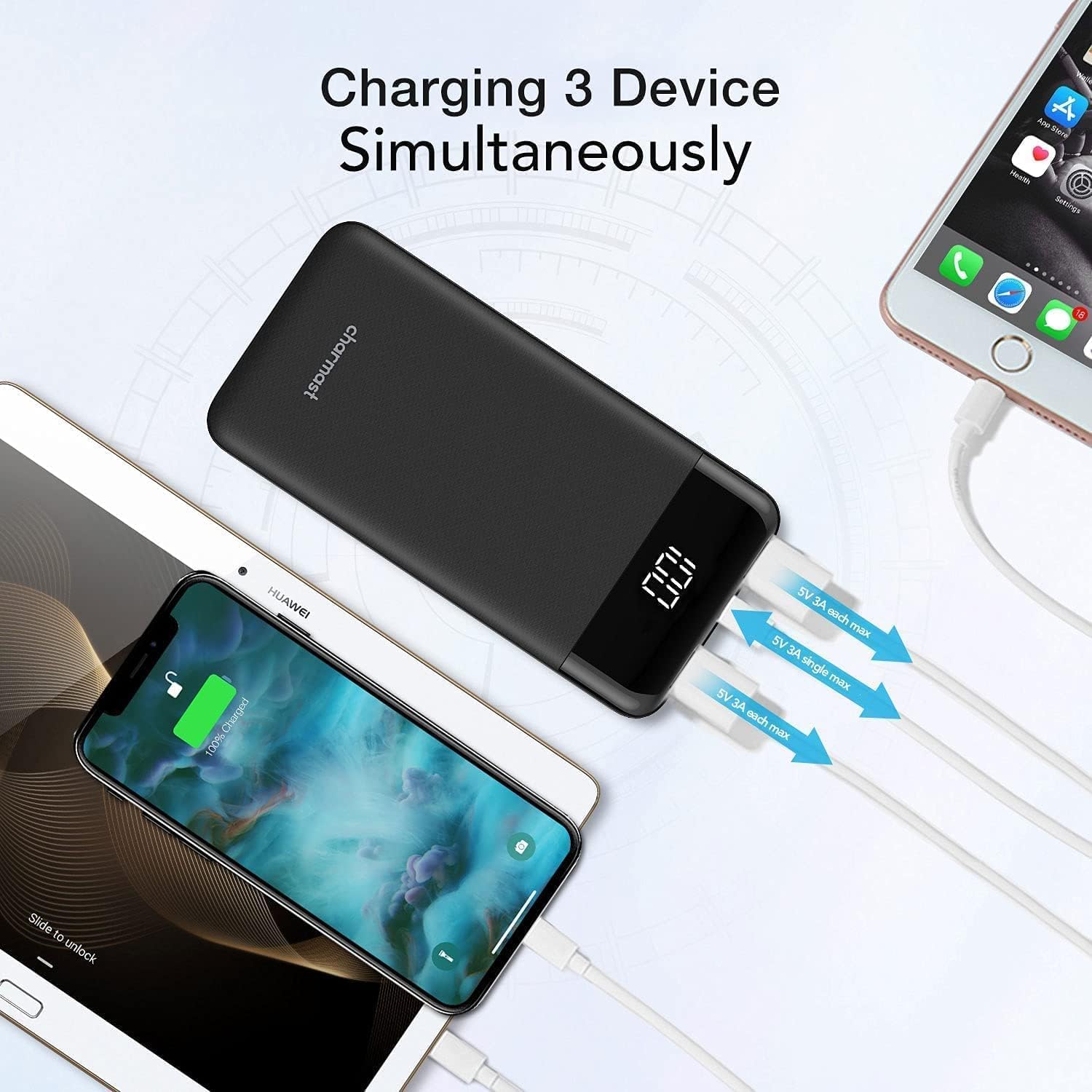
The power bank can charge up to three devices simultaneously.
- Connect your device's charging cable to one of the power bank's output ports (USB-C or USB-A).
- Connect the other end of the cable to your device.
- Press the power button on the side of the power bank to initiate charging.
- The LED display will illuminate, indicating that charging has begun.


5.2 LED Display
The integrated LED display provides an accurate percentage of the remaining battery charge.

Press the power button once to check the current battery level. The display will turn off automatically after a few seconds.
6. Maintenance
- Keep the power bank dry and away from moisture.
- Avoid exposing the device to extreme temperatures (hot or cold).
- Do not drop, puncture, or disassemble the power bank.
- Clean the device with a soft, dry cloth. Do not use harsh chemicals or abrasive materials.
- If storing for an extended period, charge the power bank to approximately 50-75% every three months to prolong battery life.
7. Troubleshooting
7.1 Power Bank Not Charging
- Ensure the charging cable is securely connected to both the power bank's input port and the power source.
- Verify that the wall charger or USB port is functional. Try a different charger or port.
- Check if the charging cable is damaged. Try using a different cable.
7.2 Device Not Charging from Power Bank
- Ensure the power bank has sufficient charge (check the LED display).
- Press the power button on the power bank to activate output.
- Verify that the charging cable is securely connected to both the power bank's output port and your device.
- Check if your device's charging cable is damaged. Try a different cable.
- Ensure your device is compatible with the power bank's output specifications.
7.3 Slow Charging
- Ensure you are using a fast-charging compatible cable and wall adapter for charging the power bank itself.
- For charging devices, ensure your device supports fast charging and that you are using a compatible cable.
- Charging multiple devices simultaneously may reduce the charging speed for each individual device.
8. Specifications
| Feature | Specification |
|---|---|
| Model Number | W1056 |
| Battery Capacity | 10400 mAh |
| Battery Type | Lithium Polymer |
| Micro USB Input | 5V/2.0A |
| Type-C Input | 5V/3.0A |
| Type-C Output | 5V/3.0A |
| USB Output 1 | 5V/3.0A |
| USB Output 2 | 5V/3.0A |
| Dimensions | 14.4 x 7.62 x 1.5 cm |
| Weight | 300 g |
| Color | Black |
9. Safety Information
- This product is CE, RoHS, and FCC certified, ensuring manufacturing quality and safety standards.
- Built-in intelligent safeguards protect your devices against excessive current flow, overheating, and overcharging.
- Do not expose the power bank to fire or water.
- Do not use the power bank if it is damaged or swollen.
- Keep out of reach of children.
10. Warranty and Support
This Charmast power bank comes with a 24-month service warranty from the date of purchase. If you encounter any issues or have questions regarding your product, please contact Charmast customer support for assistance.


