
BONAI ZN834E
BONAI ZN834E Universal Battery Charger User Manual
Model: ZN834E | Brand: BONAI
Introduction
Thank you for choosing the BONAI ZN834E Universal Battery Charger. This intelligent charger is designed to safely and efficiently charge a wide range of rechargeable batteries, including Li-ion and Ni-MH/Ni-CD types. Please read this manual thoroughly before use to ensure proper operation and to maximize the lifespan of your batteries and charger.
Important Safety Instructions
- Use this charger only for rechargeable batteries specified in this manual. Attempting to charge non-rechargeable batteries may lead to explosion, rupture, or leakage.
- Do not disassemble, modify, or attempt to repair the charger. Refer all servicing to qualified personnel.
- Keep the charger away from water, moisture, and high temperatures.
- Ensure proper polarity when inserting batteries. Incorrect insertion can cause damage to the charger and batteries.
- It is normal for batteries to become warm during charging. If they become excessively hot, discontinue charging and contact support.
- Unplug the charger from the power source when not in use.
- Keep out of reach of children and pets.
- The charger's ABS material is fireproof, durable, and corrosion-resistant, providing enhanced safety.
Package Contents
Upon unpacking, please verify that all items listed below are present and in good condition:
- 1 x BONAI Universal Battery Charger (Model ZN834E)
- 1 x USB Charging Cable
- 1 x User Manual
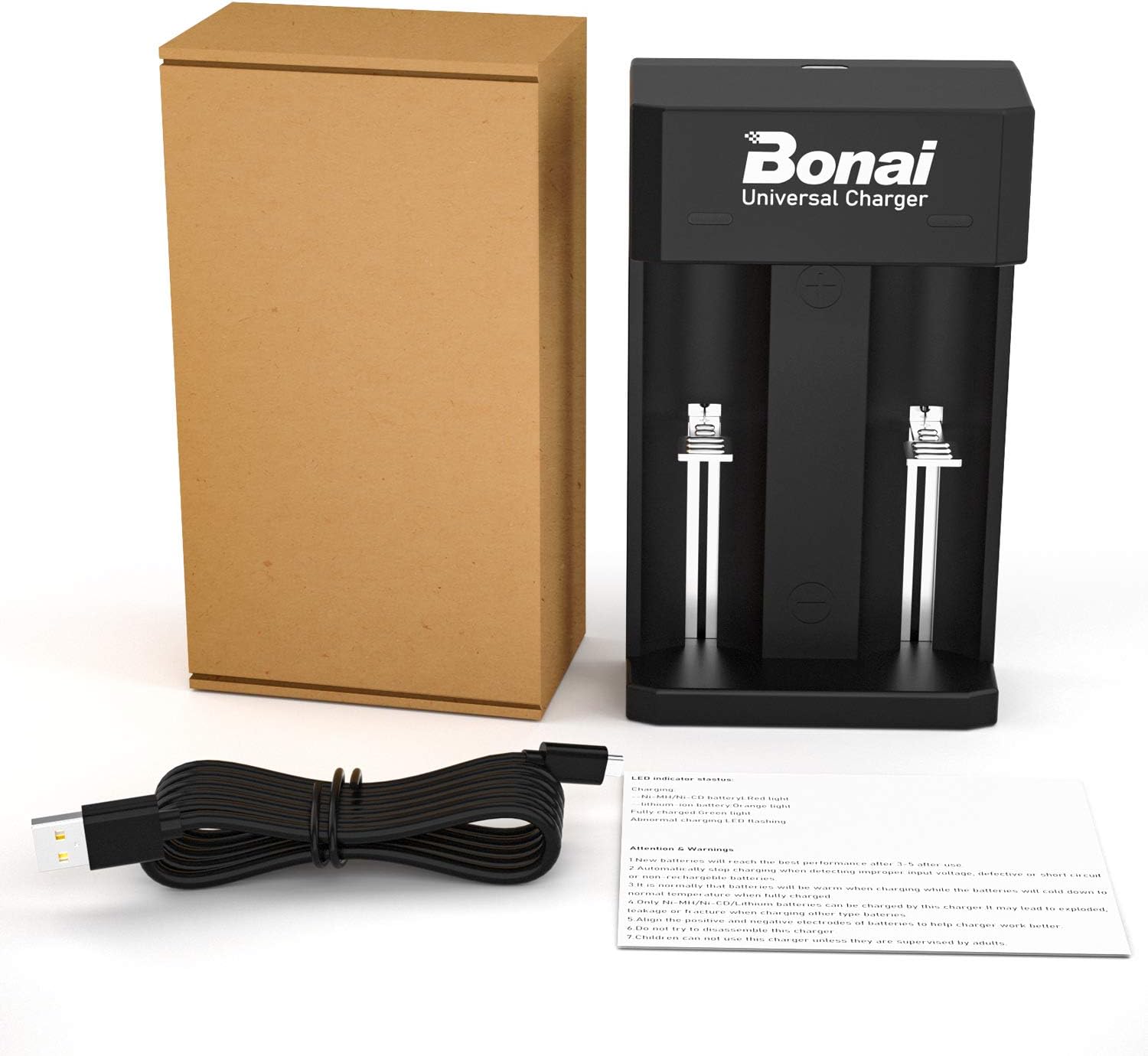
Image: The BONAI Universal Battery Charger, a USB charging cable, and the user manual are included in the package. Batteries are not included.
Specifications
| Feature | Detail |
|---|---|
| Brand | BONAI |
| Model Number | ZN834E |
| Color | Black |
| Input Voltage | 5 Volts |
| Input Amperage | 1 A |
| Connector Type | Micro-USB |
| Number of Ports | 2 |
| Item Weight | 100 Grams |
| Safety Certifications | CE, PSE, UL |
Setup
- Connect the Charger: Insert the micro-USB end of the provided USB charging cable into the micro-USB port on the charger.
- Power Source: Connect the standard USB-A end of the cable to a 5V USB power source. This can be a wall charger (not included), a power bank, a car charger, or a computer's USB port.
- Power Indicator: Once connected, the charger's LED indicators will briefly light up, indicating it is ready for use.

Image: The charger features a micro-USB input port, allowing it to be powered by various 5V USB sources such as PCs, wall plugs, power banks, or car chargers.
Operating Instructions
Battery Compatibility
The BONAI ZN834E charger is compatible with a wide range of rechargeable batteries. The built-in microprocessor automatically detects the battery type and capacity to apply the correct charging parameters.
- Li-ion Batteries: 18650, 14500, 18500, 18490, 18350, 17650, 17670, 17500, 26650, 22650, 25500, 21700.
- Ni-MH/Ni-CD Batteries: AA, AAA, C, D, SC.

Image: The charger supports a broad range of battery types, including popular Li-ion sizes like 18650 and Ni-MH/Ni-CD sizes like AA, AAA, C, and D.
Charging Process
- Insert Batteries: Carefully insert one or two rechargeable batteries into the charging slots, ensuring correct polarity (+ and - terminals match the markings on the charger). The charger has two independent charging channels, allowing you to charge different battery types simultaneously.
- Automatic Detection: The charger will automatically detect the battery type (Li-ion or Ni-MH/Ni-CD) and begin the charging process.
- Monitor Charging: Observe the LED indicators to monitor the charging status.
- Completion: Once charging is complete, the LED indicator for that slot will turn green. Remove the fully charged batteries from the charger.
LED Indicator Status
The LED indicators provide visual feedback on the charging status:
- Blinking LED: Indicates an abnormal charge or an error (e.g., incorrect battery type, short circuit, or damaged battery).
- Red LED: Battery is charging (Ni-MH/Ni-CD type).
- Orange LED: Battery is charging (Li-ion type).
- Green LED: Battery is fully charged.

Image: LED lights on the charger intelligently indicate battery status. Green signifies a full charge, orange indicates a Li-ion battery is charging, and red indicates a Ni-MH/Ni-CD battery is charging.
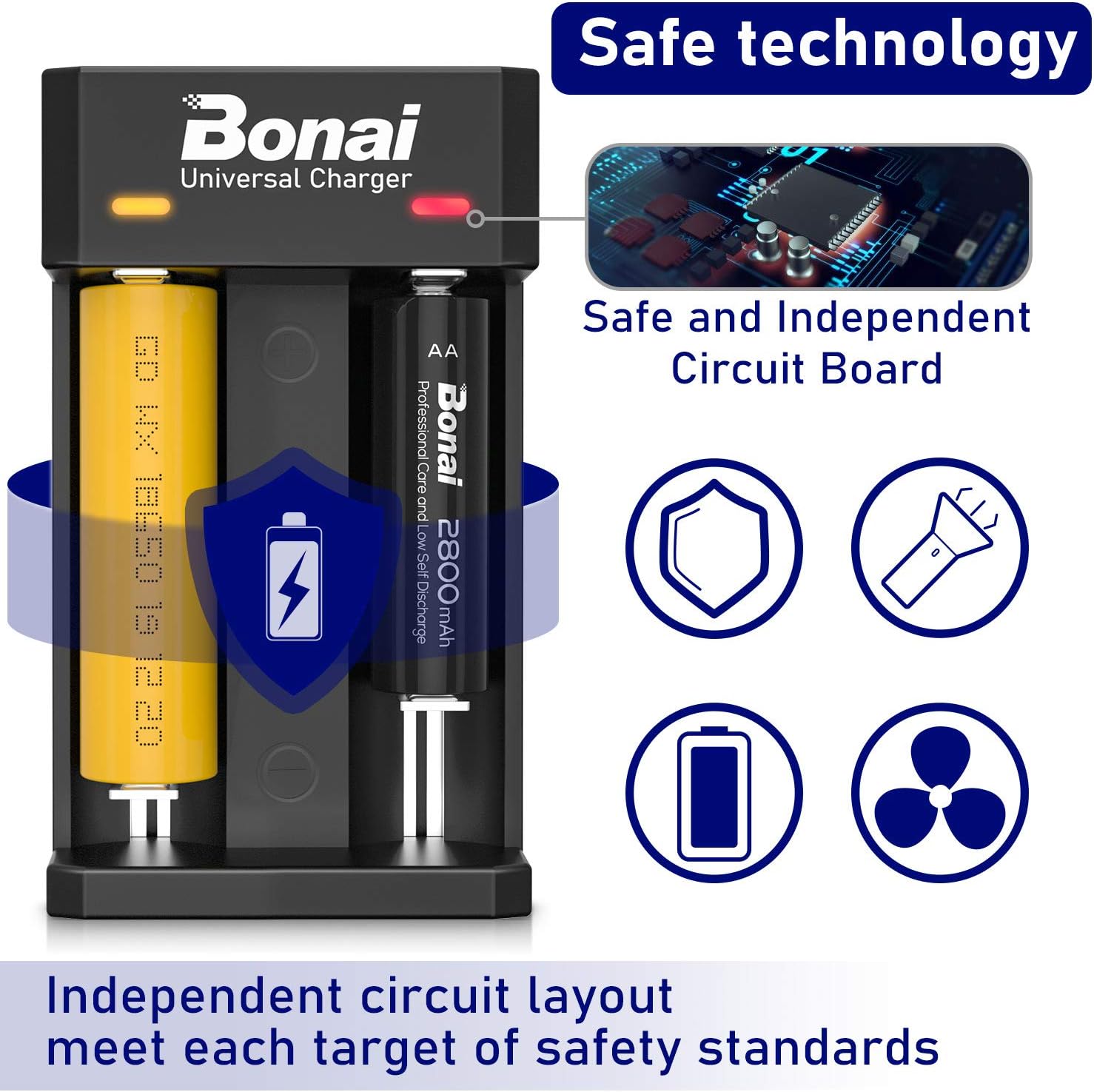
Image: The charger features safe and independent circuit boards, ensuring protection against overcharge, short-circuit, and reverse polarity, meeting various safety standards.
Maintenance
- Cleaning: Disconnect the charger from the power source before cleaning. Use a soft, dry cloth to wipe the surface of the charger. Do not use abrasive cleaners or solvents.
- Storage: Store the charger in a cool, dry place away from direct sunlight and extreme temperatures.
- Avoid Impact: Do not drop the charger or subject it to strong impacts.
Troubleshooting
| Problem | Possible Cause | Solution |
|---|---|---|
| Charger not powering on. | No power from USB source; faulty USB cable; charger malfunction. | Check USB connection and power source. Try a different USB cable or power adapter. If the issue persists, contact customer support. |
| LED blinking (abnormal charge). | Incorrect battery type (non-rechargeable); reversed polarity; short-circuited battery; damaged battery. | Ensure you are charging a compatible rechargeable battery. Check battery polarity. Remove and reinsert the battery. If the issue persists, the battery may be faulty. |
| Battery not charging. | Poor contact; battery fully charged; faulty battery. | Ensure batteries are properly seated in the slots. Check LED indicator for "Full" (green). Try charging a different battery to isolate the issue. |
| Batteries get excessively hot during charging. | Faulty battery; charger malfunction; charging in high ambient temperature. | Immediately remove the battery. Ensure charging is done in a well-ventilated area. Do not use the battery or charger if overheating persists. Contact customer support. |
Warranty and Customer Support
BONAI products are manufactured to high-quality standards. If you encounter any problems during the use of your BONAI ZN834E Universal Battery Charger, please do not hesitate to contact our customer support team. We are committed to resolving any issues you may experience.
Please refer to your purchase documentation for specific warranty terms and contact information. Keep your proof of purchase for warranty claims.
Ask a question about this manual
Ask about setup, troubleshooting, compatibility, parts, safety, or missing instructions. Manuals+ will review the question and use this page’s manual context to help answer it.