
SEAGO SG-958
SEAGO Electric Toothbrush User Manual
Model: SG-958 | Brand: SEAGO
1. Introduction
Thank you for choosing the SEAGO Electric Toothbrush. This manual provides essential information for the proper setup, operation, and maintenance of your new electric toothbrush. Please read it thoroughly before first use to ensure optimal performance and longevity of the product.
2. Product Overview
The SEAGO Electric Toothbrush (Model SG-958) is designed to provide a superior cleaning experience with its advanced sonic technology. It features 40,000 vibrations per minute, effectively removing 99.99% of stains and plaque, and improving gum health. The toothbrush comes with 8 replaceable brush heads, multiple brushing modes, a smart timer, and is IPX7 waterproof.

Image: The SEAGO Electric Toothbrush, including the handle, 8 replacement brush heads, USB charging cable, and a protective bristle cover.
For a visual demonstration of the SEAGO Electric Toothbrush features, please watch the official product video below:
Video: An overview of the SEAGO Electric Toothbrush, highlighting its design, features, and accessories.
3. Setup
3.1 Initial Charging
Before first use, fully charge your SEAGO Electric Toothbrush. The toothbrush is designed for convenient USB charging, allowing you to use a power bank, PC, or a standard USB charger (not included).
- Connect the provided USB charging cable to the charging port at the bottom of the toothbrush handle.
- Plug the other end of the USB cable into a compatible USB power source.
- The indicator lights on the handle will show the charging status. A full charge typically takes approximately 4 hours and provides up to 30 days of use.

Image: The electric toothbrush connected to a USB charging cable, illustrating its fast charging capability and long battery life.
3.2 Attaching the Brush Head
Your toothbrush comes with 8 replaceable brush heads, designed to last a full 24 months (assuming replacement every 3 months). To attach a brush head:
- Align the brush head with the metal shaft on the toothbrush handle.
- Push the brush head down firmly until it clicks into place. Ensure it is securely attached to prevent detachment during brushing.
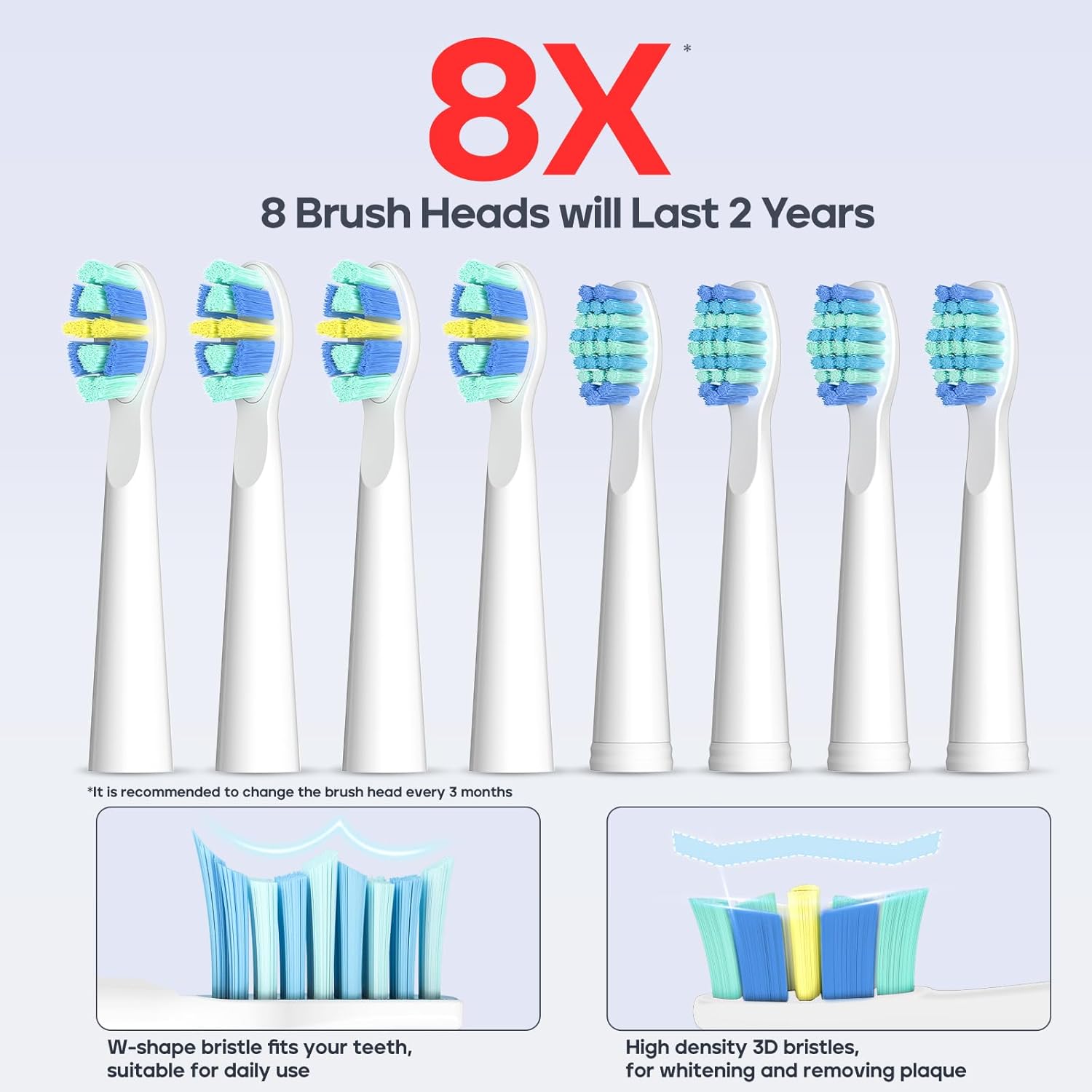
Image: A set of eight replacement brush heads, highlighting that they are sufficient for up to two years of use.
4. Operating Instructions
4.1 Power On/Off and Mode Selection
The SEAGO Electric Toothbrush features a single button for power control and mode selection.
- To turn on the toothbrush, press the power button once. It will start in the last used mode.
- To cycle through the 5 brushing modes (White, Clean, Sensitive, Polish, Massage), press the power button repeatedly within 5 seconds of turning it on or while it is running.
- To turn off the toothbrush, press and hold the power button for 2 seconds, or press the power button after cycling through all 5 modes.

Image: The electric toothbrush handle displaying the five available brushing modes: White, Clean, Sensitive, Polish, and Massage.
4.2 Smart Timer and QuadPacer
The toothbrush is equipped with a 2-minute smart timer and 30-second interval reminders to encourage dentist-recommended brushing habits.
- The toothbrush will pause briefly every 30 seconds, signaling you to move to the next quadrant of your mouth.
- After 2 minutes, the toothbrush will automatically turn off, indicating the completion of a full brushing cycle.
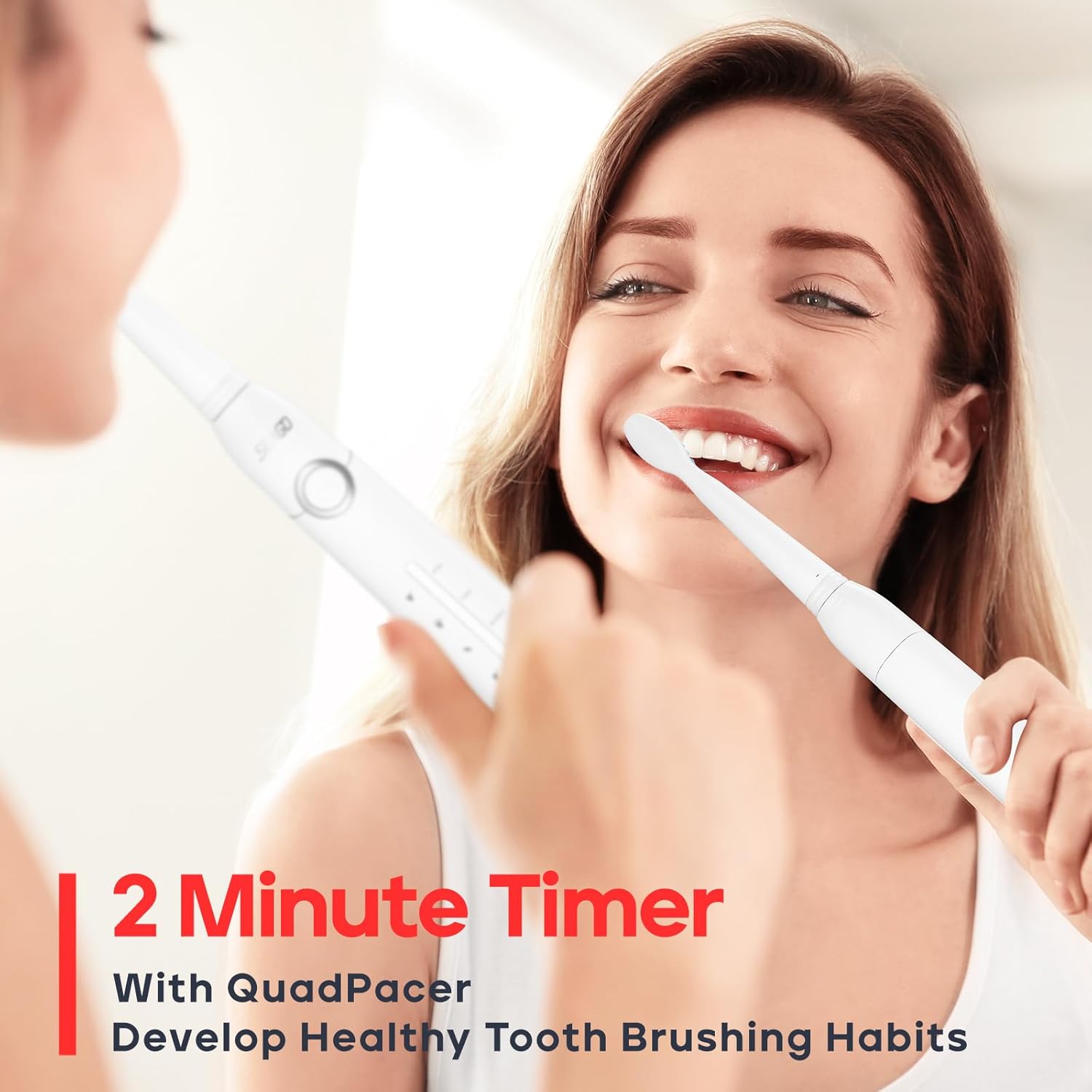
Image: A user brushing their teeth with the SEAGO Electric Toothbrush, illustrating the 2-minute smart timer feature for healthy brushing habits.
4.3 Brushing Technique
Apply a small amount of toothpaste to the brush head. Place the brush head against your teeth at a slight angle towards the gum line. Move the brush slowly across each tooth, allowing the sonic vibrations to clean effectively. Do not scrub vigorously. Divide your mouth into four quadrants and spend 30 seconds on each, guided by the QuadPacer.
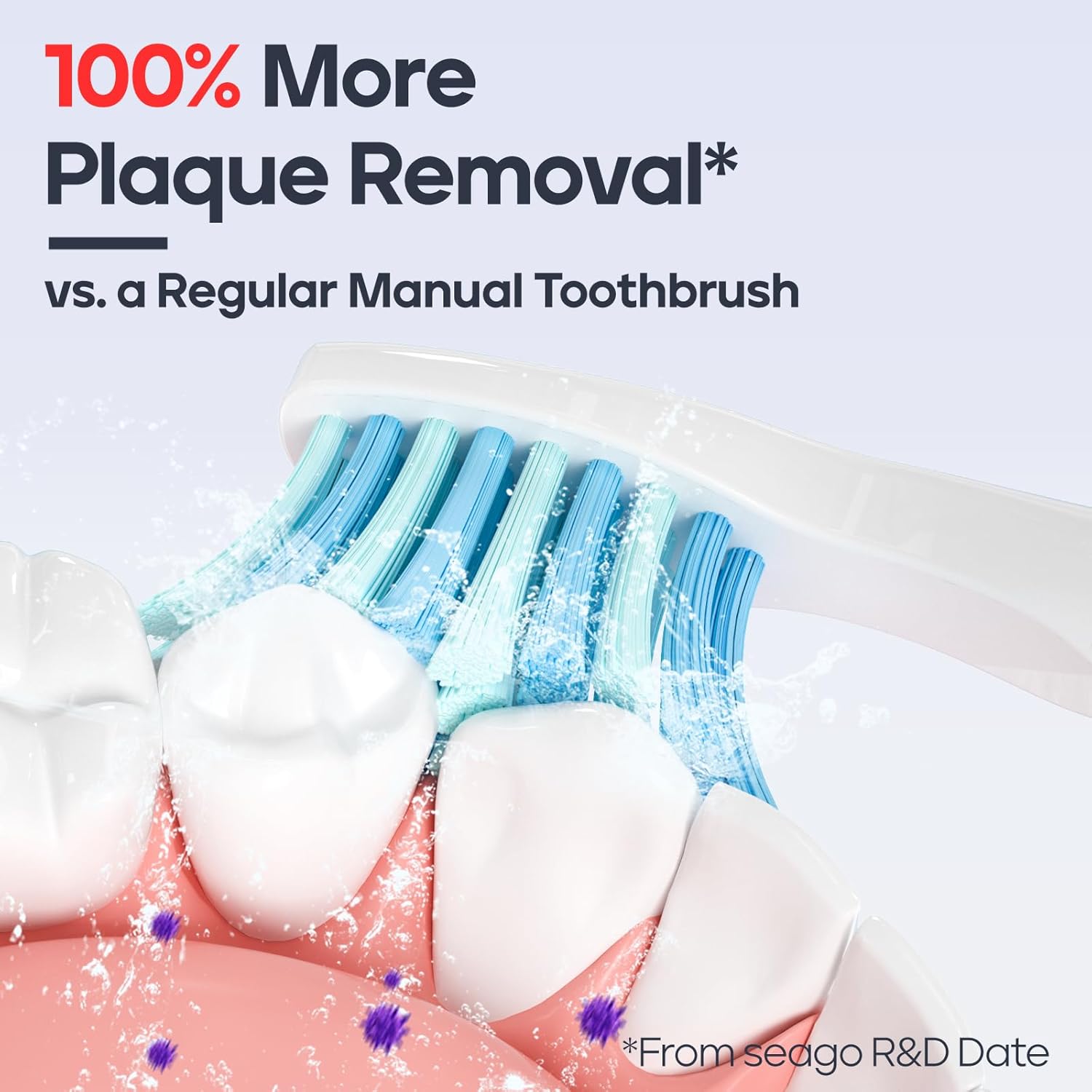
Image: A close-up view of the toothbrush bristles effectively removing plaque from teeth, demonstrating 100% more plaque removal compared to a manual toothbrush.
5. Brushing Modes
The SEAGO Electric Toothbrush offers 5 distinct brushing modes to cater to various oral care needs:
- White Mode: Ideal for weekly use to remove surface stains and achieve brighter teeth.
- Clean Mode: Standard mode for daily dental care, providing a thorough clean.
- Sensitive Mode: Gentle cleaning for sensitive teeth and gums, protecting delicate areas.
- Polish Mode: Designed for polishing teeth to enhance brightness.
- Massage Mode: Gently massages gums to improve circulation and strengthen gum health.
6. Maintenance
6.1 Cleaning the Toothbrush
After each use, rinse the brush head thoroughly under running water. Wipe the handle with a damp cloth. The toothbrush is IPX7 waterproof, meaning it can be safely rinsed under water or used in the shower without worry.

Image: The electric toothbrush being used in a wet environment, demonstrating its IPX7 waterproof rating for safe use in showers or baths.
6.2 Brush Head Replacement
It is recommended to replace your brush head every 3 months, or sooner if the bristles become frayed or worn. Regular replacement ensures optimal cleaning performance and hygiene.
7. Troubleshooting
7.1 Toothbrush Not Turning On
- Ensure the toothbrush is fully charged. Connect it to a USB power source and allow it to charge for at least 4 hours.
- Check if the power button is being pressed correctly. Press firmly and hold for 2 seconds to turn off, or a quick press to cycle modes/turn on.
7.2 Weak Vibrations or Reduced Performance
- The battery might be low. Recharge the toothbrush fully.
- The brush head might be worn out. Replace it with a new one.
- Ensure the brush head is securely attached to the handle.
7.3 Toothbrush Not Charging
- Verify that the USB cable is properly connected to both the toothbrush and the power source.
- Try a different USB power source (e.g., another USB wall adapter, a different USB port on your computer).
- Ensure the USB cable is not damaged.
8. Specifications
| Feature | Detail |
|---|---|
| Model Number | SG-958 |
| Product Dimensions | 1.09 x 1.02 x 8.91 inches; 2.61 ounces |
| Battery Type | 1 Lithium Ion battery (included) |
| Power Source | Battery Powered |
| Vibrations Per Minute | 40,000 VPM |
| Brushing Modes | 5 (White, Clean, Sensitive, Polish, Massage) |
| Special Feature | Brushing Timer (2-minute with 30-second intervals) |
| Waterproof Rating | IPX7 |
| Bristle Firmness | Soft |
| Included Brush Heads | 8 Replacement Brush Heads |
9. Warranty and Support
SEAGO offers a 3-year assured buying period for this product, reflecting our commitment to quality and customer satisfaction. For any questions, technical support, or warranty claims, please contact SEAGO customer service through the retailer where you purchased the product or visit the official SEAGO website for contact information.

Image: An image showcasing SEAGO's international factory and highlighting a 3-year assured buying period for local service support.
Related documentsSG-958


Ask a question about this manual
Ask about setup, troubleshooting, compatibility, parts, safety, or missing instructions. Manuals+ will review the question and use this page’s manual context to help answer it.