
SUNITEC BC936SA
SUNITEC Bluetooth Car Speaker User Manual
Model: BC936SA
Brand: SUNITEC
Introduction
This manual provides detailed instructions for the SUNITEC Bluetooth Speaker for Car, designed to offer clear, hands-free communication and audio streaming in your vehicle. Featuring Bluetooth V5.1, noise cancellation, and support for voice assistants like Siri and Google Assistant, this device ensures safe and convenient driving.
The speakerphone is equipped with an auto power on/off function and can connect to two mobile phones simultaneously, making it an ideal solution for older vehicles not equipped with built-in hands-free capabilities.

Image: Front view of the SUNITEC Bluetooth Car Speaker, showing its compact design and control buttons.
Setup and Installation
Package Contents

Image: Diagram showing the contents of the product package, including the speaker, USB car charger, user manual, back clip, and USB charging cable.
Before first use, ensure the device is fully charged using the provided USB charging cable and car charger. The device takes less than 2 hours to fully charge.
Mounting the Device
The SUNITEC Bluetooth Car Speaker is designed to be easily attached to your car's sun visor using the included visor clip. This placement ensures optimal microphone pickup and speaker clarity.

Image: Four-panel image demonstrating how to attach the speaker to a car's sun visor and its compact size when held in hand.
Initial Pairing
- Turn on the Bluetooth speakerphone.
- Enable Bluetooth on your mobile phone.
- Search for available Bluetooth devices and select "BC936SA" (or similar name) to pair.
- Once paired, the device will provide voice guidance confirming the connection.
The device supports automatic power on/off and reconnection. A built-in vibration sensor detects when your car door is opened, automatically turning on the speaker and reconnecting to your phone. When not in use, the device will automatically turn off to conserve battery.

Image: A person opening a car door, illustrating the auto power-on feature of the speaker when the car door is opened.
Operating Instructions
Hands-Free Calling
The SUNITEC Bluetooth Car Speaker provides crystal clear calls thanks to Bluetooth V5.1 and noise cancellation technology. To answer or end a call, simply press the multi-function button (MFB) on the device. To reject a call, press and hold the MFB.
Voice Assistant Integration
For enhanced safety, the speaker supports Siri and Google Voice Assistant. You can activate your phone's voice assistant to make calls, send texts, or get GPS directions without taking your hands off the wheel. Simply press the voice assistant button (often the MFB or a dedicated button, refer to device diagram) to activate.

Image: Illustrates the voice command feature, showing how the speaker interacts with Siri and Google Assistant for tasks like calling, texting, and navigation.
Connecting Multiple Phones
This Bluetooth car speaker can connect to two Bluetooth-enabled cell phones simultaneously. This allows for easy switching between music playback and calls from either connected device.
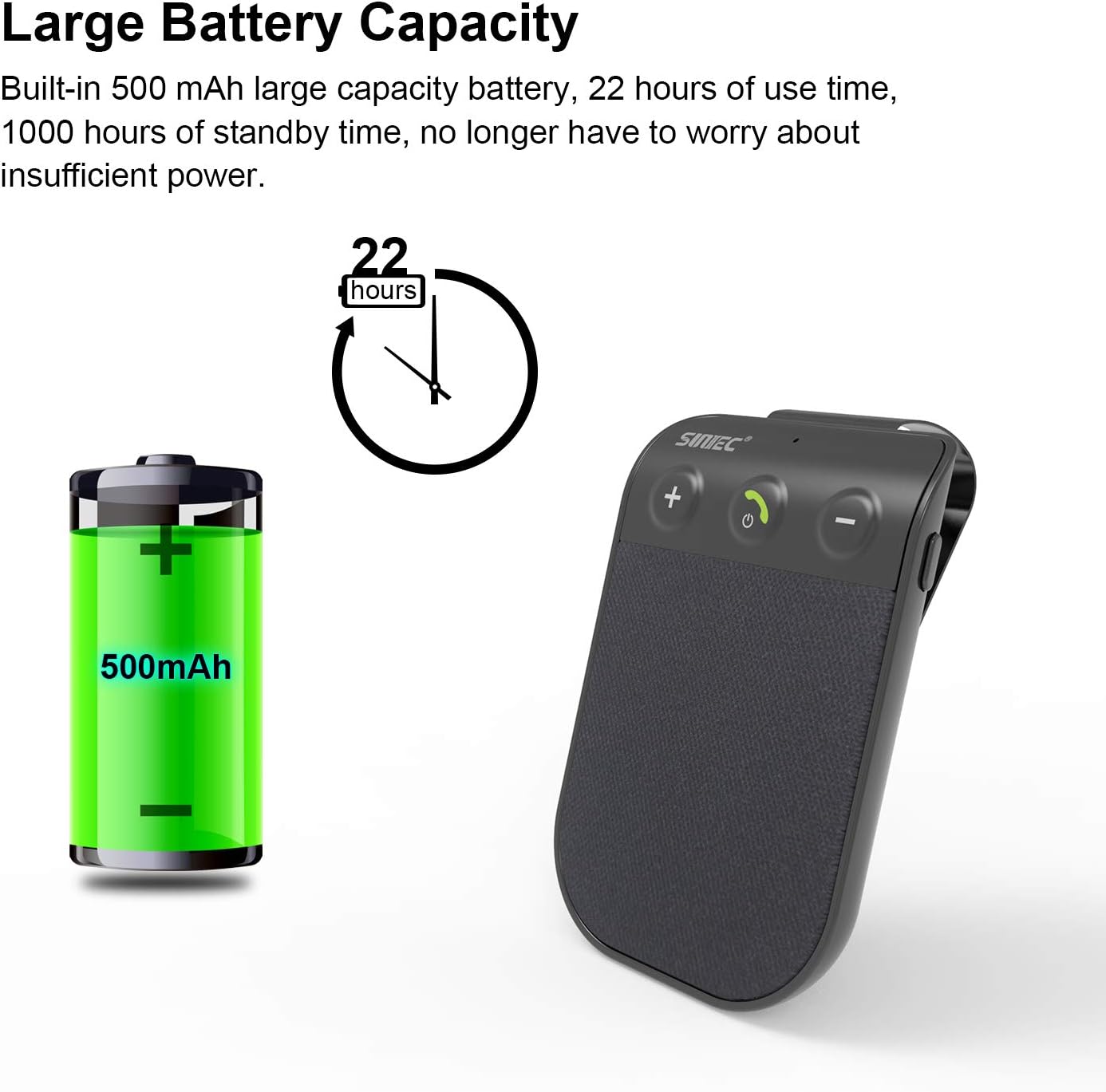
Image: Depicts the speaker's ability to maintain a strong connection with two mobile phones simultaneously, indicated by two phone icons and Wi-Fi symbols.
Volume Control
Use the '+' and '-' buttons on the device to adjust the call volume or music playback volume.
Product Overview Video
Video: An official product video from SUNITECDirect showcasing the physical appearance and design of the Bluetooth Car Speaker.
Maintenance
- Keep the device clean by wiping it with a soft, dry cloth.
- Avoid exposing the device to extreme temperatures, direct sunlight, or moisture.
- Do not attempt to disassemble or repair the device yourself, as this will void the warranty.
- Store the device in a cool, dry place when not in use for extended periods.
Troubleshooting
| Problem | Possible Cause | Solution |
|---|---|---|
| Device does not power on. | Battery is depleted. | Charge the device fully using the provided USB cable and car charger. |
| Cannot pair with phone. | Bluetooth is off on phone; device is not in pairing mode; device already paired with another phone. | Ensure Bluetooth is enabled on your phone. Make sure the speaker is discoverable. Disconnect from other devices if necessary. Restart both devices. |
| Poor sound quality / distorted audio. | Volume too high/low; interference; device too far from phone. | Adjust volume. Ensure no obstructions between speaker and phone. Keep devices within Bluetooth range (approx. 10 meters). |
| Auto power on/off not working. | Vibration sensor not triggered; device not properly mounted. | Ensure the device is securely clipped to the sun visor. A slight movement (like opening the car door) should trigger the sensor. |
Product Specifications

Image: Detailed diagram of the speaker showing its dimensions and labeling key components like USB Port, Microphone, Volume buttons, MFB button, and Speaker.
| Feature | Detail |
|---|---|
| Brand | SUNITEC |
| Model Number | BC936SA-V5 |
| Connectivity Technology | Bluetooth V5.1 |
| Power Source | Battery Powered (1 Lithium Ion battery included) |
| Battery Capacity | 500 mAh (approximate, derived from A+ content image) |
| Talk Time | Up to 12 hours |
| Standby Time | Up to 980 hours |
| Charging Time | Less than 2 hours |
| Item Weight | 2.2 ounces |
| Product Dimensions | 3.4 x 2.3 x 0.4 inches |
| Special Features | DSP Noise Cancellation, Microphone, Mute function, Auto Power On/Off, Siri/Google Voice Assistant Support, Multi-point connection (2 phones) |
| Material | Plastic |

Image: Illustrates the large battery capacity (500mAh) and extended use time (22 hours) of the speaker.
Warranty and Support
SUNITEC is committed to providing high-quality products and excellent customer service. For any issues or inquiries regarding your Bluetooth Car Speaker (Model BC936SA), please refer to the following:
- Free Return Policy: The manufacturer offers a 365-day free return policy for any product problems.
- Customer Response: Expect quick responses and answers to your queries within 24 hours.
For further assistance, please contact SUNITEC customer support through the platform where you purchased the product or refer to the contact information provided in the physical user manual included with your device.
Related documentsBC936SA

Ask a question about this manual
Ask about setup, troubleshooting, compatibility, parts, safety, or missing instructions. Manuals+ will review the question and use this page’s manual context to help answer it.