
VMAI HD-019
VMAI 36-Inch Soundbar User Manual
Model: HD-019
1. Introduction
Thank you for choosing the VMAI 36-Inch Soundbar. This soundbar is designed to significantly enhance your home entertainment experience by delivering crystal clear, powerful audio. With multiple connectivity options and a sleek design, it integrates seamlessly into any living space. Please read this manual thoroughly before use to ensure proper setup and operation.

Image: The VMAI 36-inch soundbar in black, accompanied by its remote control, showcasing its compact and elegant design.
2. Package Contents
Please check the package carefully to ensure all items are present and in good condition:
- VMAI 36-Inch Soundbar
- Remote Control
- Power Adapter
- Optical Cable
- RCA to 3.5mm Audio Cable
- HDMI ARC Cable
- Wall Mounting Kit (screws, wall anchors, mounting brackets)
- User Manual
3. Product Features
- Crystal Clear Sound: 60W sound output with less than 1% total harmonic distortion, providing rich and detailed audio for an immersive experience.
- Advanced Bluetooth 5.0: Ensures stable and fast wireless connectivity with low power consumption, allowing seamless streaming from your smart devices.
- Multiple Connectivity Options: Supports HDMI ARC, Optical, AUX input, and USB flash drive for versatile connection to various audio sources.
- Personalized Sound Settings: Adjust sound modes (Music, Movie, News, 3D) and fine-tune treble and bass levels using the included smart remote control.
- Flexible Mounting Design: Can be placed under your TV, on a cabinet, or easily mounted on the wall with the included premium mounting kit.
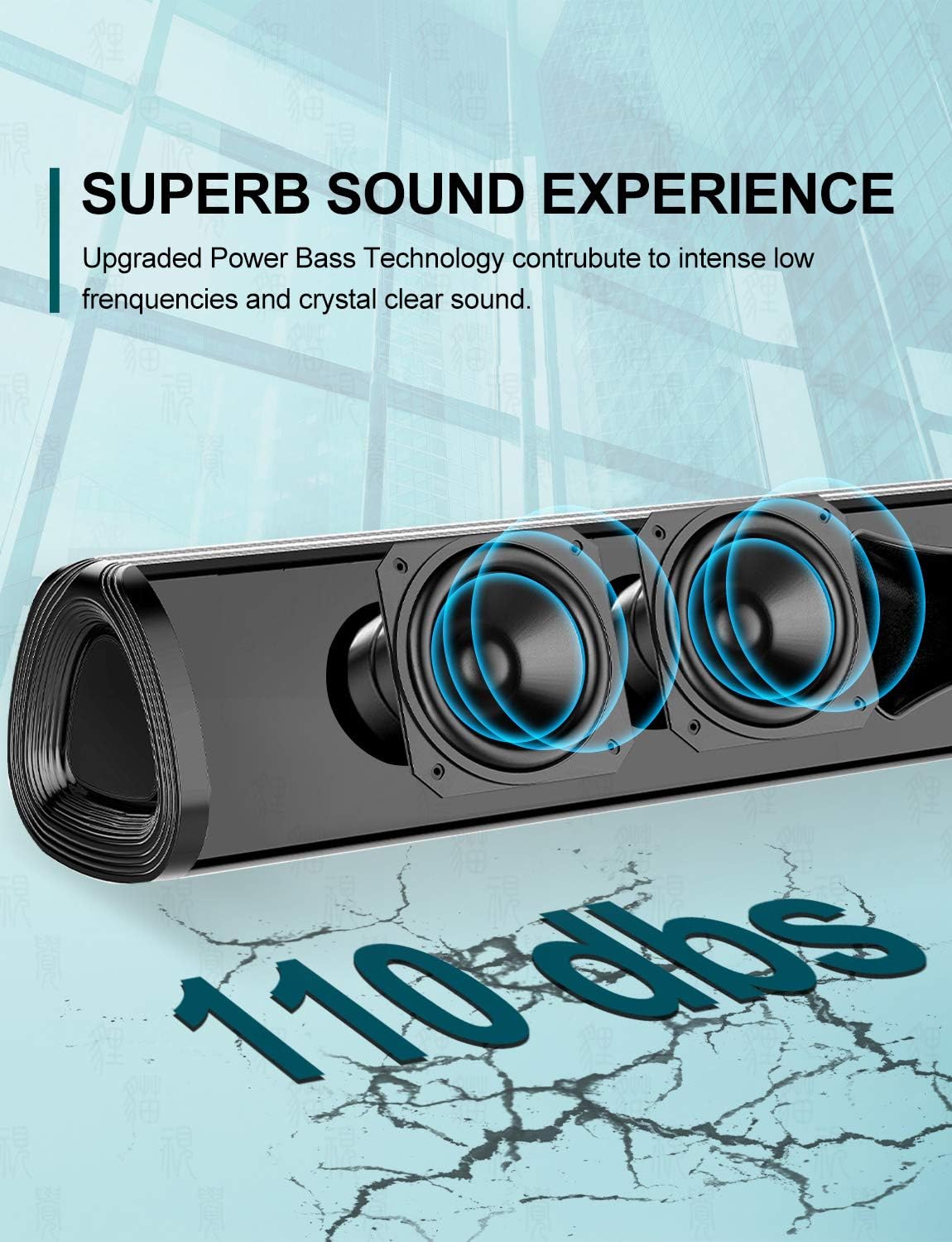
Image: A close-up view of the soundbar's internal speakers, illustrating the powerful sound output with a visual representation of 110 decibels.
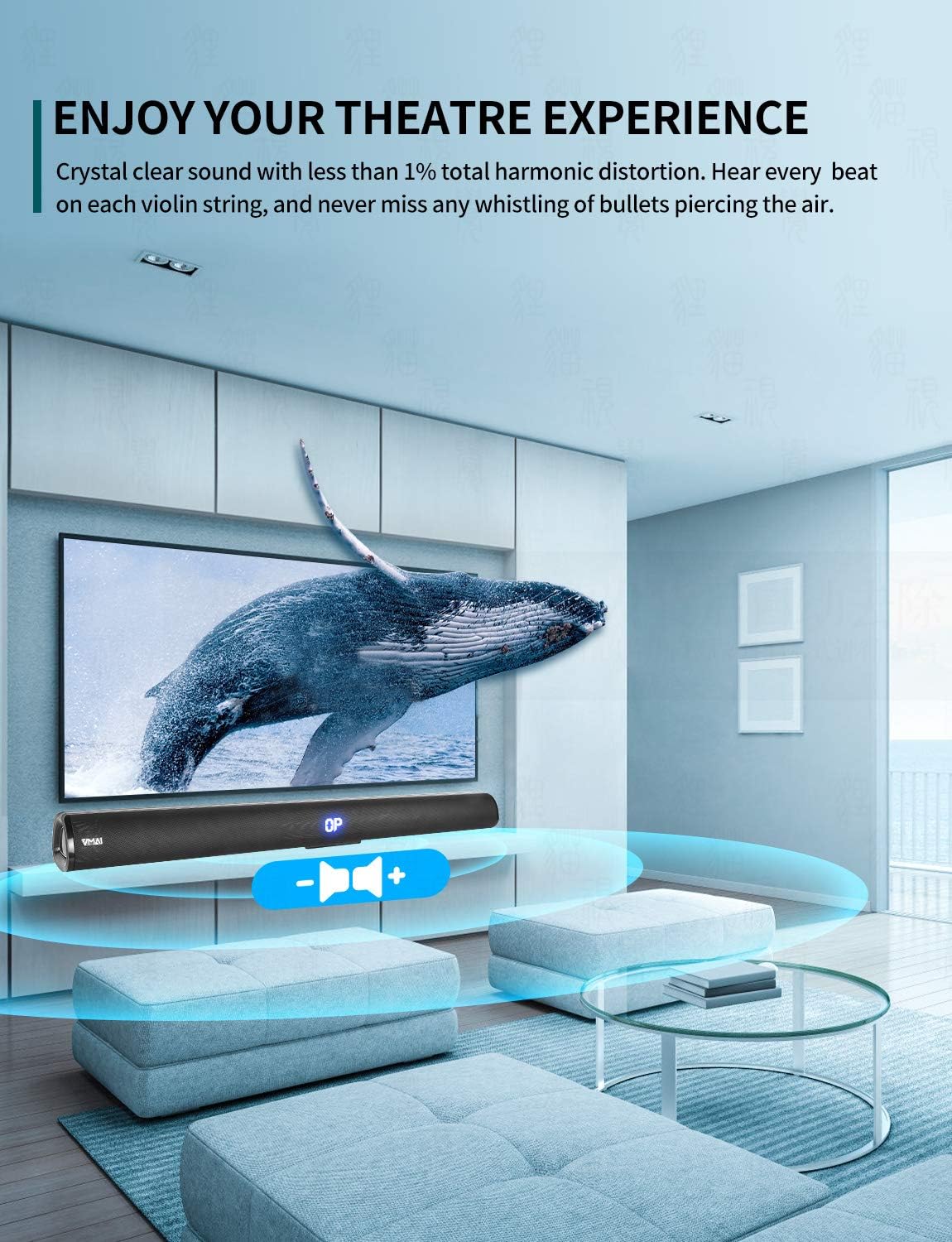
Image: A family enjoying a movie with the soundbar enhancing the audio experience, demonstrating its capability to create an immersive home theater environment.
4. Setup
4.1 Placement Options
The VMAI Soundbar offers versatile placement to suit your home setup:
- Desktop Placement: Place the soundbar on a flat, stable surface directly in front of your TV. Ensure there are no obstructions in front of the soundbar to allow for optimal sound projection.
- Wall Mounting: Use the included wall mounting kit to securely attach the soundbar to a wall below your TV. Refer to the detailed wall mounting instructions provided in the kit for proper installation.

Image: A visual guide demonstrating the two primary placement options for the soundbar: mounted on a wall below a television and placed on a desktop surface.
4.2 Power Connection
- Connect the power adapter to the DC IN port on the back of the soundbar.
- Plug the other end of the power adapter into a wall outlet.
- The soundbar will enter standby mode, indicated by an LED light.
4.3 Connecting to Your TV/Devices
Choose the most suitable connection method for your device:

Image: The rear panel of the soundbar displaying its various input ports including HDMI ARC, Optical, AUX, and DC IN, along with the corresponding connection cables.
HDMI ARC Connection (Recommended)
- Connect one end of the HDMI cable (included) to the HDMI ARC port on the soundbar.
- Connect the other end to the HDMI ARC port on your TV.
- Ensure your TV's HDMI ARC function is enabled in its settings. This allows you to control the soundbar volume with your TV remote.
Optical Connection
- Connect one end of the Optical cable (included) to the OPTICAL port on the soundbar.
- Connect the other end to the Optical Digital Audio Out port on your TV or audio source.
- Ensure your TV's audio output is set to 'PCM' format, as some TVs may default to other formats incompatible with optical input.
AUX Connection
- Connect one end of the RCA to 3.5mm audio cable (included) to the AUX port on the soundbar.
- Connect the RCA ends to the corresponding audio output ports (usually red and white) on your TV or audio source.
Bluetooth Connection
- Power on the soundbar and select 'Bluetooth' input mode using the remote or side buttons. The LED display will show 'BT'.
- Enable Bluetooth on your smartphone or other device.
- Search for 'VMAI Soundbar' in the list of available devices and select it to pair.
- Once paired, the soundbar will indicate a successful connection, and you can play audio wirelessly.
USB (Flash Drive) Connection
- Insert a USB flash drive containing MP3 audio files into the USB port on the soundbar.
- The soundbar will automatically switch to USB mode and begin playing the audio files.
5. Operating Instructions
5.1 Controls
The soundbar can be controlled via the side panel buttons or the included remote control.

Image: A detailed view of the soundbar's remote control and its side panel buttons, highlighting the various controls for power, volume, and input selection.
Side Panel Buttons:
- Power Button: Press to turn the soundbar On/Off.
- Input Selection Button: Press to cycle through input modes (HDMI ARC, Optical, AUX, Bluetooth, USB).
- Volume - / + Buttons: Press to decrease or increase the volume.
Remote Control Functions:
- Power (⏸): Turns the soundbar On/Off.
- Mute (🔇): Mutes or unmutes the sound.
- Input: Cycles through input modes.
- Volume +/-: Adjusts the master volume.
- Bass +/-: Adjusts the bass level.
- Treble +/-: Adjusts the treble level.
- Sound Modes:
- MUSIC: Optimized for music playback.
- MOVIE: Enhanced for cinematic audio.
- NEWS: Clearer dialogue for news and talk shows.
- 3D: Creates a virtual surround sound effect.
- Bluetooth Pairing (PAIR): Initiates Bluetooth pairing mode.
- Playback Controls (for USB/Bluetooth): Play/Pause, Previous Track, Next Track.
6. Maintenance
To ensure the longevity and optimal performance of your VMAI Soundbar, follow these maintenance guidelines:
- Cleaning: Use a soft, dry cloth to wipe the surface of the soundbar. Do not use liquid cleaners, abrasive cleaners, or chemical sprays, as they may damage the finish or internal components.
- Ventilation: Ensure the soundbar's vents are not blocked to prevent overheating.
- Storage: If storing the soundbar for an extended period, disconnect it from power and store it in a cool, dry place away from direct sunlight and extreme temperatures.
- Avoid Moisture: Keep the soundbar away from water and high humidity environments. It is not waterproof.
7. Troubleshooting
If you encounter any issues with your soundbar, please refer to the following common problems and solutions:
| Problem | Possible Cause | Solution |
|---|---|---|
| No sound from soundbar |
|
|
| Distorted or poor sound quality |
|
|
| Remote control not working |
|
|
| Bluetooth pairing issues |
|
|
8. Specifications
| Feature | Detail |
|---|---|
| Model Name | HD-019 |
| Speaker Type | Soundbar |
| Special Features | Wireless, Bluetooth, Amplifier |
| Recommended Uses | Home Theater |
| Compatible Devices | TV, Projector, Computer, Blu-ray player, Tablet, XBOX, PS5, Amplifier, Smartphone |
| Controller Type | Button, Remote Control |
| Surround Sound Configuration | 2.0 Channel |
| Colour | Jet Black |
| Product Dimensions (D x W x H) | 7.8 cm x 90 cm x 7.6 cm |
| Item Weight | 2 Kilograms |
| Maximum Bluetooth Range | 15 Meters |
| Speaker Maximum Output Power | 60 Watts |
| Connectivity Technology | Wired (HDMI ARC, Optical, AUX, USB), Bluetooth (Wireless) |
| Mounting Type | Wall Mount, Desktop |
9. Warranty and Support
The VMAI 36-Inch Soundbar comes with a 12-month warranty from the date of purchase. This warranty covers manufacturing defects and workmanship under normal use.
For technical support, warranty claims, or any questions regarding your product, please contact VMAI customer service through the retailer's platform or visit the official VMAI website for contact information. Please have your purchase receipt and product model number (HD-019) ready when contacting support.
Related documentsHD-019


Ask a question about this manual
Ask about setup, troubleshooting, compatibility, parts, safety, or missing instructions. Manuals+ will review the question and use this page’s manual context to help answer it.