
Introduction
Thank you for choosing the TOSING 04 Karaoke Microphone. This device combines a microphone and dual speakers, offering a versatile solution for karaoke, public speaking, and music playback. This manual provides detailed instructions to help you set up, operate, and maintain your microphone for optimal performance.
Package Contents
Please check the package for the following items:
- TOSING 04 Karaoke Microphone
- USB Charging Cable
- Audio Cable (AUX)
- Instruction Manual
- Carrying Case
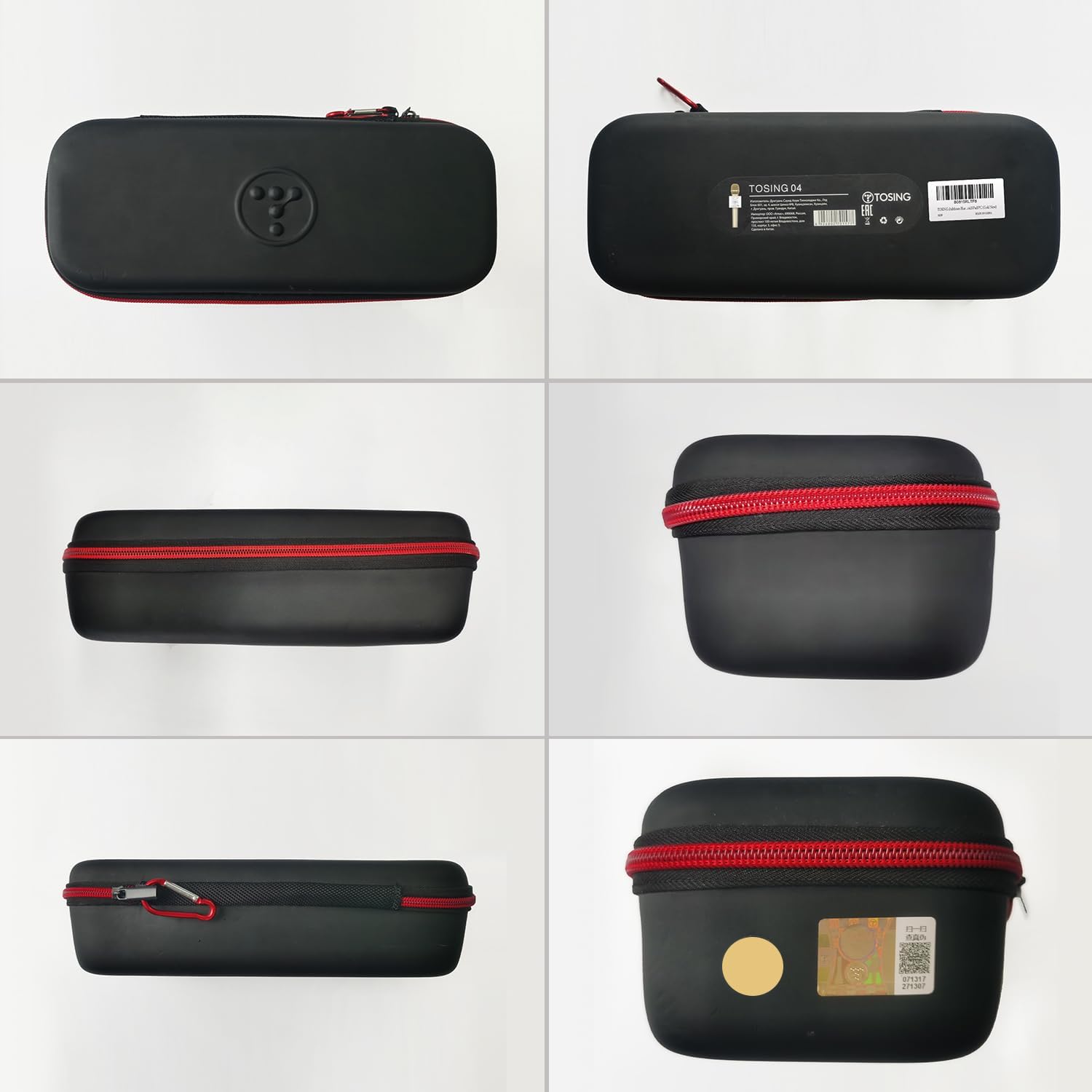
Image: The TOSING 04 microphone, charging cable, audio cable, and manual neatly stored in its protective carrying case.
Product Overview
Familiarize yourself with the various parts and controls of your TOSING 04 microphone.

Image: Detailed diagram highlighting the microphone, Bass controls, Music volume, Power on/off, Previous track, Play/Pause, Next track, Metal Handle, Treble controls, Volume controls (VOL+ / VOL-), Echo controls, ISO/Android switch, Power charge port/Recording port, USB port, and 3.5mm earphone port.
Control Functions:
- Microphone: Sound input.
- Bass +/-: Adjust bass level.
- Music +/-: Adjust music volume.
- Power On/Off: Press and hold to power on or off.
- Previous: Skip to the previous track.
- Play/Pause: Play or pause music.
- Next: Skip to the next track.
- Treble +/-: Adjust treble level.
- VOL +/-: Adjust microphone volume.
- Echo +/-: Adjust echo effect level.
- ISO/Android Switch: Select operating system compatibility.
- Power Charge Port/Recording Port: USB-C port for charging and recording.
- USB Port: For USB playback or connecting accessories.
- 3.5mm Earphone Port: For headphone output or AUX connection.
Setup
1. Charging the Microphone
Before first use, fully charge the microphone. Connect the USB charging cable to the Power Charge Port on the microphone and to a USB power adapter (not included) or a computer's USB port. The charging indicator light will show the charging status.
2. Powering On/Off
Press and hold the Power On/Off button until the indicator light turns on (or off) and you hear an audible prompt.
3. Connecting to Devices
The TOSING 04 offers multiple connection options:

Image: The TOSING 04 microphone illustrating its compatibility with multiple platforms via USB playback, AUX cable connection, and Bluetooth connection (Version 4.2).
Bluetooth Connection:
- Ensure the microphone is powered on.
- Enable Bluetooth on your smartphone, tablet, or other compatible device.
- Search for "TOSING 04" in the list of available Bluetooth devices.
- Select "TOSING 04" to pair. A confirmation sound will indicate successful pairing.
AUX Cable Connection:
- Connect one end of the provided audio cable to the 3.5mm Earphone Port on the microphone.
- Connect the other end to the AUX input port of your external audio device (e.g., TV, computer, speaker).
USB Playback:
- Insert a USB flash drive containing MP3 audio files into the USB Port on the microphone.
- The microphone will automatically detect and begin playing music from the USB drive.
Video: This video demonstrates the various connection methods for the TOSING 04 Karaoke Microphone, including USB and AUX cable connections, and shows how to connect external devices like headphones.
Operating Instructions
1. Adjusting Volume Levels
- Microphone Volume (VOL +/-): Use these buttons to increase or decrease your vocal volume.
- Music Volume (Music +/-): Use these buttons to adjust the volume of the background music.
2. Sound Effects Adjustment
- Echo +/-: Adjust the intensity of the echo effect for your voice.
- Bass +/-: Increase or decrease the bass frequencies in the audio output.
- Treble +/-: Increase or decrease the treble frequencies in the audio output.
3. Music Playback Controls
When playing music via Bluetooth, AUX, or USB, use the dedicated buttons:
- Previous: Short press to go to the previous track.
- Play/Pause: Short press to play or pause the current track.
- Next: Short press to go to the next track.
4. Live Streaming / Recording
The microphone supports live streaming and recording functions. Connect headphones to the 3.5mm Earphone Port for real-time monitoring of your voice. Use the Power Charge Port/Recording Port with a suitable cable (not included) to connect to a recording device or for live streaming applications.

Image: The TOSING 04 microphone connected to a TV via AUX input/output, demonstrating its use for instant karaoke and live streaming by plugging in headphones and connecting to an external speaker for real-time sound monitoring.
Maintenance
1. Battery Care
The TOSING 04 features a 2600mAh rechargeable Lithium Ion battery, providing approximately 5-10 hours of operation on a single charge. To prolong battery life:
- Avoid fully discharging the battery frequently.
- Charge the microphone regularly, even if not in use for extended periods.
- Store in a cool, dry place.

Image: The TOSING 04 microphone with an overlay indicating its 2600mAh rechargeable battery, providing 5-10 hours of usage per charge.
2. Cleaning
Wipe the microphone's exterior with a soft, dry cloth. Do not use harsh chemicals or abrasive cleaners. Avoid getting moisture into the ports or microphone grille.
3. Storage
When not in use, store the microphone in its provided carrying case to protect it from dust and physical damage.
Troubleshooting
If you encounter issues with your TOSING 04 microphone, refer to the following common solutions:
| Problem | Possible Cause | Solution |
|---|---|---|
| No power | Battery is depleted | Charge the microphone fully. |
| No sound from speakers | Volume too low; Microphone muted; Incorrect connection | Increase VOL+ and Music+ volume. Ensure microphone is not muted. Check Bluetooth/AUX connection. |
| Bluetooth pairing failed | Microphone not in pairing mode; Device too far; Interference | Ensure microphone is on and discoverable. Move device closer. Restart both devices. |
| Echo/Bass/Treble not working | Settings are at minimum/maximum | Adjust the respective +/- buttons to desired levels. |
| Poor sound quality | Weak battery; Environmental interference; Microphone too close/far from mouth | Charge battery. Reduce interference. Adjust microphone distance. |
Specifications
| Feature | Detail |
|---|---|
| Model Number | TOSING 04 |
| Microphone Form Factor | Handheld |
| Dimensions (L x W x H) | 13 x 7 x 4 inches |
| Item Weight | 1.17 pounds (530 Grams) |
| Power Source | Battery Powered (1 Lithium Ion battery included) |
| Battery Capacity | 2600mAh |
| Speaker Output | 10W (Dual 2*5W speakers) |
| Connectivity Technology | Bluetooth |
| Connector Type | USB, 3.5mm AUX |
| Hardware Platform | PC, Smartphone |
| Compatible Devices | Headphone, Karaoke Machine, Personal Computer, Smartphone, Speaker, Television |
| Frequency Response | 10 KHz |
| Audio Sensitivity | 10 Decibels |
| Polar Pattern | Unidirectional |
Warranty and Support
TOSING provides a one-year warranty for this product, covering free changes or refunds if you are not satisfied with your purchase. For technical support, warranty claims, or further assistance, please contact TOSING customer service through the retailer where you purchased the product or visit the official TOSING website.
Please retain your proof of purchase for warranty purposes.