Introduction
This manual provides detailed instructions for the proper use and maintenance of your Casio CA-53WF-2B Digital Calculator Watch. The watch features a quartz movement for precise time measurement and integrates a calculator function for convenience. Please read this manual thoroughly to ensure optimal performance and longevity of your timepiece.
Setup and Initial Configuration
1. Time Setting
To set the time on your Casio CA-53WF-2B, follow these steps:
- In the Timekeeping Mode, press and hold the ADJ button (located on the right side of the watch) until the seconds digits begin to flash. This indicates the setting mode.
- Use the calculator buttons to input the desired time. Unlike some other models, this watch allows direct input of digits.
- Press ADJ again to exit the setting mode.
2. Changing 12/24-Hour Format
To switch between 12-hour and 24-hour time formats:
- In the Timekeeping Mode, press the ADJ button until the seconds digits flash.
- Press the + button (bottom right calculator button). This will toggle between AM/PM (12-hour format) and no indicator (24-hour format).
- Press ADJ to confirm and exit.
3. Silent Mode (Button Operation Tone On/Off)
To enable or disable the button operation tone:
- Navigate to the Calculator Mode by pressing the MODE button repeatedly until the calculator display appears.
- Press the ADJ button once. This will toggle the button operation tone on or off. When off, the watch will not beep when buttons are pressed.
- Press MODE to return to Timekeeping Mode.
Video: Casio CA53W Vintage Series Review & Tips! This video provides a visual guide on how to perform an LCD check, set the time, change the time format, and activate silent mode on the Casio CA-53W calculator watch, which shares similar functionalities with the CA-53WF-2B model.
Operating the Watch Functions
1. Calculator Mode
The watch features a built-in 8-digit calculator. To use it:
- Press the MODE button repeatedly until the calculator display appears.
- Input numbers using the numeric keypad on the watch face.
- Perform basic arithmetic operations (+, -, ×, ÷) using the corresponding buttons.
- Press the = button to display the result.
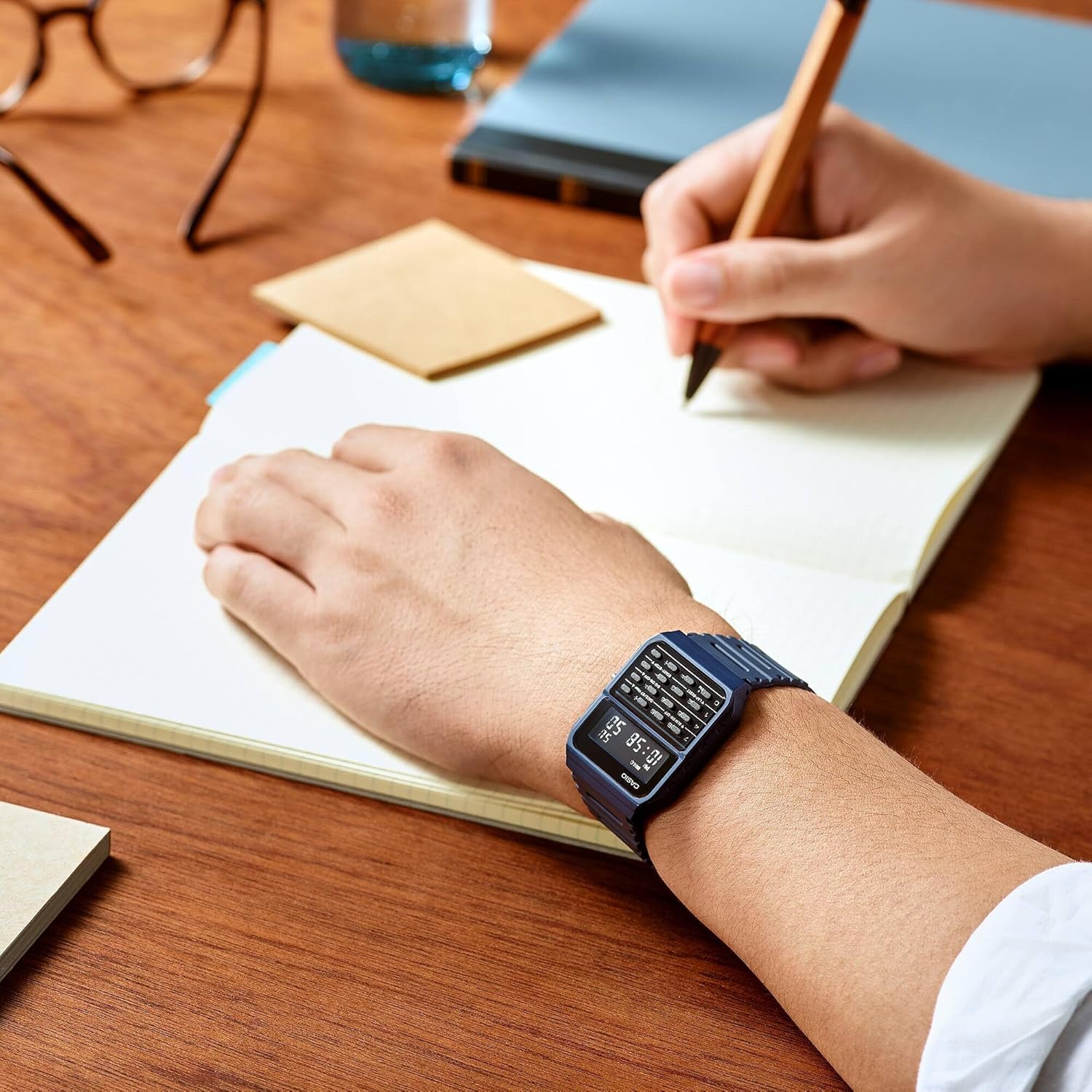
Image: Calculator Functionality. The watch face clearly displays the digital time and the integrated calculator keypad for quick calculations.
2. Alarm Mode
The watch includes an alarm function. To set and activate the alarm:
- Press the MODE button until you reach the Alarm Mode (indicated by "ALM" on the display).
- Press ADJ to enter the alarm setting mode. The hour digits will flash.
- Use the calculator buttons to set the desired alarm time.
- Press MODE to move to the minute setting, then set the minutes.
- Press ADJ to exit the setting mode.
- To turn the alarm on/off, press the ALM ON-OFF button (top left calculator button) in Alarm Mode. An alarm indicator will appear/disappear on the display.
3. Stopwatch (Chrono) Mode
The stopwatch function allows you to measure elapsed time.
- Press the MODE button until you reach the Stopwatch Mode (indicated by "CHRONO" or "ST" on the display).
- Press START-STOP (bottom right calculator button) to start and stop the stopwatch.
- Press LAP-RESET (bottom left calculator button) to reset the stopwatch to zero.
4. Daily Signal (Hourly Time Signal)
The hourly time signal causes the watch to beep every hour on the hour.
- In Timekeeping Mode, press the SIG ON-OFF button (middle right calculator button) to toggle the hourly time signal on or off. An indicator will show on the display when it is active.
Features and Design
-
Comfortable and Lightweight Design: The watch weighs approximately 0.88 ounces (25 grams) and features a wide resin strap with ventilation, designed for comfortable wear throughout the day.
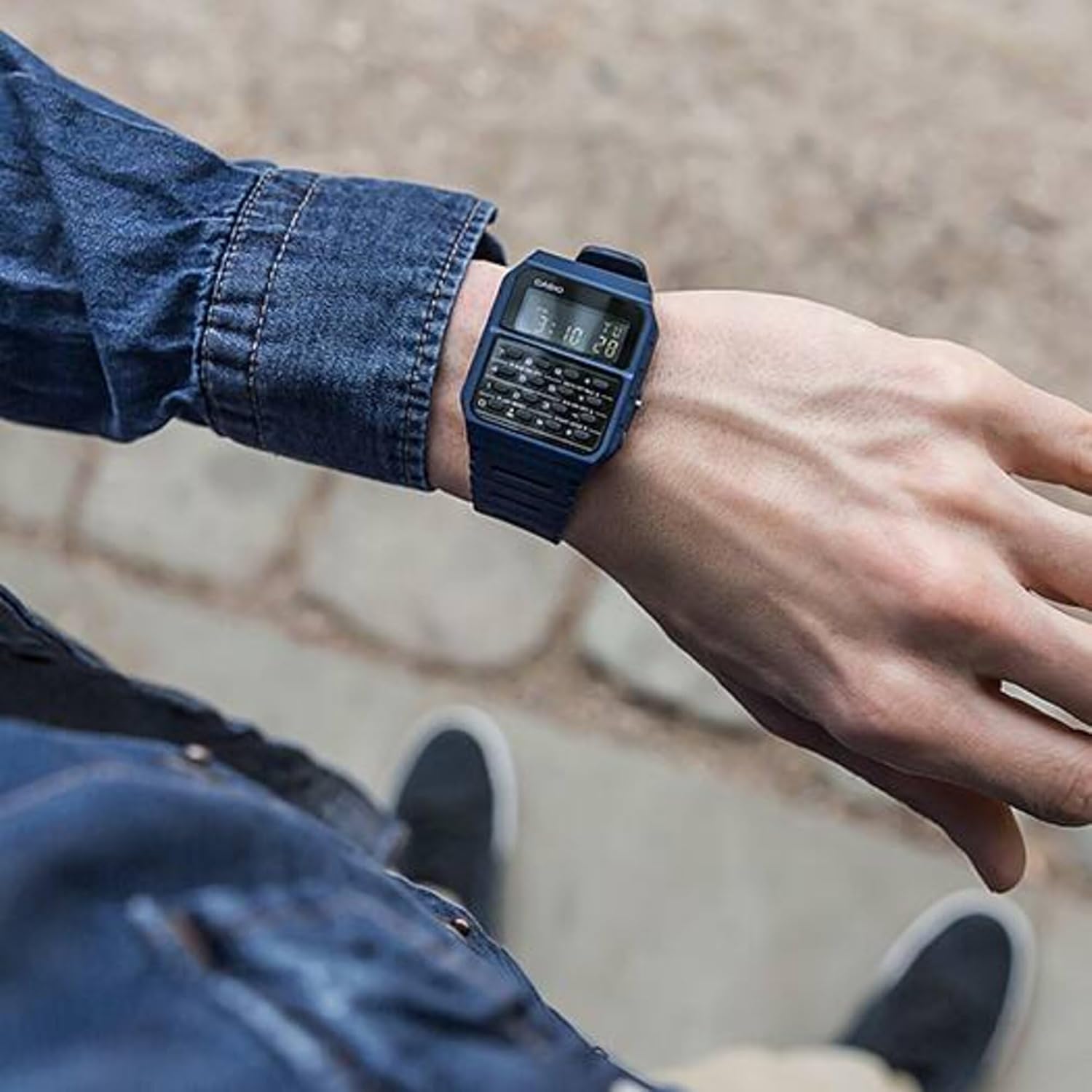
Image: Lightweight and Comfortable Wear. The watch is shown on a wrist, highlighting its slim profile and the ventilated resin strap for enhanced comfort.
-
Clear Digital Display: The watch features a clear digital display for easy readability of time and calculator functions.

Image: Clear Digital Readout. An overhead shot emphasizes the watch's clear digital display, making it easy to read the time and other information.
- Water Resistance: The watch is water resistant up to 3 meters, suitable for everyday use and splashes, but not for swimming or diving.
- Durable Resin Construction: The case and band are made from durable resin, providing resilience for daily wear.
Maintenance
- Cleaning: Wipe the watch regularly with a soft, dry cloth to remove dirt and moisture. For stubborn dirt, use a slightly damp cloth and mild soap, then rinse and dry thoroughly.
- Battery Replacement: The watch is powered by a Lithium Metal battery. When the display becomes dim or functions become erratic, it's time to replace the battery. It is recommended to have battery replacement performed by an authorized Casio service center to ensure water resistance is maintained.
- Water Resistance: While water resistant, avoid operating buttons underwater. After exposure to saltwater, rinse the watch with fresh water and dry it thoroughly.
- Storage: Store the watch in a cool, dry place away from direct sunlight and extreme temperatures when not in use for extended periods.
Troubleshooting
- Display is Dim or Blank: This usually indicates a low battery. Replace the battery as soon as possible.
- Incorrect Time Display: Re-set the time following the "Time Setting" instructions in this manual. Ensure the 12/24-hour format is correctly selected.
- Buttons Not Responding: Check if the watch is in a specific mode that restricts button functionality. If the issue persists, a battery replacement might be needed, or contact customer support.
- Water Inside the Watch: If you notice condensation or water inside the watch, stop using it immediately and take it to an authorized service center. This indicates a breach in the water resistance.
- Difficulty Reading Display in Low Light: This model does not feature a backlight. For optimal readability, ensure sufficient ambient light.
Specifications
| Model Number | CA-53WF-2BDF |
| Product Dimensions | 8.07 x 0.35 x 1.38 inches |
| Item Weight | 0.88 ounces (25 Grams) |
| Display Type | Digital |
| Watch Movement Type | Quartz |
| Power Source | Battery Powered (1 Lithium Metal battery included) |
| Case Material Type | Stainless Steel |
| Band Material Type | Resin |
| Water Resistance Depth | 3 Meters |
| Case Diameter | 34.4 Millimeters |
| Case Thickness | 8.2 Millimeters |
| Band Width | 5 Millimeters |
| Band Length | 16 Centimeters |
Warranty and Support
Your Casio CA-53WF-2B watch comes with a manufacturer's warranty. For specific details regarding the warranty period, coverage, and terms, please refer to the warranty card included with your product or visit the official Casio website. For technical support, repairs, or further assistance, please contact Casio customer service or an authorized Casio service center.
You can find more information and support on the official Casio website: www.casio.com


