
UBeesize TBC001
UBeesize Phone Tripod Instruction Manual
Model: TBC001
Introduction
Thank you for choosing the UBeesize Phone Tripod. This portable and flexible tripod is designed to enhance your mobile photography and videography experience, offering stability and versatility for various shooting scenarios. Please read this manual carefully to ensure proper setup and operation.
What's in the Box
- Tripod
- Wireless Remote
- Phone Clip
- Instruction Manual
Key Features
- Portable and Compact Design: Weighing only 0.317 ounces and standing at 10 inches, this tripod features flexible legs that can wrap around various objects for versatile placement.
- Superior Quality Construction: Made with thick premium metal and a full metal connector, reinforced with a rubber coating and sturdy foam. Non-skid rubber feet ensure stability.
- Portrait & Landscape Mode: The ball head tilts 90 degrees for easy switching between portrait and landscape orientations.
- Wireless Remote Control: Includes a wireless remote compatible with all cell phones, allowing photo and video capture from up to 30 feet away.
- Universal Compatibility: Comes with a universal phone holder (up to 3.54 inches wide) and a standard adapter screw thread for compatibility with digital cameras.
Setup Guide
1. Attaching the Phone Clip/Camera
Locate the threaded screw on the top of the tripod's ball head. Screw the universal phone clip onto this thread until it is securely fastened. If using a digital camera, screw the camera directly onto the tripod's threaded screw.

Image: The UBeesize Phone Tripod with a smartphone mounted, demonstrating its flexible legs and the included wireless remote control.
2. Adjusting the Legs
The tripod's flexible legs can be bent and wrapped around objects. Adjust each leg individually to achieve the desired height and stability on uneven surfaces or to secure it to poles, branches, or other structures.
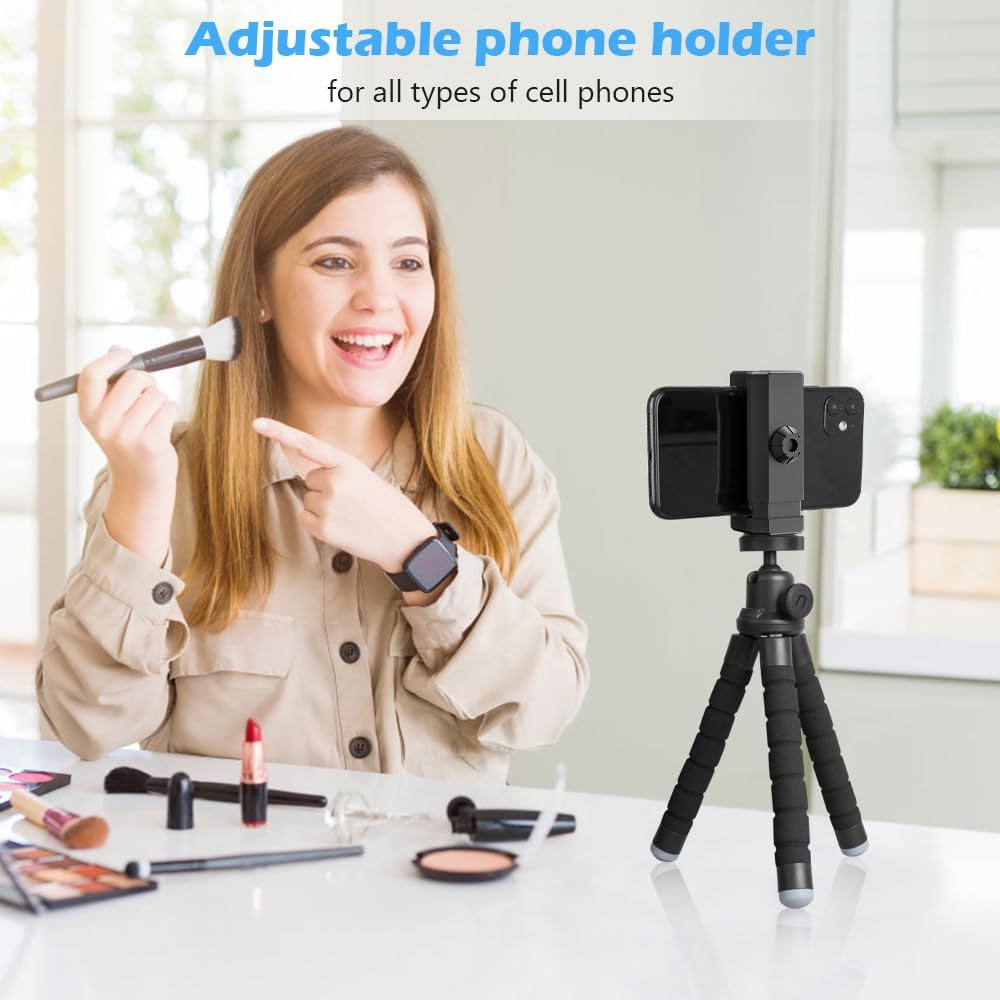
Image: A close-up of the UBeesize Phone Tripod's flexible legs, demonstrating their ability to be bent and wrapped around a railing for secure mounting.
3. Pairing the Wireless Remote
- Turn on the remote control by sliding the power switch.
- Enable Bluetooth on your smartphone.
- Search for available devices and select "AB Shutter3" or similar from the list.
- Once paired, the remote is ready to use with your phone's camera app.

Image: A graphic illustrating the wireless Bluetooth remote control, highlighting its function for taking photos and videos from up to 30 feet away.
Operating Instructions
Adjusting Camera Angle
The tripod features a ball head that allows for 360-degree rotation and 90-degree tilt. Loosen the side knob to adjust the angle, then tighten it to secure the position. This enables easy switching between horizontal and vertical shooting modes.

Image: The UBeesize Phone Tripod demonstrating its ability to perform 360-degree panoramic shooting and 90-degree vertical shooting by adjusting the ball head.
Using the Wireless Remote
Once paired, open your smartphone's camera application. Press the appropriate button on the remote (iOS or Android, depending on your device's compatibility) to trigger the shutter or start/stop video recording. The remote operates up to 30 feet away.
Maintenance
- Cleaning: Wipe the tripod with a soft, dry cloth. Avoid using harsh chemicals or abrasive materials.
- Storage: Store the tripod in a cool, dry place away from direct sunlight and extreme temperatures.
- Handling: Do not overtighten screws or force the flexible legs beyond their natural bending limits to prevent damage.
Troubleshooting
| Problem | Possible Cause | Solution |
|---|---|---|
| Remote not pairing | Remote battery low; Bluetooth off; remote not in pairing mode. | Replace remote battery; ensure Bluetooth is enabled on phone; turn remote off/on to re-enter pairing mode. |
| Tripod unstable | Legs not properly adjusted; surface uneven; weight limit exceeded. | Adjust legs for wider base; find a flatter surface; ensure device weight is within 2.5 kg limit. |
| Phone not fitting in clip | Phone too wide for clip. | Ensure phone width is within 3.54 inches. |
Specifications
- Model Number: TBC001
- Product Dimensions: 11.54 x 3.43 x 2.24 inches
- Item Weight: 0.317 ounces
- Material: Aluminum
- Color: Black
- Maximum Height: 10 Inches
- Minimum Height: 10 Inches
- Weight Limit: 2.5 Kilograms
- Batteries: 1 Lithium Metal battery (included for remote)
- Compatible Devices: Smartphones up to 3.54 inches wide, digital cameras (via standard screw thread)
Warranty and Support
UBeesize products come with a standard manufacturer's warranty. For warranty claims, technical support, or any inquiries regarding your UBeesize Phone Tripod, please refer to the contact information provided on the product packaging or visit the official UBeesize website.
For additional resources and product information, you may visit the UBeesize Store on Amazon.
Related documentsTBC001


Ask a question about this manual
Ask about setup, troubleshooting, compatibility, parts, safety, or missing instructions. Manuals+ will review the question and use this page’s manual context to help answer it.