
1. Introduction
This manual provides detailed instructions for the Bellman & Symfon Vibrating Alarm Clock Pro. Designed for heavy sleepers, individuals who are hard of hearing, and deaf people, this alarm clock offers multiple wake-up alerts including a loud alarm, bright flashing lights, and powerful vibrations. Please read this manual thoroughly before using the product to ensure proper operation and to maximize its features.
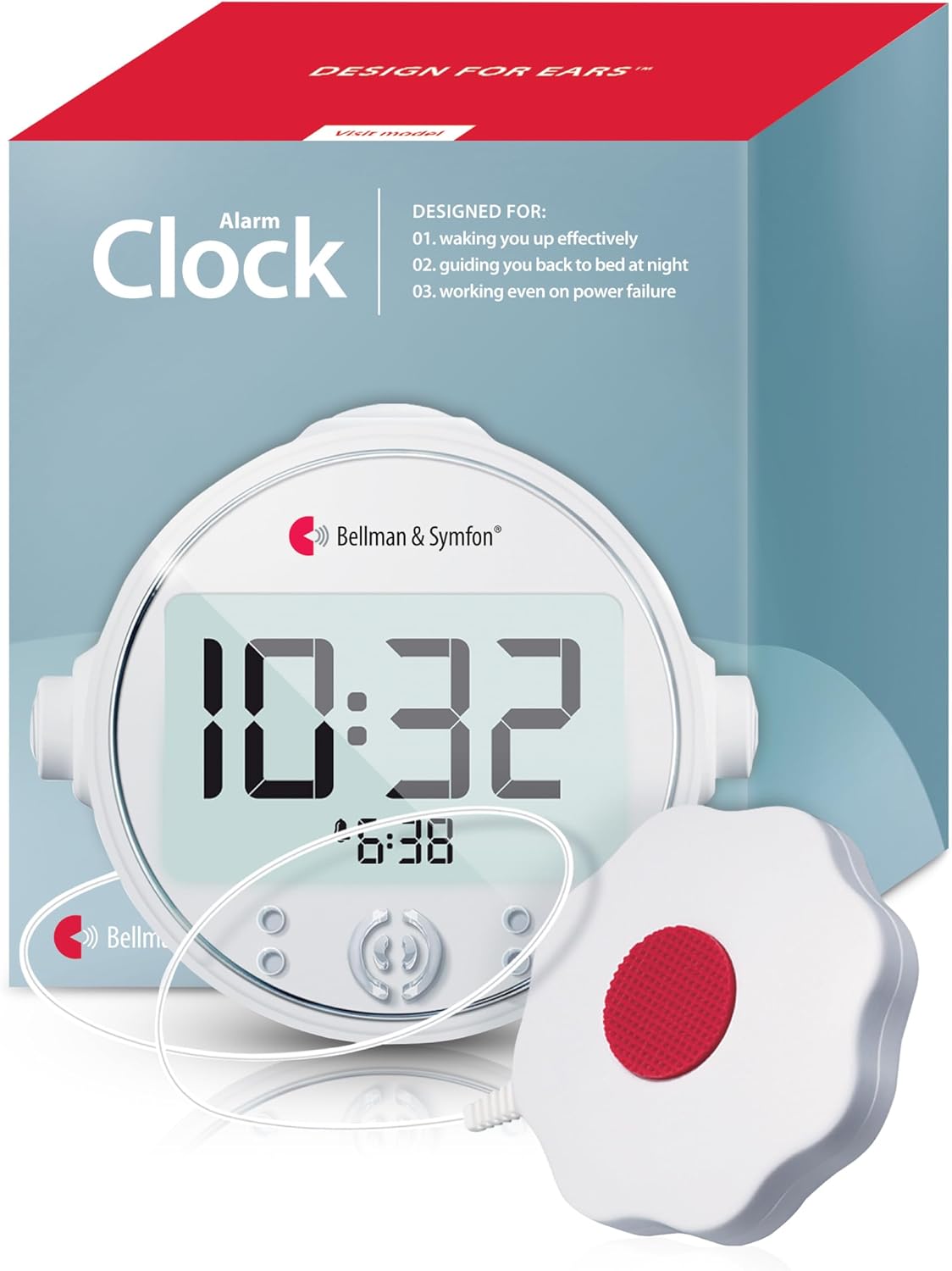
Image: The Bellman & Symfon Vibrating Alarm Clock Pro, a white circular clock with a digital display showing 10:32, accompanied by its white, flower-shaped bed shaker connected by a cord.
2. What's in the Box
Upon unpacking your Bellman & Symfon Vibrating Alarm Clock Pro, please ensure all the following components are present:
- Alarm Clock Pro Unit
- Powerful Bed Shaker
- Power Adapter
- Rechargeable NiMH Batteries (pre-installed)
- User Manual (this document)
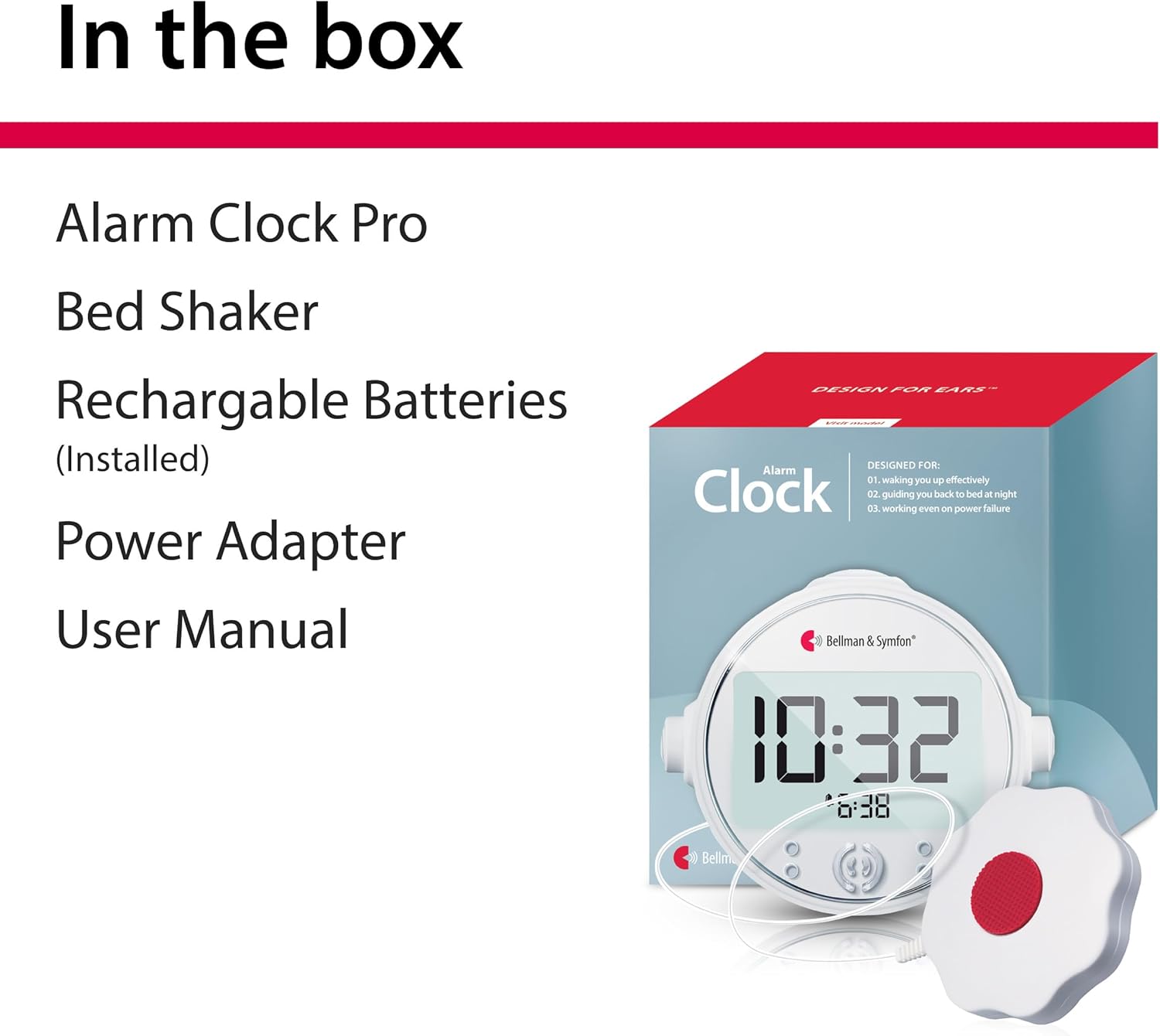
Image: A visual representation of the product packaging, showing the Alarm Clock Pro, bed shaker, rechargeable batteries, power adapter, and user manual listed as contents.
3. Key Features
The Alarm Clock Pro is engineered to provide an effective wake-up experience through a combination of sensory alerts:
- Extra Loud Alarm: The audible alarm gradually increases in volume up to 100 dB and sweeps through various frequencies to ensure it is heard by individuals with different hearing ranges.
- Bright Flashing Lights: Equipped with four high-intensity LED lights that flash brightly, providing a visual alert effective even in daylight conditions.
- Powerful Vibration Alert: A robust bed shaker delivers strong vibrations when placed under a mattress or pillow, offering a tactile wake-up method for heavy sleepers.
- Smart Snooze Function: The snooze interval gradually reduces from 9 minutes to 2 minutes in 2-minute steps, gently easing you awake.
- Night Light Beacon: A gentle blue light helps guide your way in the dark without disturbing others.
- Battery Backup: Rechargeable NiMH batteries ensure the clock remains fully operational during power interruptions.
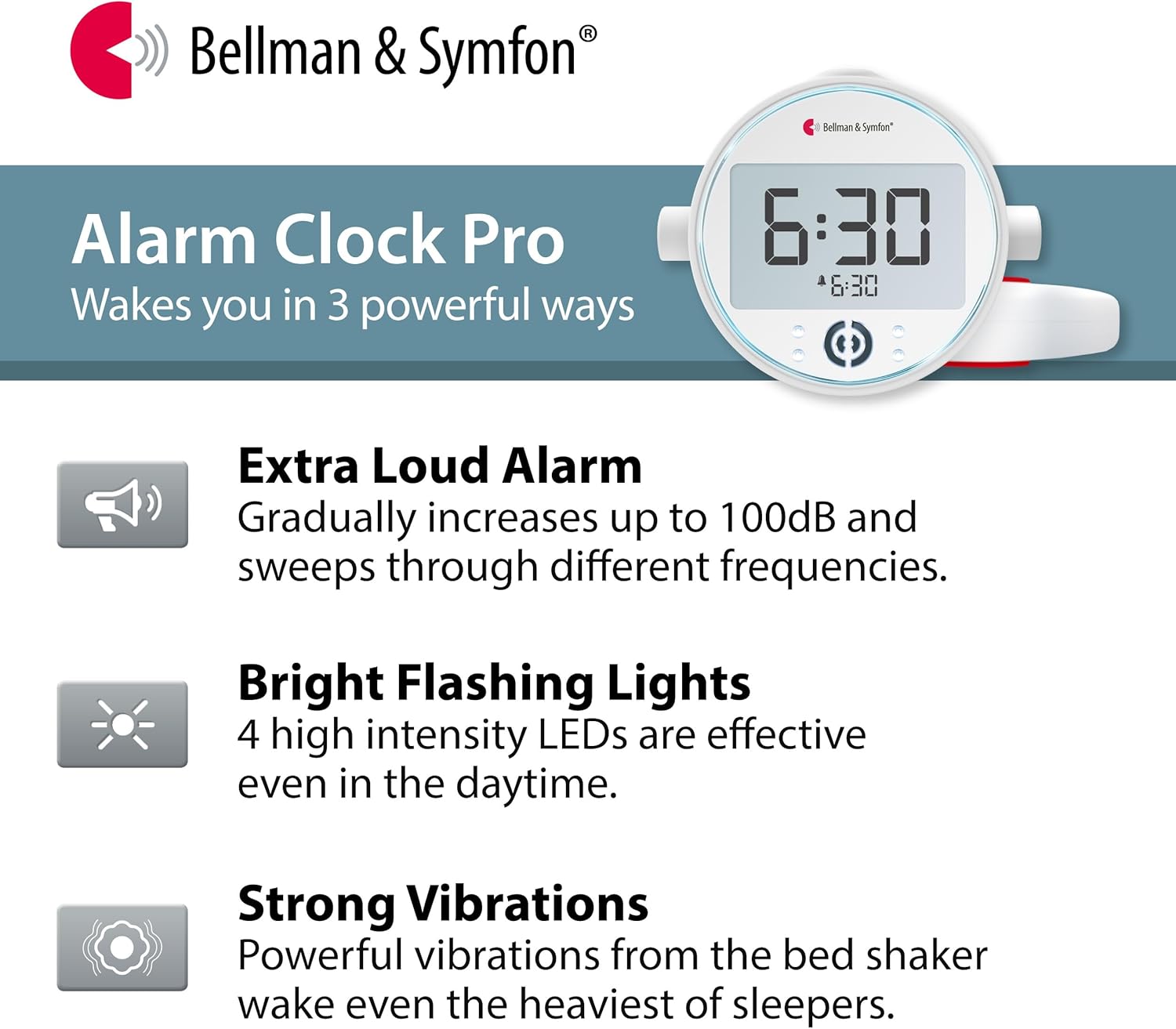
Image: An infographic titled 'Alarm Clock Pro Wakes you in 3 powerful ways', showing icons for Extra Loud Alarm, Bright Flashing Lights, and Strong Vibrations with their respective descriptions.
4. Setup
- Unpack: Carefully remove all components from the packaging.
- Connect Power: Plug the power adapter into the DC input jack on the back of the alarm clock, then plug the adapter into a wall outlet. The display will illuminate.
- Install Bed Shaker: Connect the bed shaker cable to the dedicated shaker input jack on the alarm clock. Place the bed shaker under your mattress or pillow.
- Battery Activation: The rechargeable NiMH batteries are pre-installed. Ensure the battery compartment is securely closed. These batteries provide backup power.
- Set Time: Refer to the 'Operating Instructions' section for setting the current time.
5. Operating Instructions
5.1 Setting the Time
- Press and hold the 'Time Set' button (usually located on the back or bottom) until the hour digits flash.
- Use the '+' or '-' buttons to adjust the hour. Pay attention to AM/PM indicators if applicable.
- Press 'Time Set' again to move to the minute digits. Use '+' or '-' to adjust minutes.
- Press 'Time Set' one more time to confirm and exit time setting mode.
5.2 Setting the Alarm
- Press and hold the 'Alarm Set' button until the alarm hour digits flash.
- Use the '+' or '-' buttons to adjust the alarm hour.
- Press 'Alarm Set' again to move to the alarm minute digits. Use '+' or '-' to adjust minutes.
- Press 'Alarm Set' to confirm. You may then select your desired alarm mode (sound, vibration, flash, or a combination) using the mode selection button.
- Ensure the alarm is activated by checking for an alarm icon on the display.
5.3 Using Snooze and Night Light
The snooze function allows for a temporary pause of the alarm. Press the large 'Snooze' button on top of the clock when the alarm sounds. The snooze interval will gradually decrease with each use. The integrated night light can be activated or deactivated via a dedicated button, providing a soft blue glow.
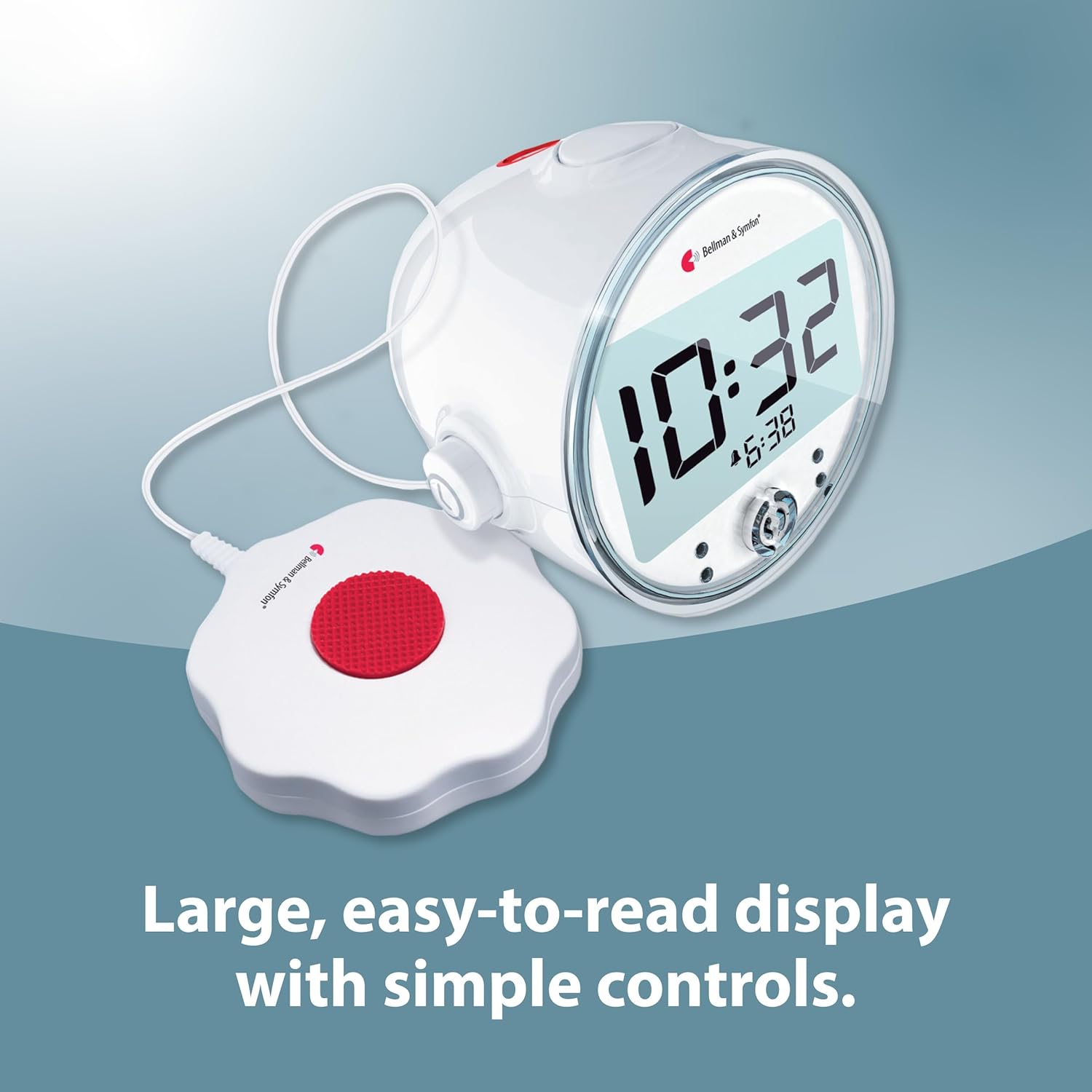
Image: The Bellman & Symfon Alarm Clock Pro from an angled view, highlighting its large digital display and accessible control buttons on the front and sides.

Image: A split image illustrating two features: on the left, a hand pressing the snooze button on the alarm clock with text 'Snooze a bit smarter.'; on the right, the alarm clock displaying a blue night light with text 'Find your way in the dark.'.
6. Maintenance
- Cleaning: Wipe the alarm clock and bed shaker with a soft, dry cloth. Do not use liquid cleaners or abrasive materials.
- Battery Care: The pre-installed rechargeable NiMH batteries are designed for long life. If the clock is stored for an extended period, ensure it is fully charged before storage and periodically recharged to maintain battery health.
- Storage: Store the device in a cool, dry place away from direct sunlight and extreme temperatures.
7. Troubleshooting
| Problem | Possible Cause | Solution |
|---|---|---|
| Alarm does not sound/vibrate/flash. | Alarm not activated; incorrect mode selected; volume/intensity too low; bed shaker not connected. | Ensure alarm is ON and the correct alert modes (sound, vibration, flash) are selected. Check volume/intensity settings. Verify bed shaker connection. |
| Display is blank or dim. | Power adapter disconnected; power outage; battery backup depleted. | Check power adapter connection. If there was a power outage, ensure batteries are charged. If problem persists, contact support. |
| Time is incorrect. | Time not set correctly; power interruption. | Reset the time as per 'Setting the Time' instructions. Ensure continuous power supply or charged backup batteries. |
| Bed shaker not vibrating. | Shaker cable loose; vibration mode not selected; shaker faulty. | Ensure shaker cable is securely plugged in. Verify vibration mode is active for the alarm. If still not working, contact support. |
8. Specifications
- Brand: Bellman & Symfon
- Model: Alarm Clock Pro
- Color: Red, White
- Display Type: Digital
- Special Features: Battery backup, Bed shaker, Intense lights, Loud sound, Night light
- Product Dimensions: 10"W x 6"H
- Power Source: Corded Electric
- Material: Plastic, Metal (Frame)
- Item Weight: 13.8 ounces (0.86 Pounds)
- Batteries: 4 AAA rechargeable NiMH batteries required (included)
- Connectivity Technology: USB (for power adapter)
- UPC: 850009332042
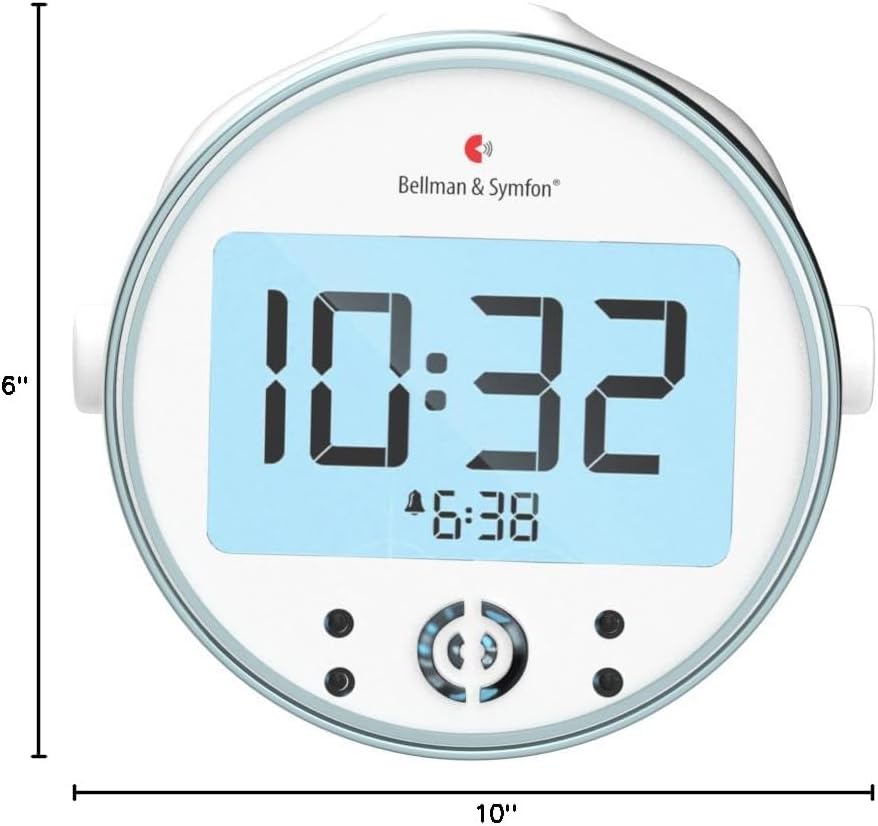
Image: A front view of the Bellman & Symfon Alarm Clock Pro with measurement lines indicating a width of 10 inches and a height of 6 inches.
9. Warranty Information
The Bellman & Symfon Vibrating Alarm Clock Pro comes with a 2-year limited warranty from the date of purchase. This warranty covers defects in materials and workmanship under normal use. Please retain your proof of purchase for warranty claims. For full warranty terms and conditions, please refer to the official Bellman & Symfon website or contact customer support.
10. Customer Support
If you have any questions, require assistance, or need to troubleshoot issues not covered in this manual, please contact Bellman & Symfon customer support:
- Toll-free Phone: (833) BELLMAN / (833) 235 5626
- Email: support.bsn@bellman.com
Our support team is available to provide quick and professional assistance.


