
Fujifilm Instax Mini 90Neo
Fujifilm Instax Mini 90 Neo Classic Instant Film Camera User Manual
Model: Instax Mini 90Neo
Introduction
This manual provides detailed instructions for the safe and effective use of your Fujifilm Instax Mini 90 Neo Classic Instant Film Camera. Please read this manual thoroughly before operating the camera and retain it for future reference. The Instax Mini 90 combines a classic aesthetic with advanced features for instant photography.
What's Included
Your Fujifilm Instax Mini 90 Neo Classic Instant Film Camera bundle includes the following items:
- Fujifilm Instax Mini 90 Neo Classic Instant Film Camera
- Fujifilm Instax Mini Instant Film Twin Pack (20 Sheets)
- Camera Case
- Fujifilm Instax Mini Photo Album
- 4 colorful filters (Blue, Green, Red, Orange)
- Selfie mirror attachment
- 10 creative wall decor hanging film frames
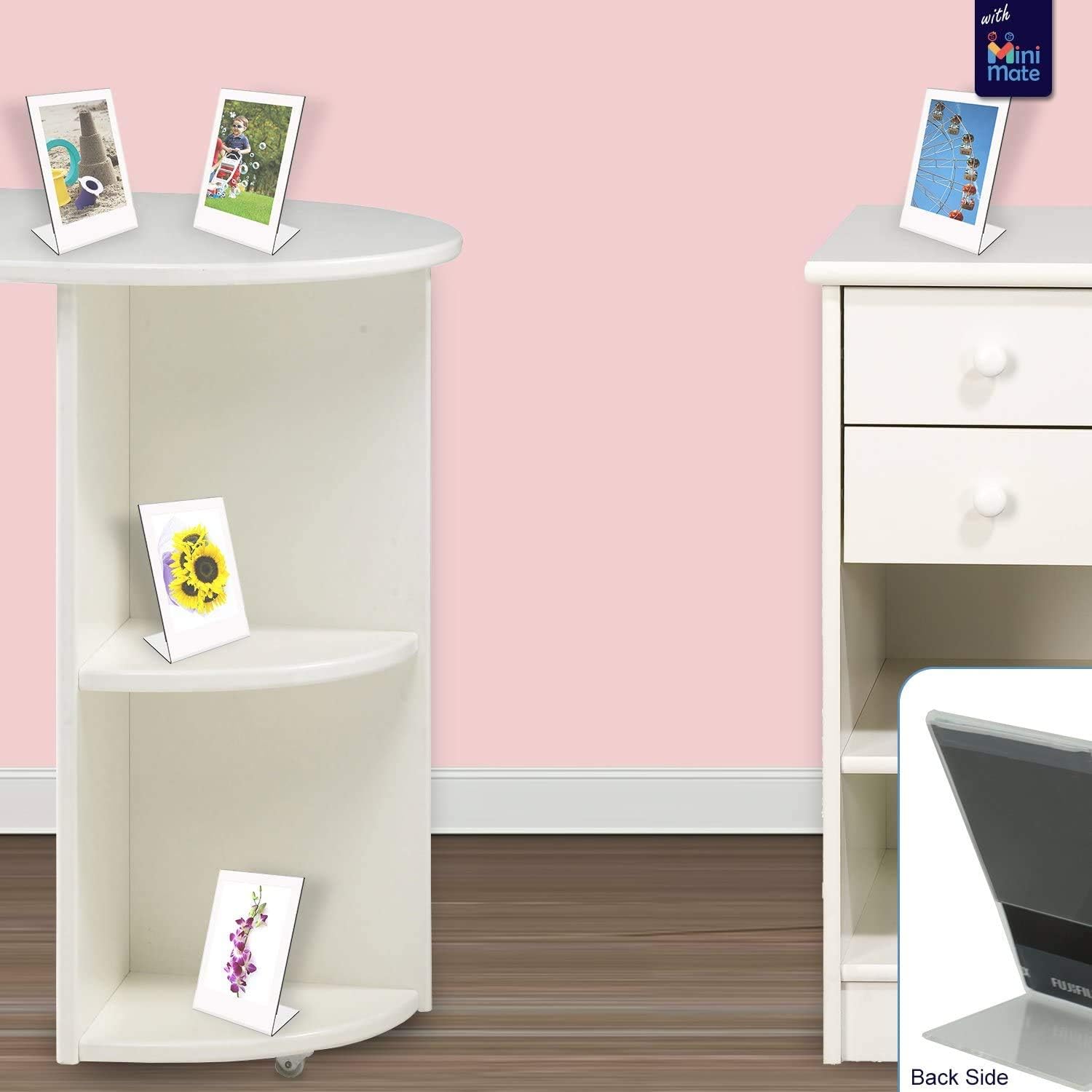
- 5 colored 3 Inch Table photo plastic frames
- L Shaped Photo Frame For 2x3 Photo Paper
- 60 Sheets Colorful Photo Instant Films Sticker
Product Overview
The Fujifilm Instax Mini 90 Neo Classic is designed with a vintage look and enhanced functionality. It offers advanced features such as bulb and double exposure modes, allowing for creative light capture. The camera also includes a macro mode for close-up shots and a high-performance flash for optimal lighting in various conditions. Its durable construction ensures longevity.


Setup
- Battery Installation: Open the battery compartment cover. Insert the included Lithium Ion battery, ensuring correct polarity. Close the cover securely.
- Film Loading: Open the film compartment door on the back of the camera. Align the yellow mark on the film pack with the yellow mark on the camera. Insert the film pack straight in. Close the film compartment door. The camera will automatically eject the black film cover. Do not open the film compartment door until all 10 exposures are used.
Operating Instructions
- Power On/Off: Press the power button located near the lens to turn the camera on. The lens will extend. Press the power button again to turn off the camera.
- Taking a Photo: Frame your shot using the viewfinder. Press the shutter button to take a picture. The instant print will eject from the top of the camera.
- Mode Selection: Use the mode buttons on the back of the camera to select various shooting modes such as Party Mode, Kids Mode, Landscape Mode, Double Exposure Mode, and Bulb Exposure Mode.
- Flash Control: The camera features a high-performance flash. Use the flash control button to cycle through flash modes (Auto, Fill-in, Red-eye reduction, Flash off).
- Selfie Mirror: The small mirror located next to the viewfinder assists in framing self-portraits.
- Timer Mode: Activate the self-timer function for group photos or self-portraits.
- Macro Mode: For close-up photography, activate the macro mode.
Maintenance
- Cleaning: Use a soft, dry cloth to clean the camera body and lens. Do not use abrasive cleaners or solvents.
- Battery Care: Remove the battery if the camera will not be used for an extended period. Store batteries in a cool, dry place.
- Film Storage: Store unused film packs in a cool, dry place away from direct sunlight.
- Handling: Avoid dropping the camera or exposing it to extreme temperatures or moisture.
Troubleshooting
| Problem | Possible Cause | Solution |
|---|---|---|
| Camera does not power on. | Battery is dead or incorrectly inserted. | Recharge or replace the battery. Ensure it is inserted with correct polarity. |
| No photo ejected after pressing shutter. | Film pack is empty or incorrectly loaded. | Check film counter. Replace film pack if empty. Re-insert film pack correctly. |
| Photos are too dark/light. | Incorrect exposure mode or lighting conditions. | Adjust exposure compensation or select a different shooting mode suitable for the lighting. Ensure flash is enabled if needed. |
| Camera case does not fit properly. | Case is not designed for this specific model or is misaligned. | Ensure the camera is correctly oriented within the case. If issues persist, verify case compatibility. |
Specifications
| Feature | Detail |
|---|---|
| Brand | Fujifilm |
| Model Name | Instax Mini 90Neo |
| Film Format Type | Instant |
| Special Feature | Auto Exposure |
| Exposure Control Type | Automatic |
| Batteries | 1 Lithium Ion battery (included) |
| Item Weight | 2.99 pounds |
| Package Dimensions | 10.16 x 8.94 x 6.65 inches |
| UPC | 860002934211 |
Warranty and Support
Your Fujifilm Instax Mini 90 Neo Classic Instant Film Camera is covered by a manufacturer's warranty. Please refer to the warranty card included in your product packaging for specific terms and conditions. For technical support, service, or inquiries, please visit the official Fujifilm support website or contact their customer service department. Keep your purchase receipt as proof of purchase for warranty claims.
Related documentsInstax Mini 90Neo


Ask a question about this manual
Ask about setup, troubleshooting, compatibility, parts, safety, or missing instructions. Manuals+ will review the question and use this page’s manual context to help answer it.