
Eono Eonobuds 1 (CCX-W1S-pink)
Eono Eonobuds 1 Wireless Earbuds User Manual
Model: CCX-W1S-pink
Introduction
Thank you for choosing the Eono Eonobuds 1 Wireless Earbuds. These Bluetooth earphones are designed to provide clear sound, IPX7 waterproof protection, and convenient USB-C charging, making them ideal for work, home, or office use. This manual provides detailed instructions on how to set up, operate, and maintain your earbuds to ensure optimal performance and longevity.
What's in the Box
Upon opening your Eonobuds 1 package, please verify that all the following components are included:
- 2 x Wireless Earbuds (Left and Right)
- 1 x Charging Case
- 1 x USB-C Charging Cable
- 3 x Pairs of Eartips (Sizes: Small, Medium, Large)
- 1 x User Manual
- 1 x Quick Guide

Product Overview
The Eonobuds 1 feature a compact and ergonomic design for comfortable wear. The charging case not only protects your earbuds but also provides additional battery life on the go.

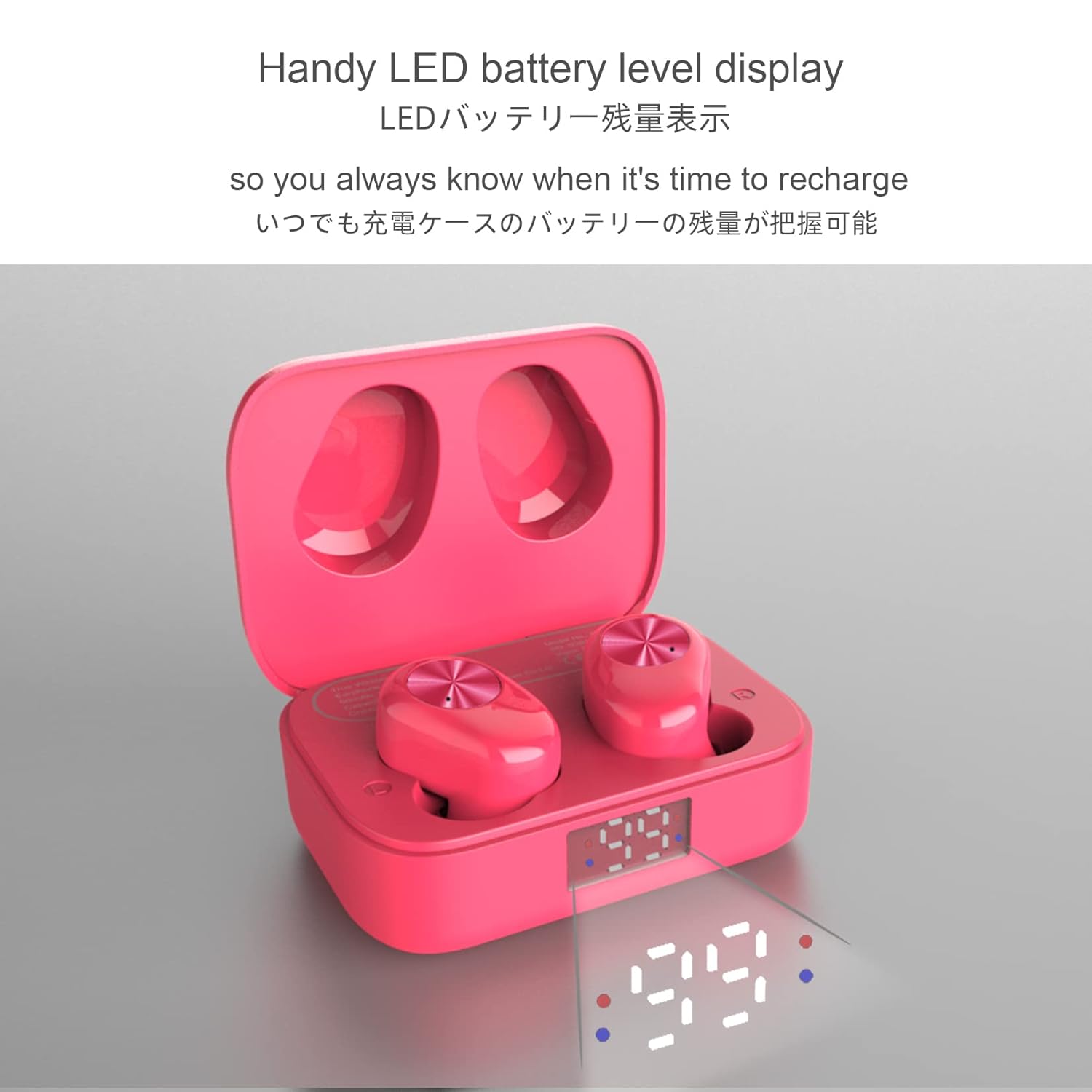
The charging case is equipped with an LED display to indicate the battery level, ensuring you always know when it's time to recharge.
Setup
1. Initial Charging
Before first use, fully charge both the earbuds and the charging case. Connect the provided USB-C cable to the charging port on the case and a power source. The LED display on the case will indicate the charging progress.

2. Pairing with Your Device
- Ensure the charging case is charged and the earbuds are inside.
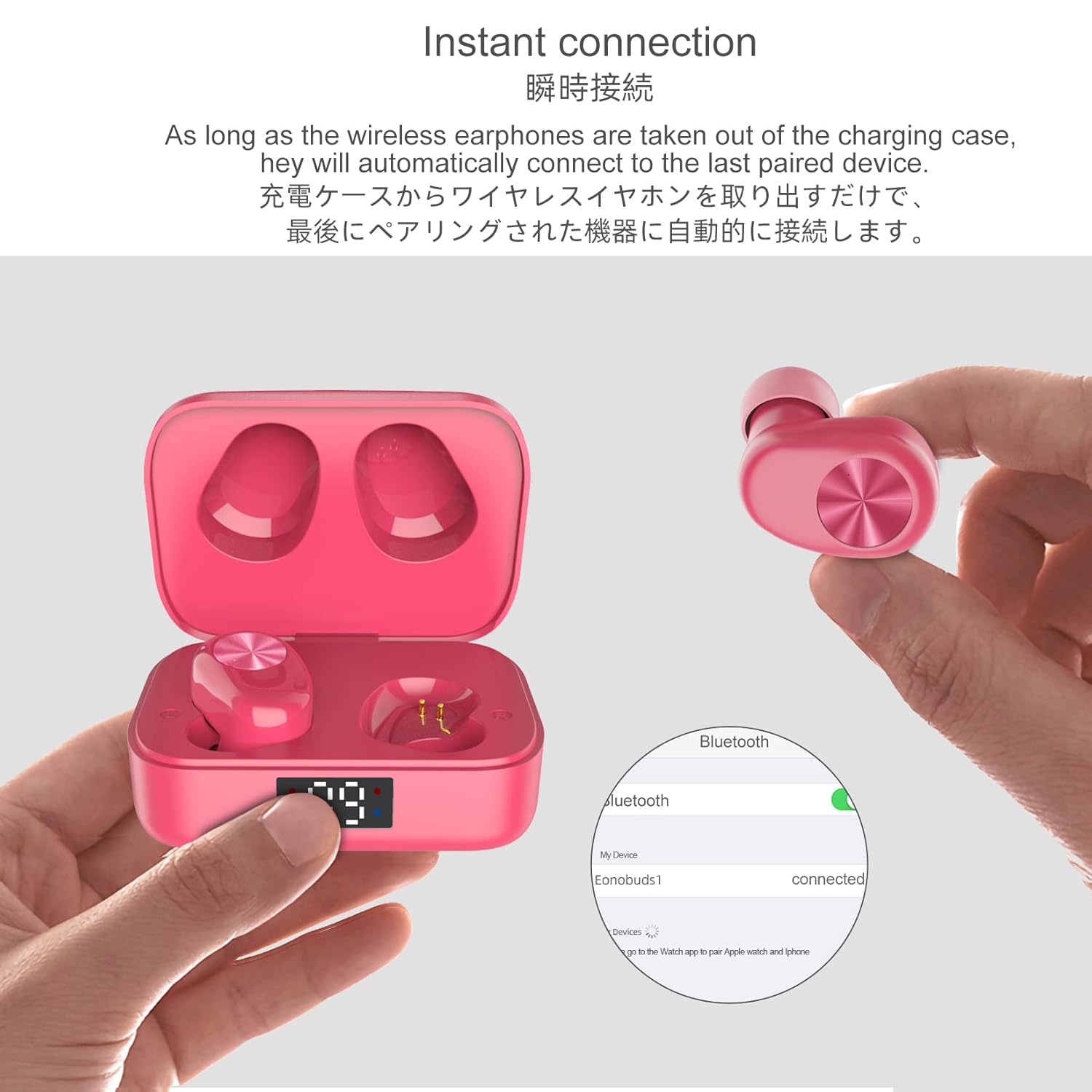
- Open the charging case. The earbuds will automatically enter pairing mode.
- On your device (smartphone, tablet, etc.), go to Bluetooth settings and turn Bluetooth on.
- Search for "Eonobuds 1" in the list of available devices and select it to connect.
- Once connected, you will hear a confirmation tone, and the earbuds will be ready for use.
The earbuds feature instant connection. As long as the wireless earphones are taken out of the charging case, they will automatically connect to the last paired device.
3. Fitting the Earbuds
Select the eartip size (S/M/L) that provides the most comfortable and secure fit for your ears. A proper fit is crucial for optimal sound quality and noise isolation.
Operating Instructions
Touch Controls
The Eonobuds 1 feature touch controls for easy management of music and calls. Specific touch functions may vary slightly, but common actions include:
- Play/Pause: Single tap on either earbud.
- Next Track: Double tap on the right earbud.
- Previous Track: Double tap on the left earbud.
- Answer/End Call: Single tap on either earbud during an incoming call.
- Reject Call: Press and hold on either earbud during an incoming call.
- Activate Voice Assistant: Triple tap on either earbud (e.g., Siri, Google Assistant).
Battery Life and Charging
The earbuds provide up to 4.5 hours of listening time on a single charge. The charging case extends the total playtime up to 24 hours. The USB-C fast charge feature allows for 1.5 hours of listening time with only 15 minutes of charging.

Call Quality and Noise Reduction
Built-in high-quality microphones and CVC noise cancellation technology ensure clearer calls and a smoother sound quality, allowing you to enjoy clear conversations.

Maintenance
Cleaning
Regularly clean your earbuds and charging case with a soft, dry, lint-free cloth. Do not use harsh chemicals or abrasive materials. For eartips, you may gently wipe them with a damp cloth and mild soap, then dry thoroughly before reattaching.
Water Resistance (IPX7)
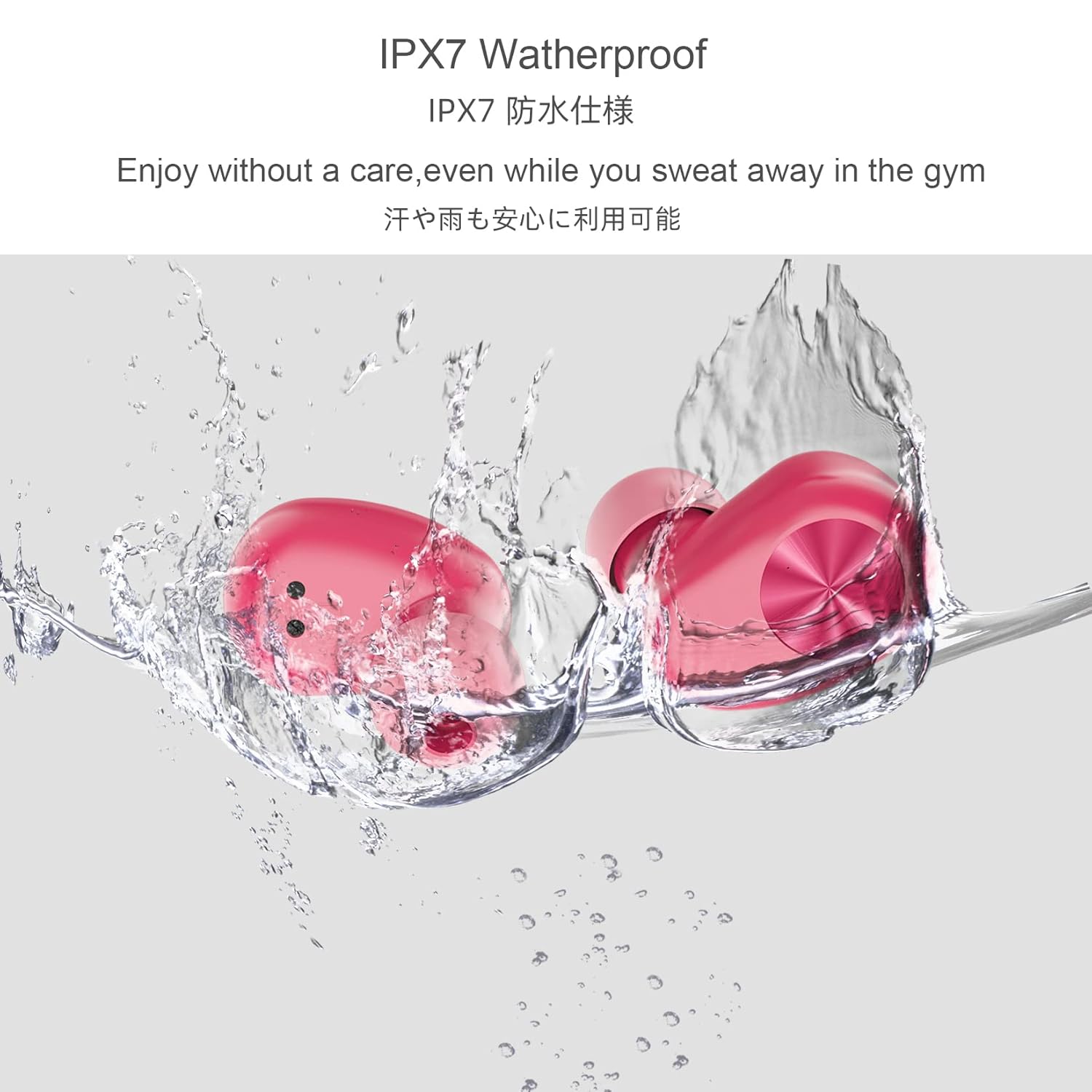
The Eonobuds 1 earbuds are IPX7 waterproof, meaning they can resist sweat and rain with ease. This makes them suitable for workouts and outdoor activities. However, please note the following:
- Do not put the charging case into water. The IPX7 rating applies only to the earbuds.
- Avoid prolonged submersion in water.
- Ensure earbuds are dry before placing them back into the charging case to prevent damage.
Storage
When not in use, store the earbuds in their charging case to protect them and keep them charged. Store in a cool, dry place away from extreme temperatures.
Troubleshooting
| Problem | Possible Cause | Solution |
|---|---|---|
| Earbuds not pairing. | Earbuds not in pairing mode; Bluetooth off on device; previously paired with another device. | Ensure earbuds are in the case, open the lid to activate pairing. Turn Bluetooth on your device. Forget "Eonobuds 1" on other devices and try pairing again. |
| No sound from one earbud. | Low battery; earbud not properly connected; earbud dirty. | Place both earbuds back in the charging case and ensure they are charging. Re-pair the earbuds. Clean the charging contacts on the earbud and in the case. |
| Charging case not charging. | Faulty cable or power adapter; charging port dirty. | Try a different USB-C cable and power adapter. Ensure the charging port is clean and free of debris. |
| Poor sound quality. | Improper fit; low battery; interference. | Adjust eartips for a snug fit. Charge earbuds fully. Move closer to your device to reduce interference. |
Specifications
| Feature | Detail |
|---|---|
| Model Name | Eonobuds 1 |
| Model Number | CCX-W1S-pink |
| Connectivity Technology | Bluetooth 5.0 |
| Earbud Battery Capacity | 45mAh (per earbud) |
| Charging Case Battery Capacity | 500mAh |
| Earbud Dimensions | 23 x 15.6 x 21 mm |
| Charging Case Dimensions | 60 x 37.3 x 28 mm |
| Water Resistance Level | IPX7 (Earbuds only) |
| Control Type | Touch, Voice Control |
| Maximum Operating Distance | 10 meters |
| Item Weight | 120 g |
| UPC | 793811281675 |
Warranty and Support
Eono provides a 12-month worry-free warranty for the Eonobuds 1 Wireless Earbuds. For any questions, concerns, or support needs, please contact our dedicated customer service team. We offer 24-hour dedicated email support and are committed to 100% customer satisfaction.
Please refer to the contact information provided in your product packaging or visit the official Eono website for support details.
Related documentsEonobuds 1 (CCX-W1S-pink)

Ask a question about this manual
Ask about setup, troubleshooting, compatibility, parts, safety, or missing instructions. Manuals+ will review the question and use this page’s manual context to help answer it.