1. Product Overview
The COMFAST CF-EW72 is a high-performance outdoor wireless access point (AP) designed to provide robust and long-range Wi-Fi coverage. It supports dual-band operation (2.4GHz and 5GHz) with speeds up to 1200Mbps, making it suitable for various applications including WISP (Wireless Internet Service Provider) solutions, CPE (Customer Premises Equipment), video surveillance, and extending Wi-Fi coverage in large domestic or commercial areas.
Its durable IP66-rated weather-resistant casing ensures reliable operation in harsh outdoor environments, including extreme cold, heat, or continuous humidity. The device also features Power over Ethernet (PoE) for simplified installation.

Figure 1.1: COMFAST CF-EW72 Outdoor WiFi Router

Figure 1.2: Product Overview showing Bracket, Indicators, LAN Port, WAN Port, and RESET Button.
2. Key Features
- High-Speed Wireless Rate: Offers up to 1200Mbps dual-band speed (300Mbps on 2.4GHz and 867Mbps on 5GHz).
- Powerful Transmission: 500mW transmission power and dual-polarization antennas provide extensive Wi-Fi coverage.
- Enhanced Signal: Equipped with two 5dBi omnidirectional antennas for stable and strong signal reception.
- Weatherproof Design: IP66-rated casing ensures resistance against harsh weather conditions, including lightning, water, dust, and extreme temperatures.
- Status Indicators: Visual indicators allow for easy monitoring of the device's working status.
- Client Support: Capable of supporting over 80+ client devices simultaneously.
- Automatic Channel Selection: Automatically selects the most suitable channel to ensure network stability and avoid interference.
- Adjustable Power: Power can be adjusted to minimize mutual interference between multiple APs.
- Flexible Installation: Supports pole-mounted or wall-mounted installation.
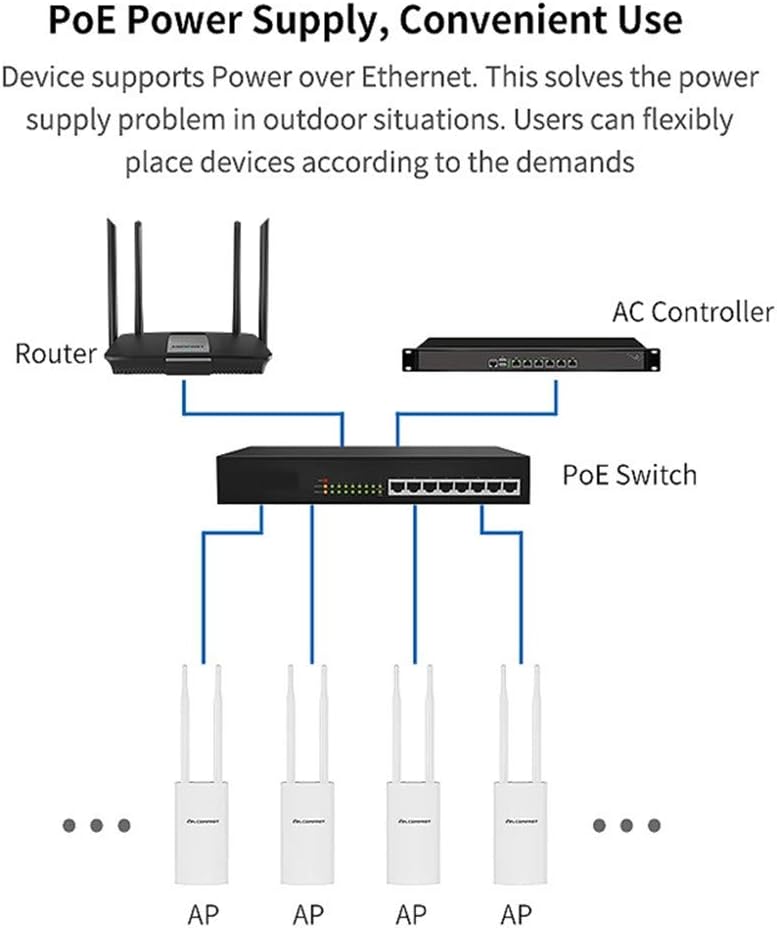
Figure 2.1: Built-in Power Amplifier for improved wireless reception and transmission.

Figure 2.2: Dual-band capabilities (2.4GHz and 5GHz) for high speed and anti-interference.
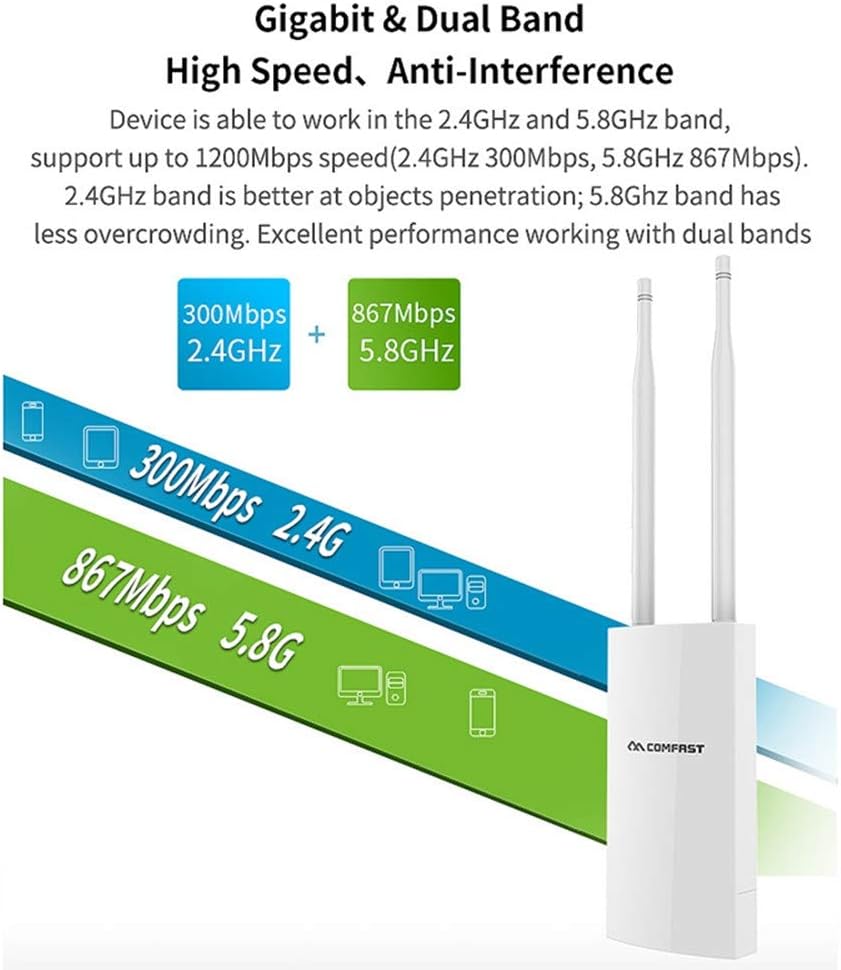
Figure 2.3: 360° Omnidirectional Coverage provided by two oxygen-free copper antennas.
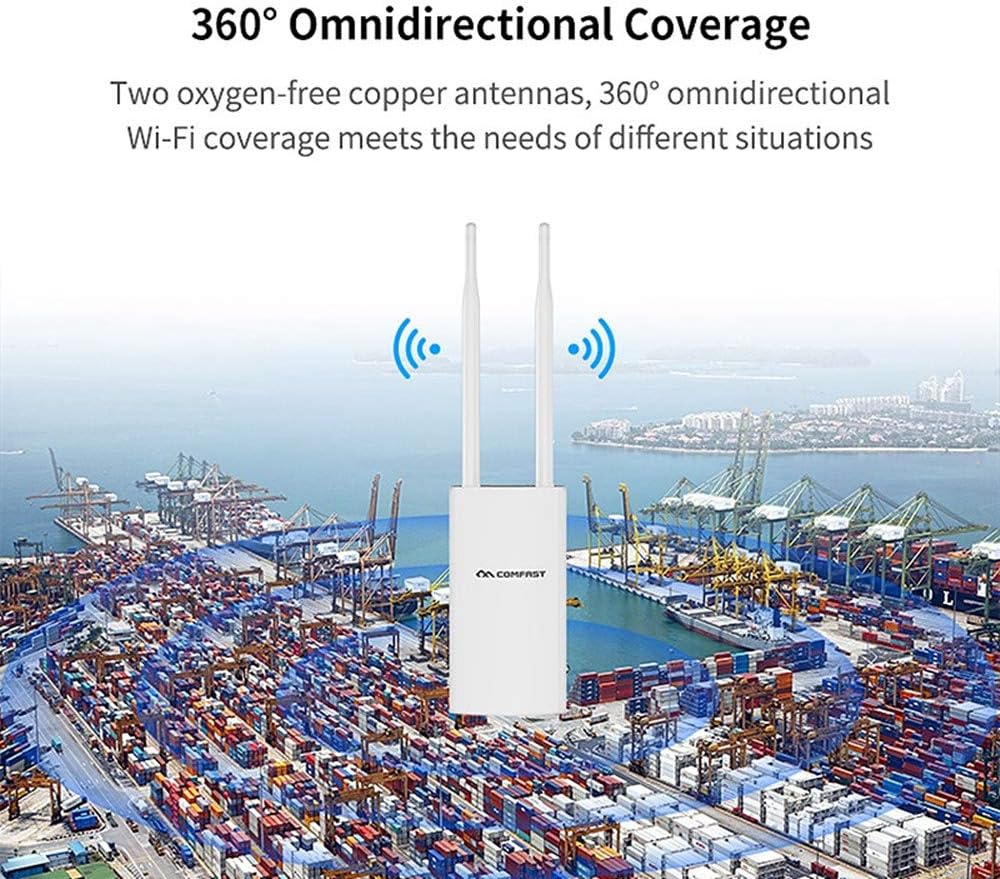
Figure 2.4: Automatic channel selection for steady network performance.
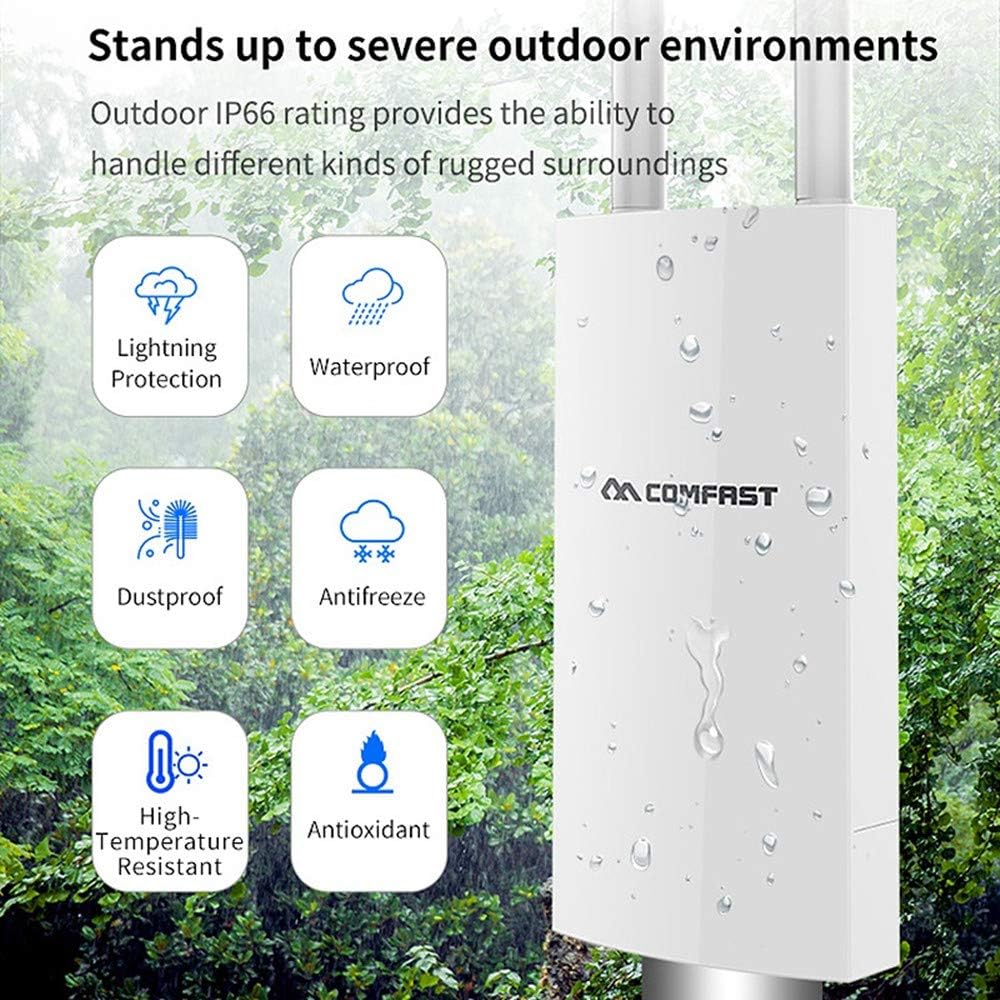
Figure 2.5: IP66 rating ensures durability in severe outdoor environments.
3. Package Contents
Upon unpacking your COMFAST CF-EW72, please verify that all the following items are included:
- 1x 5G Wireless AP (COMFAST CF-EW72)
- 1x POE Power Adapter
- 1x EU/US Power Cord
- 1x Network Cable
- 2x Stainless Steel Cable Ties
- 2x Small Mounting Screws
- 1x Instruction Manual (this document)
4. Setup Guide
4.1 Cable Requirements
For optimal performance and power delivery, it is crucial to use a qualified CAT6 cable with 8 pins. Ensure that 4 pins are used for power and the other 4 pins for data transmission.
4.2 Power over Ethernet (PoE) Installation
The COMFAST CF-EW72 supports Passive PoE, which simplifies deployment by combining power and data transmission into a single Ethernet cable. This allows for flexible placement of the device, especially in outdoor locations where power outlets may not be readily available.
- Connect one end of the CAT6 Ethernet cable to the WAN/PoE port on the CF-EW72.
- Connect the other end of the Ethernet cable to the PoE port on the provided PoE Power Adapter.
- Connect the PoE Power Adapter to a standard electrical outlet using the supplied power cord.
- Connect a separate Ethernet cable from the LAN port of the PoE Power Adapter to your router or network switch.
- Observe the indicator lights on the CF-EW72 to confirm successful power-on and network activity.
Figure 4.1: Diagram illustrating PoE power supply and flexible deployment.
5. Operating Modes
The COMFAST CF-EW72 supports multiple operating modes to suit various network requirements:
- AP (Access Point) Mode: In this mode, the device acts as a central hub for wireless clients, extending your existing wired network wirelessly.
- Router Mode: The device functions as a router, providing network address translation (NAT) and managing IP addresses for connected devices.
- Repeater Mode: Extends the range of an existing wireless network by re-transmitting the signal.
- WISP (Wireless Internet Service Provider) Mode: Allows the device to connect wirelessly to an ISP network and share the internet connection with local wired and wireless clients.
Refer to the device's web-based management interface for detailed configuration of each operating mode.
6. Maintenance
To ensure the longevity and optimal performance of your COMFAST CF-EW72, consider the following maintenance tips:
- Regular Cleaning: Periodically wipe the exterior of the device with a soft, dry cloth to remove dust and debris. Do not use liquid cleaners or aerosols.
- Inspect Cables: Regularly check all connected cables (Ethernet, power) for any signs of damage or wear. Replace damaged cables immediately.
- Firmware Updates: Check the official COMFAST website for any available firmware updates. Keeping the firmware updated can improve performance, add new features, and fix potential bugs.
- Environmental Check: Ensure the device is installed in a location that adheres to its IP66 rating and is not exposed to conditions beyond its design limits.
7. Troubleshooting
If you encounter issues with your COMFAST CF-EW72, try the following troubleshooting steps:
- No Power: Ensure the PoE adapter is properly connected to a working power outlet and the Ethernet cable is securely connected to the device's WAN/PoE port. Check the power indicator light.
- No Internet Connection: Verify that the network cable from the PoE adapter's LAN port is connected to your main router or network switch. Check your main router's internet connectivity.
- Weak Wi-Fi Signal or Low Speed: Ensure the device is positioned optimally, free from obstructions. Consider adjusting the power settings via the web interface. The device automatically selects suitable channels to avoid interference, but manual channel selection might be necessary in highly congested areas.
- Cannot Access Web Interface: Ensure your computer is connected to the same network as the CF-EW72 (either directly or via your router). Verify the device's IP address and your computer's network settings.
- Device Unresponsive: If the device becomes unresponsive, perform a soft reset by unplugging and re-plugging the power adapter. If the issue persists, locate the RESET button (refer to Figure 1.2) and press and hold it for approximately 10 seconds to perform a factory reset. Note: A factory reset will erase all custom configurations.
8. Technical Specifications
| Feature | Specification |
|---|---|
| Brand | Comfast |
| Model Name | COMFAST Router (CF-EW72) |
| Color | White |
| Operating System | RouterOS |
| Connectivity Technology | Wi-Fi |
| Special Features | Long Range, Wireless, Waterproof (IP66) |
| Compatible Devices | Laptop, Smartphone, Tablet |
| Frequency Band Class | Dual Band (2.4GHz & 5GHz) |
| Wireless Communication Standard | 802.11ac |
| Recommended Uses | Large homes, Businesses, Outdoor events |
| Antenna Type | Fixed, Omnidirectional (2x 5dBi) |
| Manufacturer Reference | CF-EW72 |
| ASIN | B087ZKF4PG |
9. Warranty and Support
Specific warranty details and direct support contact information are not provided within the product's available specifications. For warranty claims or technical assistance, please refer to the retailer where the product was purchased or visit the official COMFAST website for general support resources.
Information regarding spare parts availability and guaranteed software updates is also not available in the provided product details.


