
1. Important Safety Information
Please read all instructions carefully before assembly and use. Keep this manual for future reference.
- Ensure all components are present and undamaged before assembly.
- Do not exceed the maximum weight capacity of 44 lbs (20 kg).
- Keep hands and fingers clear of moving parts during height adjustment to prevent injury.
- Place the desk converter on a stable, level surface.
- Distribute weight evenly on the desktop to maintain stability.
- Avoid placing liquids directly on the desk surface to prevent damage.
2. Package Contents
Verify that all items are included in your package:
- Adjustable Standing Desk Converter (Main Unit)
- Removable Keyboard Tray
- Mounting Hardware for Keyboard Tray (screws)
- User Manual
3. Setup Instructions
The iMounTEK T2170 Adjustable Standing Desk Converter comes largely pre-assembled for quick setup.
- Unpack the Unit: Carefully remove the desk converter from its packaging and place it on your existing desk or workstation.
- Attach the Keyboard Tray:
Align the removable keyboard tray with the designated slots on the underside of the main desktop. Secure it using the provided screws and a screwdriver (not included).
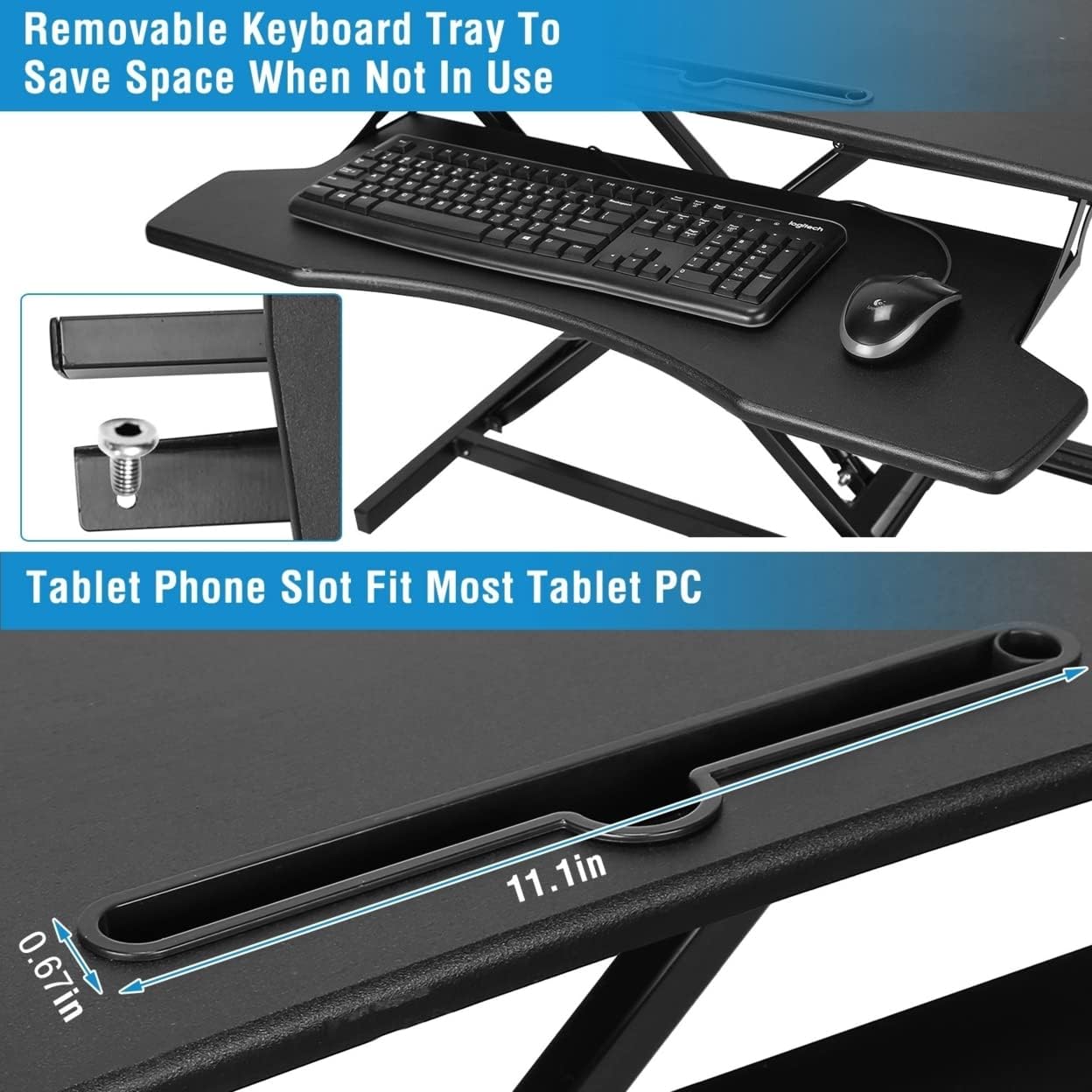
Figure 3.1: Removable keyboard tray and tablet slot. The keyboard tray can be attached or removed to save space.
- Position Your Equipment: Place your monitor(s), laptop, keyboard, and mouse on the desk converter. Ensure cables are managed to avoid interference with the adjustment mechanism.
4. Operating Instructions
The iMounTEK T2170 allows for smooth and easy transitions between sitting and standing positions.
4.1 Adjusting Height
- To Raise the Desk:
Locate the height adjustment switch (lever) on the side of the desk converter. Press and hold the lever, then gently lift the desktop to your desired standing height. Release the lever to lock the desk in place. The desk can be adjusted smoothly from 5.12 inches to 20.08 inches.
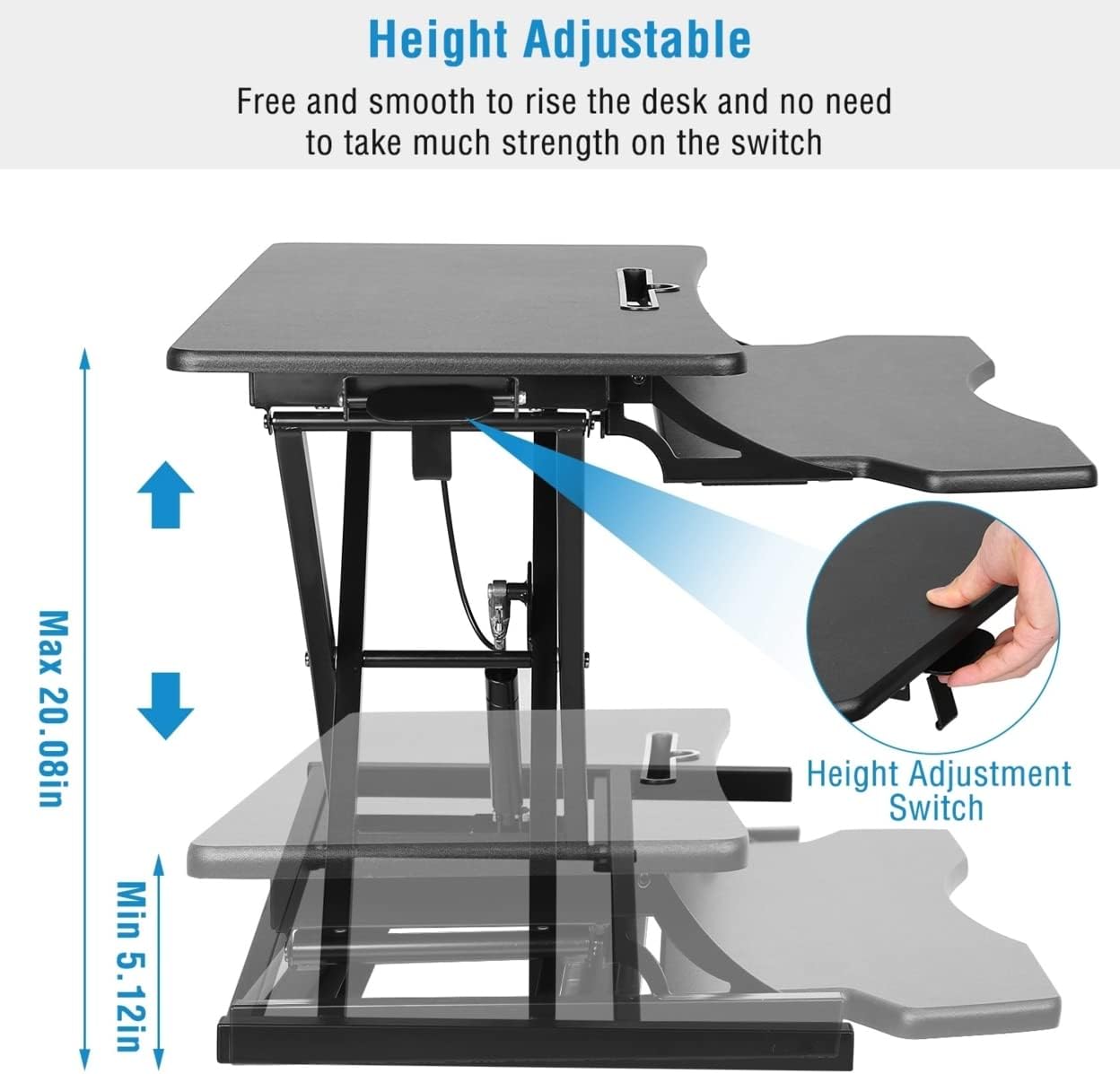
Figure 4.1: Height adjustment range and lever location. The desk can be raised or lowered by pressing the lever.
- To Lower the Desk:
Press and hold the height adjustment lever, then gently push down on the desktop to lower it to your desired sitting height. Release the lever to lock the desk in place.
Regularly alternating between sitting and standing can contribute to a healthier work routine, potentially reducing neck, back, and shoulder discomfort.
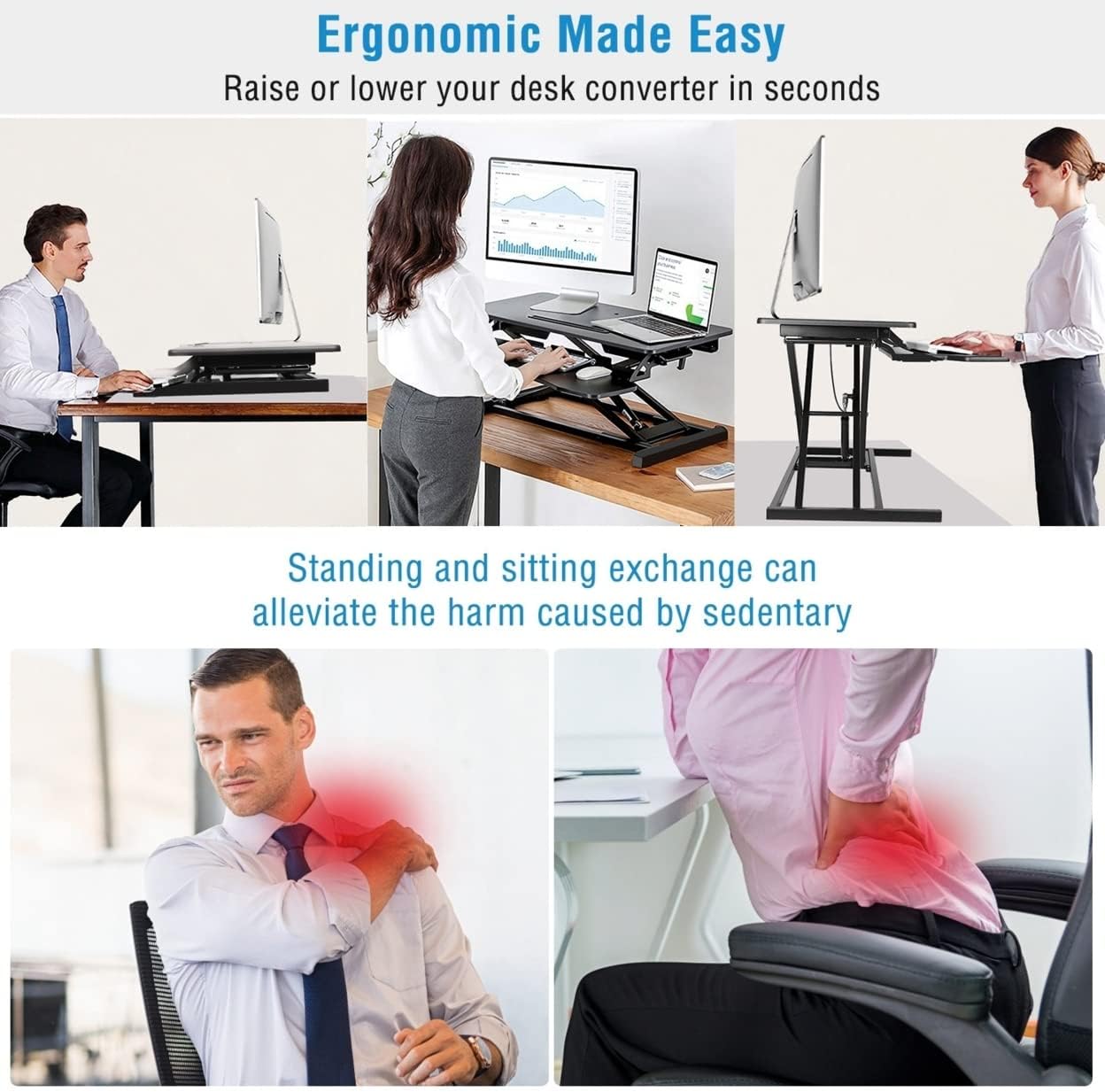
Figure 4.2: Ergonomic benefits of using the desk converter for both sitting and standing.
4.2 Using the Tablet/Phone Slot
The desktop features a built-in slot designed to hold your smartphone or tablet, keeping it upright and easily accessible while you work.
Figure 4.3: Detail of the integrated tablet/phone slot for convenient device placement.
5. Maintenance
To ensure the longevity and proper function of your desk converter, follow these maintenance guidelines:
- Cleaning: Wipe surfaces with a soft, damp cloth. Avoid abrasive cleaners or harsh chemicals that could damage the finish.
- Inspection: Periodically check all screws and connections to ensure they are tight. Retighten if necessary.
- Mechanism Care: Keep the height adjustment mechanism free of dust and debris. Do not lubricate unless specifically instructed by the manufacturer.

Figure 5.1: Construction details highlighting the durable and water-resistant desktop material, rounded corners, and stabilizing rubber feet.
6. Troubleshooting
If you encounter any issues with your desk converter, refer to the following common solutions:
- Difficulty Adjusting Height:
- Ensure the adjustment lever is fully engaged when attempting to move the desk.
- Check that the weight on the desk does not exceed the maximum capacity (44 lbs).
- Verify that no cables or objects are obstructing the lifting mechanism.
- Desk Feels Unstable:
- Confirm the desk converter is placed on a flat, stable surface.
- Ensure weight is evenly distributed across the desktop.
- Check that all screws, especially those for the keyboard tray, are securely tightened.
If problems persist, please contact customer support.
7. Specifications
| Feature | Detail |
|---|---|
| Model Number | T2170 |
| Brand | iMounTEK |
| Desktop Dimensions | 31.3 x 15.36 inches (approx.) |
| Height Adjustment Range | 5.12 inches (min) to 20.08 inches (max) |
| Weight Capacity | Up to 44 lbs (20 kg) |
| Material | Density Board, Iron |
| Color | Black |
| Assembly Required | Yes (Keyboard Tray) |
| Item Weight | 32.3 pounds (14.7 kg) |
| Package Dimensions | 35 x 22.5 x 6.15 inches |
| UPC | 636339767804 |
8. Warranty Information
This product comes with a standard manufacturer's warranty. Please refer to the product packaging or the manufacturer's official website for detailed warranty terms and conditions. Keep your proof of purchase for any warranty claims.
9. Customer Support
For technical assistance, troubleshooting, or parts replacement, please contact iMounTEK customer support. Contact information can typically be found on the product packaging or the official iMounTEK website.
Online resources may also be available for frequently asked questions and additional support.