
Introduction
Thank you for choosing the LeadsaiL LX-009 Wireless Silent Mouse. This compact and ergonomic optical mouse offers a quiet clicking experience, 2.4G wireless connectivity, and adjustable DPI settings for precise control. This manual will guide you through the setup, operation, and maintenance of your new device.

Image: The LeadsaiL LX-009 Wireless Silent Mouse, showcasing its sleek black design.
Package Contents
- LeadsaiL LX-009 Wireless Silent Mouse
- USB Receiver
Setup Instructions
1. Battery Installation
- Locate the battery compartment on the underside of the mouse.
- Gently slide the battery cover off.
- Insert one (1) AA battery (not included) into the compartment, ensuring correct polarity (+/-).
- Replace the battery cover until it clicks securely into place.
2. USB Receiver Connection
- The USB receiver is stored inside the battery compartment for convenience. Carefully remove it.
- Plug the USB receiver into an available USB port on your computer or laptop.
- Your computer should automatically detect and install the necessary drivers. This may take a few moments.
3. Power On the Mouse
- Locate the ON/OFF switch on the underside of the mouse.
- Slide the switch to the "ON" position. The mouse is now ready for use.
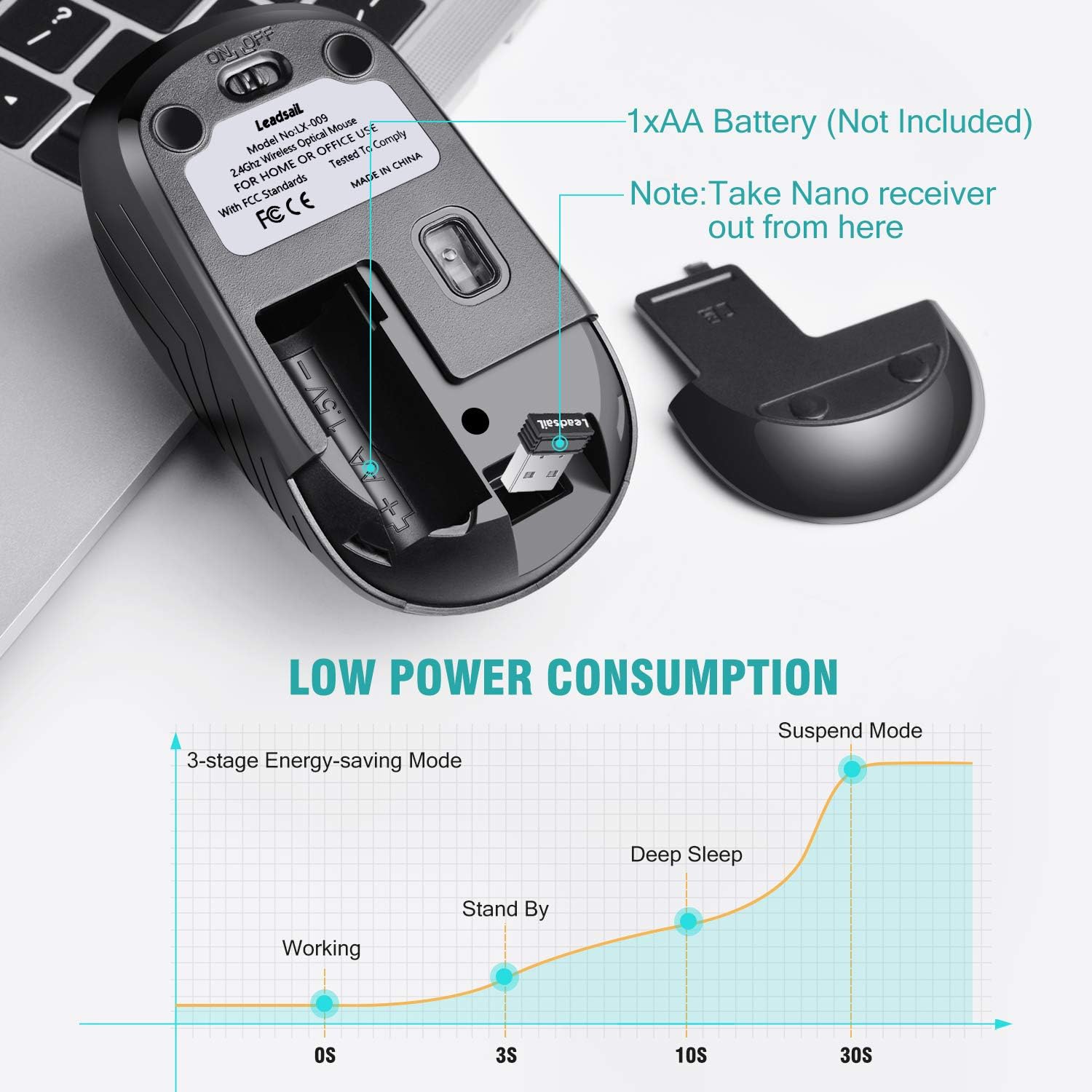
Image: Step-by-step guide showing how to remove the battery cover, take out the USB receiver, install the AA battery, and insert the USB receiver into a PC.

Image: Diagram illustrating the mouse's components including the Left Button, Right Button, Anti-slip Scroller, DPI Switch, ON/OFF Switch, AA Battery compartment, and Tiny USB Receiver.
Operating Instructions
Basic Functions
- Left Click: Primary selection and activation.
- Right Click: Accesses contextual menus.
- Scroll Wheel: Navigates vertically through documents and web pages.
2.4G Wireless Connectivity
The mouse utilizes 2.4G wireless transmission technology, providing a stable and reliable connection up to 10 meters (33 feet) without significant interference. Ensure the USB receiver is within this range for optimal performance.

Image: Illustration of the mouse connecting wirelessly to a laptop via a USB receiver, highlighting the 2.4G wireless transmission technology and 10-meter range.
Adjusting DPI (Sensitivity)
The LeadsaiL LX-009 mouse features 3 adjustable DPI levels: 800, 1200, and 1600. DPI (Dots Per Inch) determines the sensitivity of the mouse cursor. To change the DPI setting, press the DPI button located behind the scroll wheel. Each press will cycle through the available DPI levels.
- 800 DPI: Slower cursor movement, ideal for precise tasks.
- 1200 DPI: Standard cursor movement, suitable for general use.
- 1600 DPI: Faster cursor movement, useful for quick navigation or larger screens.
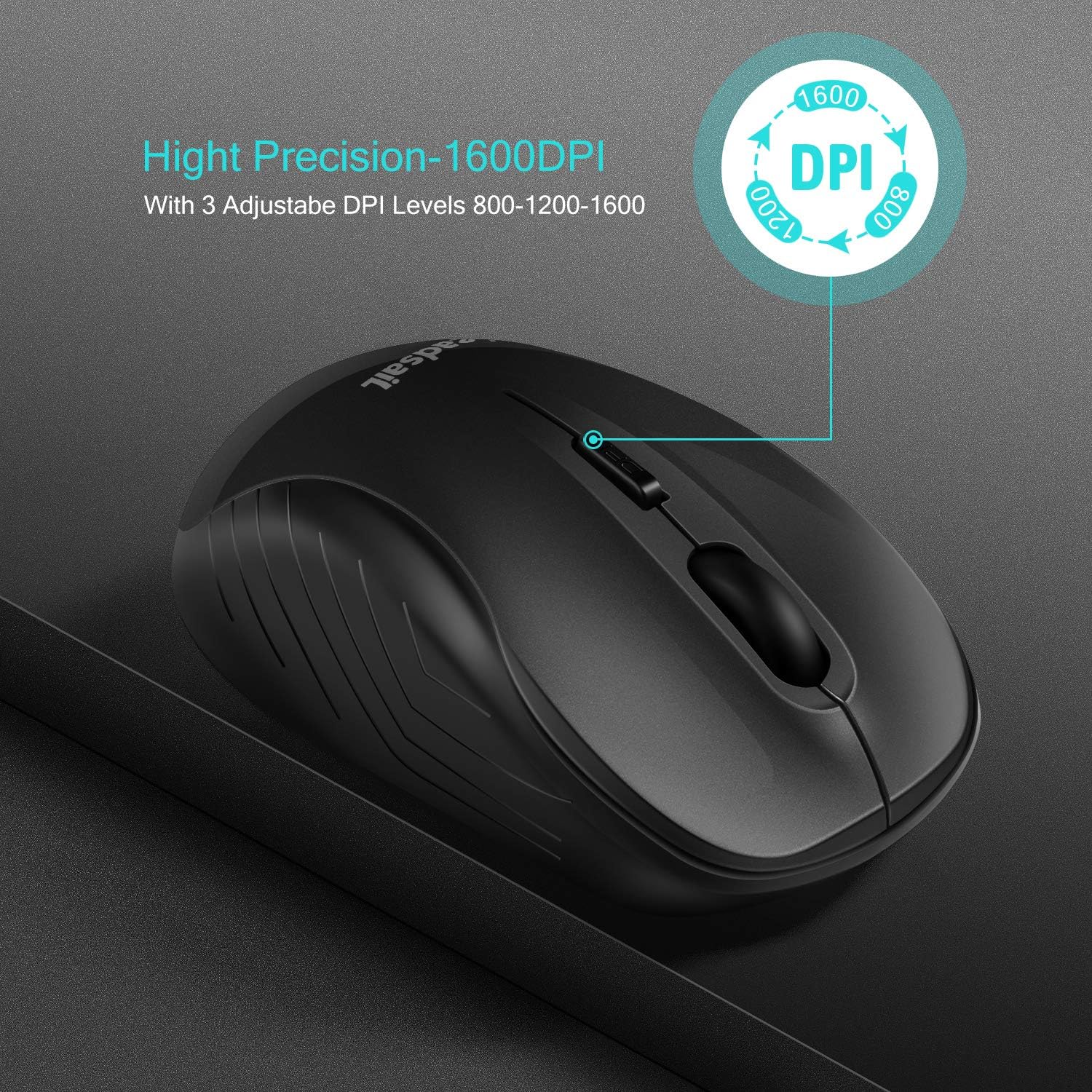
Image: Close-up of the mouse highlighting the DPI button and indicating the 800, 1200, and 1600 DPI settings.
Energy Saving Features
The LeadsaiL LX-009 mouse is designed for energy efficiency to extend battery life. It features an auto-sleep power-saving mode and an ON/OFF switch.
- Auto-Sleep Mode: The mouse will automatically enter a sleep mode after a period of inactivity to conserve power. To wake it up, simply move the mouse or click any button.
- ON/OFF Switch: For prolonged periods of non-use, slide the ON/OFF switch on the underside of the mouse to the "OFF" position to completely power down the device and maximize battery life.
With these features, a single AA battery can last up to 12 months, depending on usage.
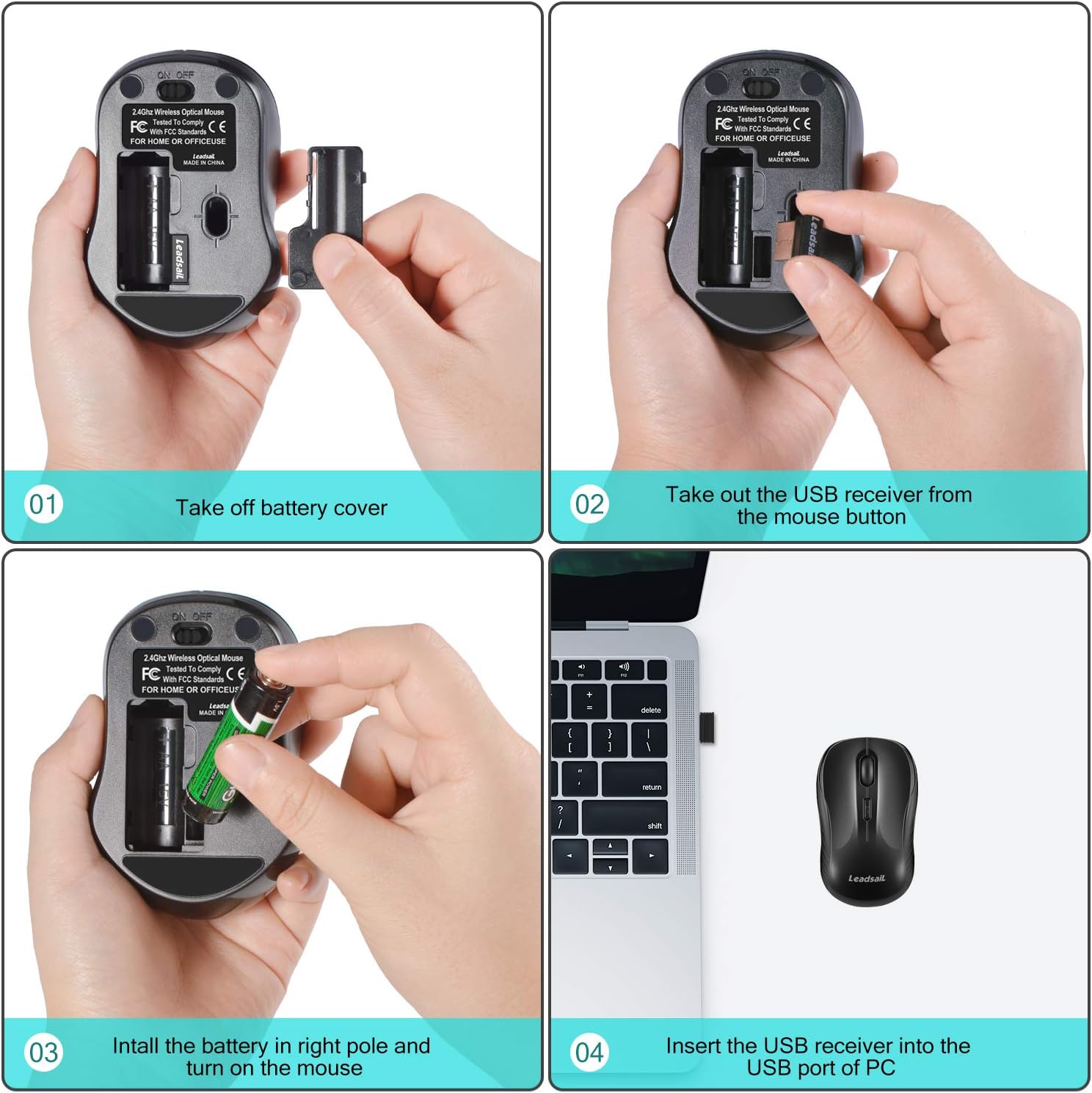
Image: The underside of the mouse showing the battery compartment and ON/OFF switch, alongside a graph illustrating the 3-stage energy-saving mode (Working, Stand By, Deep Sleep, Suspend Mode).
Maintenance
To ensure the longevity and optimal performance of your LeadsaiL LX-009 mouse, follow these maintenance guidelines:
- Cleaning: Use a soft, dry cloth to wipe the exterior of the mouse. For stubborn dirt, slightly dampen the cloth with water. Avoid using harsh chemicals or abrasive cleaners.
- Sensor Cleaning: If the cursor movement becomes erratic, gently clean the optical sensor on the underside of the mouse with a cotton swab.
- Storage: When not in use for extended periods, turn off the mouse using the ON/OFF switch and consider removing the battery to prevent leakage. Store the USB receiver in its dedicated slot within the battery compartment.
- Avoid Liquids: Do not expose the mouse to liquids or excessive moisture.
Troubleshooting
| Problem | Possible Solution |
|---|---|
| Mouse not responding |
|
| Cursor movement is erratic or lagging |
|
| DPI button not changing sensitivity |
|
Specifications
| Feature | Detail |
|---|---|
| Brand | LeadsaiL |
| Model Name | LX-009 |
| Connectivity Technology | 2.4G Wireless (USB Receiver) |
| Movement Detection | Optical |
| DPI Levels | 800 / 1200 / 1600 (Adjustable) |
| Buttons | 4 (Left, Right, Scroll Wheel, DPI) |
| Hand Orientation | Ambidextrous |
| Wireless Range | Up to 10 meters (33 feet) |
| Power Source | 1 x AA Battery (not included) |
| Battery Life | Approximately 12 months |
| Compatible Devices | PC, Laptop (Asus, Dell, HP, Lenovo, MacBook) |
| Operating System | Windows 10, Mac OS 9, Linux, Chrome OS, DOS |
| Dimensions (L x W) | 3.94" x 1.97" |
| Special Features | Ergonomic Design, Lightweight, Portable, Soundless, Wireless |
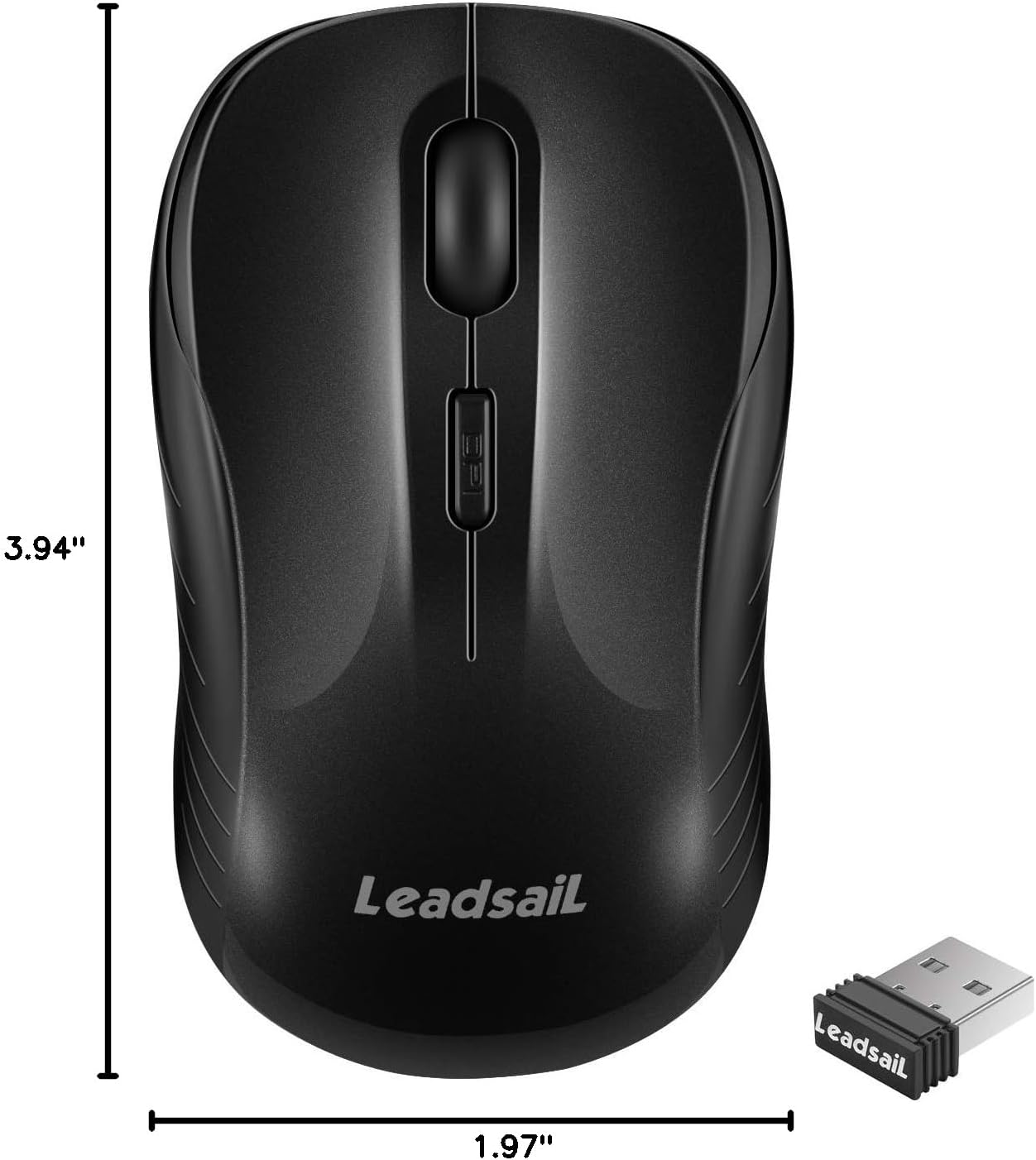
Image: The LeadsaiL LX-009 Wireless Mouse with its length (3.94 inches) and width (1.97 inches) clearly indicated.
Warranty and Support
Warranty Information
The LeadsaiL LX-009 Wireless Silent Mouse comes with a Lifetime Warranty Against Manufacturer Defect. This warranty covers defects in materials and workmanship under normal use. For warranty claims, please retain your proof of purchase.
Customer Support
If you encounter any issues or have questions regarding your LeadsaiL LX-009 mouse that are not addressed in this manual, please contact LeadsaiL customer support. Refer to the product packaging or the official LeadsaiL website for the most current contact information.
Product Video
Video: An official product video from LeadsaiL demonstrating the ergonomic design and silent click features of the LeadsaiL Wireless Mouse.


