
1. Introduction
The Owon PIR313-A Multi Sensor is a versatile device designed to enhance home security and environmental monitoring. It integrates Passive Infrared (PIR) motion detection with temperature and humidity sensing capabilities, all communicating via the ZigBee protocol. This manual provides essential information for the proper installation, operation, and maintenance of your sensor.
2. Product Features
- ZigBee HA 1.2 Compliant: Ensures compatibility with various mainstream ZigBee hubs.
- PIR Motion Detection: Detects movement within its specified range and angle.
- Environmental Monitoring: Measures ambient temperature and humidity.
- High Stability: Designed to minimize false alarms.
- Low Power Consumption: Contributes to an extended battery life.
- Low Battery Warning: Notifies users when battery replacement is needed.
3. Package Contents
Upon opening the package, verify that the following items are included:
- Owon PIR313-A Multi Sensor unit
- Mounting bracket
- Adhesive tape for mounting
- User Manual (this document)
Note: 2x AA batteries are required for operation and are not included in the package.
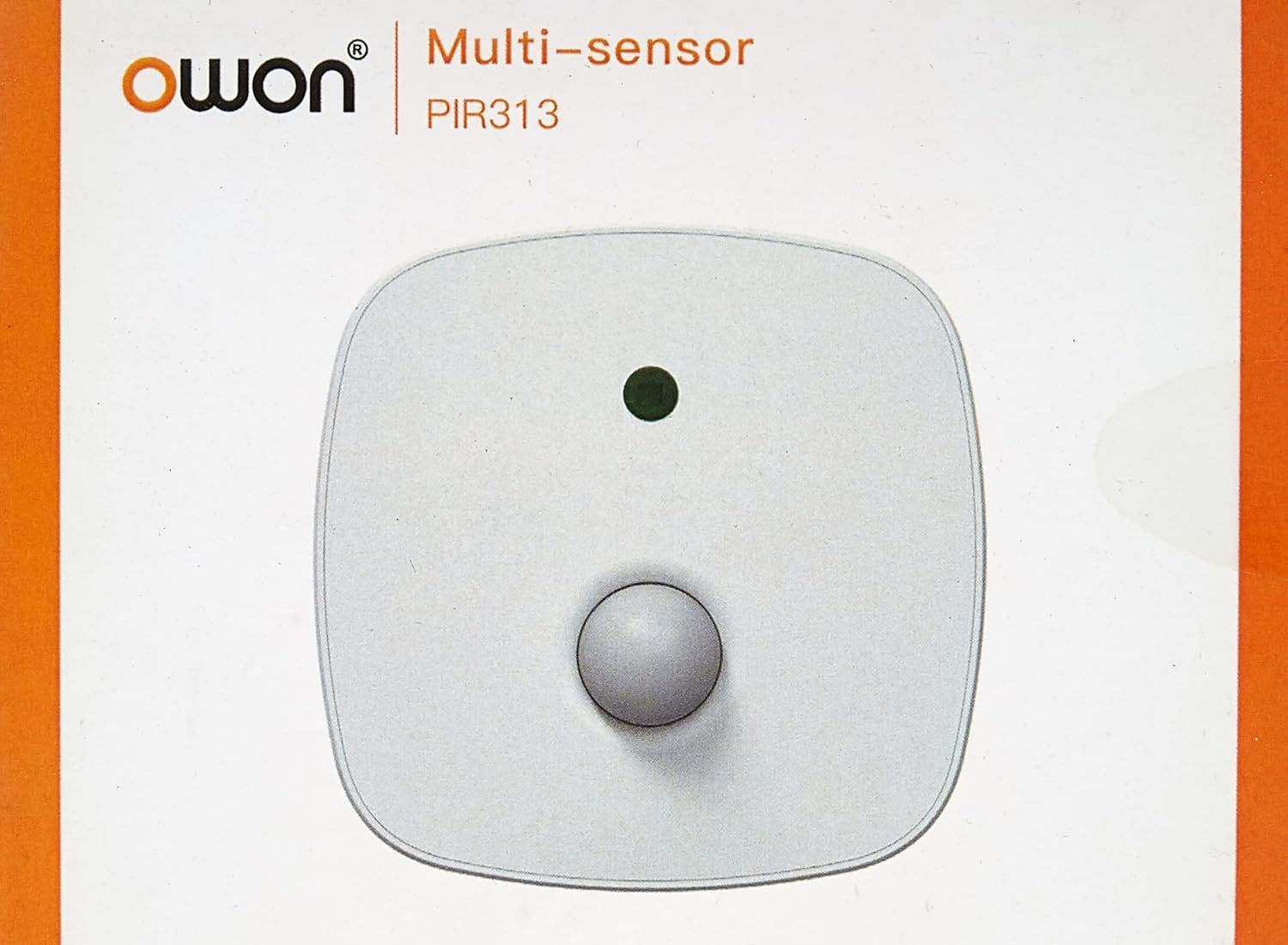
Image 3.1: Front view of the Owon PIR313-A Multi Sensor packaging, displaying the brand 'Owon' and model 'PIR313'.

Image 3.2: Back view of the Owon PIR313-A Multi Sensor packaging, highlighting key features such as movement detection, temperature and humidity measurement, ZigBee compatibility, and low power consumption.
4. Safety Information
- Do not expose the device to extreme temperatures, direct sunlight, or high humidity.
- Avoid placing the device near strong magnetic fields or sources of radio frequency interference.
- Do not attempt to disassemble or modify the sensor, as this will void the warranty and may cause damage.
- Use only specified AA batteries. Ensure correct polarity when inserting batteries.
- Keep the device out of reach of children.
5. Setup
5.1 Battery Installation
- Gently open the back cover of the sensor.
- Insert two (2) AA batteries, ensuring correct polarity (+/-).
- Close the back cover securely.

Image 5.1: Rear view of the Owon PIR313-A Multi Sensor, showing the battery compartment cover and product label with model number PIR313.
5.2 Pairing with a ZigBee Gateway
A ZigBee Gateway (hub) is required to control and monitor this device from your smartphone or other connected devices. Refer to your ZigBee Gateway's instructions for specific pairing procedures. Generally, the steps involve:
- Put your ZigBee Gateway into pairing mode.
- On the PIR313-A sensor, locate the pairing button (often a small pinhole button). Press and hold it for a few seconds until the indicator light flashes, indicating it is in pairing mode.
- Once successfully paired, the indicator light will stop flashing or change color according to the sensor's status.
- Confirm the device appears in your ZigBee Gateway's application.
5.3 Mounting the Sensor
Choose a suitable location for the sensor, typically in a corner or on a wall, where it can cover the desired detection area without obstruction. Avoid placing it directly facing heat sources or windows where direct sunlight or drafts might cause false readings.
- Clean the mounting surface to ensure proper adhesion.
- Attach the adhesive tape to the back of the mounting bracket.
- Secure the mounting bracket to the desired location.
- Attach the sensor unit to the mounting bracket.

Image 5.2: Mounting accessories, including adhesive tape and a bracket, for securing the Owon PIR313-A Multi Sensor to a surface.

Image 5.3: Front view of the Owon PIR313-A Multi Sensor, showing the PIR lens and indicator light.
6. Operating
Once the sensor is installed and successfully paired with your ZigBee Gateway, it will begin to operate automatically.
- Motion Detection: The sensor will detect movement within its 6-meter range and 120-degree angle. Upon detection, it will send a signal to your ZigBee Gateway.
- Temperature and Humidity Monitoring: The sensor continuously monitors the ambient temperature and humidity, transmitting this data to your ZigBee Gateway.
- Notifications: Depending on your ZigBee Gateway's configuration, you can set up notifications for motion detection, temperature thresholds, humidity levels, and low battery warnings.
7. Maintenance
- Battery Replacement: When a low battery warning is received, replace both AA batteries promptly to ensure continuous operation. Follow the battery installation steps in Section 5.1.
- Cleaning: Periodically wipe the sensor's exterior with a soft, dry cloth. Do not use liquid cleaners or abrasive materials, as they may damage the device. Ensure the PIR lens is kept clean and free from dust for optimal performance.
- Firmware Updates: Check your ZigBee Gateway's application for any available firmware updates for the sensor. Follow the application's instructions for updating.
8. Troubleshooting
| Issue | Possible Cause | Solution |
|---|---|---|
| Sensor not pairing with Gateway | Sensor not in pairing mode; Gateway not in pairing mode; Interference; Distance too great. | Ensure both sensor and Gateway are in pairing mode. Reduce distance between devices. Check for sources of interference. Try resetting the sensor (if applicable, refer to manufacturer's instructions for reset procedure). |
| No motion detection | Obstruction; Incorrect placement; Low battery; Sensor malfunction. | Ensure clear line of sight for the sensor. Reposition the sensor for optimal coverage. Replace batteries. If issue persists, contact support. |
| Inaccurate temperature/humidity readings | Sensor placed near heat/cold source; Sensor exposed to direct sunlight or drafts. | Relocate the sensor away from direct heat/cold sources, sunlight, or drafts. |
| Low battery warning received | Batteries are depleted. | Replace both AA batteries immediately following instructions in Section 5.1. |
9. Specifications
| Parameter | Value |
|---|---|
| Model Number | PIR313 |
| Operating Voltage | DC 3V (2*AA battery) |
| Standby Current | ≤40uA |
| Alarm Current | ≤30mA |
| Illuminance Range | 0 ~128 klx |
| Illuminance Resolution | 0.1 lx |
| Temperature Range | -10~85°C |
| Temperature Accuracy | ±0.4°C |
| Humidity Range | 0~80% RH |
| Humidity Accuracy | ±4%RH |
| Detecting Distance | 6m |
| Detecting Angle | 120° |
| Battery Life (All-in-one version) | Approximately 1 year |
| Networking Mode | ZigBee |
| Ad-Hoc Networking Distance | ≤ 100 m (open area) |
| Operating Ambient Temperature | -10 ~ 50°C |
| Operating Ambient Humidity | Maximum 95%RH (non-condensing) |
| Anti-RF Interference | 10MHz – 1GHz 20 V/m |
| Dimensions (L x W x H) | 83 x 83 x 28 mm |
| Item Weight | 142 g |
10. Warranty and Support
Specific warranty terms and conditions for the Owon PIR313-A Multi Sensor may vary by region and retailer. Please retain your proof of purchase and refer to the warranty information provided at the time of purchase or contact your seller for details.
For technical support or further inquiries, please contact the manufacturer or your authorized dealer. Ensure you have your product model number (PIR313) and purchase details available when seeking support.


