
1. Product Overview
The Philips Hue Smart Recessed 5/6 Inch LED Downlight brings vibrant color and versatile white light to your smart home. This retrofit downlight offers 16 million colors and adjustable warm-to-cool white light, providing a clean, minimalistic look that complements any interior design. Featuring Bluetooth capability, it allows for instant light control within a single room. For expanded functionality, including control of more than 10 lights and remote access, a Philips Hue Hub (Model 458471) is required.

Image: Philips Hue Smart Recessed Downlight seamlessly integrated into a ceiling, providing ambient lighting.
2. What's in the Box
Each package of the Philips Hue Smart Recessed Downlight includes the following components:
- Four (4) White and Color Ambiance smart retrofit LED color-changing 5/6-inch downlights, designed for recessed cans.

Image: Contents of the Philips Hue Smart Recessed Downlight package, showing four boxed units and one individual downlight with its adapter.
3. Key Features
The Philips Hue Smart Recessed Downlight offers a range of advanced features for a personalized lighting experience:
- Millions of Colors: Choose from 16 million colors and a spectrum of warm-to-cool white light to instantly set the perfect mood.
- Dimmable and Brightenable: Adjust brightness levels to suit any activity or time of day.
- Voice Control: Seamlessly integrate with Amazon Alexa or Google Assistant for convenient hands-free control using simple voice commands.
- Dynamic Light Effects: Create subtle changes in brightness and color for immersive and personalized lighting scenes.
- Bluetooth Connectivity: Control up to 10 lights in one room directly via the Philips Hue Bluetooth app without a Hue Bridge.
- Zigbee Connectivity (with Hue Bridge): Unlock full smart home features, including control of up to 50 lights, automations, and remote access.
- High Brightness: Delivers 1100 lumens of light output.
- Energy Efficient: Operates at 9 watts with a voltage of 120 Volts.

Image: The Philips Hue app demonstrating the ability to select from 16 million colors and apply pre-set lighting scenes for various activities.

Image: Demonstrates easy voice control integration with Alexa and Google Assistant for Philips Hue lights.

Image: Philips Hue lights syncing with media for immersive movie, gaming, and music experiences.
4. Setup and Installation
The Philips Hue Smart Recessed Downlight is designed for easy installation into existing recessed can lighting with E26 or medium-base sockets. Follow these steps for setup:
Installation
- Ensure power to the recessed can is turned off at the circuit breaker.
- Remove your existing bulb and trim from the recessed can.
- Screw the E26 adapter of the Philips Hue downlight into the socket of your recessed can.
- Gently push the Philips Hue downlight into the recessed can until it is flush with the ceiling.
- Restore power to the circuit breaker.
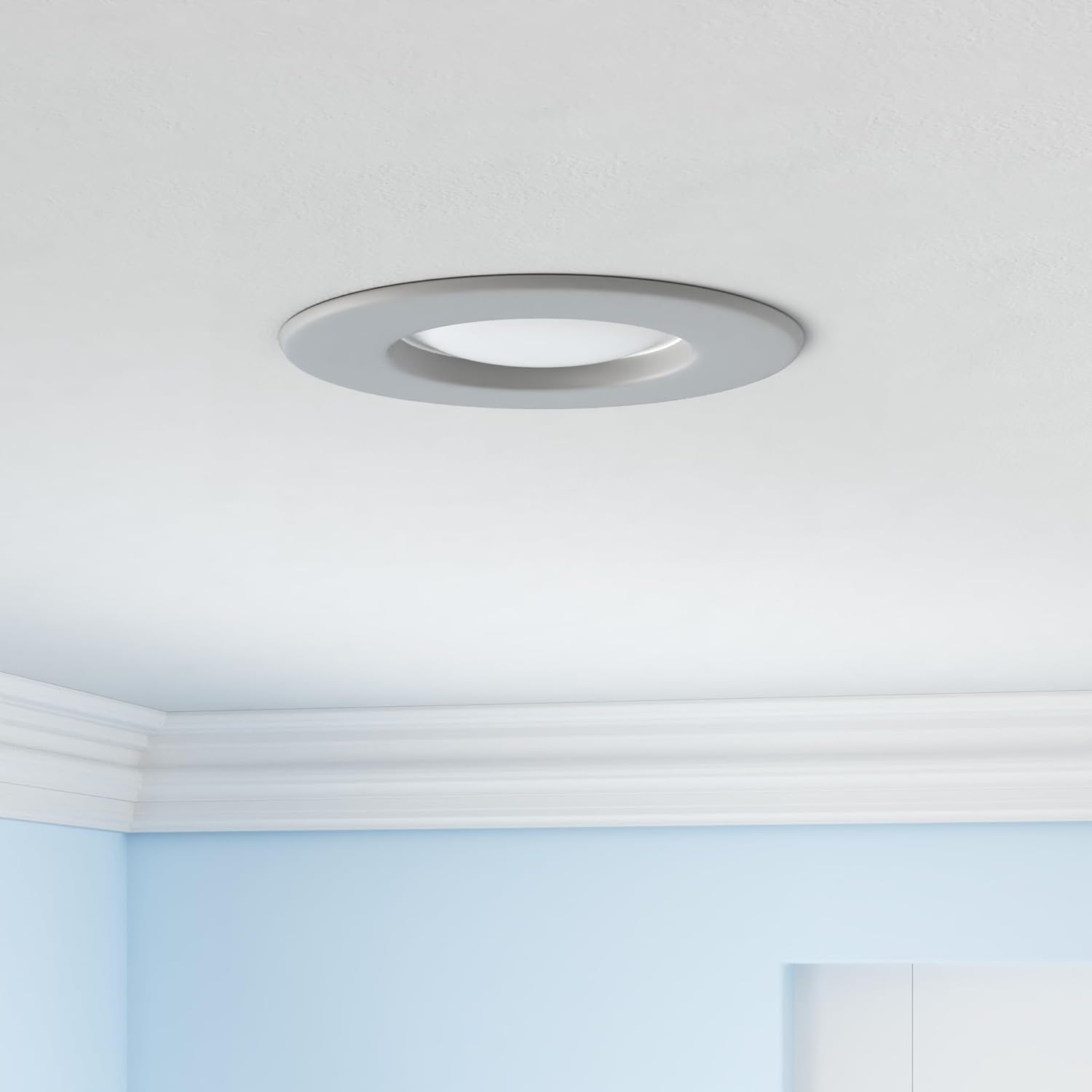
Image: Close-up of a single Philips Hue Smart Recessed Downlight, showing the integrated E26 adapter for easy installation.
Connectivity Options
Choose one of the following methods to connect your Philips Hue downlight:
- Option 1: Use the Bluetooth App
Download the Philips Hue Bluetooth app on your smartphone or tablet. Open the app and follow the on-screen instructions to discover and connect directly to your new downlight. This option allows control of up to 10 lights in one room. - Option 2: Connect to your Philips Hue Hub
For full smart home features, including multi-room control, automations, and remote access, connect your downlight to a Philips Hue Hub. Plug the Hue Bridge into your Wi-Fi router and follow the instructions in the Philips Hue app to add your lights. - Option 3: Connect directly to an Echo device
If you have a compatible Amazon Echo device, you can connect your downlight directly. Simply say "Alexa, discover devices" after installation.

Image: Illustrates how upgrading with a Philips Hue Hub enables full-home and away-from-home control of your lighting system.

Image: Explains how the Philips Hue Bridge unlocks full and reliable control, including remote access, scheduling, and seamless integration.
5. Operating Instructions
Once installed and connected, you can operate your Philips Hue Smart Recessed Downlight using the Philips Hue app or voice commands.
Using the Philips Hue App
- Color and White Light Selection: Use the color picker in the app to choose from 16 million colors or adjust the shade of white light from warm (2200K) to cool (6500K).
- Brightness Control: Slide the brightness bar to dim or brighten your lights.
- Pre-set Scenes: Select from pre-defined scenes like 'Relax', 'Read', 'Concentrate', and 'Energize' for instant mood changes.
- Custom Scenes: Create and save your own custom light scenes with specific colors and brightness levels.
- Dynamic Effects: Apply dynamic light effects that subtly change color and brightness over time.
- Routines and Automations (with Hue Bridge): Set schedules for your lights to turn on/off, dim, or change color at specific times, or create automations based on presence or other triggers.
- Sync with Media (with Hue Bridge): Synchronize your lights with movies, games, or music for an immersive entertainment experience.

Image: The Philips Hue app provides extensive options to customize lighting for every room, mood, and moment.
Voice Control
Once linked to Alexa or Google Assistant, use simple voice commands to control your lights:
- "Alexa, turn on the living room lights."
- "Hey Google, dim the kitchen lights to 50%."
- "Alexa, change the bedroom light to blue."
- "Hey Google, set the dining room to 'Relax' scene."
6. Maintenance
The Philips Hue Smart Recessed Downlight requires minimal maintenance. To ensure optimal performance and appearance:
- Cleaning: Gently wipe the surface of the downlight with a soft, dry cloth. Do not use liquid cleaners or abrasive materials, as they may damage the finish or electronic components.
- No User-Serviceable Parts: The LED light source is integrated and not user-replaceable. Do not attempt to disassemble the unit.
7. Troubleshooting
If you encounter issues with your Philips Hue Smart Recessed Downlight, consider the following common solutions:
- Light Not Responding:
- Ensure the light fixture has power and the wall switch is in the ON position.
- Check your Bluetooth connection or Philips Hue Hub connection.
- Restart the Philips Hue app.
- If using a Hue Hub, ensure it is powered on and connected to your router. - Cannot Discover Light:
- Make sure the light is powered on.
- Bring your smartphone closer to the light if using Bluetooth.
- If using a Hue Hub, ensure it is within range and try a factory reset of the light (refer to Philips Hue support for specific reset procedures). - Inconsistent Performance:
- Ensure your Philips Hue app and Hue Hub firmware are up to date.
- Check for Wi-Fi interference if using a Hue Hub. - "Old Version" Indication:
- Please note that this product is explicitly identified as an "Old Version" in its title. While fully functional, newer Philips Hue products may offer different features or specifications. This is not a defect but a product variant.
For more detailed troubleshooting or persistent issues, please refer to the official Philips Hue support resources or contact customer service.
8. Specifications
| Attribute | Detail |
|---|---|
| Brand | Philips Hue |
| Model Name | Philips Hue Downlight |
| Model Number | 5996611U5-4 |
| Color | White and Color Ambiance |
| Material | Metal |
| Style | 5/6-inch Old Version |
| Light Fixture Form | Recessed |
| Product Dimensions | 7.3"L x 7.3"W x 2.8"H |
| Item Weight | 4.22 pounds (1.92 Kilograms) |
| Power Source | Electric |
| Installation Type | Recessed Can |
| Control Method | App, Voice |
| Light Source Type | LED |
| Voltage | 120 Volts |
| Wattage | 9 watts |
| Bulb Base | E26 |
| Connectivity Protocol | Bluetooth, Zigbee |
| Brightness | 1100 lumen |
| Number of Items | 4 (in pack) |
| Indoor/Outdoor Usage | Indoor |
9. Warranty and Support
Warranty: This Philips Hue product is covered by a 2-year manufacturer's warranty.
User Manual (PDF): For a comprehensive guide and additional details, you can download the official User Manual in PDF format: Download User Manual
Customer Support: For further assistance, technical support, or warranty claims, please visit the official Philips Hue support website or contact their customer service department.


