
iClever BTH03
iClever BTH03 Kids Bluetooth Headphones Instruction Manual
Model: BTH03 | Brand: iClever
1. Introduction
The iClever BTH03 Kids Bluetooth Headphones are designed to provide a safe and enjoyable audio experience for children. Featuring a volume limit of 85dB to protect young ears, these headphones offer vibrant LED lights, long battery life, and comfortable wear. They support both wireless Bluetooth 5.4 connectivity and wired audio playback, making them versatile for various uses.

Image: iClever BTH03 Kids Bluetooth Headphones in Pink.
2. What's in the Box
- iClever BTH03 Kids Bluetooth Headphones
- USB-C Charging Cable
- 3.5mm Audio Cable
- User Manual
3. Product Features
3.1 Safe Volume & Colorful LED Lights
The headphones are equipped with an 85dB volume limit to ensure safe listening levels for children. Dual powerful 40mm drivers deliver rich, resonant notes. Additionally, colorful LED light rings around the earpieces provide a fun and stylish visual element.

Image: Child demonstrating safe volume headphones.

Image: Colorful LED lights feature.
3.2 Long Battery Life & Fast Charging
Enjoy up to 100 hours of playback with the LED lights off, or 35 hours with the lights on, on a single charge. The headphones feature Type C fast charging for quick power replenishment.

Image: Battery life and charging options.
3.3 Bluetooth 5.4 & Hands-Free Calls
Equipped with the latest Bluetooth 5.4 technology, these headphones ensure a stable wireless connection up to 33 feet. A built-in microphone allows for convenient hands-free calls.
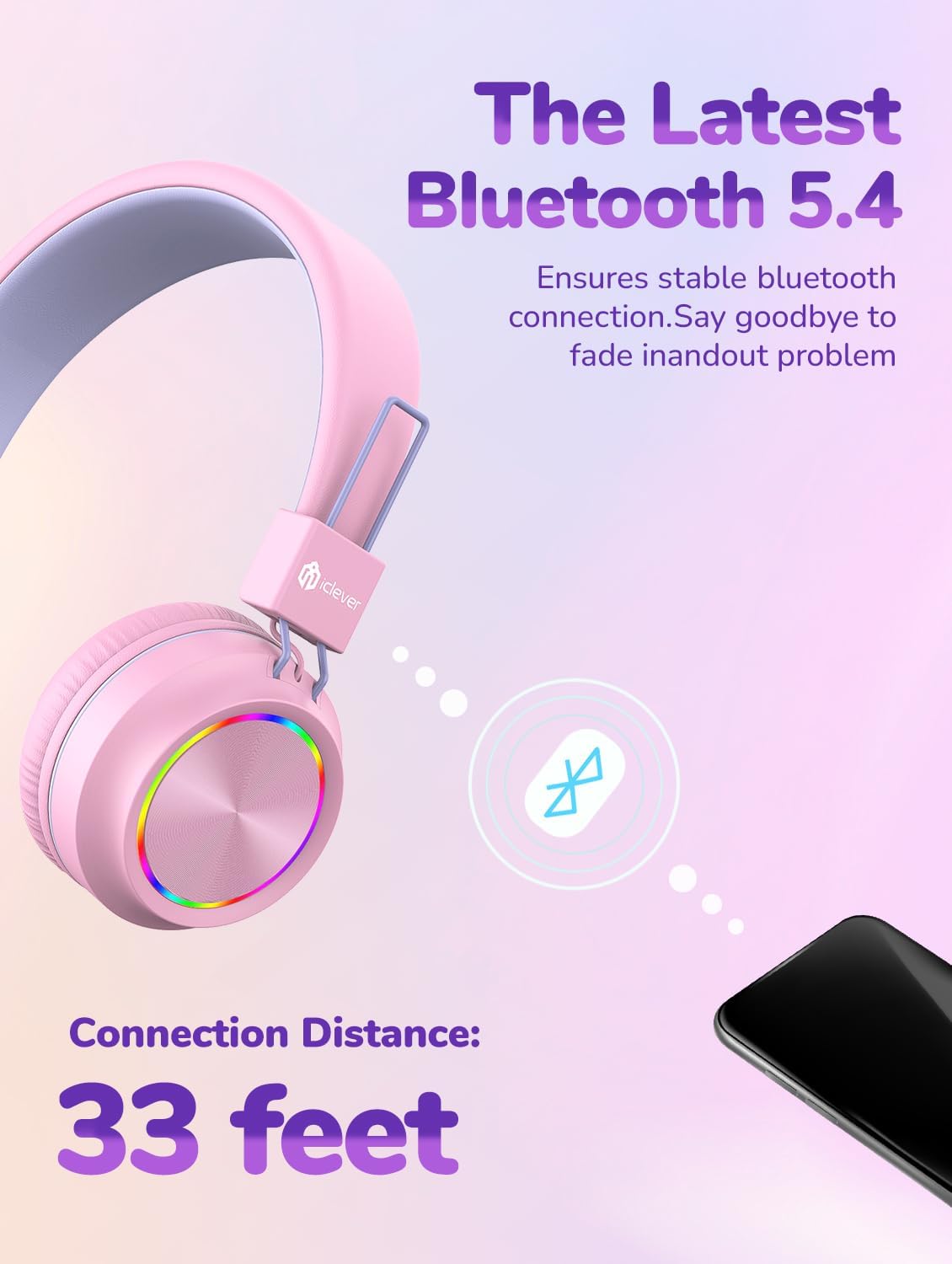
Image: Bluetooth 5.4 connectivity.
3.4 Comfortable & Durable Design
Memory foam ear cushions and a soft, breathable headband provide all-day comfort. The headphones feature a bendable and durable construction, designed to withstand typical child use, and are conveniently foldable for easy portability.
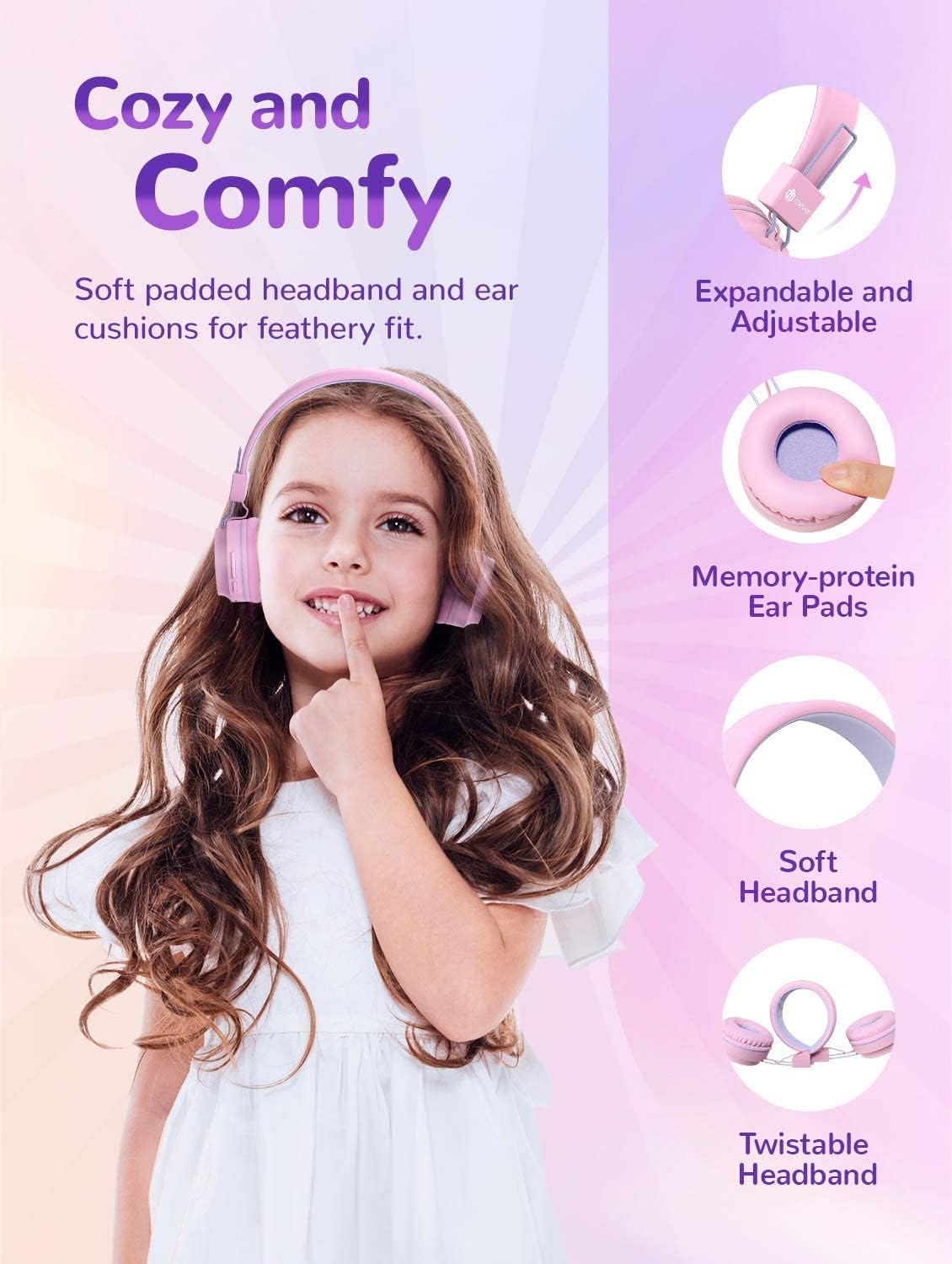
Image: Comfort and design features.
4. Setup
4.1 Charging the Headphones
Before first use, fully charge the headphones. Connect the provided USB-C charging cable to the charging port on the headphone earcup and plug the other end into a compatible USB power source. The LED indicator light will show charging status.
4.2 Bluetooth Pairing
- Ensure the headphones are powered off.
- Press and hold the Multifunction Button (Power Button) until the LED indicator light flashes blue and red, indicating pairing mode.
- On your device (smartphone, tablet, computer), enable Bluetooth and search for available devices.
- Select "iClever BTH03" from the list of devices.
- Once connected, the LED indicator light will turn solid blue.
Video: Official iClever BTH03 Kids Bluetooth Headphones overview. This video demonstrates the product's features and basic operation.
5. Operating Instructions
5.1 Button Functions

Image: Headphone controls and ports.
- Multifunction Button (Power Button):
- Press and hold to Power ON/OFF.
- Short press to Play/Pause music.
- Double press for Next Track.
- Triple press for Previous Track.
- Short press to Answer/End calls.
- Press and hold to Reject calls.
- Volume + Button:
- Short press to increase volume.
- Long press to turn LED lights ON.
- Volume - Button:
- Short press to decrease volume.
- Long press to turn LED lights OFF.
5.2 Wired Mode
To use the headphones in wired mode, simply connect the provided 3.5mm audio cable to the audio jack on the headphone earcup and the other end to your audio device. This mode works even if the headphone battery is depleted.
6. Maintenance
- Clean the headphones regularly with a soft, dry cloth. Do not use harsh chemicals or abrasive materials.
- Keep the headphones away from extreme temperatures, humidity, and dust.
- Store the headphones in a cool, dry place when not in use. The foldable design allows for compact storage.
- Avoid dropping or subjecting the headphones to strong impacts.
7. Troubleshooting
7.1 No Sound / Pairing Issues
- Ensure the headphones are charged and powered on.
- Verify Bluetooth is enabled on your device and the headphones are in pairing mode (flashing blue/red light).
- Check if the headphones are connected to another device. Disconnect and try pairing again.
- Ensure the volume on both the headphones and your device is turned up.
- Try restarting both the headphones and your device.
7.2 LED Lights Not Working
- Ensure the headphones have sufficient battery charge.
- Long press the Volume + button to turn the LED lights ON.
7.3 Poor Sound Quality
- Move closer to your Bluetooth device to reduce interference.
- Ensure there are no obstructions between the headphones and your device.
- If using wired mode, ensure the 3.5mm audio cable is fully inserted into both devices.
8. Specifications
| Model Name | BTH03 |
| Brand | iClever |
| Connectivity Technology | Wireless (Bluetooth 5.4), Wired (3.5mm Jack) |
| Volume Limit | 85dB |
| Driver Size | 40mm |
| Playtime (Lights Off) | Up to 100 Hours |
| Playtime (Lights On) | Up to 35 Hours |
| Charging Port | USB-C |
| Item Weight | 6.1 ounces |
| Product Dimensions | 6.1 x 2.63 x 7.08 inches |
9. Warranty and Support
iClever products typically come with a standard manufacturer's warranty. Please refer to the product packaging or the official iClever website for specific warranty details and registration information.
For further assistance, technical support, or to download the full user manual in PDF format, please visit the official iClever support page or refer to the provided User Manual PDF: iClever BTH03 User Manual (PDF).
Related documentsBTH03


Ask a question about this manual
Ask about setup, troubleshooting, compatibility, parts, safety, or missing instructions. Manuals+ will review the question and use this page’s manual context to help answer it.