
Intel BX8070110600
Intel® Core™ i5-10600 Desktop Processor User Manual
Model: BX8070110600 | Brand: Intel
1. Introduction
This manual provides essential information for the installation, operation, and maintenance of your Intel® Core™ i5-10600 Desktop Processor. This 10th Gen Intel Core i5-10600 desktop processor is optimized for gaming, creating, and productivity, offering robust performance for a wide range of computing tasks.
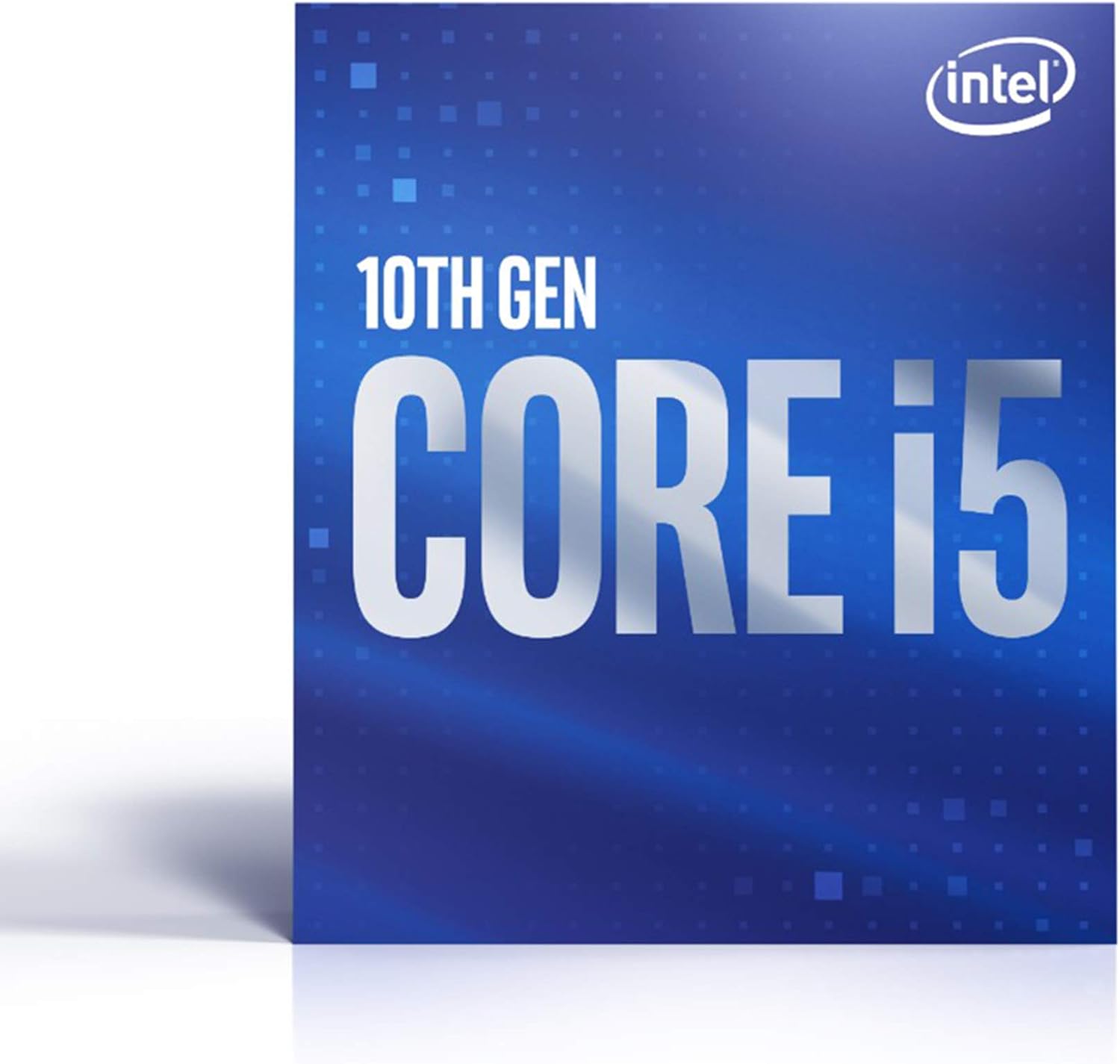
Figure 1.1: Intel Core i5-10600 Processor Retail Packaging.
Key Features:
- 6 Cores / 12 Threads for efficient multitasking.
- Socket Type LGA 1200 for compatibility with modern motherboards.
- Up to 4.8 GHz Max Turbo Frequency for high-speed performance.
- Compatible with Intel 400 series chipset based motherboards.
- Intel Optane Memory Support for accelerated system responsiveness.
- Cooler Included in the box for immediate installation.
2. Setup and Installation
Proper installation is crucial for the optimal performance and longevity of your processor. Ensure your system is powered off and unplugged before beginning installation.
2.1 System Requirements:
- Motherboard with LGA 1200 socket.
- Motherboard with Intel 400 series chipset (e.g., Z490, H470, B460, H410).
- Compatible RAM (DDR4 recommended).
- Adequate power supply unit (PSU).
- Operating system compatible with 10th Gen Intel processors.
2.2 Installation Steps:
- Prepare the Motherboard: Open the CPU socket retention arm and lift the load plate.
- Install the Processor: Carefully align the triangular arrow on the processor with the arrow on the motherboard socket. Gently lower the processor into the socket. Do not force it.
- Secure the Processor: Close the load plate and push down the retention arm until it clicks into place.
- Apply Thermal Paste (if not pre-applied): If your cooler does not have pre-applied thermal paste, apply a small pea-sized amount to the center of the CPU's integrated heat spreader (IHS).
- Install the CPU Cooler: Place the included Intel cooler onto the CPU, aligning the mounting pins with the holes on the motherboard. Press down firmly on each pin until it clicks. Connect the cooler's fan cable to the "CPU_FAN" header on the motherboard.
- Connect Power: Connect the 4-pin or 8-pin CPU power cable from your PSU to the motherboard.
- BIOS/UEFI Configuration: After initial boot, enter your motherboard's BIOS/UEFI settings to ensure the CPU is recognized correctly and to configure any necessary settings (e.g., XMP for RAM).
For detailed visual instructions, refer to your motherboard's user manual or Intel's official installation guides available on their support website.
3. Operating Considerations
The Intel Core i5-10600 processor is designed for reliable performance under various workloads. Here are some operating considerations:
3.1 Performance and Usage:
- Gaming: The 6 cores and 12 threads, combined with up to 4.8 GHz turbo frequency, provide excellent performance for most modern games.
- Content Creation: Multithreaded applications for video editing, 3D rendering, and graphic design will benefit from the processor's core count and hyper-threading capabilities.
- Productivity: Handle demanding office applications, web browsing with many tabs, and virtual meetings with ease.
- Integrated Graphics: This processor includes Intel UHD Graphics 630, allowing for display output without a dedicated graphics card. For demanding gaming or professional graphics tasks, a discrete GPU is recommended.
3.2 Thermal Management:
Maintaining proper operating temperatures is vital for processor longevity and stability. The included cooler is designed for typical usage. For sustained heavy workloads or overclocking (not officially supported for this non-K SKU), consider an aftermarket cooling solution.
- Ensure good airflow within your PC case.
- Monitor CPU temperatures using system monitoring software.
- Keep CPU fan and heatsink free of dust.
4. Maintenance
Processors generally require minimal maintenance. The primary focus should be on maintaining an optimal operating environment.
- Dust Removal: Periodically clean dust from the CPU cooler's heatsink fins and fan blades using compressed air. Ensure the system is powered off and unplugged before cleaning.
- Thermal Paste: The thermal paste applied during installation typically lasts for several years. If you notice consistently high temperatures, reapplying fresh thermal paste may be necessary. This requires removing the cooler, cleaning old paste, and applying new paste.
- System Updates: Keep your operating system, motherboard BIOS/UEFI, and drivers updated to ensure compatibility and optimal performance.
5. Troubleshooting
If you encounter issues with your processor, consider the following common troubleshooting steps:
| Problem | Possible Cause | Solution |
|---|---|---|
| System does not boot / No display. | Improper CPU installation, bent pins, incompatible motherboard, power issues. |
|
| System crashes or freezes. | Overheating, unstable power, faulty RAM, outdated BIOS. |
|
| Poor performance. | Overheating (thermal throttling), outdated drivers, background processes, insufficient RAM. |
|
If these steps do not resolve the issue, contact Intel customer support or your system builder for further assistance.
6. Specifications
| Feature | Detail |
|---|---|
| Processor Model | Intel® Core™ i5-10600 |
| Cores / Threads | 6 Cores / 12 Threads |
| Base Clock Speed | 3.3 GHz |
| Max Turbo Frequency | Up to 4.8 GHz |
| Socket Type | LGA 1200 |
| TDP (Thermal Design Power) | 65W |
| Integrated Graphics | Intel® UHD Graphics 630 |
| Intel Optane Memory Support | Yes |
| Compatible Chipsets | Intel 400 Series (e.g., Z490, H470, B460, H410) |
| Included Cooler | Yes |
| Item Model Number | BX8070110600 |
| Item Weight | 8.5 ounces |
| Product Dimensions | 4.7 x 4.2 x 2.9 inches |
| Date First Available | May 27, 2020 |
7. Warranty and Support
Your Intel® Core™ i5-10600 Desktop Processor is covered by Intel's standard limited warranty. The duration and terms of the warranty may vary by region and retailer. Please retain your proof of purchase for warranty claims.
7.1 Technical Support:
For technical assistance, driver downloads, and additional product information, please visit the official Intel support website:
You may also find helpful resources and community forums on the Intel website.
Related documentsBX8070110600


Ask a question about this manual
Ask about setup, troubleshooting, compatibility, parts, safety, or missing instructions. Manuals+ will review the question and use this page’s manual context to help answer it.