
1. Introduction
The Blink Outdoor is a wireless, battery-powered HD security camera designed to help you monitor your home day and night. With its weather-resistant design and long-lasting battery life, it offers flexible placement options for both indoor and outdoor use. This manual provides essential information for setting up, operating, and maintaining your Blink Outdoor 2-Camera Kit.
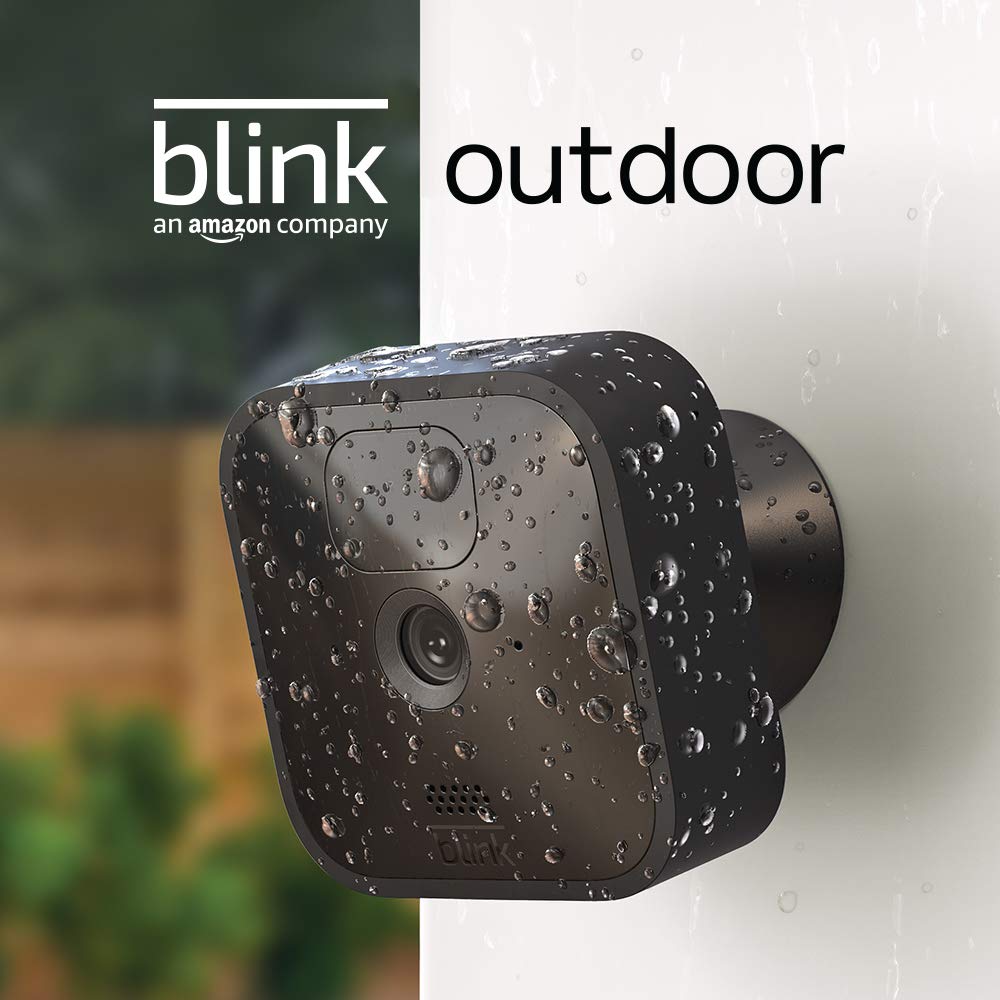
Image: The Blink Outdoor camera, showcasing its weather-resistant design with water droplets on its surface.
2. What's Included
Your Blink Outdoor 2-Camera Kit includes the following components:
- Two (2) Blink Outdoor cameras
- One (1) Sync Module 2
- Four (4) 1.5V non-rechargeable AA lithium metal batteries (two per camera)
- Two (2) mounting kits (one per camera)
- One (1) USB cable
- One (1) power adapter for Sync Module 2
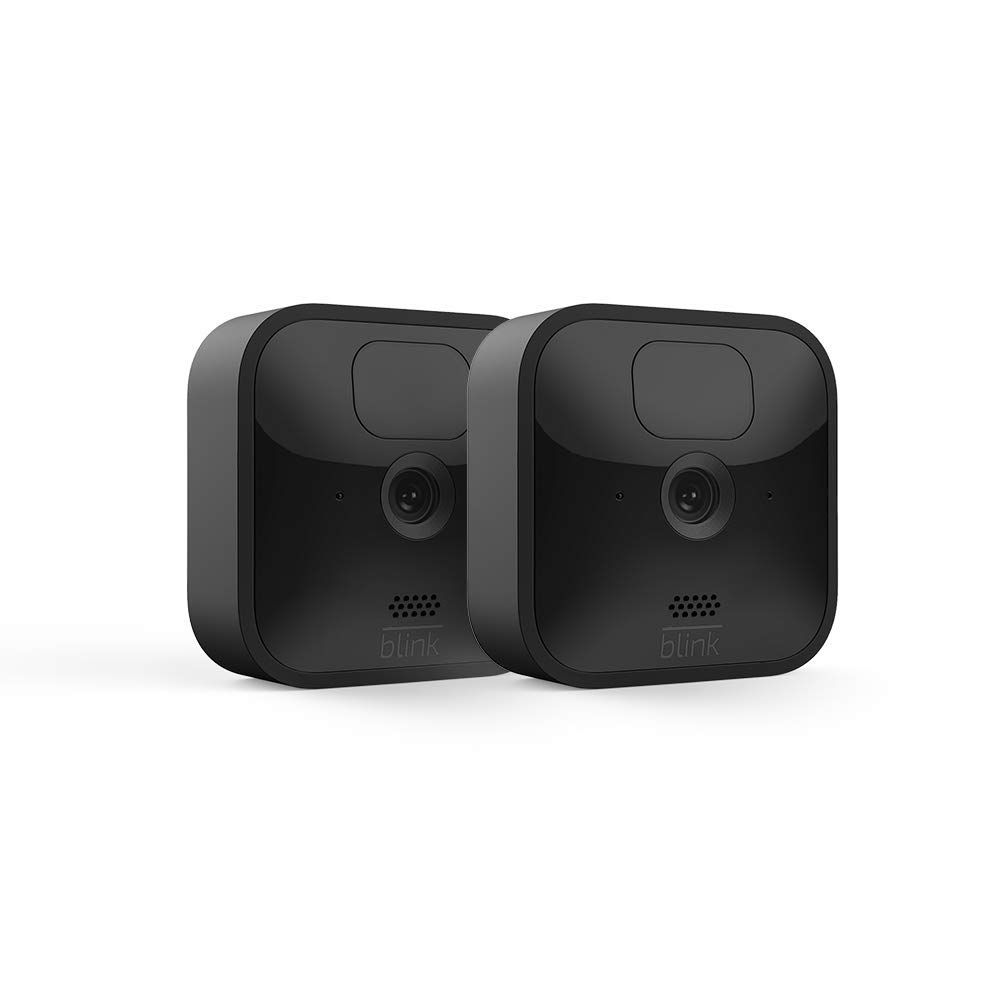
Image: Two Blink Outdoor cameras, representing the contents of the 2-camera kit.
3. Setup
Setting up your Blink Outdoor camera system is designed to be quick and straightforward, requiring no professional installation.
3.1. Initial Setup with Sync Module 2
- Download the Blink Home Monitor App: Search for "Blink Home Monitor" in your smartphone's app store (iOS 12.5+, Android 5.0+, or Fire OS 5.1+).
- Create an Account: Follow the in-app instructions to create your Blink account.
- Add Sync Module 2: Plug in your Sync Module 2. In the app, tap the '+' icon to add a new device and select 'Sync Module'. Scan the QR code on the back of the Sync Module and follow the prompts to connect it to your 2.4 GHz Wi-Fi network.
- Insert Batteries into Cameras: Open the battery compartment on the back of each Blink Outdoor camera and insert the two included AA lithium batteries.
- Add Cameras: In the app, tap the '+' icon again and select 'Blink Wireless Camera'. Scan the QR code inside the camera's battery compartment. The app will guide you through connecting the camera to your Sync Module.
3.2. Camera Placement
Blink Outdoor cameras are weather-resistant and can be placed indoors or outdoors. Consider the following for optimal performance:
- Range: Ensure cameras are within approximately 100 feet of the Sync Module 2 for reliable connection.
- Field of View: The camera has a 110° diagonal field of view. Position it to cover the desired area.
- Mounting: Use the included mounting kit to securely attach cameras to walls or other surfaces.
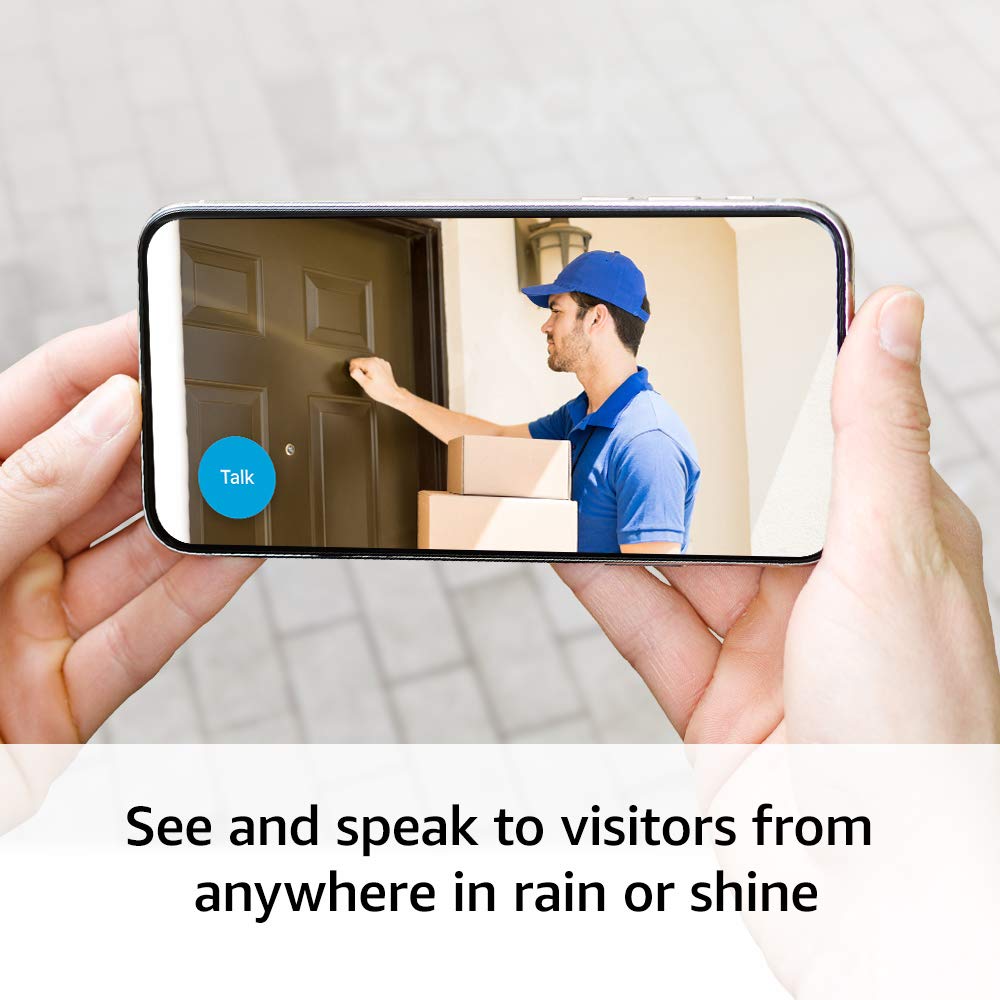
Image: A Blink Outdoor camera discreetly mounted on the exterior siding of a house, demonstrating typical placement.
4. Operating Your Blink Outdoor System
4.1. Motion Detection and Alerts
The Blink Outdoor camera features customizable motion detection. You will receive alerts on your phone when motion is detected. Use the Blink Home Monitor app to:
- Customize Motion Zones: Define specific areas within the camera's view where motion detection should be active, reducing unwanted alerts.
- Adjust Sensitivity: Fine-tune the motion detection sensitivity to suit your environment.
- Schedule Arming: Set schedules for when your system should be armed or disarmed.
4.2. Live View and Two-Way Audio
Access a live feed from your cameras anytime through the Blink Home Monitor app. The two-way audio feature allows you to see, hear, and speak to visitors in real-time.
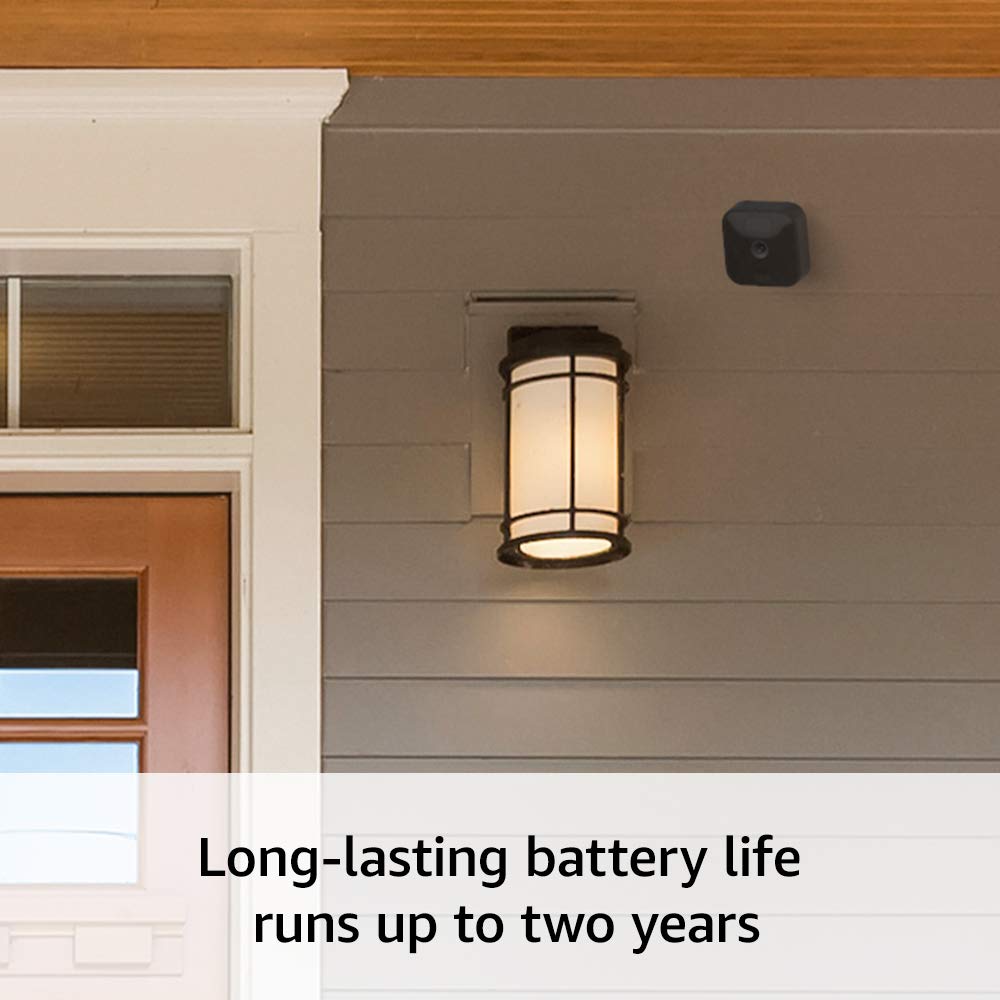
Image: A smartphone displaying the live view from a Blink camera, showing a person at a door, with an on-screen 'Talk' button for two-way audio communication.
4.3. Video Storage
Blink offers flexible options for storing video clips and photos:
- Blink Subscription Plan: Store events in the cloud with a Blink Subscription Plan (sold separately).
- Local Storage: Save events locally to the Blink Sync Module 2 via a USB flash drive (sold separately).
4.4. Battery Life
The Blink Outdoor camera is designed for long-lasting battery life, running for up to two years on two AA lithium batteries. Actual battery life may vary based on device settings, usage, and environmental factors.

Image: The Blink Outdoor camera highlighting its impressive battery life of up to two years.
4.5. Alexa Integration
Your Blink Outdoor system works seamlessly with Alexa. Use your voice to monitor your home through supported Alexa-enabled devices.
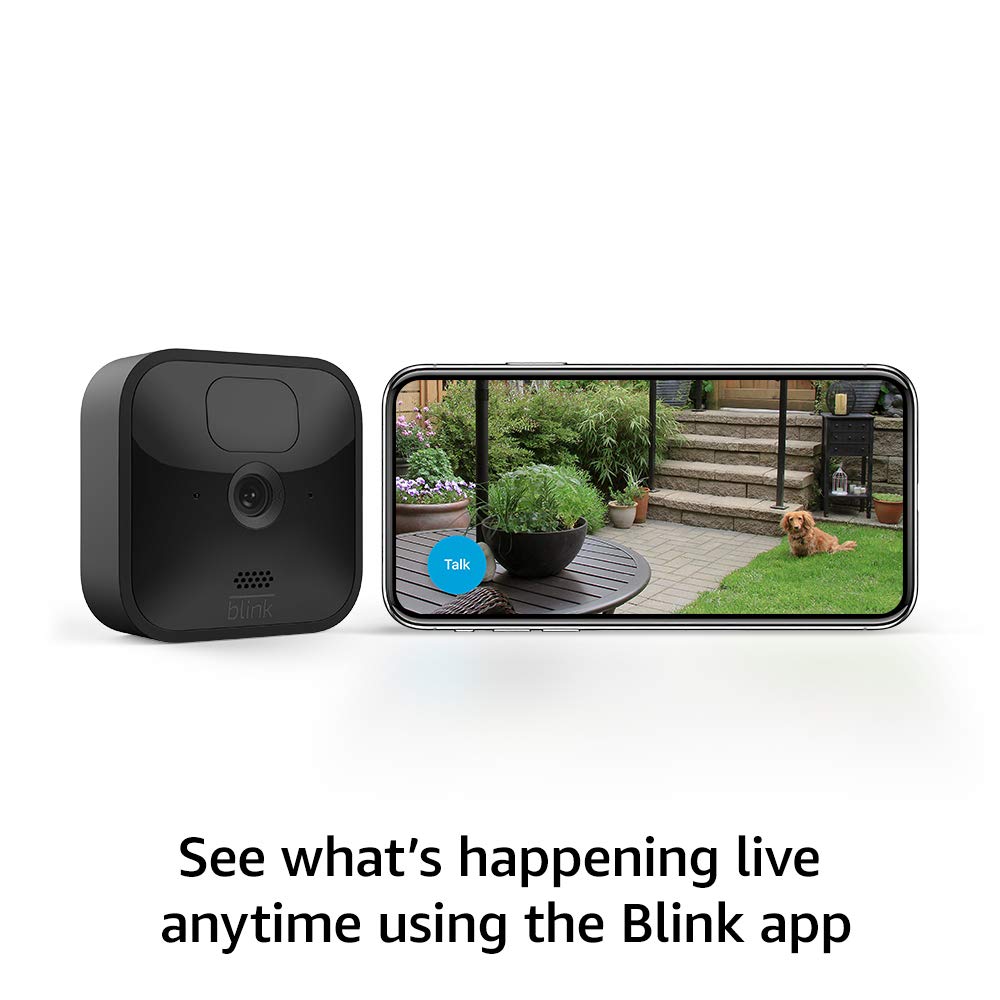
Image: A Blink Outdoor camera positioned next to an Amazon Echo Show, demonstrating its compatibility with Alexa for voice control and live viewing.
5. Maintenance
5.1. Battery Replacement
When the Blink Home Monitor app indicates low battery, replace the two AA 1.5V lithium metal (non-rechargeable) batteries in your camera. Always use new, high-quality lithium batteries for optimal performance and battery life.
5.2. Cleaning
To maintain clear video quality, periodically clean the camera lens and the surrounding casing. Use a soft, dry, lint-free cloth. Avoid abrasive cleaners or solvents that could damage the camera's finish or lens.
5.3. Weather Resistance
The Blink Outdoor camera is built to withstand various weather conditions. However, ensure it is mounted securely to prevent dislodgement during strong winds or storms. Regularly check the mounting for stability.
6. Troubleshooting
If you encounter issues with your Blink Outdoor system, consider the following common troubleshooting steps:
- No Connection/Offline Camera:
- Ensure your Sync Module 2 is powered on and connected to your Wi-Fi network.
- Check the distance between the camera and the Sync Module. Move them closer if necessary.
- Verify your Wi-Fi network is active and stable (2.4 GHz).
- Poor Video Quality:
- Clean the camera lens.
- Ensure adequate lighting for daytime video. For night vision, ensure no obstructions are blocking the infrared LEDs.
- Check your internet connection speed.
- Motion Detection Issues:
- Review and adjust motion zones and sensitivity settings in the Blink Home Monitor app.
- Ensure there are no physical obstructions blocking the camera's view.
- Battery Draining Quickly:
- Reduce the number of live view sessions or motion-activated recordings.
- Ensure you are using new, non-rechargeable AA lithium metal batteries.
- Extreme temperatures can affect battery performance.
For more detailed troubleshooting or specific issues, refer to the Blink Home Monitor app's help section or the official Blink support page.
7. Specifications
| Feature | Detail |
|---|---|
| Field of view | 110° diagonal |
| Video resolution | Record and view in 1080p HD video during the day and with infrared HD night vision after dark. |
| Photo resolution | View captured images in 640 x 360 nHD |
| Camera frame rate | Up to 30 fps |
| Size | 71 x 71 x 31 mm |
| Weight | 48 grams |
| CPU | Immedia Proprietary – AC1002B, 4 cores / 200 MHz |
| Power | Camera battery: 2 AA 1.5V lithium metal (non-rechargeable) batteries Sync Module 2 power: 100-220V AC to 5V DC converter included. *Battery life of up to 2 years, based on 5,882 seconds of live view, 43,200 seconds of motion-activated recording and 4,788 seconds of two-way talk. Battery life will vary based on device settings, use, and environmental factors. |
| Requirements | Always-on high-speed internet connection (such as broadband, fiber, or DSL). Wifi network: 2.4 GHz 802.11b/g/n. |
| Connection | Power adapter |
| Available colors | Black |
| Smartphone requirements | iOS 12.5, Android 5.0, or Fire OS 5.1 |
| Blink app | Blink Home Monitor |
| Audio | Speaker output and 2-way audio recording. |
| LEDs | 1 blue LED to help you know when it’s active (optional). 1 red LED when recording in night vision. |
| Generation | 3rd Generation |
| Operating temperature | -4 to 113° F |
| Software Security Updates | This device receives guaranteed software security updates until at least four years after the device is last available for purchase as a new unit on our websites. |
8. Warranty and Support
8.1. Warranty Information
The Blink Outdoor camera system comes with a 1-year limited warranty and service included. Like-New Amazon devices, such as this refurbished unit, receive the same limited warranty as a new device.
8.2. Customer Support
For additional information, setup guides, or technical assistance, please visit the official Blink support page. You can typically find support links within the Blink Home Monitor app or by searching for "Blink Outdoor support" online.
No official product videos were found in the provided data, therefore no videos are embedded in this manual.


