
Introduction
Thank you for choosing the WeCool Storm S-03 Bluetooth Speaker. This manual provides essential information for setting up, operating, and maintaining your speaker to ensure optimal performance and longevity. Please read this manual thoroughly before using the product.
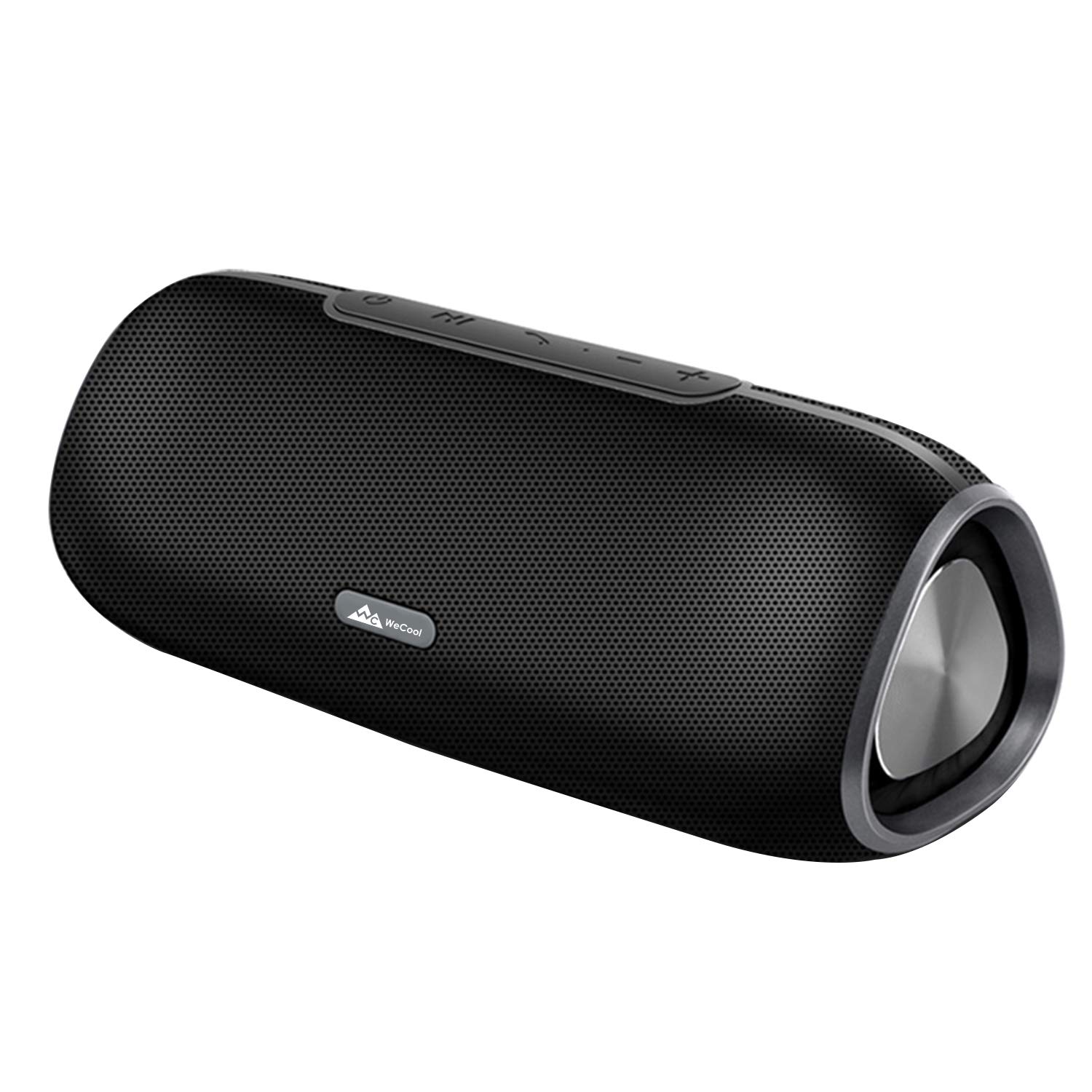
Image: Front view of the WeCool Storm S-03 Bluetooth Speaker, showcasing its compact design and speaker grille.
Setup
1. Charging the Speaker
Before first use, fully charge the speaker. Connect the provided charging cable to the speaker's charging port and a compatible USB power source. The charging indicator light will show the charging status. A full charge provides approximately 8 hours of playtime.

Image: Graphic illustrating the WeCool Storm S-03 speaker's 8-hour battery life, with a battery icon.
2. Power On/Off
To power on the speaker, press and hold the power button located on the control panel. To power off, press and hold the power button again.

Image: Close-up of the speaker's control panel, indicating the power button (1) for turning the device on or off.
3. Bluetooth Pairing
- Ensure the speaker is powered on and in Bluetooth pairing mode (indicated by a flashing LED).
- On your smartphone, tablet, or other Bluetooth-enabled device, navigate to the Bluetooth settings.
- Search for available devices and select "WeCool Storm S-03" from the list.
- Once connected, the speaker will indicate a successful pairing, and the LED will stop flashing.
Operating Instructions
Control Panel Functions
Image: Detailed view of the speaker's control panel, showing buttons for power, play/pause, call answer/hang up, volume up/next track, and volume down/previous track.
- 1. Turn ON / OFF: Press and hold to power the speaker on or off.
- 2. Pause / Play: Press to pause or resume audio playback.
- 3. Answer / Hang Up: Press to answer an incoming call or end an ongoing call.
- 4. Last Song / Volume -: Press to go to the previous track. Press and hold to decrease volume.
- 5. Next Song / Volume +: Press to go to the next track. Press and hold to increase volume.
Connectivity Options
The WeCool Storm S-03 offers multiple ways to play your audio:

Image: The side panel of the speaker highlighting the Micro SD card slot, AUX port, and indicating Bluetooth connectivity.
- Wireless Bluetooth Connection: Connect wirelessly to your devices as described in the Setup section.
- AUX Data Connection: Use a 3.5mm audio cable (not included) to connect devices directly to the AUX port for wired audio playback.
- TF Card Slot (Micro SD Support): Insert a Micro SD card loaded with audio files into the TF card slot for direct playback.
Hands-Free Calling and Voice Assistant
The speaker features a built-in HD microphone for hands-free calling and supports voice assistants like Siri and Google Assistant.
- Hands-Free Calling: When a call comes in, press the "Answer / Hang Up" button to answer. Press again to end the call.
- Voice Assistant: Long press the "Play/Pause" button to activate your device's voice assistant (e.g., Siri, Google Assistant).

Image: A person relaxing while using the WeCool Storm S-03 speaker for hands-free communication, illustrating the built-in microphone feature.

Image: A person interacting with the Google Assistant through the WeCool Storm S-03 speaker, demonstrating voice assistant compatibility.
Audio Performance
The WeCool Storm S-03 features dual woofers for enhanced bass and HD sound quality, delivering clear audio with minimal distortion.

Image: An exploded view graphic of the speaker, emphasizing its dual woofer design and 2x5W output for powerful bass.
Maintenance
Cleaning
Wipe the speaker with a soft, dry cloth. Do not use abrasive cleaners, alcohol, or other chemical solvents, as these may damage the surface.
Water Resistance (IPX5)
The WeCool Storm S-03 speaker is IPX5 splash-proof, meaning it can withstand splashes of water. It is not designed to be submerged in water. Ensure all ports are securely covered when exposed to water to prevent damage.
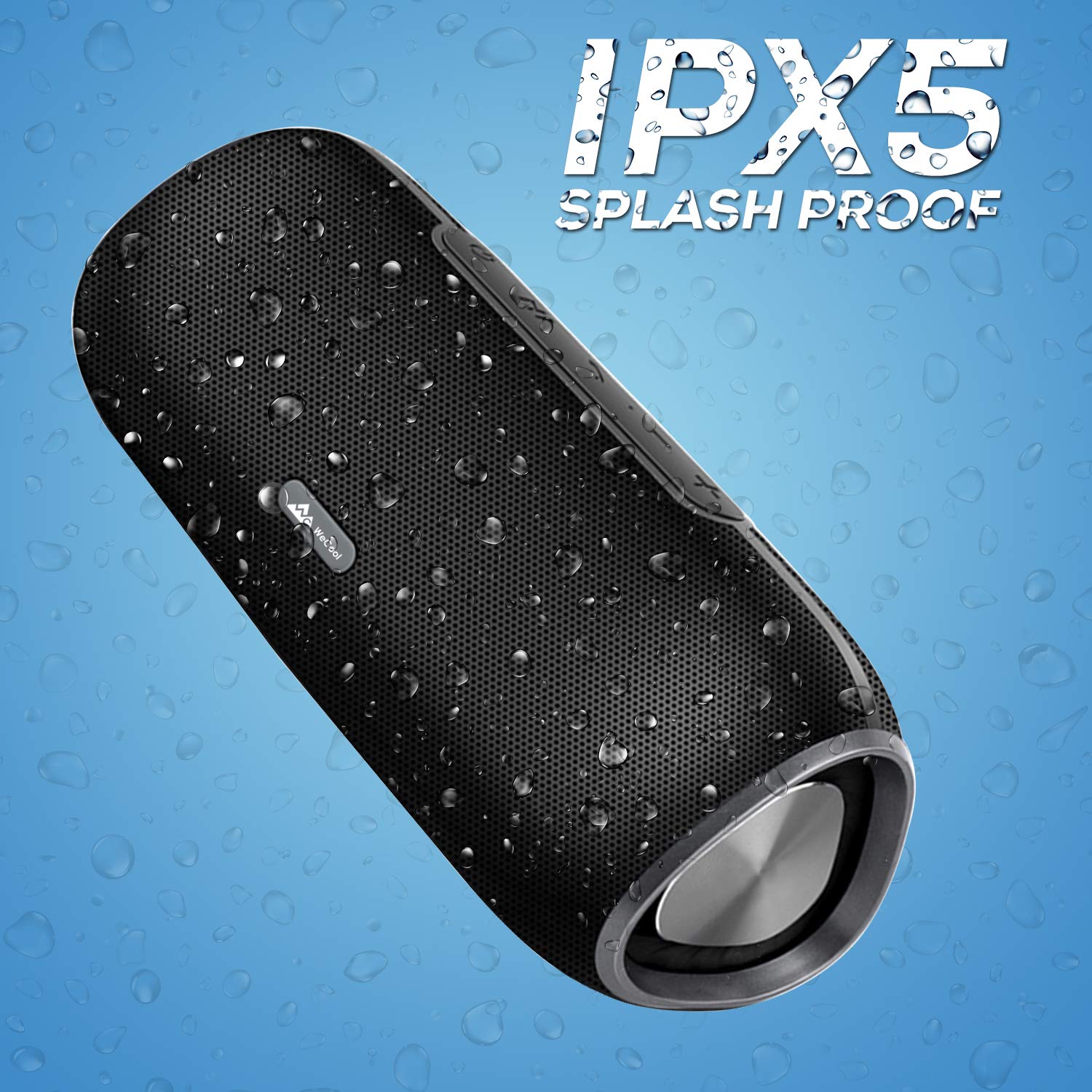
Image: The speaker shown with water droplets, illustrating its IPX5 splash-proof capability.
Troubleshooting
- Speaker does not turn on: Ensure the battery is charged. Connect the speaker to a power source and try again.
- Cannot pair with Bluetooth device:
- Ensure the speaker is in pairing mode (flashing LED).
- Make sure Bluetooth is enabled on your device.
- Move the speaker closer to your device.
- Forget the device from your Bluetooth list and try pairing again.
- No sound or low volume:
- Adjust the volume on both the speaker and your connected device.
- Ensure the speaker is properly connected via Bluetooth or AUX cable.
- If using a Micro SD card, ensure the audio files are in a compatible format.
- Poor sound quality:
- Ensure the speaker is within the effective Bluetooth range.
- Check for interference from other wireless devices.
- Try playing a different audio source.
Specifications
| Brand | WeCool |
| Model Number | Storm-03 |
| Connectivity Technology | Bluetooth 4.2, Auxiliary, Micro SD |
| Speaker Maximum Output Power | 10 Watts (2x5W) |
| Audio Output Mode | Stereo |
| Speaker Type | Woofer (Dual External Passive Bass Radiators) |
| Product Features | Built-in Microphone, Micro SD Card Support, Subwoofer |
| Control Method | Buttons |
| Water Resistance | IPX5 Splash Proof |
| Battery Capacity | 2000 mAh |
| Battery Average Life | Up to 8 hours |
| Item Weight | 350 Grams |
| Compatible Devices | Smartphones, Tablets, Televisions |
| Power Source | Battery Powered |
Warranty Information
This product is covered by a brand warranty for 6 months from the date of purchase. To avail of the warranty, please register your product on the official WeCool website (WeCool.in) within 10 days of purchase. Physical damages are not covered under this warranty.
Customer Support
For any queries or support regarding your WeCool Storm S-03 Bluetooth Speaker, please contact WeCool customer service:
- Phone/WhatsApp: +91 9036228529
- Website: WeCool.in