
Fiodio F-1100
Fiodio F-1100 Rainbow Wired Gaming Keyboard and Mouse Combo User Manual
Model: F-1100 | Brand: Fiodio
1. Introduction
This manual provides instructions for the Fiodio F-1100 Rainbow Wired Gaming Keyboard and Mouse Combo. This combo is designed for PC gaming and general computer use, featuring a backlit keyboard with multimedia keys and an ergonomic mouse with adjustable DPI settings. Please read this manual thoroughly before use to ensure proper operation and longevity of your product.

Image 1.1: The Fiodio F-1100 Rainbow Wired Gaming Keyboard and Mouse Combo, showcasing the keyboard with its rainbow backlighting and the accompanying gaming mouse.
2. Package Contents
Verify that all items are present in the package:
- 1x Fiodio F-1100 Wired Gaming Keyboard
- 1x Fiodio Wired Gaming Mouse
- 1x User Manual (this document)

Image 2.1: An illustration showing the Fiodio F-1100 keyboard and mouse, indicating they are part of an "All-in-One PC Gaming Value Set".
3. Setup Instructions
The Fiodio F-1100 combo is designed for plug-and-play functionality. No additional drivers or software are required for basic operation on compatible operating systems.
- Connect the Keyboard: Locate an available USB port on your computer. Insert the USB connector of the Fiodio keyboard into the USB port.
- Connect the Mouse: Locate another available USB port on your computer. Insert the USB connector of the Fiodio mouse into the USB port.
- System Recognition: Your operating system (e.g., Windows) should automatically detect and install the necessary drivers. This process may take a few moments.
- Ready for Use: Once the installation is complete, the keyboard and mouse are ready for immediate use.
Note: For optimal performance, ensure your computer's USB ports are functioning correctly.
4. Operating Instructions
4.1 Keyboard Functions
The Fiodio F-1100 keyboard features 104 keys, including a full numeric keypad, multimedia keys, and anti-ghosting capabilities for up to 26 keys.
4.1.1 Multimedia Keys
The keyboard includes dedicated multimedia function keys (F1-F12) accessible via the "Fn" key combination. Refer to the keycap legends for specific functions such as volume control, media playback, and web browser shortcuts.
4.1.2 Backlight Control
The keyboard features a colorful rainbow backlight. You can adjust its behavior:
- Lighting Modes: Switch between permanent lighting and automatic breathing lighting modes. Specific key combinations for this function are typically indicated on the keyboard itself (e.g., Fn + Scroll Lock or a dedicated light key).
- Brightness Adjustment: Increase or decrease the backlight brightness.
- Breathing Speed Adjustment: Modify the speed of the breathing effect.
- Turn Off Backlight: The backlight can be easily turned off when not desired.

Image 4.1: A close-up view of the Fiodio F-1100 keyboard showcasing its bright and colorful rainbow backlighting, highlighting the keycap design.
4.1.3 Anti-Ghosting
The keyboard supports 26-key anti-ghosting, meaning multiple key presses (up to 26 simultaneous inputs) will be registered accurately, preventing missed commands during intense gaming sessions.
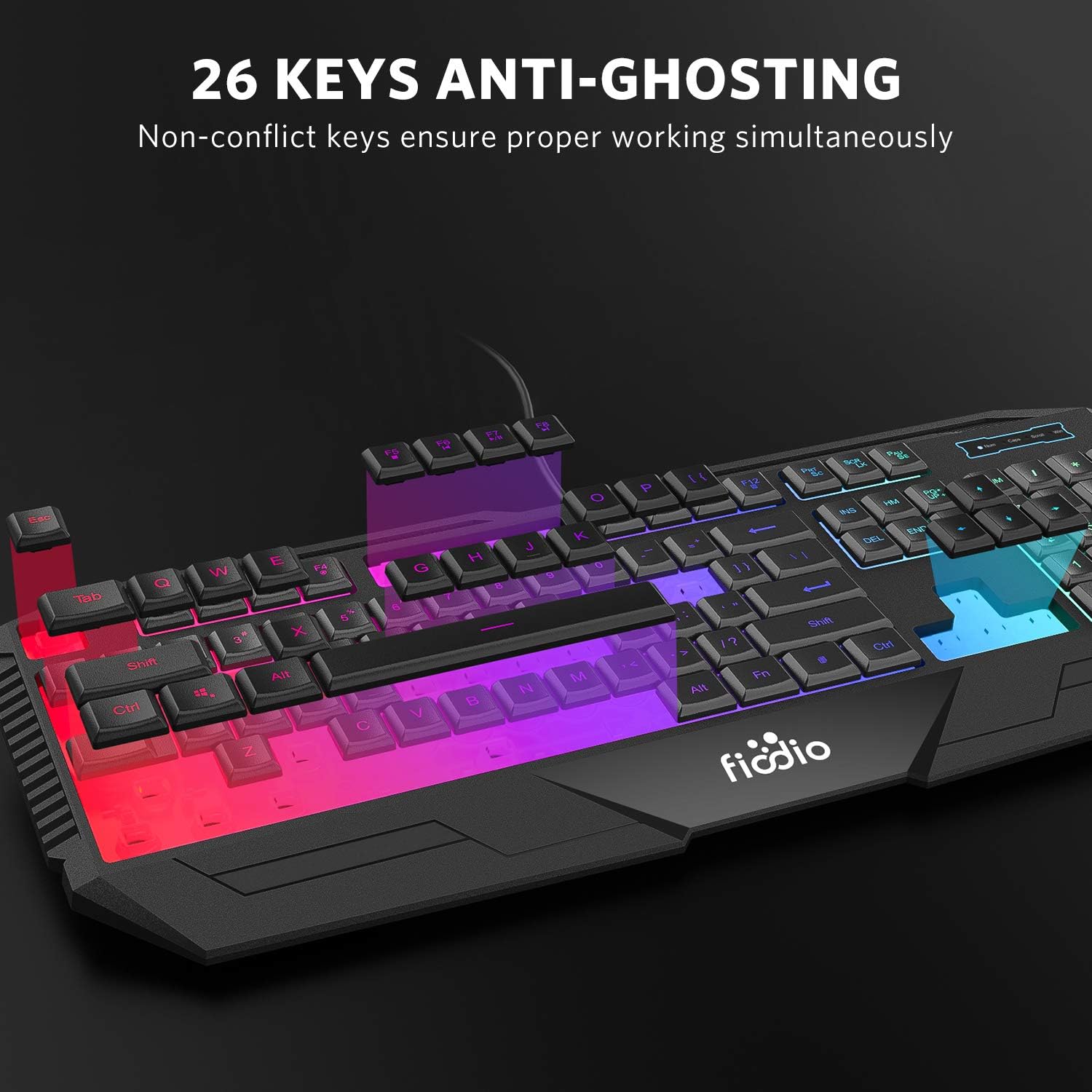
Image 4.2: An illustration demonstrating the 26-key anti-ghosting feature of the Fiodio F-1100 keyboard, showing multiple keys being pressed simultaneously and registered.
4.2 Mouse Functions
The Fiodio gaming mouse features 4 buttons and adjustable DPI settings.
4.2.1 DPI Adjustment
The mouse offers two default DPI (Dots Per Inch) levels: 1000 DPI and 1600 DPI. These can be adjusted to match your preference for different tasks or games. Typically, a dedicated DPI button is located on the mouse to cycle between these settings.
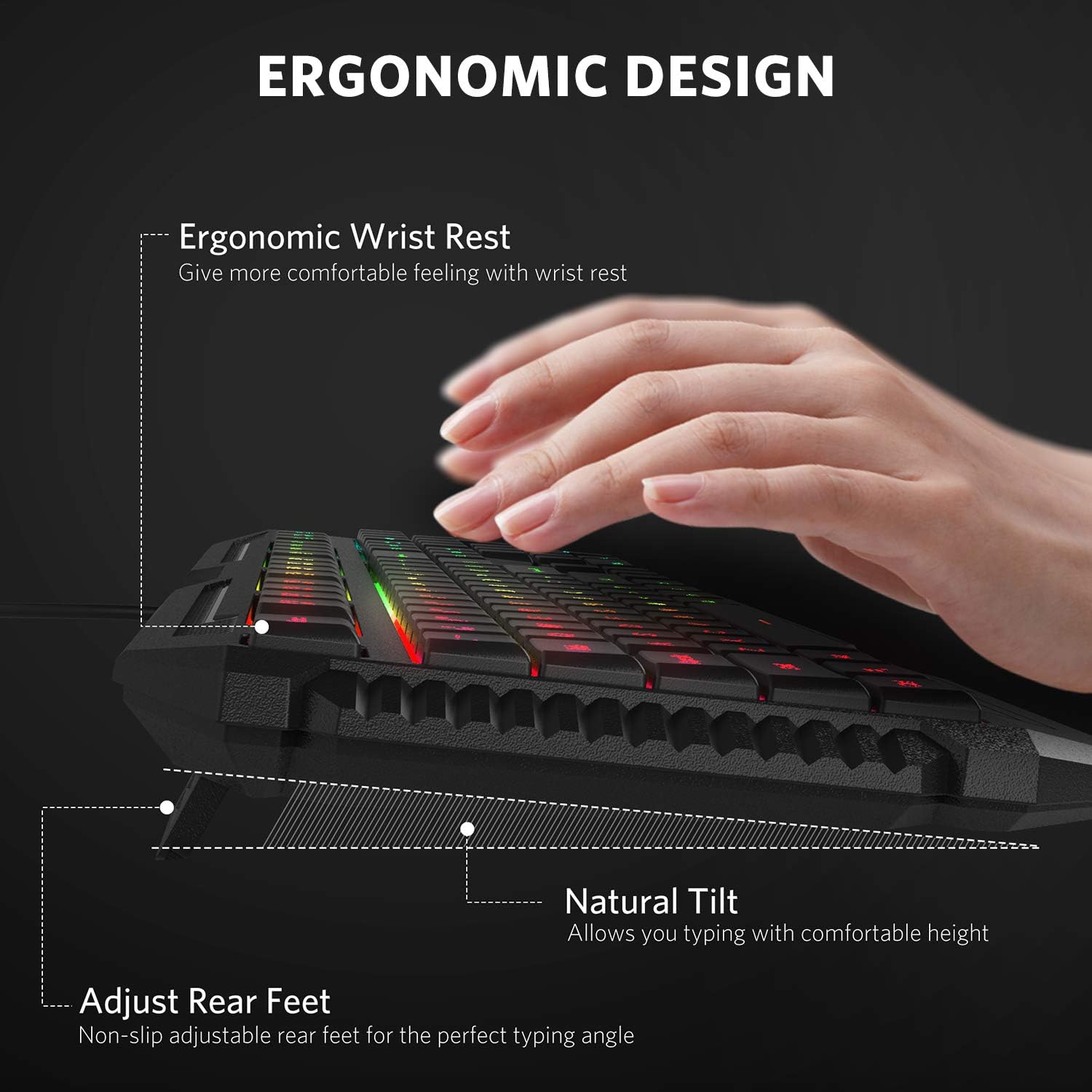
Image 4.3: A visual representation of the Fiodio F-1100 gaming mouse, highlighting its various color backlighting options and indicating the 2 DPI options available.
5. Ergonomics and Design Features
The Fiodio F-1100 combo is designed with user comfort and durability in mind.
- Ergonomic Design: The keyboard features an ergonomic arc keycap design and a wrist rest for comfortable typing and reduced fatigue during extended use.
- Adjustable Rear Feet: Non-slip adjustable rear feet allow you to set the keyboard to a comfortable typing angle.
- Spill Resistance: The keyboard is designed with spill resistance to protect against accidental liquid spills, contributing to a longer service life.
- Durable Construction: Both the keyboard and mouse are constructed from ABS material, designed to withstand regular use.
- Thin and Quiet Keycaps: The keycaps are designed to be thin and quiet, providing a fluid typing and gaming experience.
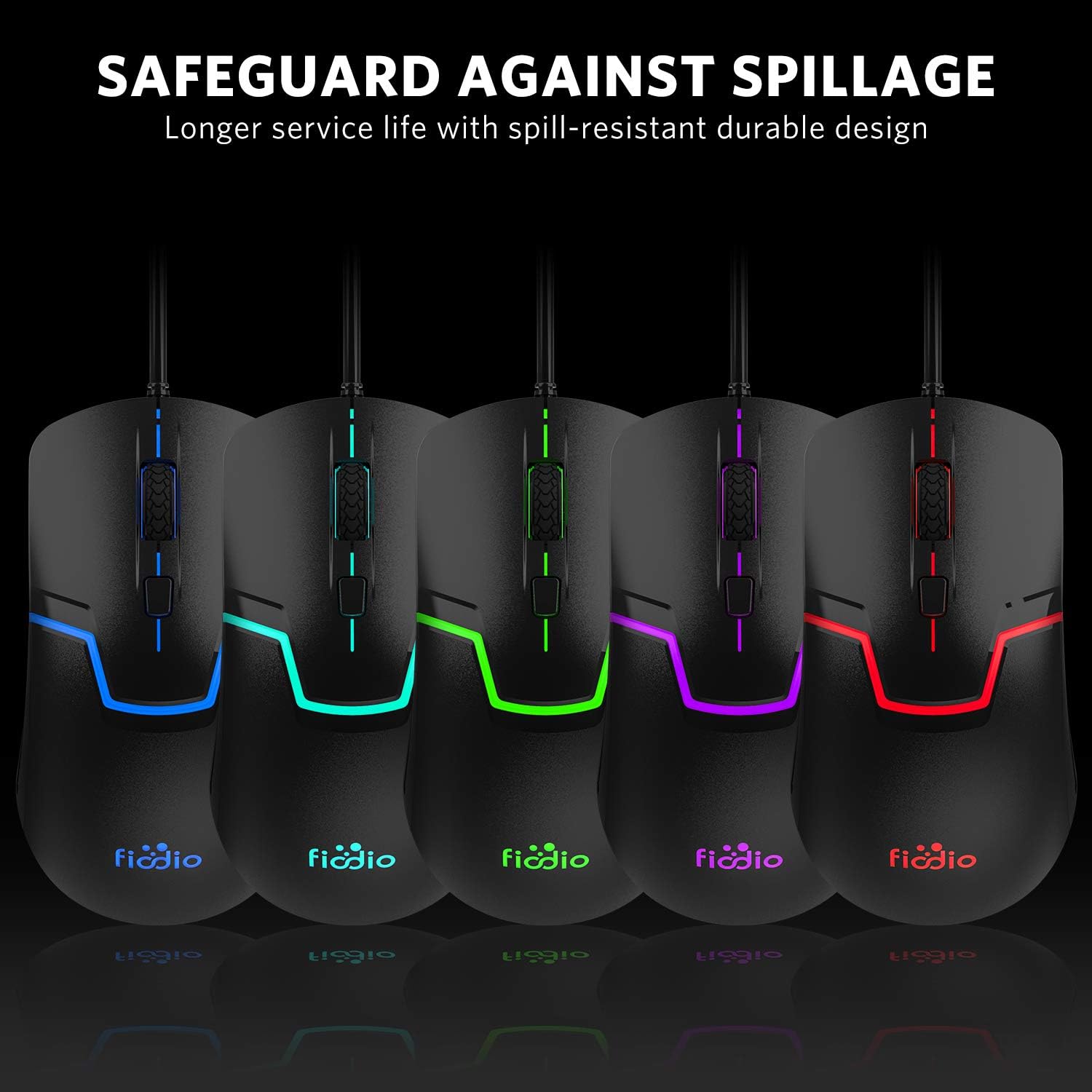
Image 5.1: A side view of the Fiodio F-1100 keyboard, illustrating its ergonomic wrist rest, natural tilt, and adjustable rear feet for comfortable use.
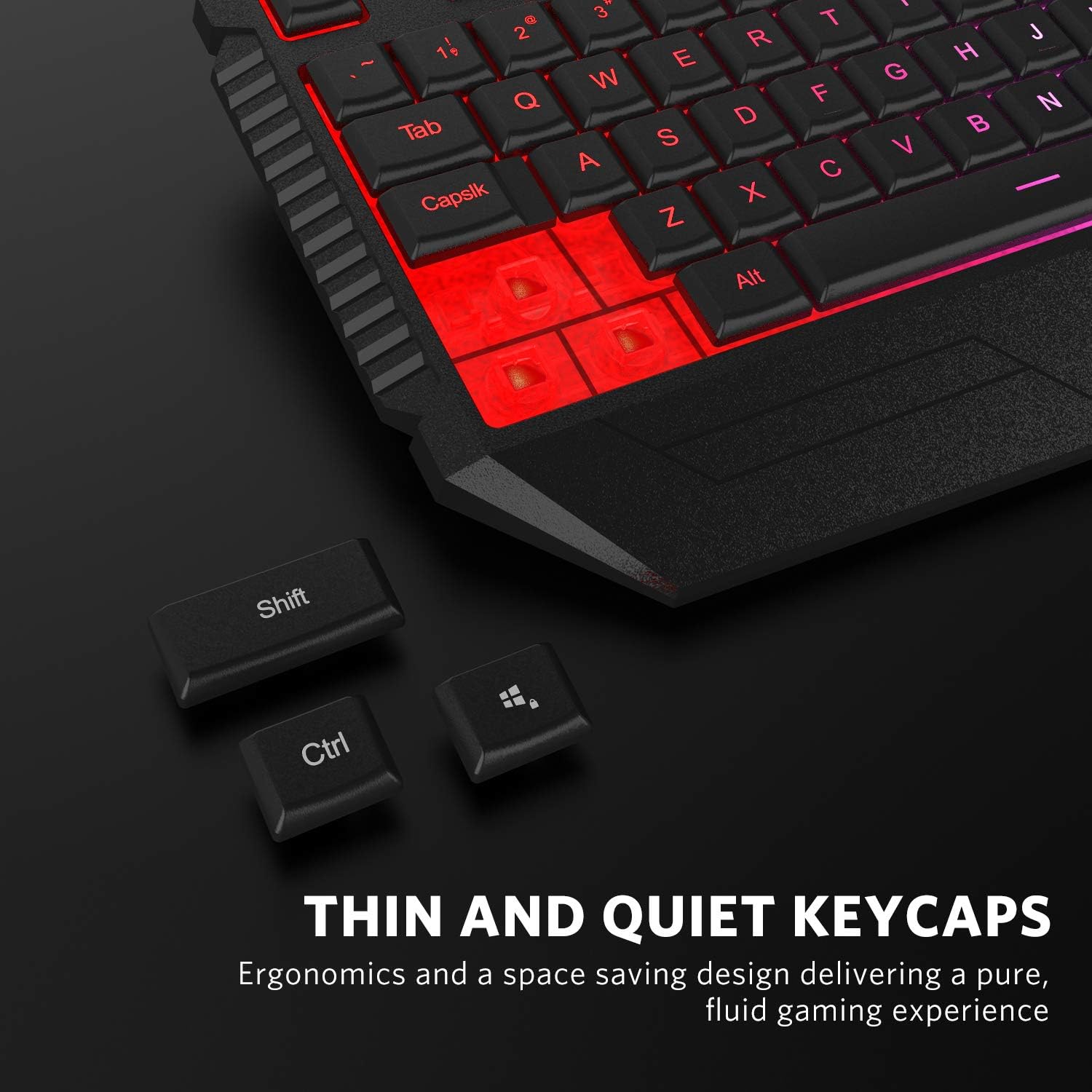
Image 5.2: An image depicting water being spilled on the Fiodio F-1100 keyboard, demonstrating its spill-resistant design for enhanced durability.
6. Maintenance
Proper maintenance ensures the longevity and performance of your Fiodio F-1100 combo.
- Cleaning: Use a soft, dry cloth to wipe down the keyboard and mouse surfaces. For stubborn dirt, a slightly damp cloth with mild soap can be used, ensuring no liquid enters the device.
- Dust Removal: Use compressed air to remove dust and debris from between the keycaps and around the mouse sensor.
- Avoid Liquids: While the keyboard is spill-resistant, avoid submerging it in liquids or exposing it to excessive moisture.
- Cable Care: Do not sharply bend or pull the USB cables to prevent internal damage.
7. Troubleshooting
If you encounter issues with your Fiodio F-1100 combo, refer to the following common solutions:
| Problem | Possible Cause | Solution |
|---|---|---|
| Keyboard/Mouse not responding | Loose USB connection, faulty USB port, driver issue. |
|
| Backlight not working | Backlight turned off, brightness set to minimum. |
|
| Mouse cursor erratic or not moving | Dirty sensor, unsuitable surface, incorrect DPI setting. |
|
| Keys not registering (ghosting) | Exceeding anti-ghosting limit, software conflict. |
|
8. Specifications
| Feature | Detail |
|---|---|
| Brand | Fiodio |
| Model Number | F-1100 |
| Connectivity | Wired USB |
| Keyboard Keys | 104 (Full-size with numeric keypad) |
| Anti-Ghosting | 26 keys |
| Keyboard Backlight | Rainbow RGB (Permanent & Breathing modes) |
| Mouse DPI | 1000 / 1600 DPI (Adjustable) |
| Mouse Buttons | 4 |
| Ergonomics | Keyboard with wrist rest, natural tilt, adjustable feet |
| Material | ABS Construction |
| Compatibility | Windows PC, Laptop |
| Product Dimensions (Keyboard) | 43.18 x 17.78 x 2.54 cm (approx.) |
| Item Weight | 1.09 kg (approx.) |
9. Warranty and Support
Fiodio products are manufactured to high-quality standards. For specific warranty information, please refer to the warranty card included with your purchase or visit the official Fiodio website. Keep your proof of purchase for warranty claims.
For technical support, troubleshooting assistance beyond this manual, or inquiries regarding your product, please contact Fiodio customer service through their official channels. Contact information can typically be found on the product packaging or the manufacturer's website.
Related documentsF-1100

Ask a question about this manual
Ask about setup, troubleshooting, compatibility, parts, safety, or missing instructions. Manuals+ will review the question and use this page’s manual context to help answer it.