
1. Product Overview
This manual provides instructions for the installation and maintenance of the UpStart Components 2-Pack 197253 Drive Belt, designed as a replacement for Husqvarna YTA22V46 (96045005300) (2015-07) Tractors. This product is compatible with 532197253 42-inch Mower Deck Belts.
The drive belt is a critical component in transferring power from the engine to the mower deck, enabling the blades to rotate. Regular inspection and timely replacement of the drive belt are essential for optimal performance and safety of your lawn tractor.
2. Safety Information
Always prioritize safety when working with machinery. Failure to follow these safety guidelines may result in injury or damage to equipment.
- Disconnect Power: Before attempting any installation or maintenance, ensure the tractor's engine is off, the spark plug wire is disconnected, and the parking brake is engaged to prevent accidental starting.
- Wear Protective Gear: Always wear appropriate personal protective equipment, including work gloves and eye protection, to prevent cuts, pinches, or other injuries.
- Stable Work Area: Work on a flat, stable surface. If lifting the tractor, use appropriate jacks and jack stands to secure it.
- Read Tractor Manual: Refer to your Husqvarna tractor's original owner's manual for specific instructions regarding belt replacement and safety procedures for your model.
- Proper Tools: Use the correct tools for the job to avoid damaging components or causing injury.
3. Product Components
Each package contains:
- Two (2) UpStart Components 197253 Drive Belts.

Figure 3.1: Image showing two coiled drive belts, ready for installation. The belts are black with some white markings indicating dimensions and anti-static properties.
4. Installation Instructions
This section outlines the general steps for replacing a drive belt. Specific procedures may vary slightly depending on your tractor model. Always consult your tractor's service manual for detailed instructions.
- Prepare the Tractor: Park the tractor on a level surface. Turn off the engine, remove the ignition key, disconnect the spark plug wire, and engage the parking brake.
- Access the Mower Deck: Depending on your tractor model, you may need to remove the mower deck to access the drive belt. Follow your tractor's manual for deck removal.
- Locate the Old Belt: Identify the worn or broken drive belt. Note its routing around the various pulleys (engine pulley, idler pulleys, deck pulleys). Taking a photo before removal can be helpful.
- Relieve Tension: Use a wrench or pry bar to relieve tension on the idler pulleys, allowing the old belt to be removed.
- Remove Old Belt: Carefully remove the old belt from all pulleys.
- Install New Belt: Route the new UpStart Components drive belt around the pulleys exactly as the old belt was routed. Ensure the belt is seated correctly in all pulley grooves.
- Restore Tension: Release the tension on the idler pulleys, ensuring the new belt is taut. Double-check that the belt is properly aligned and not twisted.
- Reassemble: Reattach the mower deck (if removed) and reconnect the spark plug wire.
- Test Operation: Start the tractor and engage the mower deck briefly to ensure the belt operates smoothly without slipping or unusual noises. Disengage the deck and turn off the engine.
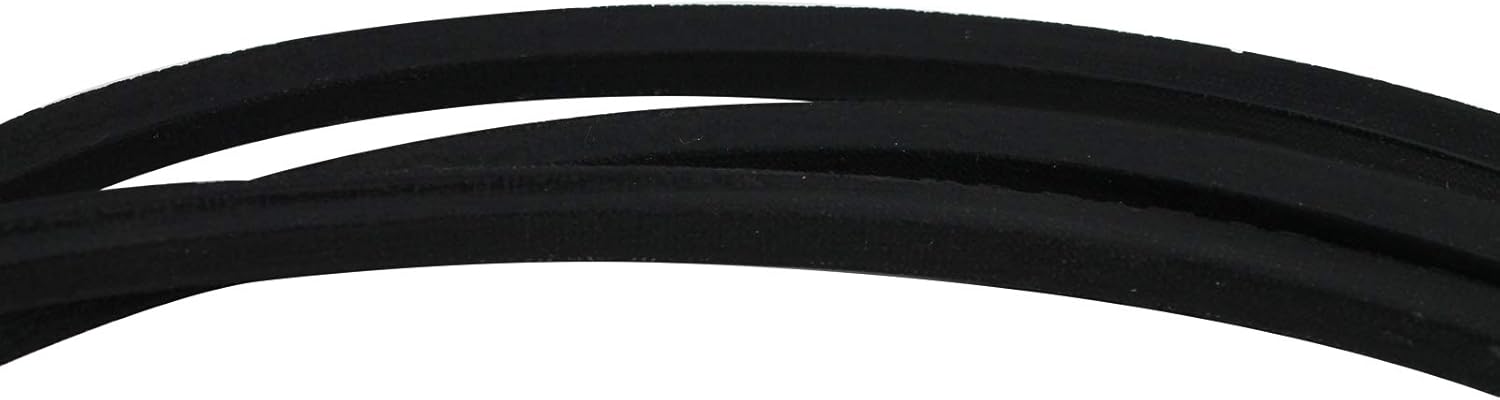
Figure 4.1: Close-up view of the drive belt material, highlighting its durable construction. This image helps in identifying the correct belt type and quality.
5. Maintenance
Proper maintenance extends the life of your drive belt and ensures consistent performance.
- Regular Inspection: Periodically inspect the drive belt for signs of wear, cracking, fraying, glazing, or stretching. Replace the belt if any significant damage is observed.
- Cleanliness: Keep the belt and pulleys free from dirt, grass clippings, oil, and other debris that can cause slippage or premature wear.
- Proper Tension: Ensure the belt maintains proper tension. A belt that is too loose can slip, causing poor performance, while a belt that is too tight can put excessive strain on pulleys and bearings.
- Storage: If storing the tractor for an extended period, ensure the belt is clean and dry. Store in a cool, dry place away from direct sunlight and extreme temperatures.
6. Troubleshooting
This section addresses common issues related to drive belt performance.
| Problem | Possible Cause | Solution |
|---|---|---|
| Belt slipping or squealing | Loose tension, worn belt, glazed belt, oil/grease on belt/pulleys | Check belt tension, replace worn belt, clean belt and pulleys |
| Belt breaking prematurely | Improper installation, misaligned pulleys, foreign objects, excessive load | Ensure correct routing and tension, check pulley alignment, remove obstructions, avoid overloading |
| Mower deck not engaging | Broken belt, belt off pulley, engagement mechanism issue | Inspect belt for damage or displacement, re-route belt, check engagement lever/cable |
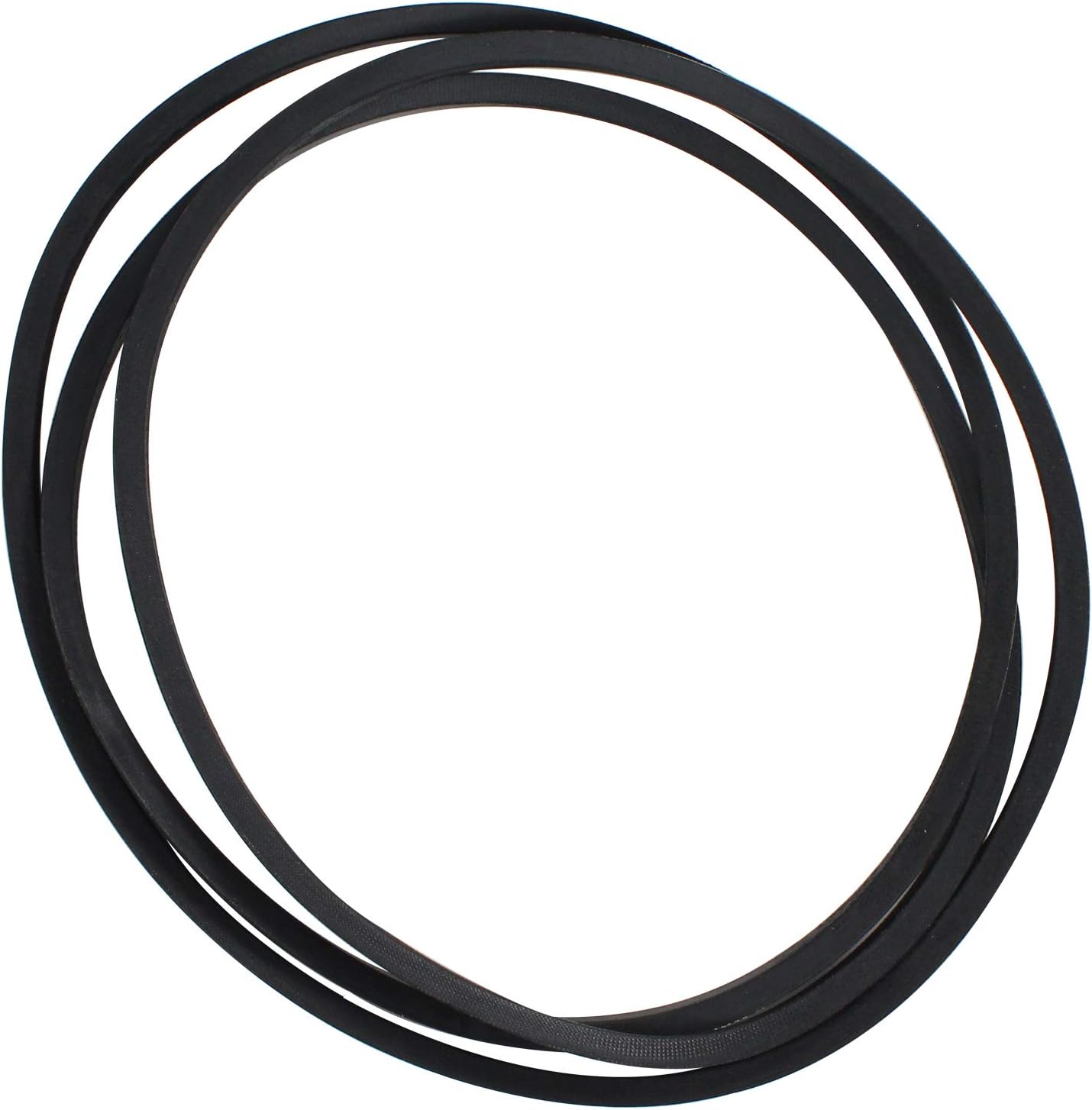
Figure 6.1: A single drive belt, showcasing its full length and the markings for size (A100.97) and properties (ANTI-STATIC, OIL & HEAT RESISTANT). This view is useful for verifying the correct part.
7. Specifications
| Attribute | Value |
|---|---|
| Product Name | UpStart Components 197253 Drive Belt |
| Quantity | 2 Belts per pack |
| Dimensions | 1/2" x 100.97" (100.97"L x 0.5"W) |
| Compatible Part Numbers | 197253, 532197253 |
| Compatible Devices | Husqvarna YTA22V46 (96045005300) (2015-07) Tractor, AYP 197253, AYP 532197253, Craftsman 592855001, Husqvarna 532197253, Husqvarna 592855001, Rotary 11867, Stens 265-214 |
| Belt Style | Deck Belt |
| Manufacturer | UpStart Components |
| Item Model Number | LM-197253-2PK-DL158 |
8. Warranty and Support
This product is an UpStart Components Brand replacement part and is not an OEM product. All mentions of brand names or model descriptions are made strictly to illustrate compatibility. All brand names and logos are registered trademarks of their respective owners. This product is not affiliated with any brands and is not covered under any warranties offered by the original manufacturers.
Any warranties for this product are offered solely by UpStart Components. For warranty claims or support inquiries, please contact UpStart Components directly through their official channels.