
1. Introduction
This manual provides instructions for the installation and maintenance of the UpStart Components 197253 Drive Belt. This product is a replacement part designed for use with Craftsman 917289342 Lawn Tractors and compatible 532197253 42-inch mower decks. It is essential to ensure this belt is the correct replacement for your specific equipment model before proceeding with installation.

Image 1: The UpStart Components 197253 Drive Belt, shown coiled.
2. Safety Information
Always prioritize safety when performing maintenance on power equipment. Failure to follow safety precautions can result in serious injury.
- Disconnect Power: Before beginning any work, ensure the lawn tractor engine is off, the key is removed, and the spark plug wire is disconnected to prevent accidental starting.
- Wear Protective Gear: Always wear work gloves to protect your hands from sharp edges and pinch points. Safety glasses are also recommended.
- Consult Tractor Manual: Refer to your specific lawn tractor's owner's manual for detailed instructions on removing and installing the mower deck and drive belts, as procedures may vary.
- Secure Equipment: Ensure the tractor is on a flat, stable surface and properly supported if lifting is required.
3. Setup and Installation
This section outlines the general steps for replacing a drive belt. Specific procedures may vary based on your lawn tractor model.
Required Tools:
- Work gloves
- Wrenches or sockets (sizes may vary)
- Pry bar or similar tool (optional, for tensioning)
Installation Steps:
- Prepare the Tractor: Park the lawn tractor on a level surface. Engage the parking brake, disengage the mower blades, turn off the engine, remove the ignition key, and disconnect the spark plug wire.
- Access the Mower Deck: Carefully follow your tractor's manual to lower and remove the mower deck from the tractor. This usually involves disconnecting linkage rods, springs, and the existing drive belt.
- Remove Old Belt: Once the deck is accessible, carefully note the routing of the old belt around all pulleys. Take a photo if necessary. Remove any belt guides or guards, then remove the old, worn belt.
- Install New Belt: Route the new UpStart Components 197253 drive belt around the pulleys exactly as the old belt was routed. Ensure the belt sits correctly in all pulley grooves.
- Reassemble: Reinstall any belt guides or guards. Reattach the mower deck to the tractor, ensuring all linkage rods, springs, and the new drive belt are properly connected and tensioned according to your tractor's manual.
- Final Checks: Reconnect the spark plug wire. Before starting the engine, manually rotate the blades to ensure the belt moves freely and is not binding.
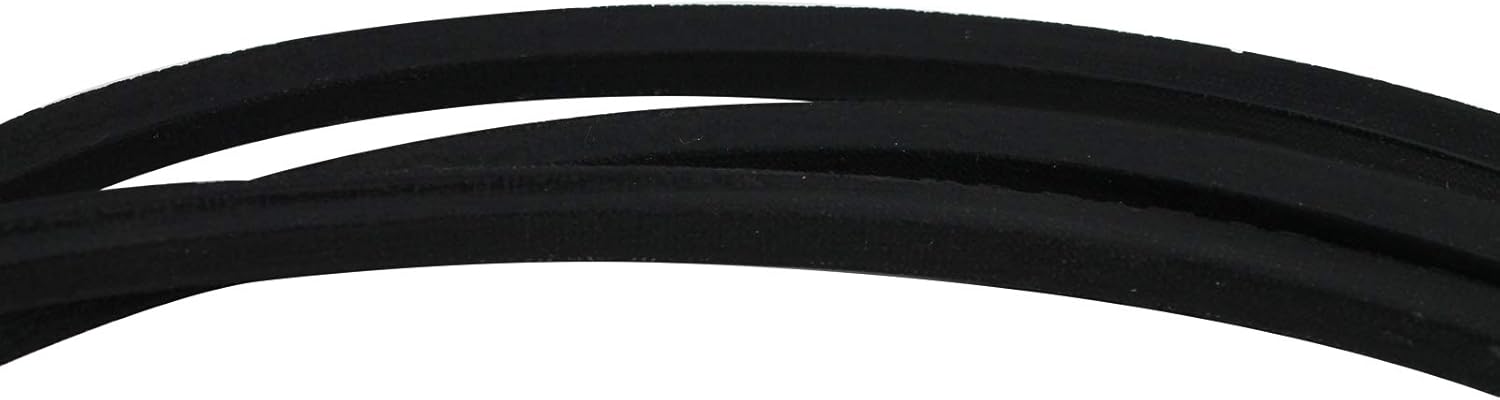
Image 2: A close-up of the drive belt material, showing its construction.
4. Operating
The UpStart Components 197253 Drive Belt is a replacement component designed to transmit power within your lawn tractor's mower deck system. It does not have operational controls itself. Once correctly installed, its function is to engage the mower blades when the power take-off (PTO) is activated, allowing the tractor to cut grass. Always operate your lawn tractor according to the manufacturer's instructions.
5. Maintenance
Regular inspection and maintenance of your drive belt will extend its lifespan and ensure optimal performance of your lawn tractor.
- Regular Inspection: Periodically inspect the belt for signs of wear, such as cracks, fraying, glazing, or stretching. Check for any foreign objects lodged in the belt path.
- Cleaning: Keep the belt and pulleys free from grass clippings, dirt, and debris. Accumulation can cause premature wear and slippage.
- Proper Tension: Ensure the belt maintains proper tension as specified in your tractor's manual. An overly tight belt can strain components, while a loose belt can slip.
- Replacement: Replace the belt immediately if significant wear or damage is observed. A worn belt can lead to inefficient cutting, slippage, or complete failure during operation.
6. Troubleshooting
If you experience issues with your mower deck's drive system after belt replacement, consider the following common problems:
- Belt Slipping: This can be caused by incorrect belt tension, worn pulleys, or oil/grease on the belt surface. Check tension, clean the belt and pulleys, and inspect pulleys for wear.
- Belt Breaking Prematurely: Often due to improper installation, incorrect belt routing, misaligned pulleys, or foreign objects getting caught in the belt path. Verify correct routing and alignment.
- Excessive Noise: Squealing or grinding noises can indicate a misaligned belt, worn idler pulleys, or incorrect tension. Inspect all components for proper alignment and function.
- Blades Not Engaging: Ensure the PTO lever is fully engaged and the belt is properly seated on all pulleys. Check for any obstructions preventing belt movement.
7. Specifications
| Feature | Detail |
|---|---|
| Product Name | UpStart Components 197253 Drive Belt |
| Model Number | LM-197253-DL131 |
| Dimensions | 1/2 inch (width) x 100.97 inches (length) |
| Belt Style | Deck Belt |
| Compatible With | Craftsman 917289342 Lawn Tractor, AYP 197253, AYP 532197253, Craftsman 592855001, Husqvarna 532197253, Husqvarna 592855001, Rotary 11867, Stens 265-214 |
| Manufacturer | UpStart Components |
8. Warranty and Support
This product is a replacement part manufactured by UpStart Components. Any warranties for this product are offered solely by UpStart Components. This product is not affiliated with any other brands mentioned, and is not covered under any warranties offered by the original equipment manufacturers.
For warranty claims, technical assistance, or further support regarding the UpStart Components 197253 Drive Belt, please contact UpStart Components directly through their official support channels.