
UpStart Components LM-197253-DL107
UpStart Components 197253 Drive Belt Replacement User Manual
For Craftsman 917288250 Lawn Tractor - Compatible with 532197253 42 inch Mower Deck Belt
Product Overview
This manual provides essential information for the installation and maintenance of your UpStart Components 197253 Drive Belt. This replacement belt is designed for use with Craftsman 917288250 Lawn Tractors and is compatible with 532197253 42-inch Mower Deck Belt systems.
The UpStart Components 197253 Drive Belt is manufactured from premium quality materials, ensuring durability and reliable performance for your lawn tractor's mower deck.

Figure 1: The UpStart Components 197253 Drive Belt. This image shows the belt coiled, highlighting its material and general appearance before installation.
Safety Information
Always prioritize safety when working with machinery. Failure to follow safety instructions can result in serious injury or damage to equipment.
- Disconnect Power: Before beginning any work on your lawn tractor, ensure the engine is off, the spark plug wire is disconnected, and the key is removed to prevent accidental starting.
- Wear Protective Gear: Always wear appropriate personal protective equipment, including work gloves to protect your hands from sharp edges and pinch points, and safety glasses to protect your eyes.
- Secure the Machine: If lifting the tractor, ensure it is securely supported on jack stands or ramps to prevent it from falling.
- Read Tractor Manual: Refer to your lawn tractor's original owner's manual for specific safety procedures and instructions related to your model.
Setup and Installation
This section outlines the general steps for replacing the mower deck drive belt. Specific steps may vary slightly depending on your Craftsman lawn tractor model. Always consult your tractor's service manual for detailed diagrams and instructions.
- Preparation:
- Park the lawn tractor on a flat, level surface.
- Engage the parking brake.
- Turn off the engine and remove the ignition key.
- Disconnect the spark plug wire to prevent accidental starting.
- Lower the mower deck to its lowest position.
- Remove Old Belt:
- Carefully inspect the routing of the old belt before removal, or take a photo for reference.
- Release tension on the belt by disengaging any idler pulleys or tensioning mechanisms.
- Remove the old, worn, or broken drive belt from all pulleys.
- Install New Belt:
- Begin by routing the new UpStart Components 197253 Drive Belt around the main drive pulley (usually on the engine crankshaft).
- Carefully route the belt around all other pulleys, including idler pulleys and deck pulleys, following the exact path of the old belt. Ensure the belt is seated correctly in all pulley grooves.
- Re-engage any tensioning mechanisms or idler pulleys to apply proper tension to the new belt.
- Verify Installation:
- Double-check that the belt is correctly routed on all pulleys and that there are no twists or kinks.
- Ensure all guards and covers removed during the process are reinstalled securely.
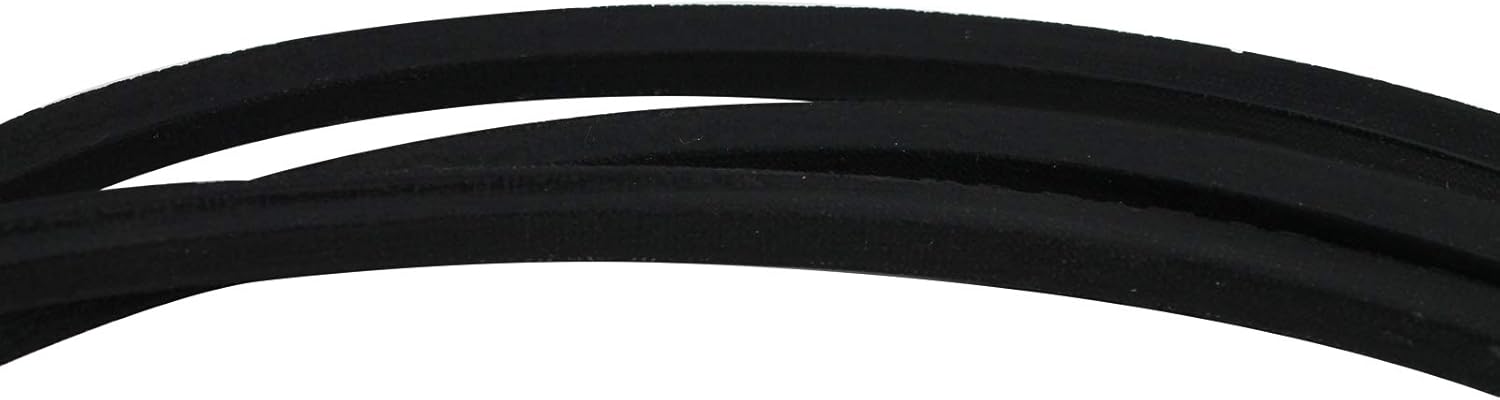
Figure 2: A close-up of the belt's surface, showing the texture and quality of the material. This detail is important for ensuring proper grip and longevity.
Operating Considerations
After installing the new drive belt, perform a brief test run to ensure proper operation.
- Initial Check: Reconnect the spark plug wire and insert the ignition key. Start the engine and engage the mower deck at a low RPM. Listen for any unusual noises or vibrations.
- Smooth Engagement: The mower deck should engage smoothly without excessive slipping or jerking.
- Proper Tension: The belt should appear taut when engaged, but not overly tight, which could strain pulleys and bearings.
Maintenance
Regular inspection of your drive belt can extend its lifespan and ensure consistent performance of your lawn tractor.
- Visual Inspection: Periodically inspect the belt for signs of wear, such as cracks, fraying, glazing, or missing chunks. Check for proper tension.
- Cleanliness: Keep the belt and pulleys free from grass clippings, dirt, and debris, which can cause premature wear and slippage.
- Storage: If storing the tractor for an extended period, ensure the belt is clean and dry.
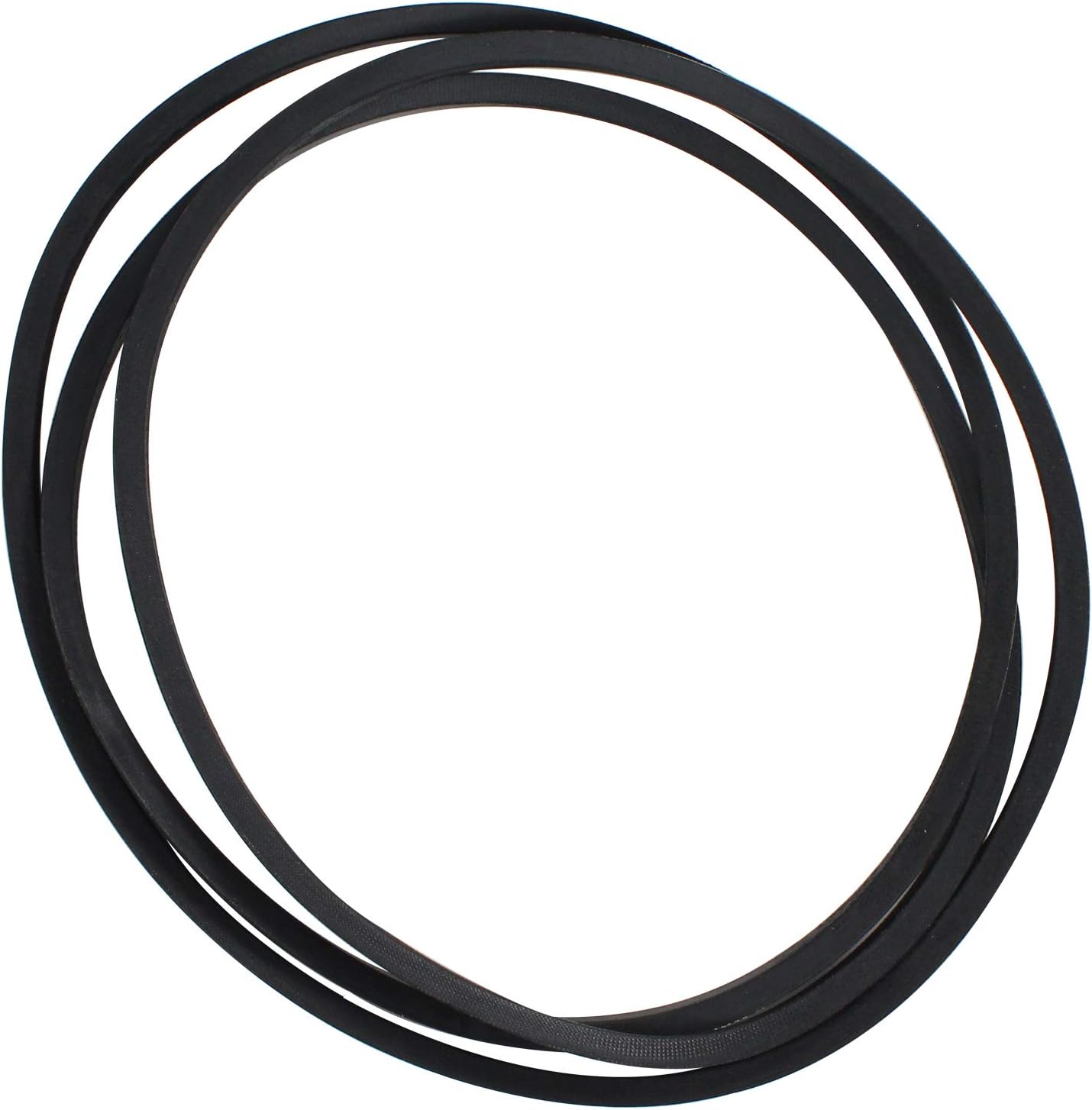
Figure 3: The UpStart Components 197253 Drive Belt laid out, illustrating its full length and consistent width. This view is helpful for verifying dimensions and overall condition during maintenance checks.
Troubleshooting
If you encounter issues after installing the new drive belt, consider the following common problems and solutions:
| Problem | Possible Cause | Solution |
|---|---|---|
| Belt slips or squeals | Incorrect tension, worn pulleys, oil/grease on belt, incorrect belt size. | Adjust tension, clean belt/pulleys, replace worn pulleys, verify belt dimensions. |
| Belt comes off pulleys | Incorrect routing, worn pulleys, bent pulley guards, incorrect belt size. | Re-route belt correctly, inspect/replace pulleys, check/straighten guards, verify belt dimensions. |
| Excessive vibration | Belt twisted, damaged pulley, unbalanced blades (if deck related). | Check belt for twists, inspect pulleys for damage, check mower blades. |
Specifications
| Attribute | Detail |
|---|---|
| Brand | UpStart Components |
| Model Number | LM-197253-DL107 |
| Product Dimensions | 100.97"L x 0.5"W |
| Belt Style | Deck Belt |
| Compatible Part Numbers | 197253, 532197253 |
| Compatible Devices | Craftsman 917288250 Lawn Tractor, Craftsman 592855001, Husqvarna 592855001, Husqvarna 532197253, Stens 265-214, Rotary 11867, AYP 197253, AYP 532197253 |
Warranty and Support
This UpStart Components product is covered by warranties offered solely by UpStart Components. For specific warranty details, claims, or technical support, please refer to the official UpStart Components website or contact their customer service directly.
Please note that this is an UpStart Components Brand replacement part and is not affiliated with any original equipment manufacturers (OEMs). All mentions of brand names or model descriptions are made strictly to illustrate compatibility.
Ask a question about this manual
Ask about setup, troubleshooting, compatibility, parts, safety, or missing instructions. Manuals+ will review the question and use this page’s manual context to help answer it.