
1. Introduction
The Nyboer Wi-Fi Gateway G2 is designed to enhance the functionality of your TT Lock compatible smart door locks. This device bridges your smart lock to your home Wi-Fi network, enabling remote control, real-time monitoring, and integration with smart home systems like Amazon Alexa.
2. Product Overview
The Nyboer Wi-Fi Gateway G2 provides seamless connectivity for your smart locks. Key features include:
- Universal Compatibility: Works with all Nyboer smart locks and other smart devices that utilize the TT Lock app.
- Remote Control: Connects to the TT Lock App for remote unlocking, sharing, modifying, and deleting E-keys from any location.
- Real-time Monitoring: Provides real-time updates on door status, battery life, and unlock activity logs.
- Voice Control Integration: Compatible with Amazon Alexa for convenient voice-activated control of your smart door locks.
- Multi-Lock Support: A single gateway can pair with multiple smart door locks.
- Network Requirement: Supports 2.4GHz Wi-Fi networks only.
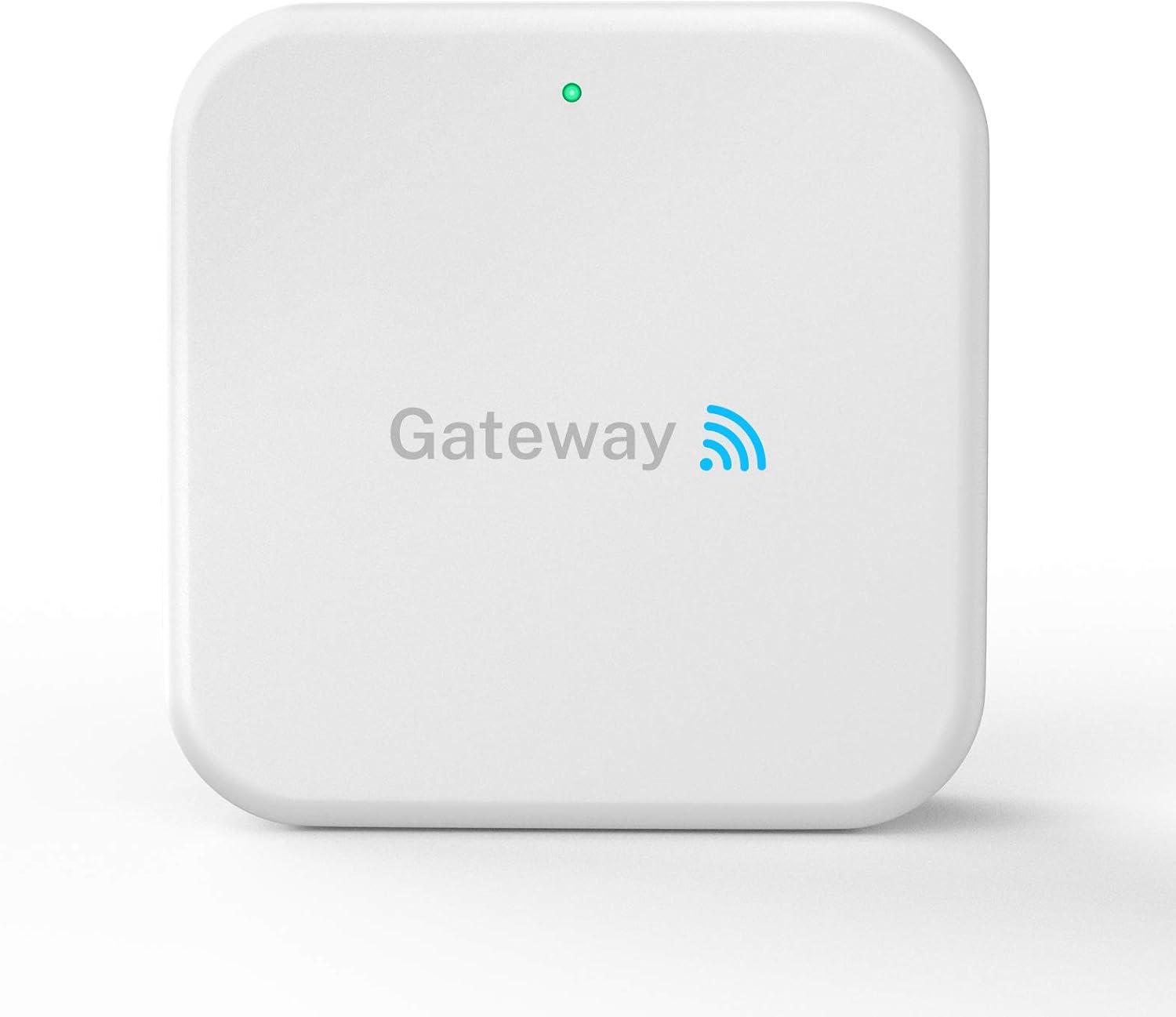
Figure 2.1: Nyboer Wi-Fi Gateway G2
3. Package Contents
Please verify that all items are present in your package:
- 1 x Nyboer Wi-Fi Gateway G2
- 1 x Instruction Manual
- 1 x USB Cable
4. Setup
4.1 Placement Considerations
For optimal performance, position the gateway within 32 feet (10 meters) of your smart lock. Exceeding this distance may affect connectivity and signal strength.
4.2 Network Connection
- Ensure your smartphone is connected to the same Wi-Fi network as the gateway during the initial setup process.
- The gateway supports 2.4GHz Wi-Fi networks only. Confirm your network is operating on this frequency.
- Plug the gateway into a power source using the provided USB cable. The indicator light will illuminate.

Figure 4.1: Gateway connection diagram
4.3 Pairing with TT Lock App
Follow the instructions within the TT Lock app to add and pair your Nyboer Wi-Fi Gateway G2. The app will guide you through the process of connecting the gateway to your Wi-Fi network and linking it to your smart locks.

Figure 4.2: Gateway compatibility with various smart locks
5. Operating Instructions
5.1 Remote Control via TT Lock App
Once the gateway is successfully paired, you can perform the following actions remotely through the TT Lock App:
- Unlock/Lock: Remotely control the locking and unlocking of your smart door.
- E-Key Management: Share, modify, or delete E-keys for guests or temporary access.
- Activity Logs: View a detailed history of all lock and unlock events.
- Status Monitoring: Check the current status of your door (locked/unlocked) and the battery level of your smart lock.

Figure 5.1: Remote control via TT Lock App
5.2 Voice Control with Amazon Alexa
The Nyboer Wi-Fi Gateway G2 supports integration with Amazon Alexa (Alexa device not included). To enable voice control:
- Ensure your gateway is connected to the TT Lock App and your smart locks are paired.
- Open the Amazon Alexa app and enable the TT Lock skill.
- Follow the on-screen instructions to link your TT Lock account with Alexa.
- You can now use voice commands such as "Alexa, unlock my front door" (a PIN may be required for unlocking for security).

Figure 5.2: Smart integration with voice assistants
6. Maintenance
To ensure the longevity and optimal performance of your Nyboer Wi-Fi Gateway G2:
- Keep the device clean and free from dust. Use a soft, dry cloth for cleaning.
- Avoid exposing the gateway to extreme temperatures, direct sunlight, or moisture.
- Ensure proper ventilation around the device.

Figure 6.1: Gateway light indication
7. Troubleshooting
If you encounter issues with your Nyboer Wi-Fi Gateway G2, refer to the following common problems and solutions:
| Problem | Possible Cause | Solution |
|---|---|---|
| Gateway not connecting to Wi-Fi | Incorrect Wi-Fi frequency; smartphone not on same network; weak signal. | Ensure your Wi-Fi is 2.4GHz. Connect your smartphone to the same 2.4GHz network during setup. Move the gateway closer to your router. |
| Remote control not working | Gateway too far from smart lock; gateway offline. | Relocate the gateway closer to the smart lock (within 32 feet/10 meters). Check the gateway's indicator light and Wi-Fi connection. |
| Alexa voice control not responding | TT Lock skill not enabled or linked; gateway offline. | Verify the TT Lock skill is enabled and linked in the Alexa app. Ensure the gateway has an active internet connection. |
8. Specifications
| Feature | Detail |
|---|---|
| Brand | Nyboer |
| Model Name | G2 |
| Item Weight | 4.2 ounces |
| Product Dimensions | 2.76 x 2.76 x 1.02 inches |
| Material | Metal |
| Connectivity Protocol | Bluetooth, Wi-Fi (2.4GHz only) |
| Controller Type | Amazon Alexa, Vera |
| Included Components | 1* Gateway, 1* Manual, 1* USB Cable |
| UPC | 743307170068 |
9. Warranty and Support
Nyboer provides a six-month warranty from the date of purchase for the Wi-Fi Gateway G2. If you have any questions, require technical assistance, or need to claim warranty service, please contact Nyboer Customer Service Support. Refer to the contact information provided with your product or visit the official Nyboer website for support details.