
Introduction
The JIFAR H6 Projector is a high-performance home entertainment device designed to deliver a superior viewing experience. Featuring 1100 ANSI brightness and 4K support, it projects sharp, detailed images with a high contrast ratio. Its advanced connectivity options, including 5G WiFi and Bluetooth 5.1, allow for seamless integration with various devices. Enjoy a large display up to 450 inches with rich Dolby Audio.

Figure 1: JIFAR H6 Projector and accessories.
Setup Guide
1. Placement and Screen Size
Position the projector on a stable, flat surface or mount it to the ceiling. The JIFAR H6 supports a wide range of display sizes from 60 to 450 inches. Adjust the distance from the projection surface to achieve your desired screen size. For optimal viewing, ensure the projection surface is smooth and light-colored.

Figure 2: Projector placement and features like cooling and zoom.
2. Power Connection
Connect the power cable to the projector's power input and then to a power outlet. Press the power button on the projector or remote control to turn it on.
3. Image Adjustment
- Focus: Rotate the focus ring on the projector lens until the image appears sharp and clear.
- Keystone Correction: Use the keystone adjustment to correct distorted images (trapezoid effect) if the projector is not perfectly perpendicular to the screen.
- Digital Zoom: The projector supports 50%-100% digital zoom to adjust the image size without moving the projector.
Operating Instructions
1. Input Source Selection
The JIFAR H6 supports multiple input sources including HDMI, VGA, USB, SD, AV, and TV input. Use the input selection button on the projector or remote to switch between sources.
2. Wireless Connectivity (5G WiFi)
For wireless screen mirroring, navigate to the WiFi settings on the projector. Connect to your home network. Once connected, you can synchronize your smartphone (iOS or Android) or other compatible devices to stream content wirelessly. The ultra-fast 5G WiFi ensures a fluid streaming experience.

Figure 3: Wireless screen mirroring setup.
3. Bluetooth Audio Connection
The projector features a built-in Bluetooth 5.1 chip. To connect external Bluetooth speakers or headphones, enable Bluetooth on both the projector and your audio device. Select your device from the projector's Bluetooth menu to pair and enjoy enhanced audio.

Figure 4: Bluetooth audio connectivity options.
4. Media Playback
Insert a USB drive or SD card into the respective port to play media files directly. The projector supports 4K video and Dolby Audio, providing a rich multimedia experience. Connect devices like PC, Fire Stick TV, Laptop, Tablet, or DVD players via HDMI for movies and games.
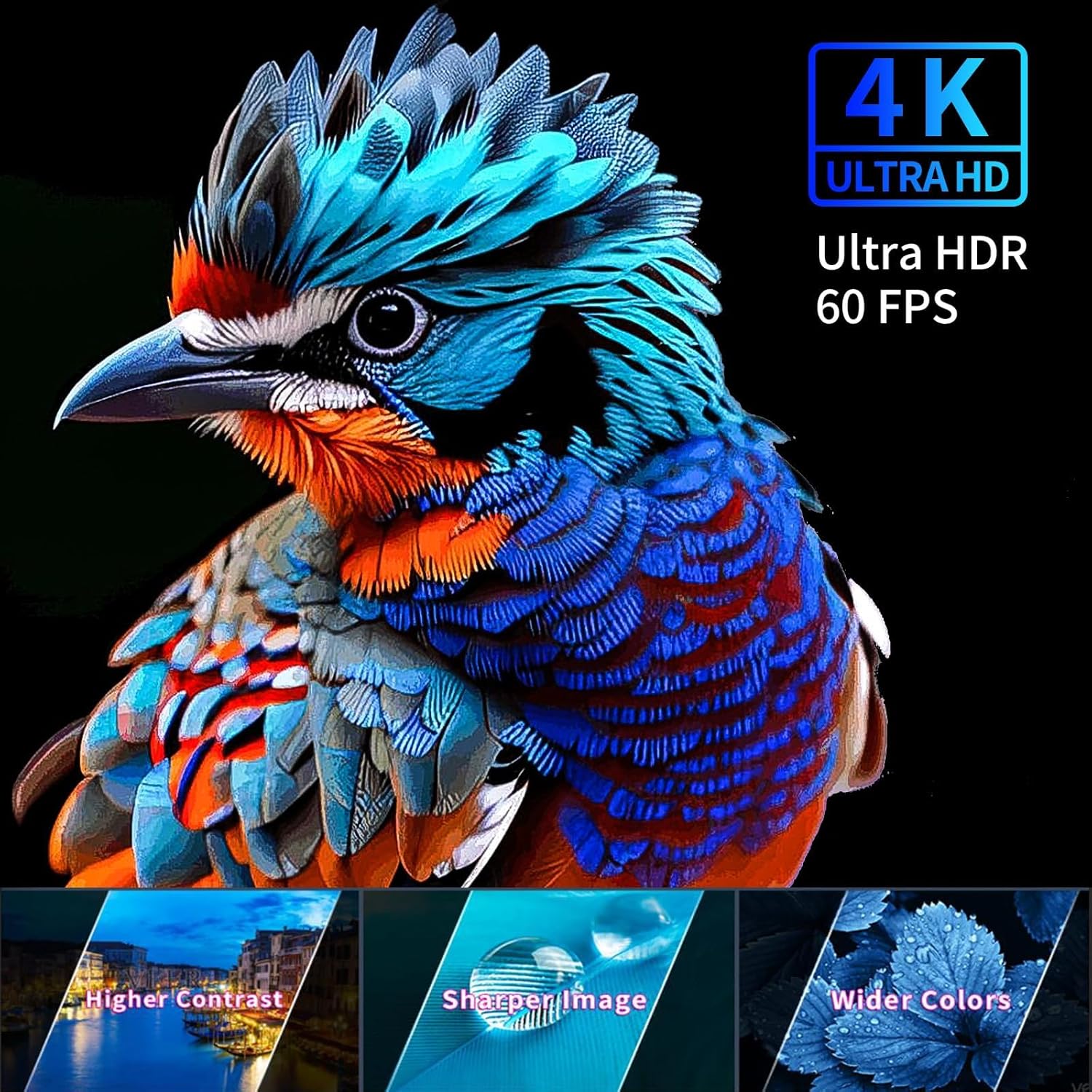
Figure 5: High-quality image projection.
Maintenance
The JIFAR H6 Projector features a fully sealed optical engine. This design significantly reduces the entry of dust, which helps prevent screen black spots and maintains image quality over time, ensuring a longer lifespan for your device.
- Regularly clean the lens with a soft, lint-free cloth.
- Ensure proper ventilation around the projector to prevent overheating.
- Store the projector in a cool, dry place when not in use.
Troubleshooting
If you encounter any issues with your JIFAR H6 Projector, please refer to the following general troubleshooting tips:
- No Power: Check if the power cable is securely connected and the power outlet is functional.
- No Image: Verify the input source selection matches the connected device. Ensure all cables are properly connected.
- Blurry Image: Adjust the focus ring and keystone correction. Ensure the projection distance is within the recommended range.
- No Audio: Check the volume settings on both the projector and the source device. If using Bluetooth, ensure the device is properly paired.
- Connectivity Issues: For WiFi, ensure the network password is correct and the signal is strong. For Bluetooth, try re-pairing the devices.
For more detailed assistance, please contact JIFAR professional support.
Specifications
| Feature | Detail |
|---|---|
| Brand | JIFAR |
| Model Number | H6 |
| Brightness | 1100 ANSI Lumens |
| Supported Resolution | 4K (Native 1080P UHD) |
| Contrast Ratio | 20000:1 |
| Aspect Ratio | 16:9 / 4:3 |
| Display Size | 60-450 inches |
| Connectivity Technology | Wireless (5G WiFi), Bluetooth 5.1, HDMI, VGA, USB, SD, AV, TV |
| Speaker Type | Built-in 10W Dual HiFi Stereo Speakers |
| Product Dimensions | 12 x 9.4 x 4 inches |
| Item Weight | 5.5 pounds |
Warranty and Support
JIFAR provides 7x24-Hour and lifetime professional technical support for the H6 Projector. Should you encounter any problems or require assistance, please do not hesitate to contact our support team at any time.
