
1. Introduction
The Logitech G915 TKL is a tenkeyless Lightspeed wireless mechanical gaming keyboard designed for high-performance gaming. It features low-profile GL switches, customizable LIGHTSYNC RGB lighting, and advanced wireless and Bluetooth support. This manual provides essential information for setting up, operating, maintaining, and troubleshooting your keyboard.
2. What's in the Box
- G915 TKL Tenkeyless Lightspeed Wireless RGB Mechanical Gaming Keyboard
- Lightspeed USB Receiver
- USB Extender
- USB Cable
- User Documentation

3. Setup
3.1 Connecting via LIGHTSPEED Wireless
- Locate the Lightspeed USB receiver and USB extender from the box.
- Plug the Lightspeed USB receiver into the USB extender.
- Connect the USB extender to an available USB port on your computer.
- Turn on the keyboard using the power switch located on the top edge.
- Press the LIGHTSPEED button (indicated by a Wi-Fi symbol) on the keyboard to activate Lightspeed mode. The indicator light should turn blue, confirming connection.
3.2 Connecting via Bluetooth
- Turn on the keyboard using the power switch.
- Press and hold the Bluetooth button (indicated by a Bluetooth symbol) on the keyboard until the indicator light starts blinking rapidly. This indicates pairing mode.
- On your device (PC, laptop, etc.), navigate to Bluetooth settings and select "G915 TKL" from the list of available devices to pair.
- The indicator light on the keyboard will turn solid blue once connected.
3.3 Charging the Keyboard
Connect the provided USB cable to the micro-USB port on the keyboard and the other end to a USB power source (e.g., computer USB port, USB wall adapter). The battery indicator light will show charging status. A full charge provides approximately 40 hours of use with LIGHTSYNC RGB enabled.

4. Operating Instructions
4.1 Key Functions
- Media Controls: Dedicated buttons for play/pause, stop, skip forward/backward, and a precision-engineered volume wheel provide quick control over audio and video.
- G-Keys (Macros): The keyboard features programmable G-keys (F1-F4) that can be customized for macros or specific commands using the Logitech G HUB software.
- Game Mode: A dedicated button allows you to disable the Windows key and other keys during gaming to prevent accidental interruptions.
- LIGHTSYNC RGB: Customize per-key RGB lighting with approximately 16.8 million colors and synchronize lighting effects with in-game action, audio, or screen color using Logitech G HUB.

4.2 Low Profile GL Switch Options
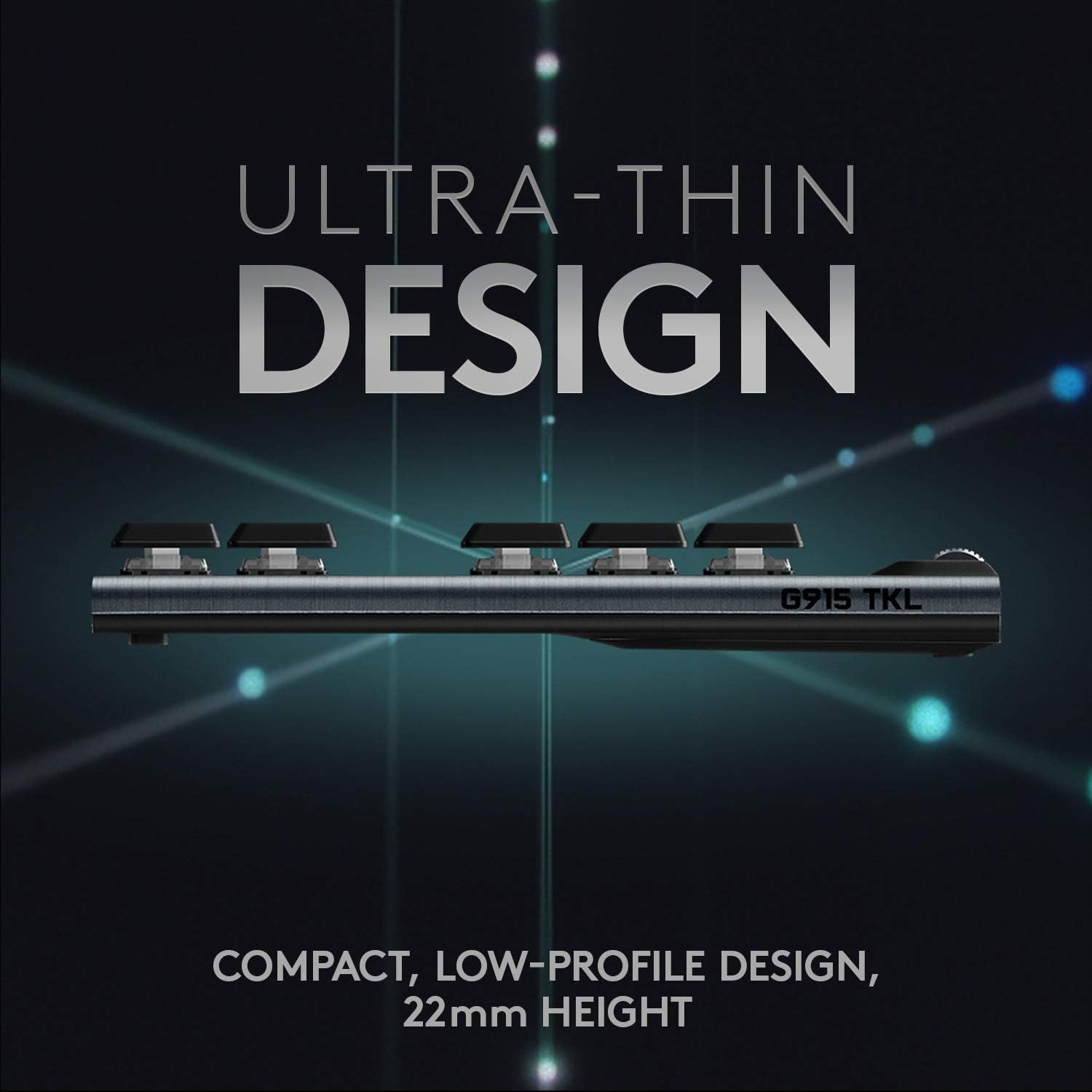
The G915 TKL offers low-profile GL mechanical switches, providing the speed, accuracy, and performance of a mechanical switch at half the height. This specific model features GL Linear switches, characterized by a completely smooth keystroke through the point of actuation. Other variants may feature GL Tactile (a discernible bump) or GL Clicky (an audible click and tactile bump) switches.
4.3 Battery Management
The G915 TKL provides up to 40 hours of game time on a single charge with LIGHTSYNC RGB enabled. Low battery warnings are indicated by the keyboard battery LED and via pop-up notifications in the Logitech G HUB software. The keyboard fully recharges in approximately 3 hours.

5. Maintenance
5.1 Cleaning
To maintain optimal performance and appearance, regularly clean your keyboard. Use a soft, dry cloth to wipe down the keycaps and chassis. For stubborn grime or oil buildup on keycaps, a slightly damp cloth or specialized keyboard cleaning gel can be used. Avoid excessive moisture.
6. Troubleshooting
6.1 Connectivity Issues
- Ensure the keyboard is charged.
- For LIGHTSPEED, verify the USB receiver is securely plugged into a working USB port. Try a different USB port or computer.
- For Bluetooth, ensure Bluetooth is enabled on your device and the keyboard is in pairing mode.
- Try restarting your computer and the keyboard.
6.2 Key Responsiveness / RGB Issues
- Ensure the Logitech G HUB software is up to date.
- Check for any physical obstructions or debris under the keycaps.
- If experiencing issues with specific keys or RGB lighting, try resetting the keyboard settings via Logitech G HUB.
7. Specifications
| Brand | Logitech G |
| Model Number | 920-009512 |
| Keyboard Description | Gaming, Tenkeyless |
| Connectivity Technology | Bluetooth, USB (LIGHTSPEED Wireless) |
| Switch Type | Low Profile GL Linear Mechanical |
| Backlighting | LIGHTSYNC RGB (Per-key customizable) |
| Battery Life | Up to 40 hours (with RGB) |
| Power Source | Battery Powered (1 Lithium Polymer battery included) |
| Item Weight | 1.8 pounds |
| Product Dimensions | 15.2 x 5.9 x 0.9 inches |
| Hardware Platform | Laptop, PC |
| Operating System | Windows 7 or later (64-bit) or macOS X 10.11 or later |
8. Warranty and Support
Your Logitech G915 TKL keyboard comes with a limited hardware warranty. For detailed warranty information, technical support, and additional resources, please visit the official Logitech G support website. User documentation is included in the product packaging for quick reference.


