
1. Introduction
The BoxWave AccuPoint Active Stylus is designed to provide a precise and natural writing and drawing experience on your Qilive Tablet for Kids (7 in). This stylus features an ultra-fine tip and operates without the need for Bluetooth pairing, using electronic pulses to interact with your device's screen.
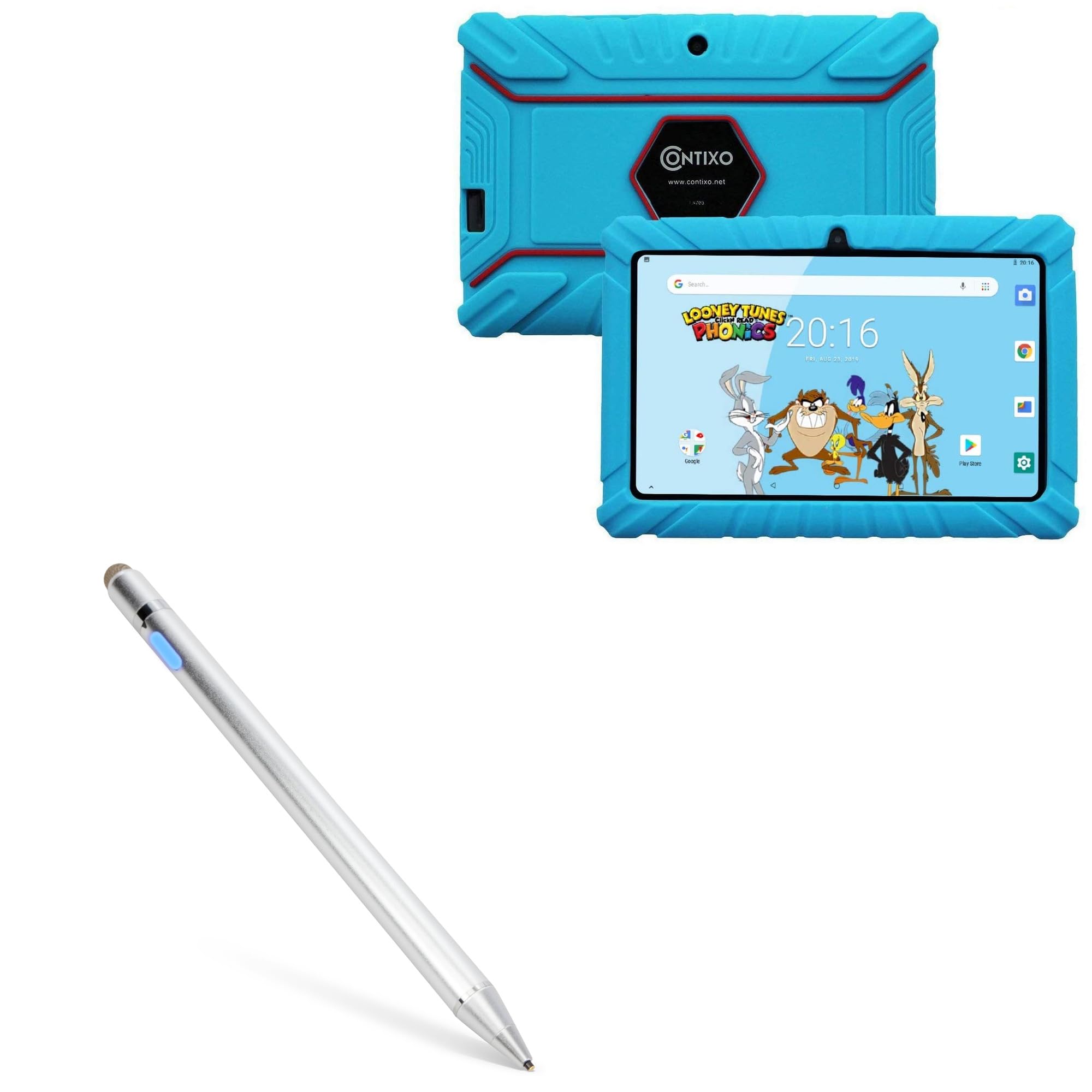
Image 1.1: The BoxWave AccuPoint Active Stylus in Metallic Silver.
The stylus is constructed from durable brushed aluminum, ensuring strength and stability during use. It includes a built-in rechargeable battery that offers approximately 12 hours of continuous use on a full charge.
2. Setup
2.1 Charging the Stylus
Before initial use, fully charge the stylus. A MicroUSB charging cable is included for this purpose.
- Locate the MicroUSB charging port on the stylus.
- Connect the included MicroUSB cable to the stylus charging port.
- Connect the other end of the MicroUSB cable to a standard USB power source (e.g., computer USB port, USB wall adapter).
- The indicator light will show the charging status: red for charging, green for full charge.

Image 2.1: Stylus charging port and indicator lights. Red indicates charging, green indicates full charge.
2.2 Turning On/Off
The stylus is ready for use once charged.
- To turn on the stylus, press the power button located on the barrel. The indicator light will illuminate blue.
- To turn off the stylus, press the power button again. The indicator light will turn off.
3. Operating Instructions
The AccuPoint Active Stylus does not require Bluetooth pairing with your Qilive Tablet for Kids (7 in). It operates by emitting electronic pulses that interact directly with the touchscreen.
3.1 Basic Usage
- Ensure the stylus is turned on (blue indicator light).
- Gently touch the ultra-fine tip to your device's screen to tap, swipe, or draw.
- Use the stylus as you would a traditional pen for precise interaction with applications and navigation.

Image 3.1: Using the AccuPoint Active Stylus for precise interaction on a tablet.
3.2 Key Features
- Ultra-Fine Tip: The 1.9mm tip allows for accurate tapping, swiping, and drawing.
- FiberMesh Tip: The stylus also includes a FiberMesh tip on the opposite end for alternative interaction.
- No Pairing Required: Simply turn on and use.

Image 3.2: Detailed view of the stylus features, including the charging port, indicator light, 1.9mm extra fine tip, and FiberMesh tip.
Note: The AccuPoint Active Stylus does not support Palm Rejection or Pressure Sensitivity.
4. Maintenance
4.1 Cleaning
To maintain the stylus's appearance and functionality:
- Wipe the stylus body with a soft, dry, lint-free cloth.
- Do not use abrasive cleaners, solvents, or harsh chemicals, as these may damage the finish or internal components.
4.2 Battery Care
- Recharge the stylus when the indicator light signals low battery or when performance diminishes.
- Avoid fully depleting the battery frequently to prolong its lifespan.
- If storing the stylus for an extended period, charge it to approximately 50% and store in a cool, dry place.
5. Troubleshooting
- Stylus not responding:
- Ensure the stylus is turned on (blue indicator light).
- Check if the stylus battery is charged. Recharge if necessary.
- Ensure your device's screen is clean and free of debris.
- If issues persist, try restarting your Qilive Tablet for Kids (7 in).
- Stylus not pairing via Bluetooth:
- The AccuPoint Active Stylus does not use Bluetooth and does not require pairing. It operates immediately upon being turned on.
- No palm rejection or pressure sensitivity:
- This model of the AccuPoint Active Stylus does not support palm rejection or pressure sensitivity features.
6. Specifications
| Brand | BoxWave |
| Model Number | bw-1434-21777-10305 |
| Color | Metallic Silver |
| Item Weight | 1.3 Ounces |
| Battery Type | Product Specific (included) |
| Battery Life | Approximately 12 hours of use |
| Tip Size | 1.9mm (Ultra Fine Tip) |
| Connectivity | Electronic Pulses (No Bluetooth) |
7. Warranty and Support
Specific warranty information for the BoxWave AccuPoint Active Stylus is not provided in the product details. For warranty claims, technical support, or further assistance, please refer to the official BoxWave website or contact their customer service directly.
Contact information can typically be found on the manufacturer's packaging or their official online portal.