
1. Product Overview
The SHW 55 x 28 Inches Electric Height Adjustable Standing Desk is designed to provide a versatile and ergonomic workspace. It features a smooth, quiet motorized lift system for seamless transitions between sitting and standing positions, enhancing comfort and productivity. The spacious desktop accommodates multiple monitors and office equipment, while integrated features like a storage drawer, cable management, and utility hooks help maintain an organized environment.

Figure 1: SHW Electric Height Adjustable Standing Desk with accessories.
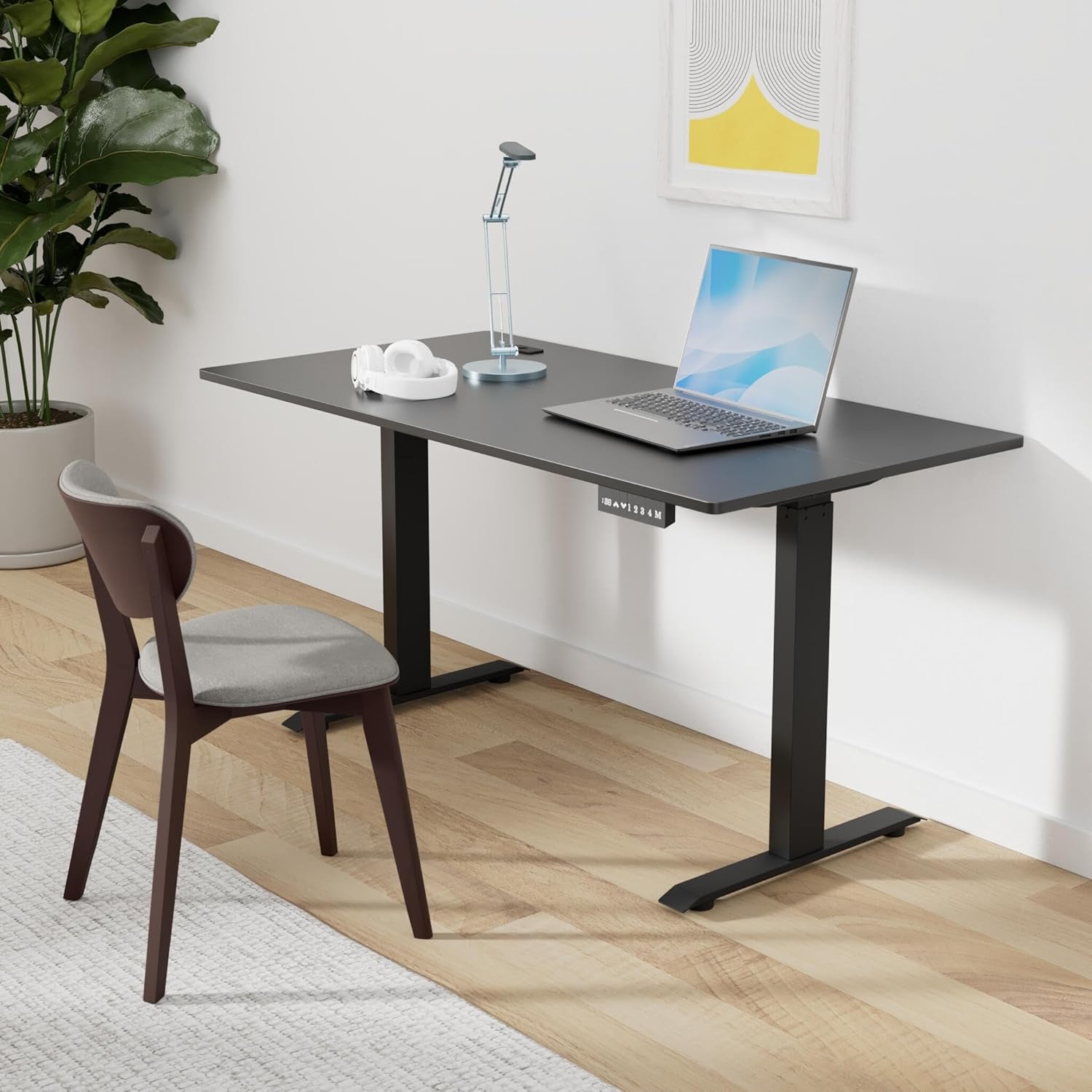
Figure 2: The desk integrated into a modern workspace.
2. Important Safety Information
- CAUTION: Ensure the desk is properly assembled and all components are securely fastened.
- Do not exceed the maximum weight recommendation of 150 pounds.
- Improper use of the electric lift system or height adjustment mechanism may result in injury or damage to the product.
3. Setup and Assembly
3.1. Unpacking
Carefully unpack all components from the box. Verify that all parts listed in the assembly guide are present and undamaged. Keep packaging materials until assembly is complete in case of returns or missing parts.
3.2. Assembly Steps
Assembly is required for this product. It is recommended that two people assemble the desk to ensure safety and ease of construction. Follow the detailed instructions provided in the included assembly manual. It is crucial to wait to tighten all screws until all screws have been threaded into place to ensure a straight and rigid assembly.

Figure 3: Key features and components for assembly.
- Attach the desk legs to the desktop following the provided diagrams.
- Install the cross braces and motor system.
- Mount the control panel and connect all necessary cables.
- Install the integrated storage drawer and utility hooks.
- Adjust the floor levelers to ensure stability on uneven surfaces.
4. Operating Instructions
4.1. Height Adjustment
The desk is equipped with a quiet, smooth motorized lift system. Use the UP and DOWN buttons on the control panel to adjust the desk height. The current height is displayed on the large LED display.
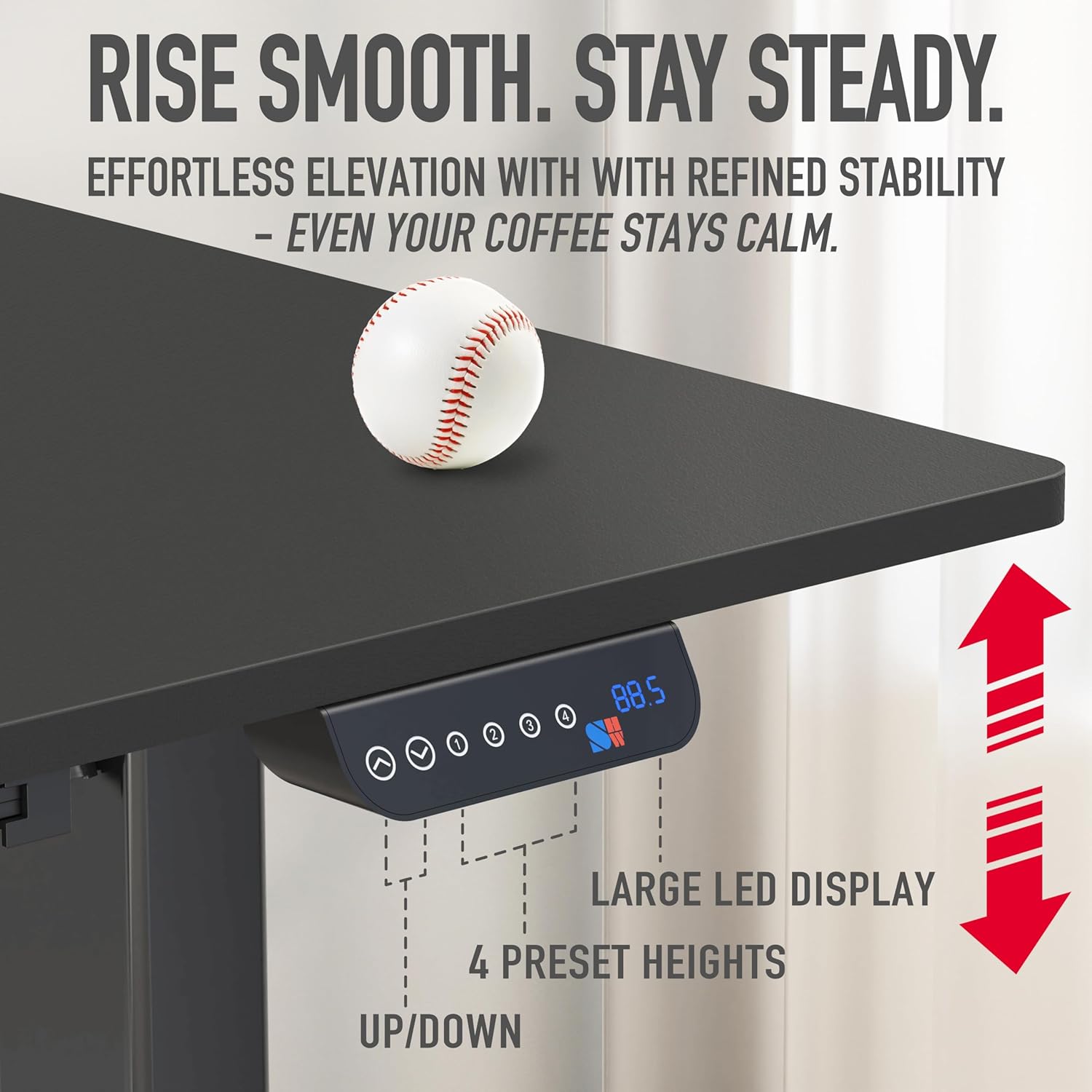
Figure 4: Control panel for height adjustment and memory presets.
4.2. Memory Presets
The control panel features four preset height buttons (1, 2, 3, 4). To save a desired height, adjust the desk to the preferred level, then press and hold one of the numbered preset buttons until the display confirms the setting. To recall a saved height, simply double-press the corresponding numbered button.
4.3. Integrated Features
- Storage Drawer: A built-in drawer with adjustable compartments keeps office supplies and personal items organized and within reach.
- Cable Management: Desktop grommets and a cable management tray help organize and conceal wires, maintaining a clutter-free workspace.
- Utility Hooks: Integrated hooks are provided for hanging headphones, bags, or other accessories.
- Curved Edge Desktop: The desktop features a curved edge design for enhanced ergonomic wrist support during use.

Figure 5: Integrated drawer with adjustable compartments.

Figure 6: Cable management solutions for an organized desk.
5. Maintenance
To ensure the longevity and proper functioning of your SHW Electric Height Adjustable Standing Desk, follow these simple maintenance guidelines:
- Cleaning: Wipe the desk surfaces with a damp cloth to remove dust and spills. For stubborn marks, use a mild, non-abrasive cleaner.
- Drying: After cleaning with a damp cloth, immediately wipe the surfaces dry with a clean, dry cloth to prevent water damage.
- Regular Checks: Periodically check all screws and connections to ensure they remain tight and secure.
- Motor Care: Avoid spilling liquids on the motor or control panel. If any issues arise with the electric lift system, refer to the troubleshooting section or contact customer support.
6. Troubleshooting
If you encounter any issues with your SHW Electric Height Adjustable Standing Desk, please refer to the following general troubleshooting tips:
- Desk Not Moving: Check if the power cord is securely plugged into both the desk and a working power outlet. Ensure no cables are tangled or obstructing the desk's movement.
- Unusual Noises: A quiet motor is standard. If you hear loud or unusual noises, stop operation immediately and inspect the desk for any loose parts or obstructions.
- Height Display Error: If the LED display shows an error code, try unplugging the desk for 30 seconds and then plugging it back in to reset the system.
- Stability Issues: Ensure the desk is on a flat, level surface. Adjust the floor levelers as needed to eliminate wobbling. Do not overload the desk beyond its maximum weight capacity.
For persistent issues or problems not covered here, please contact SHW customer support for assistance.
7. Product Specifications
| Feature | Detail |
|---|---|
| Brand | SHW |
| Model Number | OD-09A-3 |
| Product Dimensions | 28"D x 55"W x 28"H |
| Color | Black |
| Style | Modern |
| Base Material | Metal |
| Finish Type | Laminated |
| Special Features | Adjustable Height, Ergonomic, Memory Preset |
| Recommended Uses | Home / Office Standing Desk |
| Included Components | Cable Management Tray, Under-Desk Drawer X 1, Utility Hooks X 2 |
| Maximum Weight Recommendation | 150 Pounds |
| Minimum Height | 28 Inches |
| Maximum Height | 45 Inches |
| Tabletop Thickness | 0.75 Inches |
| Lifting Mechanism | Electric |
Figure 7: Desk dimensions and adjustable height range.

Figure 8: The strong lifting system supports up to 110 lbs.
8. Warranty and Support
The SHW Electric Height Adjustable Standing Desk comes with a Limited Warranty. For specific details regarding the warranty coverage, terms, and conditions, please refer to the documentation included with your product or visit the official SHW website.
For customer support, technical assistance, or to inquire about replacement parts, please contact the seller or manufacturer directly. Contact information can typically be found on the product packaging or the SHW brand store on Amazon.