
Introduction
The Hatchimals Pixies Crystal Flyers are interactive flying toys designed to bring magical play to life. This manual provides essential information for the safe and proper use, setup, and maintenance of your Crystal Flyers Pixie.

Image: Hatchimals Pixies Crystal Flyers in its original crystal egg packaging.
What's Included
Your Hatchimals Pixies Crystal Flyers package contains the following items:
- 1 Hatchimals Pixies Crystal Flyer
- 1 USB Charging Cable
- 1 Crystal Egg Display Case
- 1 Instruction Sheet (this manual)
Safety Information
Please read and understand all safety warnings before operating the toy. This product is designed for ages 6 and up.
- Indoor Use Only: This toy is intended for indoor use in open spaces.
- Auto-Stop Feature: The Pixie is equipped with an auto-stop feature. If its wings are accidentally touched during flight, it will stop flying immediately.
- Durable Materials: Constructed from durable and safety-tested materials.
- Adult Supervision: Adult supervision is recommended during play.
- Hair and Obstacles: Keep hair, loose clothing, and other objects away from the spinning wings.
Setup
1. Unboxing
Carefully remove the Crystal Flyers Pixie and its accessories from the packaging. The Pixie is housed within a crystal egg display case.

Image: The Crystal Flyers Pixie doll standing in the lower half of its crystal egg base.
2. Charging the Pixie
Before first use, fully charge your Pixie. The USB charging cable is located under the egg's base.
- Locate the USB charging cable stored beneath the crystal egg base.
- Plug the small end of the USB cable into the charging port on the Pixie doll.
- Connect the larger USB end to a compatible USB power source (e.g., computer, USB wall adapter).
- The Pixie's indicator light will show charging status (refer to the light guide in the original instruction sheet for details).
- Once fully charged, disconnect the cable.
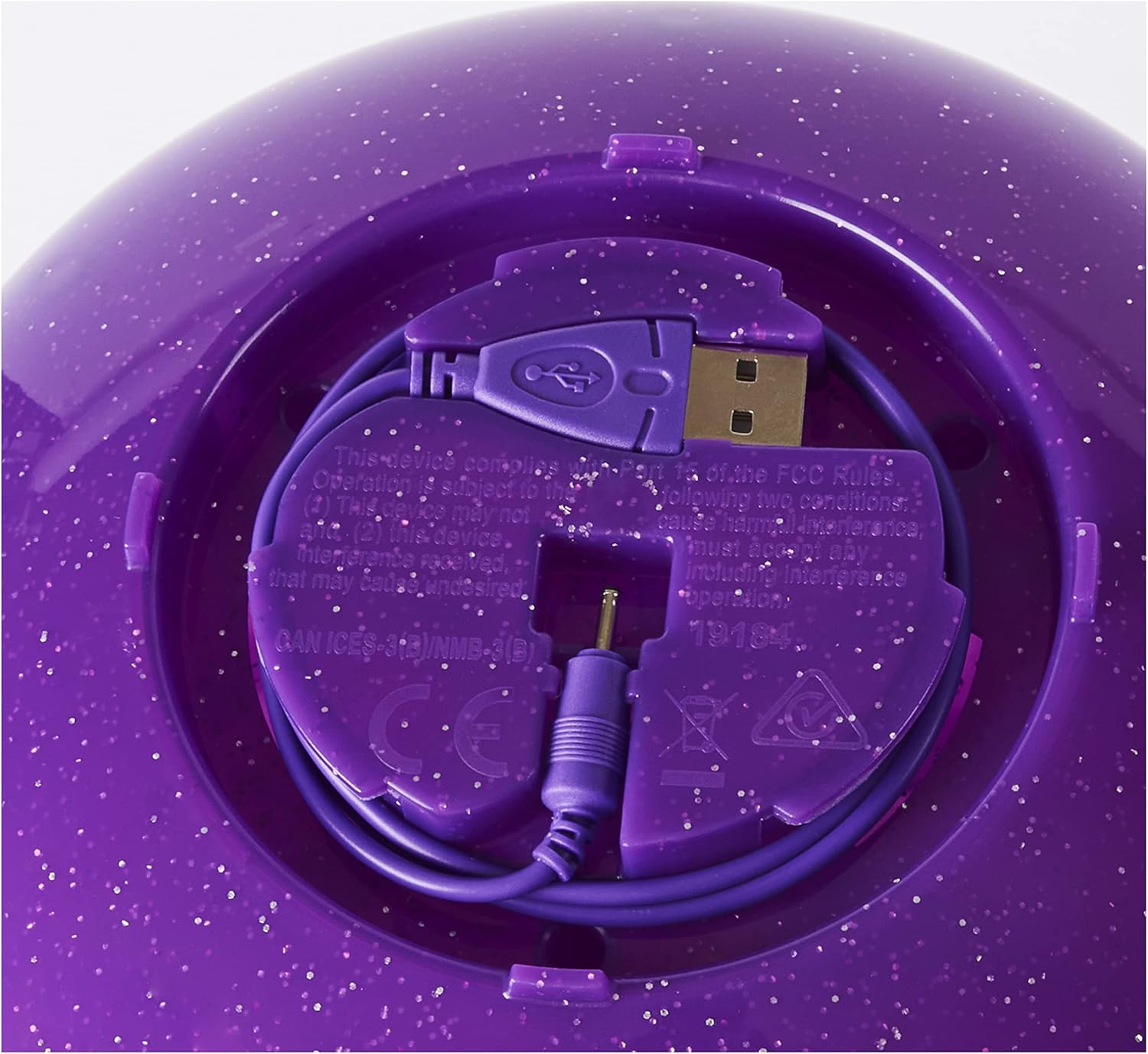
Image: The USB charging cable neatly stored and connected to the charging port located under the crystal egg base.
Operating Instructions
1. Initiating Flight
Ensure the Pixie is fully charged and you are in an open indoor area free of obstacles.
- Switch the Pixie ON using the power switch (location may vary by model, typically on the back or base).
- Hold the Pixie by its legs and gently launch it into the air, or place it on its base and activate flight.
- Watch as her glittery wings begin to flutter and spin, preparing for flight.

Image: A Hatchimals Pixies Crystal Flyers doll flying gracefully above a child's open hands, demonstrating its flight capability.
2. Guiding the Pixie
The Crystal Flyers Pixie features a built-in sensor that detects your hands, allowing you to guide its flight.
- Position your hands below the flying Pixie.
- Lift your hands higher, and the Pixie will ascend.
- Lower your hands, and the Pixie will descend.
- Practice to become proficient in guiding your Pixie through the air.
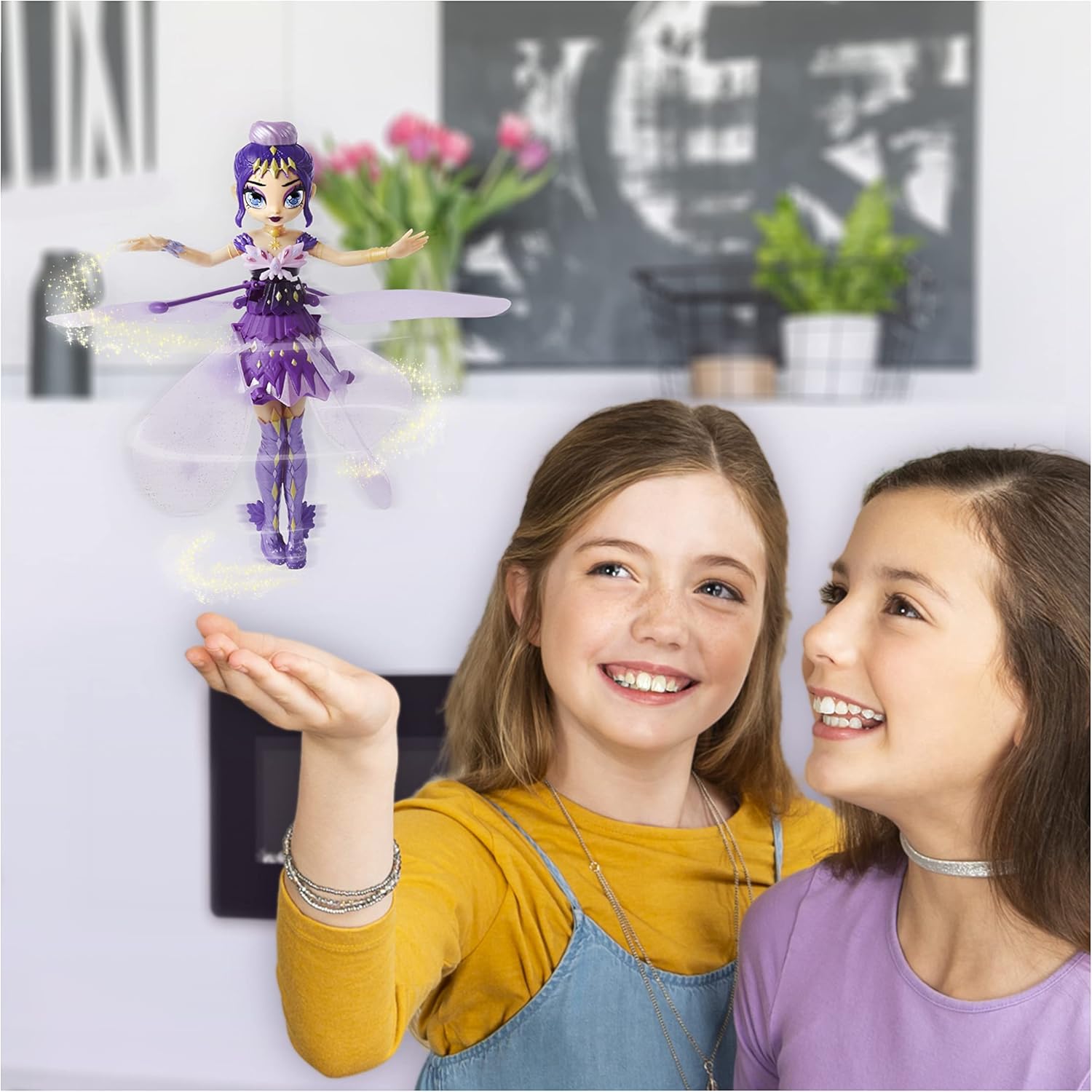
Image: A child smiling while guiding the flying Pixie with their hands, showcasing the interactive flight feature.
3. Repositioning During Flight
If you need to adjust the Pixie's position mid-flight, you can safely grab its legs. The auto-stop feature will activate, stopping the wings.
Maintenance
1. Cleaning
To clean your Pixie, gently wipe it with a dry, soft cloth. Do not use water or cleaning solutions, as this may damage the electronic components.
2. Storage
When not in use, store your Pixie in its sparkly clear crystal egg display case to protect it from dust and damage.
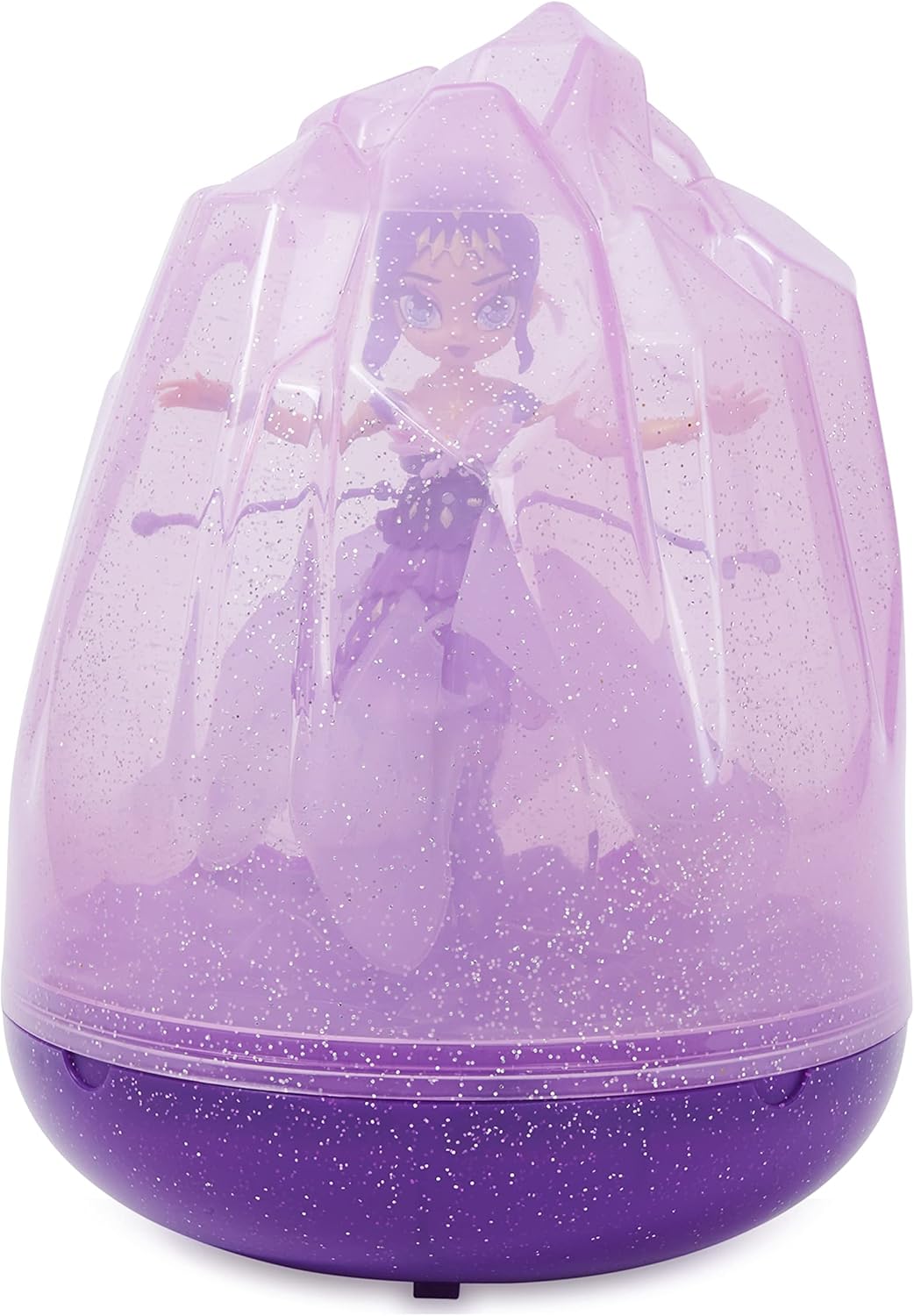
Image: The Hatchimals Pixies Crystal Flyers doll securely stored within its transparent crystal egg display case.
Troubleshooting
- Pixie is not flying or has weak flight:
- Ensure the Pixie is fully charged. Connect it to the USB charging cable and allow sufficient time for a full charge.
- Check for any obstructions around the wings or propellers.
- Pixie is bumping into objects frequently:
- Ensure you are playing in a large, open indoor space, away from walls, furniture, and other obstacles.
- Practice guiding the Pixie with both hands for better control.
- Wings stop spinning unexpectedly:
- This is likely the auto-stop safety feature activating. Ensure no objects or body parts are interfering with the wings during flight.
Specifications
| Feature | Detail |
|---|---|
| Brand | Hatchimals |
| Model Number | 6059633 |
| GTIN | 778988323014 |
| Item Dimensions (L x W x H) | 7.25" x 7.25" x 10" |
| Item Weight | 0.88 Pounds |
| Material Type | Plastic |
| Power Source | Battery Powered (1 Lithium Polymer battery required) |
| Operation Mode | Manual (hand-guided) |
| Special Features | Flying toy, auto-stop feature for safety, USB rechargeable |
| Recommended Age | 6 years and up |
Warranty and Support
For warranty information and customer support, please refer to the manufacturer's official website or contact their customer service directly. Details are typically provided on the product packaging or a separate warranty card.


