
Introduction
Thank you for choosing the FENCHILIN Vanity Mirror with Lights and Bluetooth Speaker. This manual provides essential information for the safe and efficient use of your new mirror. Please read these instructions carefully before installation and operation, and retain them for future reference.
Safety Information
This product should be used with caution to avoid breakage and injury from sharp edges. Ensure the mirror is securely mounted and kept out of reach of children. Always unplug the mirror before cleaning or if it will not be used for an extended period. Do not expose the mirror to excessive moisture or direct water spray. Use only the provided power adapter.
Product Features
- Integrated Lighting & Bluetooth Speaker: Equipped with 15 long-life G35 LED bulbs for bright illumination and a built-in Bluetooth speaker for audio playback during use.
- Durable Tempered Glass: Constructed with high-definition, shatter-resistant tempered glass for enhanced safety and clear reflection.
- Convenient USB Charging Port: Features a 12V, 1A USB port for charging smartphones and other USB devices.
- Adjustable Lighting Modes: Offers three color lighting modes (warm light, natural light, cold light) and adjustable brightness via a smart touch-sensitive button.
- 10X Detachable Magnification Mirror: Includes a 3.5-inch diameter magnifying mirror for detailed makeup application.
Setup
Package Contents
- FENCHILIN Vanity Mirror with 15 Bulbs and Speaker
- 10X Magnification Mirror
- DC Power Plug
- Mirror Cleaning Cloth
- Product Manual
Assembly Instructions
- Carefully unpack all components from the packaging.
- Attach the solid and sturdy base to the mirror unit. Ensure all screws are tightened securely to prevent wobbling.
- Place the mirror on a stable, flat surface, or prepare for wall mounting if desired.

Image: Bright G35 LED Bulbs and Solid Base
Placement Options
The FENCHILIN Vanity Mirror can be used as a tabletop mirror or mounted on a wall. Choose the option that best suits your space and needs.
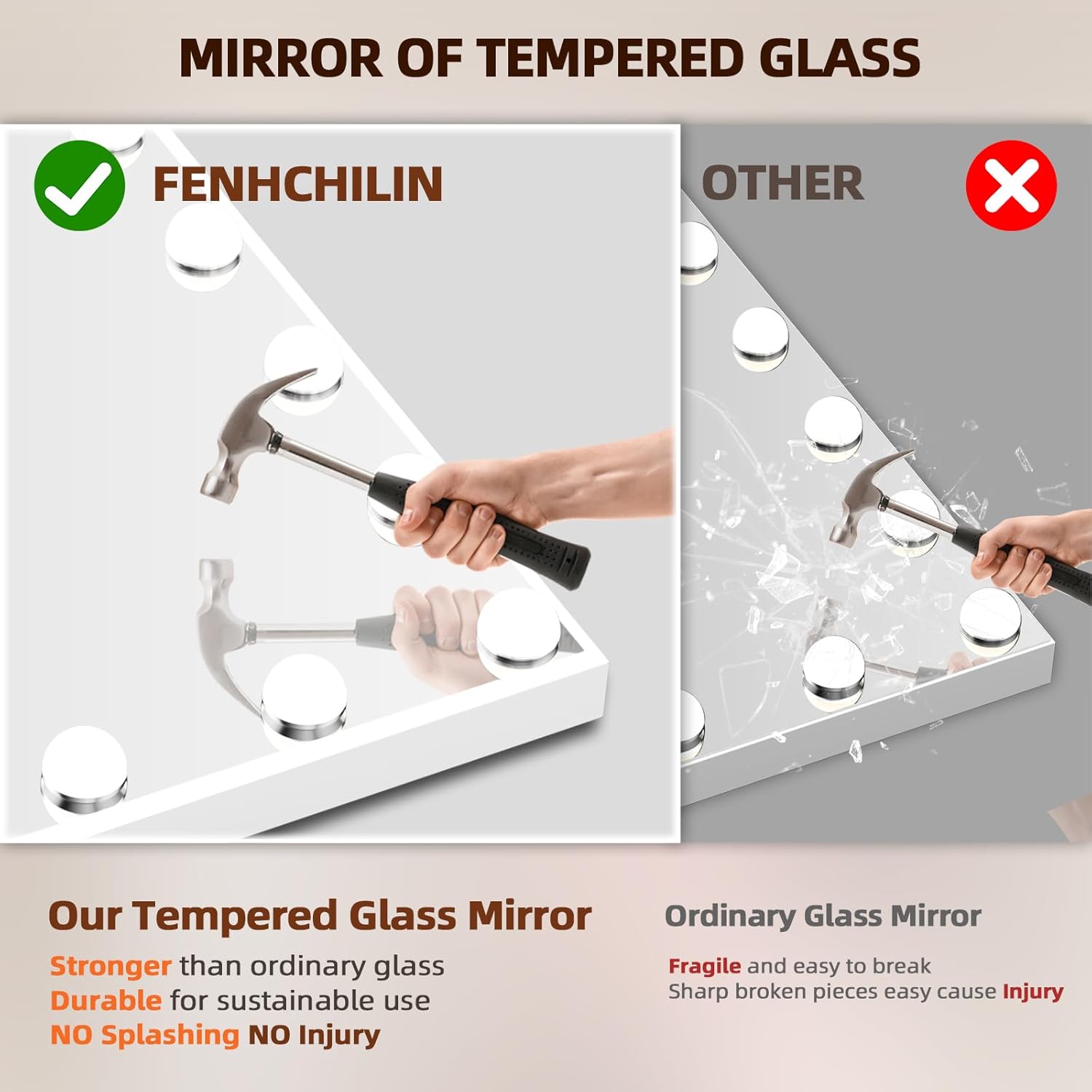
Image: Tabletop and Wall-mounted Placement Options
Operating Instructions
Powering On/Off
Connect the DC power plug to the mirror and a suitable power outlet. The mirror features a smart touch-sensitive control panel on the front.
Light Control
- Switching Light Colors: Short press the light control button on the mirror's touch panel to cycle through the three lighting modes: cold light (7000K), natural light (4500K), and warm light (3500K).
- Adjusting Brightness: Long press the light control button to smoothly adjust the brightness level from 300 Lux to 1100 Lux. Release the button when the desired brightness is achieved.

Image: Dimmable 3 Light Modes and Brightness Adjustment
Bluetooth Speaker Connection
- Ensure the mirror is powered on.
- On your mobile device, enable Bluetooth and search for available devices.
- Select "Music Mirror" from the list of devices to pair.
- Once connected, you can play music, watch tutorials, or make calls through the mirror's integrated speaker.

Image: Bluetooth Speaker Connection
USB Charging Port
Locate the USB charging port (12V, 1A) on the side of the mirror. Connect your smartphone or other USB-powered devices using a compatible USB cable to charge them conveniently during your makeup routine.

Image: USB Charging Port in Use
Using the 10X Magnification Mirror
The included 10X magnification mirror can be attached to the main mirror surface. Use it for precise tasks such as applying mascara, eyeliner, shaping eyebrows, or lipstick, ensuring a flawless application.
Maintenance
Cleaning the Mirror
To clean the mirror surface, use the provided mirror cleaning cloth or a soft, lint-free cloth. For stubborn marks, dampen the cloth slightly with a glass cleaner and wipe gently. Avoid abrasive cleaners or harsh chemicals that could damage the mirror's finish or electronic components. Ensure the mirror is unplugged before cleaning.
General Care
Keep the mirror away from direct sunlight and high humidity. Avoid placing heavy objects on the mirror or its base. Regularly check the power cord for any signs of damage.
Troubleshooting
- Lights Not Turning On: Ensure the power adapter is securely plugged into both the mirror and a working electrical outlet. Check if the outlet is receiving power.
- Lights Not Changing Color/Brightness: Ensure you are using the correct touch gestures (short press for color, long press for brightness). If the issue persists, try unplugging and re-plugging the mirror.
- Bluetooth Not Connecting: Make sure Bluetooth is enabled on your mobile device and that the device is within range of the mirror. Ensure no other device is currently paired with the "Music Mirror". Try restarting both the mirror (by unplugging) and your mobile device.
- USB Charging Not Working: Verify that the mirror is powered on and that your USB cable is functional and properly connected to both the mirror and your device.
- Distorted Sound from Speaker: Check the volume levels on both the mirror and your connected device. Ensure there are no obstructions around the speaker.
Specifications
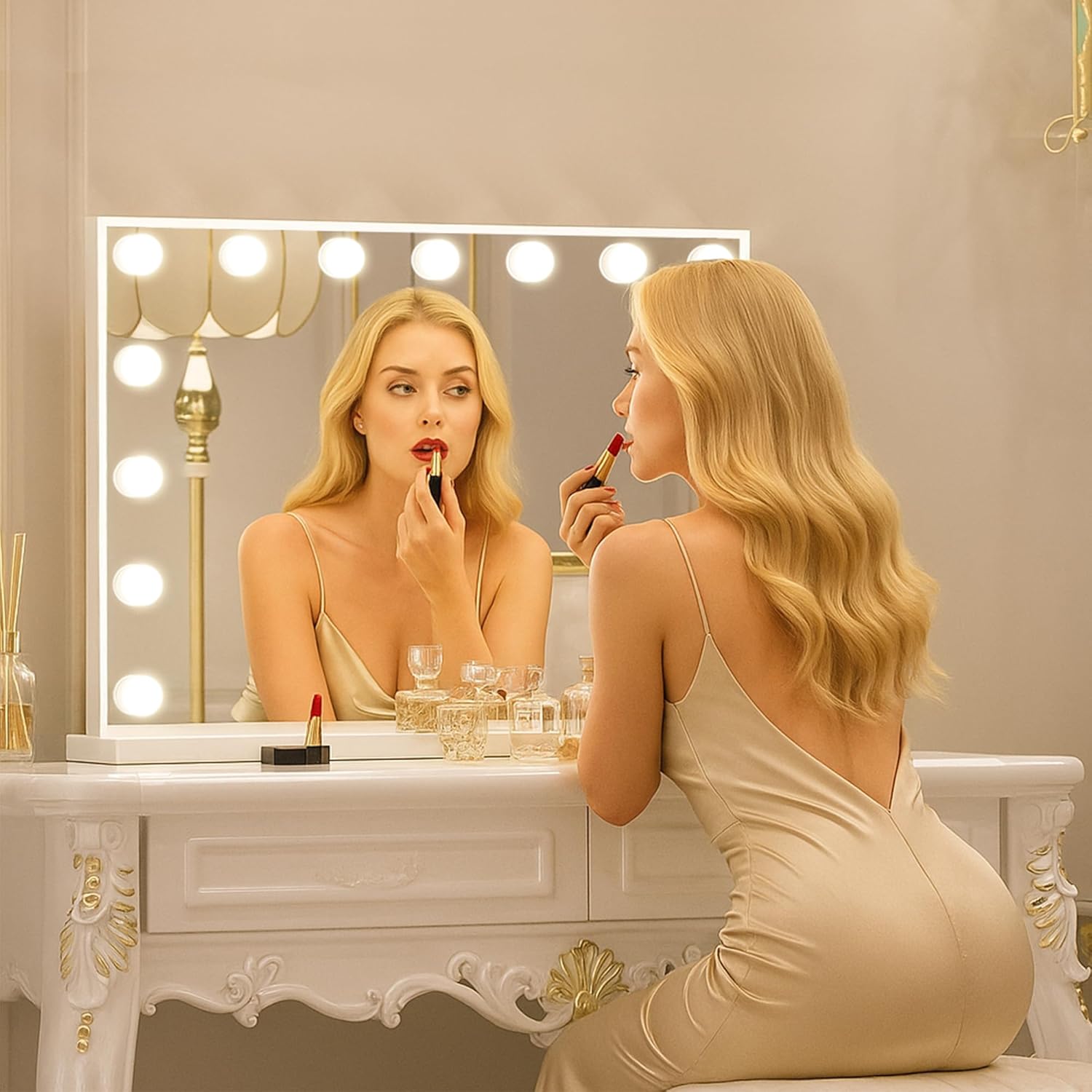
Image: Mirror Dimensions (22.8"L x 18.1"W)
| Attribute | Value |
|---|---|
| Brand | FENCHILIN |
| Model Number | B0854KNXGG |
| Product Dimensions | 22.8"L x 18.1"W |
| Item Weight | 12 Pounds |
| Frame Material | Aluminum |
| Color | A-white |
| Number of LED Bulbs | 15 |
| Lighting Modes | 3 (Cold, Natural, Warm) |
| Brightness Adjustment | Dimmable |
| USB Charge Port Output | 12V, 1A |
| Magnification Mirror | 10X Detachable |
| Required Assembly | Yes |
Warranty and Support
For warranty information and customer support, please refer to the contact details provided on the product packaging or visit the official FENCHILIN website. Keep your purchase receipt as proof of purchase for any warranty claims.
