
WORKPRO W125042
WORKPRO 20V Cordless Impact Wrench User Manual
Model: W125042
1. Safety Information
Always read and understand all safety warnings, instructions, illustrations, and specifications provided with this power tool. Failure to follow all instructions listed below may result in electric shock, fire, and/or serious injury.
General Power Tool Safety Warnings:
- Work Area Safety: Keep work area clean and well lit. Cluttered or dark areas invite accidents. Do not operate power tools in explosive atmospheres, such as in the presence of flammable liquids, gases or dust. Power tools create sparks which may ignite the dust or fumes.
- Electrical Safety: Power tool plugs must match the outlet. Never modify the plug in any way. Do not use any adapter plugs with earthed (grounded) power tools. Unmodified plugs and matching outlets will reduce risk of electric shock.
- Personal Safety: Stay alert, watch what you are doing and use common sense when operating a power tool. Do not use a power tool while you are tired or under the influence of drugs, alcohol or medication. A moment of inattention while operating power tools may result in serious personal injury.
- Tool Use and Care: Do not force the power tool. Use the correct power tool for your application. The correct power tool will do the job better and safer at the rate for which it was designed.
- Battery Tool Use and Care: Recharge only with the charger specified by the manufacturer. A charger that is suitable for one type of battery pack may create a risk of fire when used with another battery pack.
2. Product Overview
The WORKPRO 20V Cordless Impact Wrench is designed for efficient tightening and loosening of various nuts and bolts, suitable for automotive repairs, construction projects, and general maintenance.
Key Features:
- Compact and Powerful: Delivers 320 ft-lbs of max torque and a max speed of 3200 RPM.
- Infinitely Variable Speeds: Speed control via the On/Off switch for precise operation.
- Fast Charger & Power Indicator: 20V 2.0 Ah lithium-ion battery fully charges in 1 hour. Integrated power indicator.
- Wide Application: 1/2'' chuck suitable for various tasks.
- Built-in LED Lights: Three LED lamps illuminate the work area for improved visibility.
Product Components:

The WORKPRO 20V Cordless Impact Wrench kit, including the wrench, 2.0Ah battery, fast charger, and belt clip.
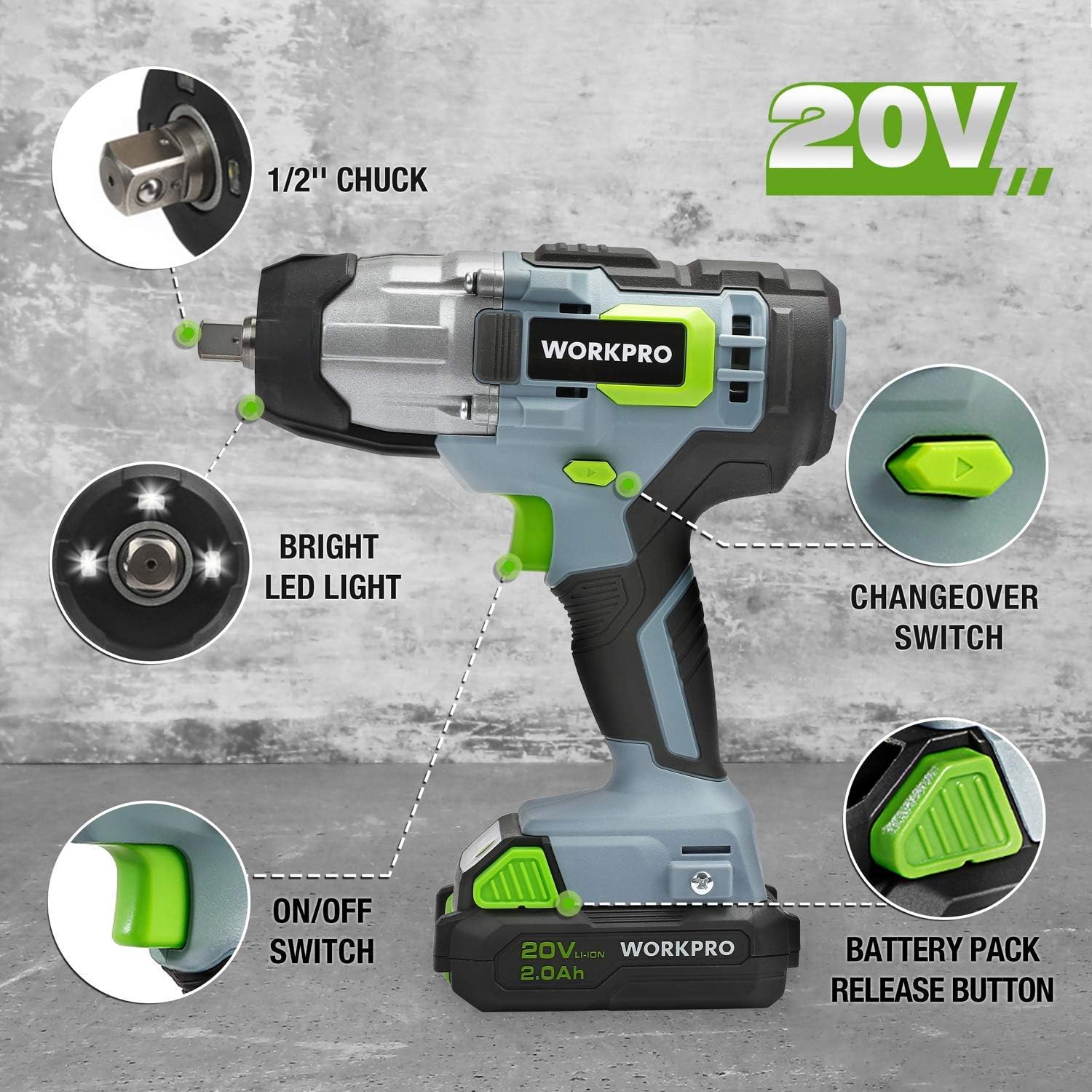
Detailed view of the impact wrench highlighting key components: 1/2" chuck, bright LED light, changeover switch, ON/OFF switch, and battery pack release button.
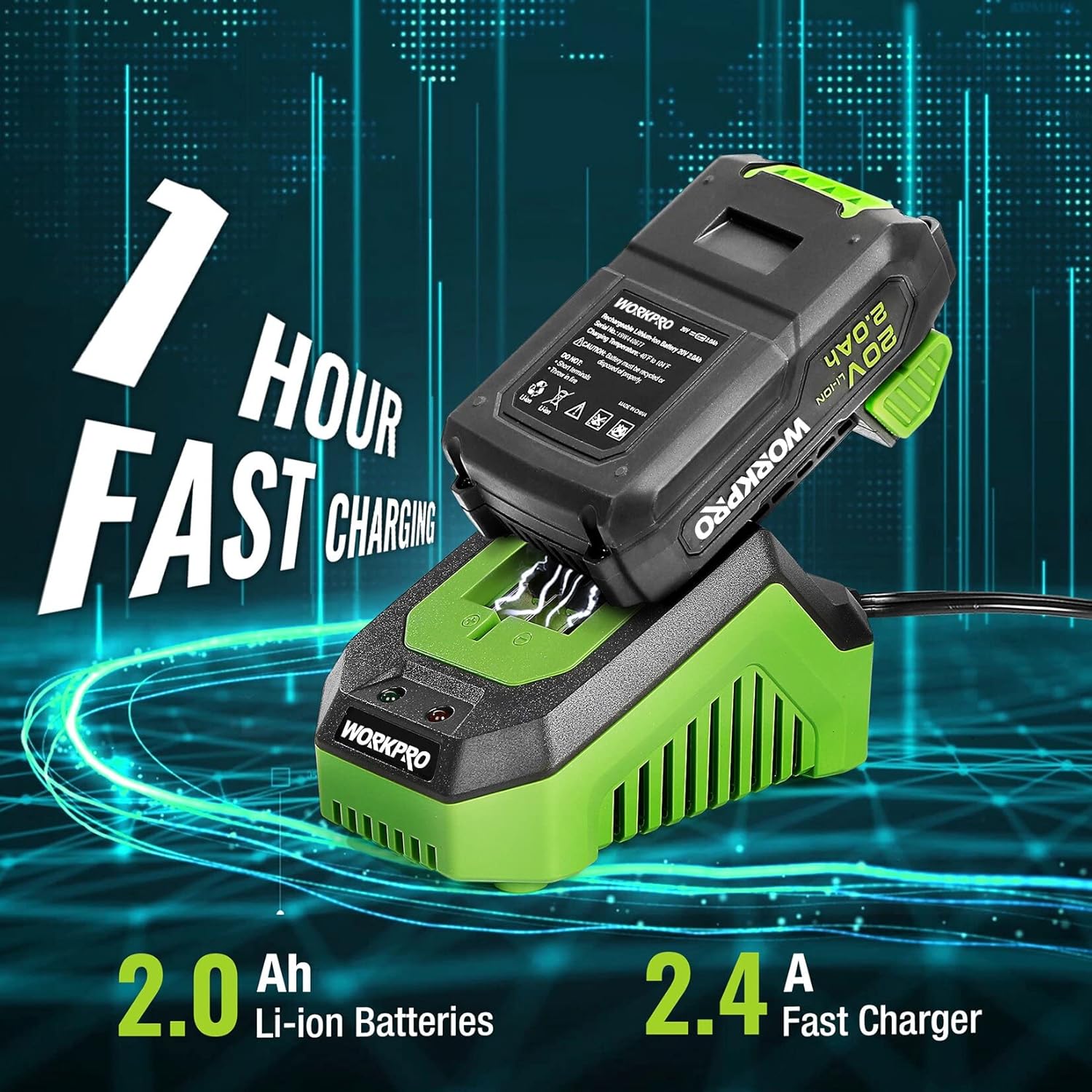
The 2.0Ah Li-ion battery being fast charged by the 2.4A charger, indicating a 1-hour charging time.
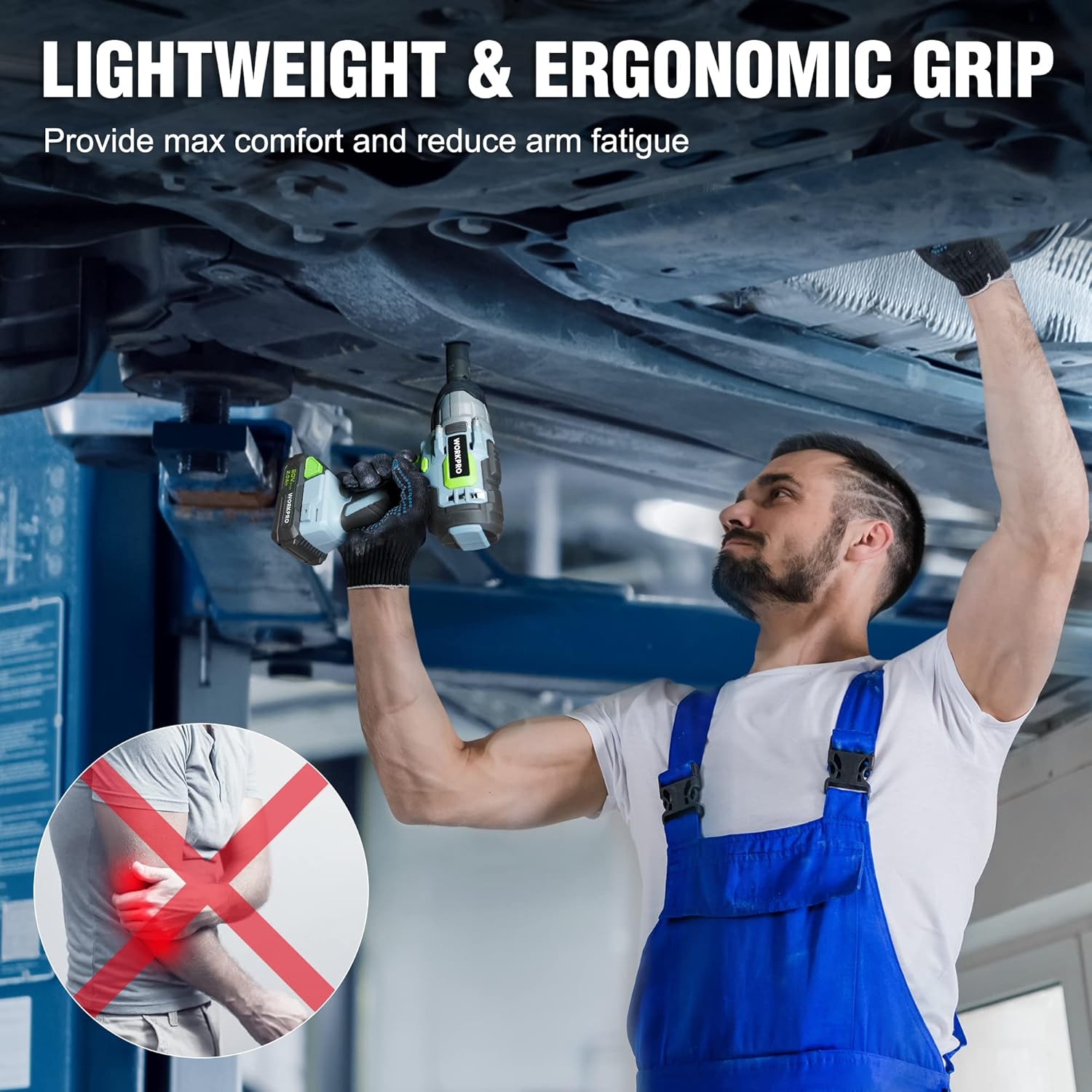
A mechanic demonstrating the lightweight and ergonomic grip of the impact wrench while working under a vehicle, designed for maximum comfort and reduced arm fatigue.

The impact wrench shown with debris, illustrating its robust construction and reliable protection against impacts.

A visual representation of the infinitely variable speed control, indicating the tool's 320 ft-lbs torque and 3200 RPM capabilities.
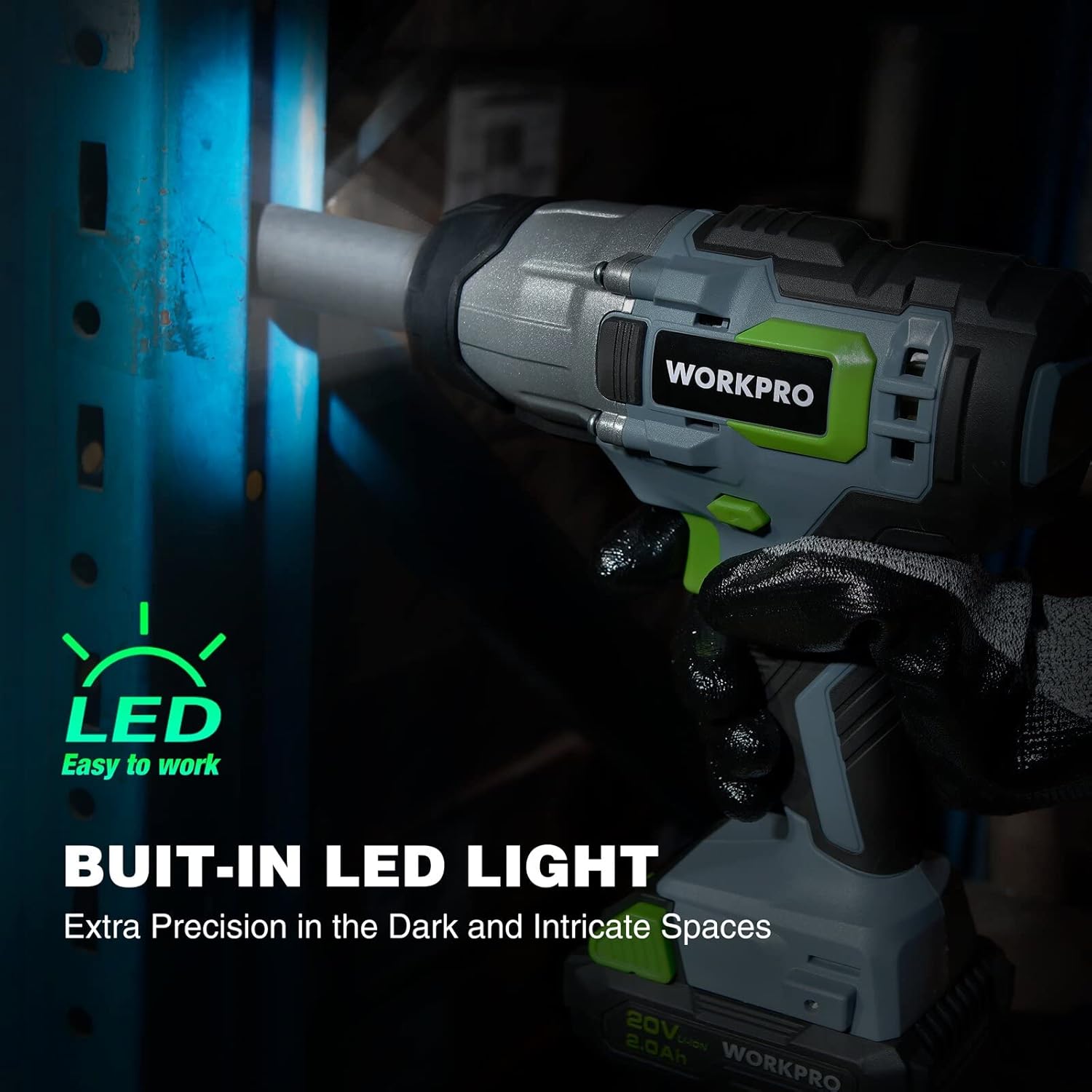
The impact wrench with its built-in LED light activated, demonstrating its ability to provide extra precision in dark and intricate spaces.
Product Video:
Official product video showcasing the WORKPRO 20V Cordless Impact Wrench, highlighting its features such as the 1/2" chuck, forward/reverse button, variable speed trigger, anti-slip grip, belt clip, battery pack release button, bright LED lights, and the 20V 1-hour quick charge battery with indicator lights.
3. Setup
Charging the Battery:
- Connect the fast charger to a standard electrical outlet.
- Slide the 20V 2.0Ah Li-ion battery pack onto the charger until it clicks into place.
- The charger indicator light will show the charging status. A full charge typically takes 1 hour.
- Once fully charged, remove the battery from the charger.
Attaching/Removing Battery:
- Attaching: Align the battery pack with the base of the impact wrench and slide it in until it locks securely.
- Removing: Press the battery pack release button (located on the battery pack) and slide the battery out from the tool.
Installing/Removing Sockets:
- Installing: Push the desired 1/2" drive socket firmly onto the square drive anvil until it snaps into place.
- Removing: Pull the socket directly off the square drive anvil.
4. Operating Instructions
Powering On/Off:
- To turn the tool ON, press the ON/OFF switch (trigger).
- To turn the tool OFF, release the ON/OFF switch.
Forward/Reverse Operation:
- Locate the forward/reverse button above the trigger.
- Push the button to the left for forward rotation (tightening).
- Push the button to the right for reverse rotation (loosening).
- Ensure the button is in the center position for trigger lock when not in use.
Variable Speed Control:
- The speed of the impact wrench is controlled by how far you depress the ON/OFF switch.
- Pressing the trigger further increases the speed and torque.
Using the Impact Wrench:
- Select the appropriate socket for the fastener.
- Ensure the battery is fully charged and securely attached.
- Set the forward/reverse switch to the desired direction.
- Place the socket onto the fastener, ensuring a firm grip.
- Depress the trigger to begin operation. Adjust pressure for desired speed.
- For tightening, always finish with a torque wrench to ensure proper torque specifications are met, especially for critical applications like lug nuts.
5. Maintenance
Cleaning:
- Keep the tool's ventilation openings clean and free of debris to prevent overheating.
- Use a soft, damp cloth to clean the exterior of the tool. Do not use harsh chemicals or abrasive cleaners.
Battery Care:
- Store batteries in a cool, dry place away from direct sunlight and extreme temperatures.
- Do not store batteries in a discharged state for extended periods. Recharge them periodically if not in use.
- Avoid exposing batteries to water or moisture.
Storage:
- When not in use, store the impact wrench and battery in a secure, dry place out of reach of children.
- Remove the battery from the tool before storage.
6. Troubleshooting
| Problem | Possible Cause | Solution |
|---|---|---|
| Tool does not start. | Battery not charged or not properly inserted. | Ensure battery is fully charged and securely clicked into place. |
| Reduced power/torque. | Low battery charge; worn carbon brushes (for brush motor); excessive load. | Recharge battery. If issue persists, contact customer support for brush inspection/replacement. Reduce load. |
| Tool overheats. | Blocked ventilation slots; continuous heavy use. | Clear ventilation slots. Allow tool to cool down during prolonged use. |
| Battery not charging. | Charger not plugged in; faulty battery or charger. | Check power connection. Test with another battery/charger if available. Contact customer support. |
7. Specifications
| Feature | Specification |
|---|---|
| Model Number | W125042 |
| Voltage | 20 Volts |
| Max Torque | 320 ft-lbs (approx. 300 Newton Meters) |
| Max No-Load Speed | 3200 RPM |
| Chuck Size | 1/2-inch Square Drive |
| Battery Type | Lithium Ion |
| Battery Capacity | 2.0Ah |
| Charger Type | Fast Charger (2.4A) |
| Charging Time | Approx. 1 hour |
| Item Weight | 6.5 Pounds |
| Material | Metal, Plastic |
| UPC | 820909759805 |
8. Warranty and Support
WORKPRO products are manufactured to high-quality standards and are guaranteed against defects in materials and workmanship. For specific warranty details, please refer to the warranty card included with your product or visit the official WORKPRO website.
If you encounter any issues or require technical assistance, please contact WORKPRO customer support. Have your model number (W125042) and purchase information ready when contacting support.
You can also refer to the official User Manual PDF for additional details: Download User Manual (PDF)
Related documentsW125042


Ask a question about this manual
Ask about setup, troubleshooting, compatibility, parts, safety, or missing instructions. Manuals+ will review the question and use this page’s manual context to help answer it.