
Introduction
This manual provides instructions for the Amazon Basics Dual Head LED Desk Lamp, Model HSD9030B. This lamp features dual LED heads, three lighting modes, a 40-minute timer, and touch controls for convenient operation. Please read these instructions carefully before use and retain them for future reference.

Figure 1: Amazon Basics Dual Head LED Desk Lamp (single head configuration)
Product Overview
Familiarize yourself with the components of your desk lamp.

Figure 2: Labeled components of the desk lamp
- Flexible Goose-neck: Allows adjustment of the lamp heads to various angles.
- LED Panel: Provides illumination. The lamp features two independent LED panels.
- Power Socket: Connects the lamp to the power adapter.
- Timer Button (M): Activates the 40-minute automatic shut-off timer.
- Power Button (①): Turns the lamp on or off.
- Mode Button (②): Cycles through the three lighting modes and adjusts brightness.
Setup
- Unpack: Carefully remove all components from the packaging.
- Placement: Place the lamp base on a stable, flat surface.
- Connect Power: Insert the power adapter into the power socket on the lamp base, then plug the adapter into a standard electrical outlet.
- Adjust Lamp Heads: Gently bend the flexible goose-neck to position the LED panels as desired. The dual heads can be positioned independently for broad or focused illumination.

Figure 3: Lamp with both LED heads extended
Operating Instructions
Power On/Off
- Touch the Power Button (①) on the lamp base to turn the lamp on or off.
Adjusting Lighting Modes and Brightness
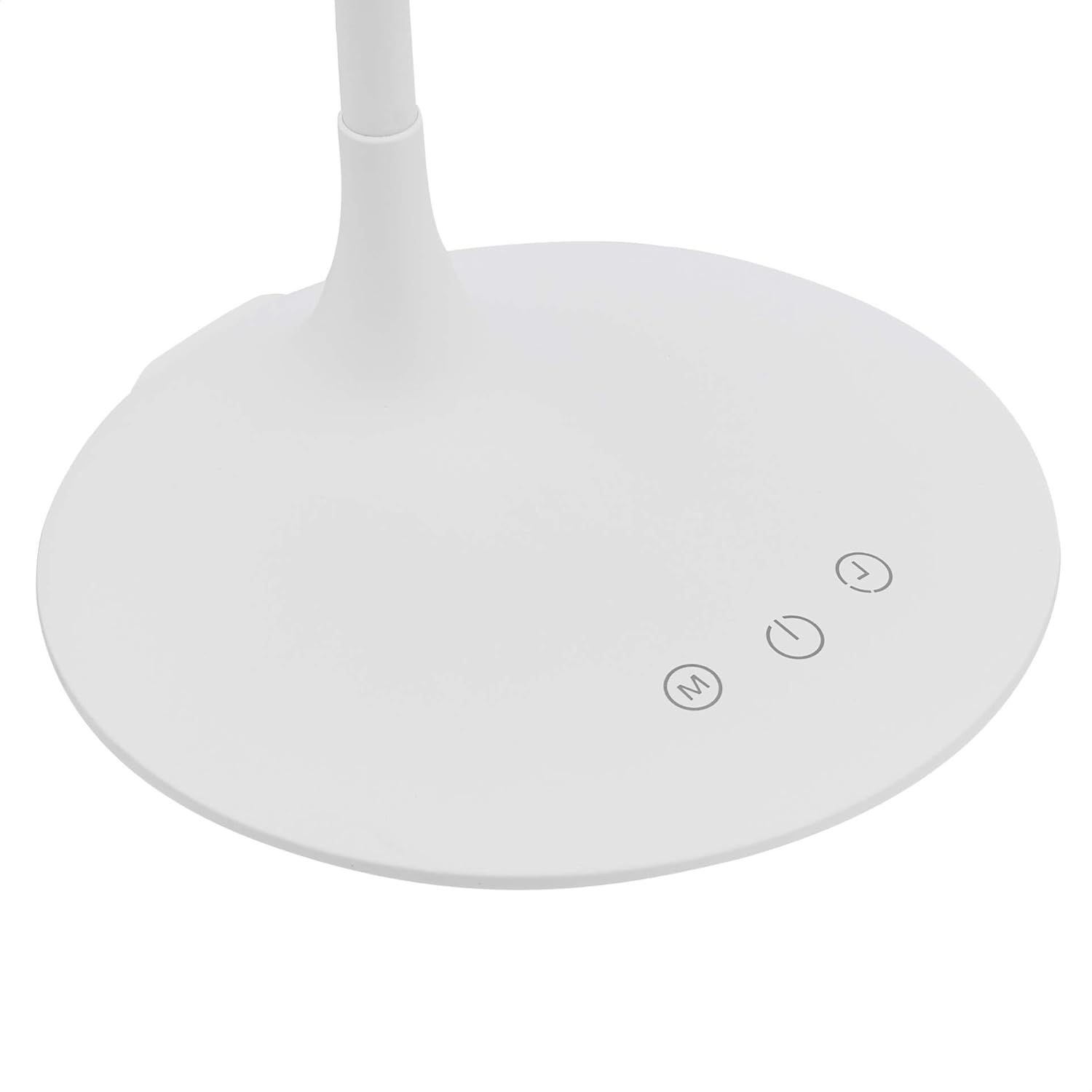
Figure 4: Touch control buttons on the lamp base
- Touch the Mode Button (②) repeatedly to cycle through the three available lighting modes:
- Natural Light: A balanced light suitable for general tasks.
- White Light: Bright, cool light ideal for focused work.
- Yellow Light: Warm, soft light for relaxation or ambient lighting.
- To adjust brightness within a selected mode, press and hold the Mode Button (②). The brightness will gradually increase or decrease. Release the button when the desired brightness level is reached.
Using the 40-Minute Timer
- Touch the Timer Button (M) to activate the 40-minute timer. The lamp will automatically turn off after 40 minutes.
- To deactivate the timer, touch the Timer Button (M) again.
Video Demonstration
Video 1: A demonstration of the Amazon Basics Desk Lamp's touch controls and lighting modes.
Maintenance
- Cleaning: Disconnect the lamp from the power source before cleaning. Use a soft, dry cloth to wipe the lamp. Do not use abrasive cleaners or solvents.
- Storage: When not in use for extended periods, store the lamp in a dry, cool place.
- LEDs: The LED lights are integrated and not user-replaceable.
Troubleshooting
| Problem | Possible Cause | Solution |
|---|---|---|
| Lamp does not turn on. | No power connection. | Ensure the power adapter is securely plugged into the lamp and a working electrical outlet. |
| Brightness adjustment not working. | Incorrect operation. | Press and hold the Mode Button (②) to adjust brightness. Tapping cycles modes. |
| Timer not activating/deactivating. | Incorrect operation. | Ensure you are touching the Timer Button (M). A single touch activates/deactivates. |
| Lamp flickers or light is inconsistent. | Unstable power supply or internal issue. | Try plugging the lamp into a different outlet. If the issue persists, discontinue use and contact support. |
Specifications
- Model Number: HSD9030B
- Light Source Type: LED (48 LEDs)
- Number of Light Sources: 2 (Dual Head)
- Lighting Modes: 3 (Natural, White, Yellow Light)
- Control Method: Touch Control
- Timer: 40-minute automatic shut-off
- Power Source: Corded Electric
- Material: Metal (Base), Plastic (Shade)
- Finish Type: Polished
- Product Dimensions (D x W x H): 6.7" x 6.7" x 14.57" (17 cm x 17 cm x 37 cm)
- Item Weight: 1 pound (0.45 kg)
- Indoor/Outdoor Usage: Indoor only
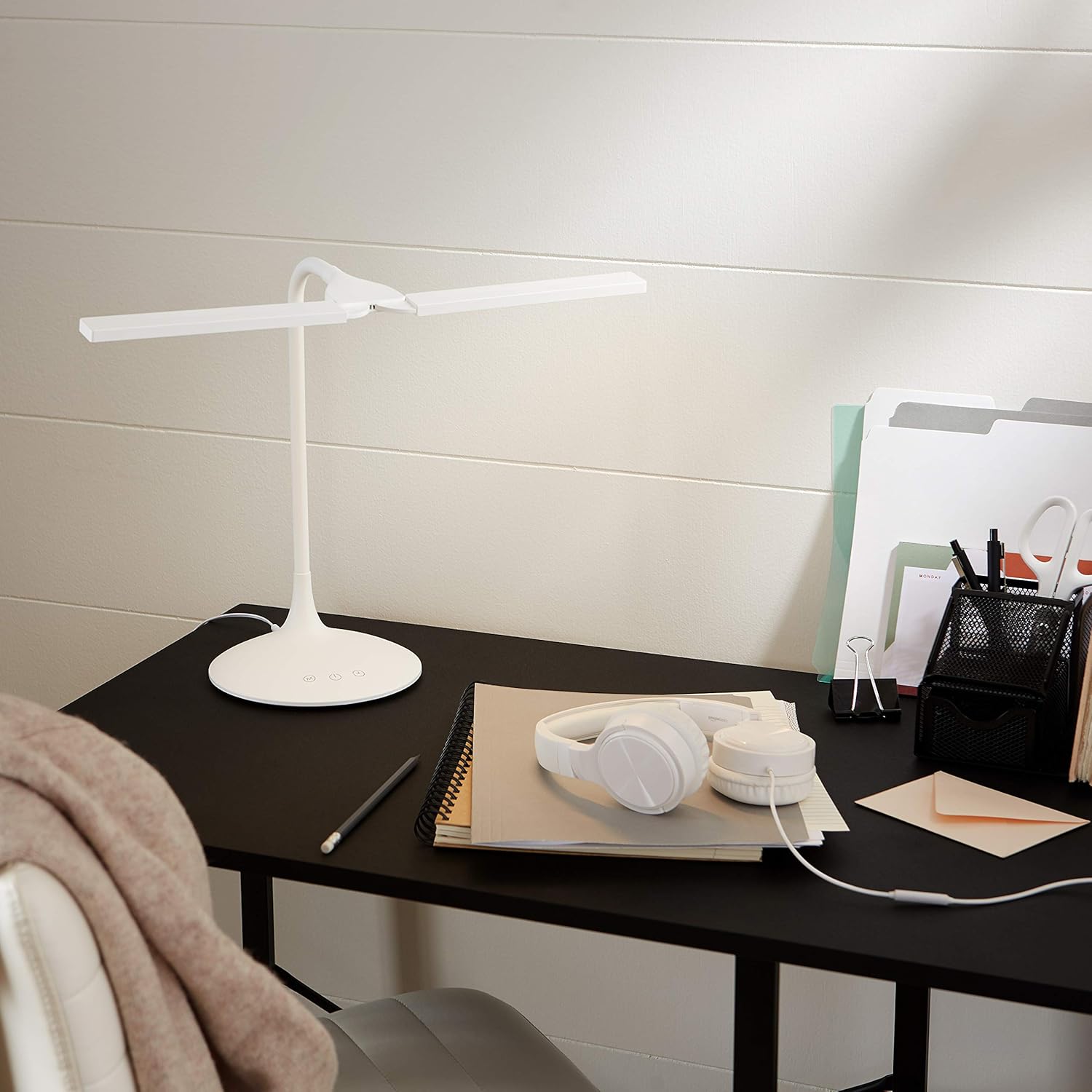
Figure 5: Product Dimensions
Warranty and Support
For warranty information and customer support, please refer to the official Amazon Basics website or contact Amazon customer service directly. The product may be covered by a limited warranty. Please retain your proof of purchase for warranty claims.
Online Resources:
- User Manual (PDF): Download PDF
- Warranty (PDF): Download PDF

