
Introduction
This manual provides detailed instructions for the safe and efficient use of your VARTA LCD Smart Charger+. Please read this manual thoroughly before operating the device to ensure proper function and longevity.
The VARTA LCD Smart Charger+ is designed for charging AA and AAA Ni-MH rechargeable batteries. It features an intuitive LCD display, individual charging channels, and advanced safety mechanisms to protect both the charger and your batteries.
Product Features
- Individual Charging Channels: Charges 1 to 4 AA or AAA Ni-MH batteries independently.
- LCD Display: Provides clear information on charging status, voltage, current, capacity, and charging time for each battery.
- Two Charging Modes: Supports both standard charging and refresh functions for optimal battery care.
- Advanced Safety Technology: Includes features such as Minus Delta V cut-off, timer shut-off, reverse polarity protection, short-circuit protection, bad cell detection, alkaline battery detection, and temperature control.
- USB Port: Integrated USB output for charging external devices.
- Fast Charging: Capable of charging 2 AA 1600 mAh batteries in approximately 1.5 hours.

Image: Packaging of the VARTA LCD Smart Charger+ illustrating key features such as two charging modes (Charge/Refresh), individual charging channels, smart switch-off, and advanced safety technology. It also shows the estimated charging time for AA batteries.
Package Contents
- VARTA LCD Smart Charger+
- 4x VARTA AA 2100mAh Rechargeable Batteries (Ni-MH)
- Power Adapter
Safety Information
Please observe the following safety precautions to prevent injury or damage to the charger and batteries:
- Only charge Ni-MH (Nickel-Metal Hydride) rechargeable batteries. Do not attempt to charge alkaline, lithium, or other battery types, as this may cause explosion, leakage, or personal injury.
- Ensure correct polarity when inserting batteries (+ to + and - to -).
- Do not expose the charger to rain, moisture, or extreme temperatures.
- Do not disassemble or modify the charger. Refer all servicing to qualified personnel.
- Keep out of reach of children.
- Unplug the charger from the power outlet when not in use.
- If a battery becomes excessively hot during charging, discontinue use immediately.

Image: A graphic detailing the advanced safety features integrated into the VARTA charger, such as timer shut-off, minus delta V cut-off, reverse polarity protection, short-circuit protection, detection of bad cells and alkaline batteries, and temperature control.
Setup
- Unpack the Charger: Carefully remove the VARTA LCD Smart Charger+ and its accessories from the packaging.
- Connect Power: Plug the power adapter into the charger's DC input port, then plug the adapter into a standard wall outlet. The LCD display will briefly illuminate.
- Insert Batteries:
- Open the battery compartment if applicable, or simply insert batteries into the slots.
- Insert 1 to 4 AA or AAA Ni-MH rechargeable batteries into the charging slots. Ensure correct polarity (+ and - ends match the markings in the slots).
- The charger supports individual charging, so you can charge any number of batteries from 1 to 4.

Image: A top-down view of the VARTA LCD Smart Charger+ with empty battery slots, illustrating the design of the individual charging bays and contacts for AA and AAA batteries.
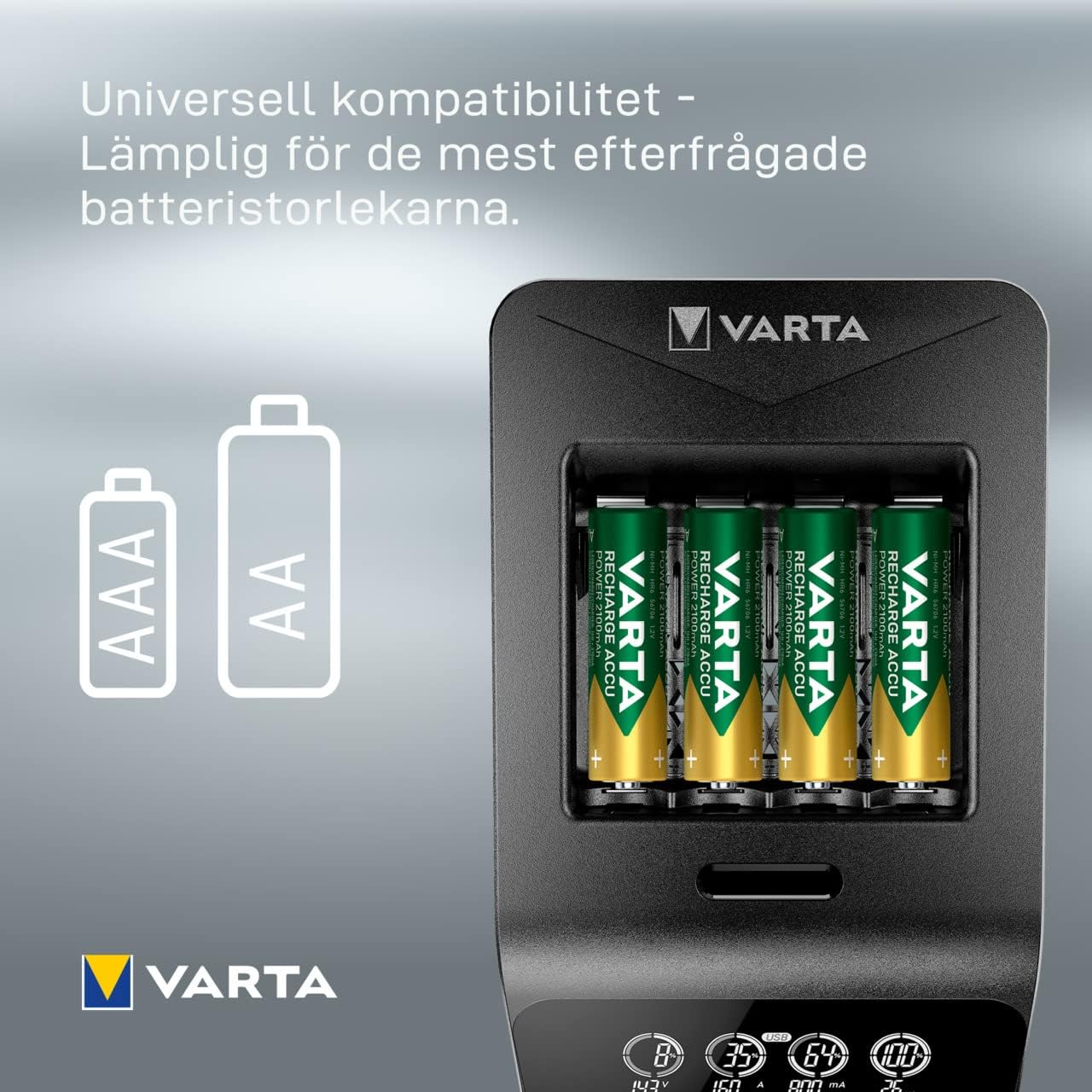
Image: The VARTA LCD Smart Charger+ with four AA batteries inserted, accompanied by graphics indicating its universal compatibility with both AA and AAA battery sizes.
Operating Instructions
Once batteries are inserted and the charger is powered on, the charging process will typically begin automatically. The LCD display will provide real-time feedback.
Charging Modes
The charger offers two primary modes:
- Charge Mode: Standard mode for recharging depleted batteries. The charger intelligently detects battery status and applies the optimal charging current.
- Refresh Mode: This mode is designed to revitalize older batteries by fully discharging them before recharging. This can help reduce memory effect and extend battery life. Consult the charger's specific button (if present) or manual for activating this mode.
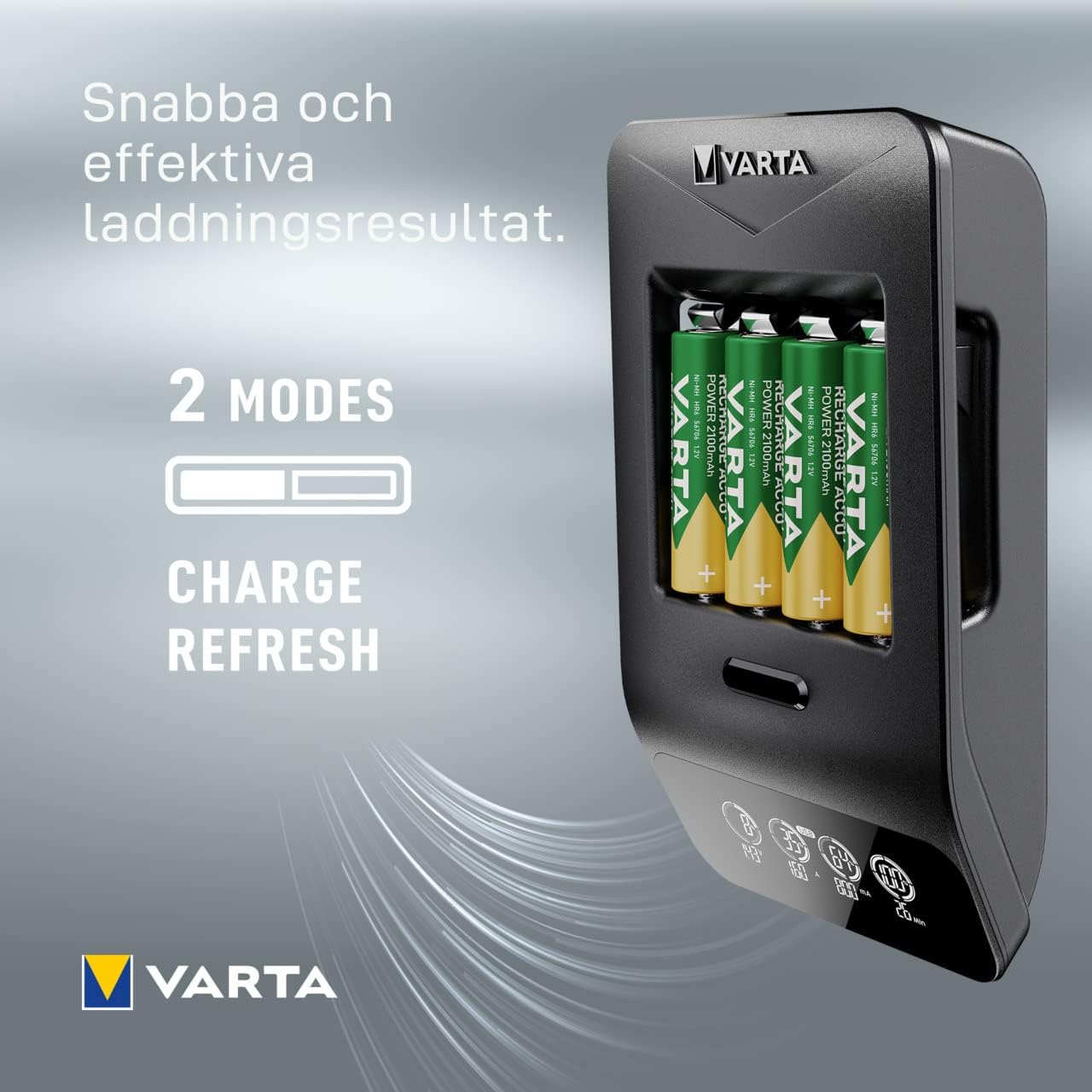
Image: A visual representation of the VARTA charger's two operational modes: 'Charge' for standard recharging and 'Refresh' for conditioning batteries.
LCD Display Indicators
The LCD provides comprehensive information for each battery slot:
- Voltage (V): Displays the current voltage of the battery.
- Current (A/mA): Shows the charging current being applied.
- Capacity (% or mAh): Indicates the current charge level or accumulated capacity.
- Time (Min): Displays the elapsed charging time or estimated time remaining.
- USB Indicator: Illuminates when the USB output port is in use.

Image: A detailed view of the VARTA LCD Smart Charger+'s innovative LCD screen, displaying real-time charging status indicators such as voltage, current, percentage of charge, and remaining time.

Image: The VARTA LCD Smart Charger+ fully loaded with four AA rechargeable batteries, with its LCD screen actively displaying charging progress and detailed battery information.
Maintenance
- Cleaning: Disconnect the charger from power before cleaning. Use a soft, dry cloth to wipe the exterior. Do not use liquid cleaners or solvents.
- Storage: Store the charger in a cool, dry place away from direct sunlight when not in use.
- Battery Care: For optimal battery life, avoid fully discharging Ni-MH batteries frequently. Use the refresh function periodically if available and recommended.
Troubleshooting
| Problem | Possible Cause | Solution |
|---|---|---|
| Charger display is off. | No power connection. | Ensure the power adapter is securely plugged into the charger and a live wall outlet. |
| Battery not charging. | Incorrect battery type, incorrect polarity, or faulty battery. |
|
| Batteries get hot during charging. | Normal heat generation, or potentially faulty battery/charger. | A slight warmth is normal. If batteries become excessively hot, discontinue charging immediately and remove them. Contact support if this persists with multiple batteries. |
Specifications
| Brand | VARTA |
| Model Number | 57684101441 |
| Compatible Battery Types | AA, AAA Ni-MH Rechargeable Batteries |
| Number of Charging Slots | 4 (Individual Channels) |
| Output Voltage | 1.2 Volts (per battery) |
| Product Dimensions | 9.84 x 7.09 x 3.15 inches (25 x 18 x 8 cm) |
| Item Weight | 6.5 ounces (184 Grams) |
| Color | Black |
Warranty and Support
VARTA products are manufactured to high-quality standards. For warranty information, please refer to the warranty card included with your product or visit the official VARTA website. For technical support or inquiries, please contact VARTA customer service through their official channels.
You can find more information and contact details on the official VARTA website: www.varta-consumer.com


