
Fuego Neck Band
Fuego Neckband Bluetooth Earphones User Manual
Model: Neck Band
Introduction
This manual provides instructions for the Fuego Neckband Bluetooth Earphones, Model Neck Band. Please read this manual carefully before using the product to ensure proper operation and to maximize its lifespan.
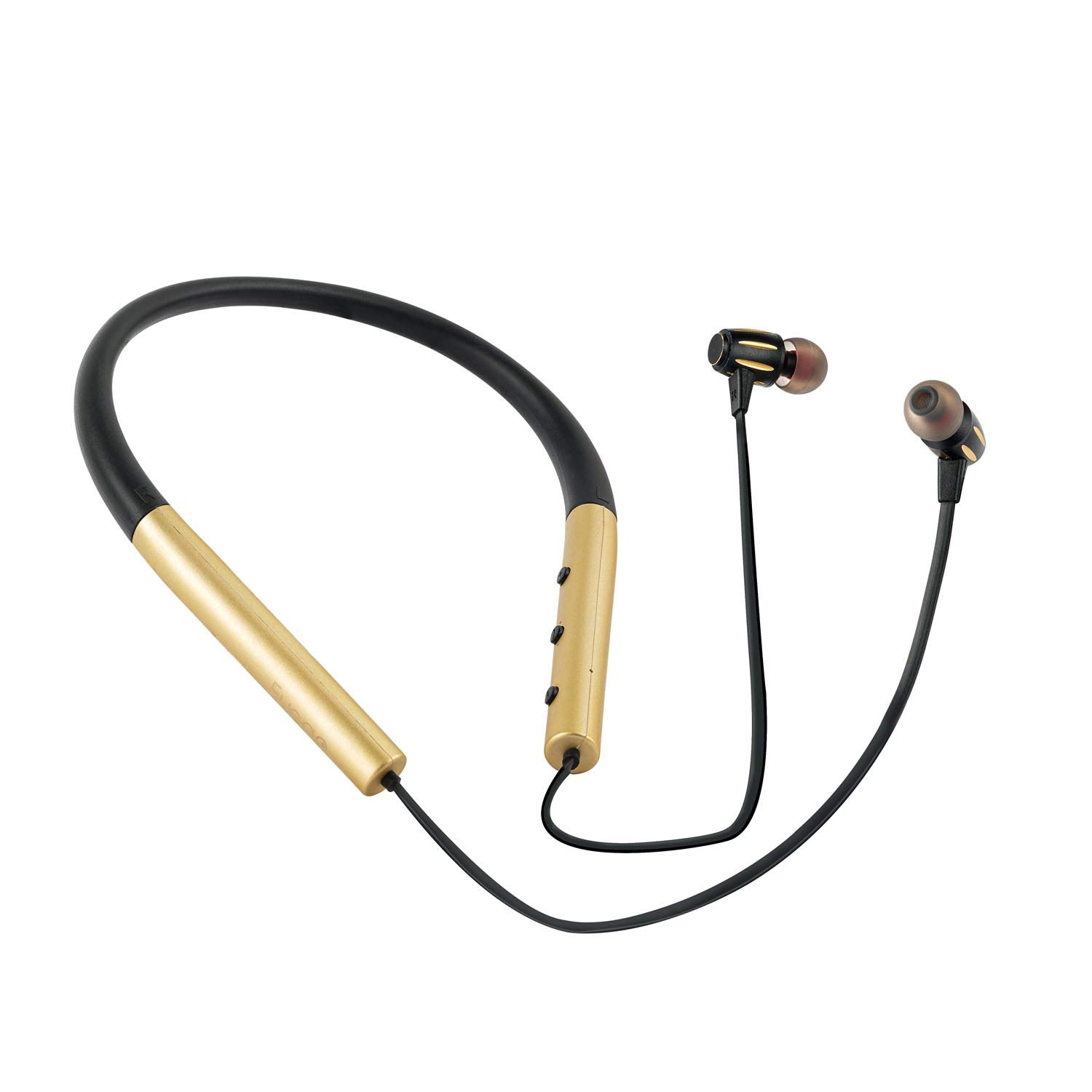
Image: Fuego Neckband Bluetooth Earphones, showcasing the neckband design and earbuds.
Package Contents
Ensure all items are present in the package:
- Fuego Neckband Bluetooth Earphones
- Ear Cushions (various sizes)
- USB Charging Cable (typically included)
- User Manual (this document)
Setup
1. Charging the Earphones
Before first use, fully charge the earphones. Connect the charging cable to the charging port on the neckband and to a USB power source. The LED indicator will typically show red during charging and turn blue or off when fully charged. A full charge provides approximately 8 hours of music playback or call time.

Image: Illustration of the Fuego Neckband Earphones highlighting the 140mAh battery capacity and 8 hours of battery life for music and calls.
2. Bluetooth Pairing
- Power On: Press and hold the Power button on the neckband until the LED indicator flashes blue and red, indicating pairing mode.
- Activate Bluetooth: On your mobile device (smartphone, tablet, laptop), go to the Bluetooth settings and enable Bluetooth.
- Select Device: Look for "Fuego Neckband" or a similar name in the list of available devices and select it.
- Confirmation: Once paired, the LED indicator on the earphones will typically flash blue slowly or turn solid blue. A voice prompt may also confirm successful connection.
The earphones are compatible with iOS, Android, and other Bluetooth-enabled devices.
Operating Instructions
Wearing the Earphones
Place the neckband around your neck. Insert the earbuds into your ears. The ergonomic design ensures a comfortable and secure fit, suitable for various activities including sports. The soft ear cushions help maintain comfort during extended use.
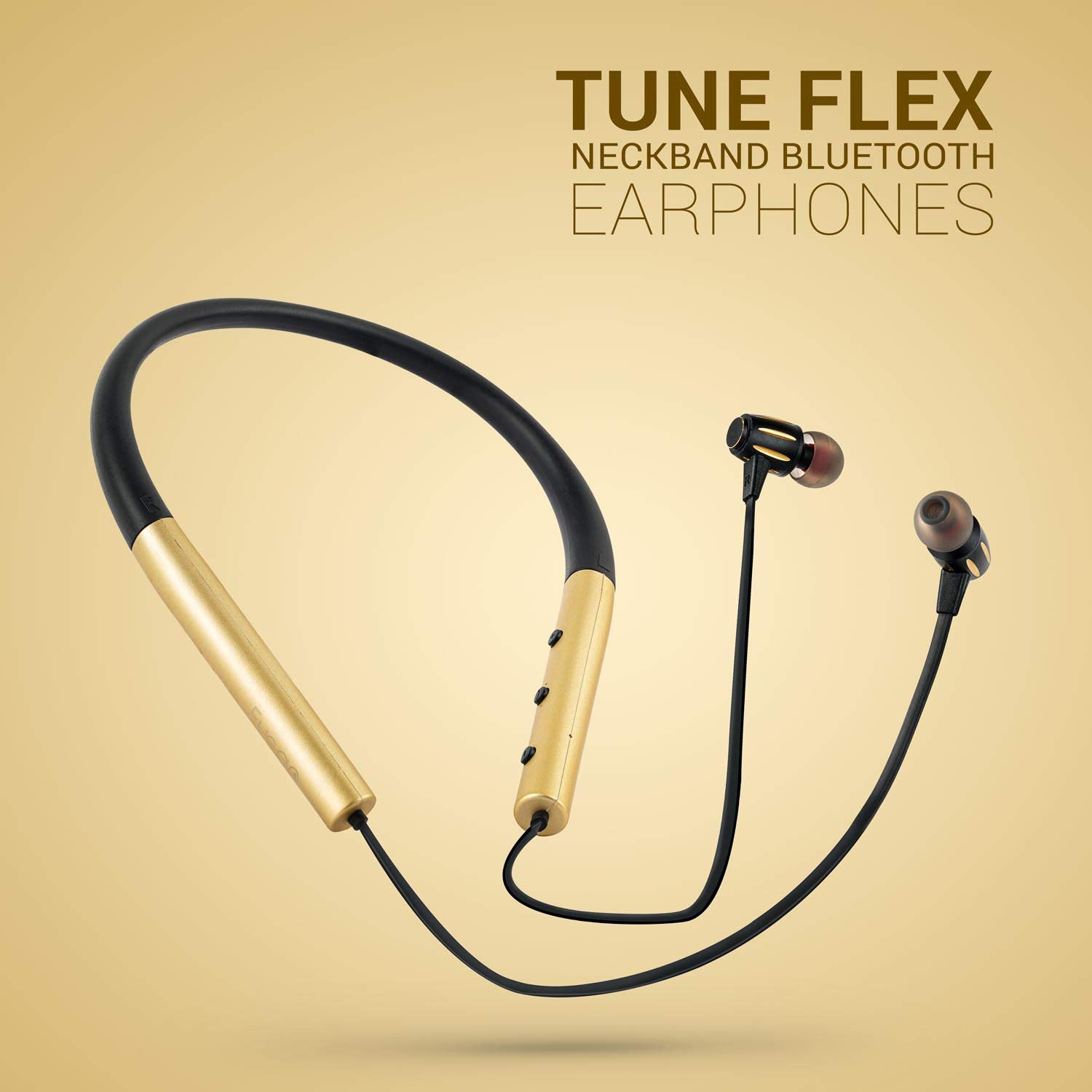
Image: A person wearing the Fuego Neckband Earphones while running, demonstrating their suitability for active use.
Earbud Design
The earbuds are designed for comfort and sound delivery. They feature soft ear cushions for a secure fit and enhanced audio experience.

Image: Detailed view of a Fuego earbud, showing its design and ear cushion.
The earbuds feature a magnetic design, allowing them to securely attach to each other when not in use, preventing tangling.

Image: Close-up view of the magnetic earbuds, showing how they connect.
Controls
The neckband features integrated controls for easy management of audio and calls. These controls typically include:
- Power Button: Press and hold to power on/off. Short press for play/pause music or answer/end calls.
- Volume Up (+): Short press to increase volume. Long press to skip to the next track.
- Volume Down (-): Short press to decrease volume. Long press to go to the previous track.
- Microphone: Integrated for hands-free calling.
The earphones support connecting to two Bluetooth devices simultaneously, allowing seamless switching between them.
Maintenance
- Cleaning: Use a soft, dry cloth to clean the earphones. Do not use abrasive cleaners or solvents.
- Storage: Store the earphones in a cool, dry place away from direct sunlight and extreme temperatures.
- Water Resistance: The earphones are IPX5 waterproof, meaning they are resistant to sweat and splashes. Avoid submerging them in water.
- Cable Care: While the neckband is flexible, avoid excessive bending or twisting of the cables to prevent damage.

Image: The Fuego Neckband Earphones showcasing their ultra-flexible design, which aids in durability and comfortable wear.
Troubleshooting
- Cannot Pair:
- Ensure the earphones are charged and in pairing mode (flashing blue/red LED).
- Turn off and on Bluetooth on your device.
- Move the earphones closer to your device.
- Clear previous Bluetooth connections on your device if necessary.
- No Sound:
- Check the volume level on both the earphones and your connected device.
- Ensure the earphones are properly paired and connected.
- Try playing audio from a different application or source.
- Charging Issue:
- Verify the charging cable is securely connected to both the earphones and the power source.
- Try a different USB port or power adapter.
Specifications
| Model | Neck Band |
| Brand | Fuego |
| Connectivity Technology | Bluetooth |
| Form Factor | In-Ear, Neckband |
| Material | Metal, Rubber |
| Control Type | Volume Control, Touch |
| Microphone | Included |
| Water Resistance Level | IPX5 Waterproof |
| Battery Capacity | 140 mAh |
| Play/Call Time | Up to 8 hours |
| Item Weight | 120 g |
| Product Dimensions (LxWxH) | 15 x 12 x 5 cm |
| Compatible Devices | Mobile (IOS, Android), Tablets, Laptops, all Bluetooth devices |
Warranty and Support
Information regarding product warranty and customer support was not provided in the source data. Please refer to the product packaging or the retailer's website for details on warranty coverage and how to contact support.
Ask a question about this manual
Ask about setup, troubleshooting, compatibility, parts, safety, or missing instructions. Manuals+ will review the question and use this page’s manual context to help answer it.