
1. Introduction
Thank you for choosing the Einhell Professional TP-CD 18/50 Li-i BL Solo Cordless Impact Drill Driver. This tool is designed for drilling and screwdriving tasks in various materials, including wood, metal, and masonry. It is part of the Einhell Power X-Change family, offering flexibility with compatible batteries.
This manual provides essential information for the safe and efficient operation, maintenance, and troubleshooting of your drill driver. Please read it thoroughly before first use and keep it for future reference.

2. General Safety Instructions
Always observe the following safety precautions to prevent electric shock, fire, and serious injury:
- Work Area Safety: Keep the work area clean and well-lit. Cluttered or dark areas invite accidents. Do not operate power tools in explosive atmospheres, such as in the presence of flammable liquids, gases, or dust.
- Electrical Safety: Power tool plugs must match the outlet. Never modify the plug in any way. Do not abuse the cord. Never use the cord for carrying, pulling, or unplugging the power tool.
- Personal Safety: Always wear eye protection. Use safety glasses, goggles, or a face shield. Wear hearing protection when operating noisy tools. Dress properly. Do not wear loose clothing or jewelry. Keep your hair, clothing, and gloves away from moving parts.
- Power Tool Use and Care: Do not force the power tool. Use the correct power tool for your application. Disconnect the battery pack from the power tool before making any adjustments, changing accessories, or storing power tools.
- Battery Pack Use and Care: This tool is supplied without a battery and charger. Use only Einhell Power X-Change batteries and chargers. Refer to the battery and charger manuals for specific safety instructions.

3. Setup
3.1 Attaching/Removing the Battery Pack
- To attach: Slide the charged Power X-Change battery pack onto the base of the drill driver until it clicks into place.
- To remove: Press the release button on the battery pack and slide it off the tool.
3.2 Inserting/Removing Drill Bits or Screwdriver Bits
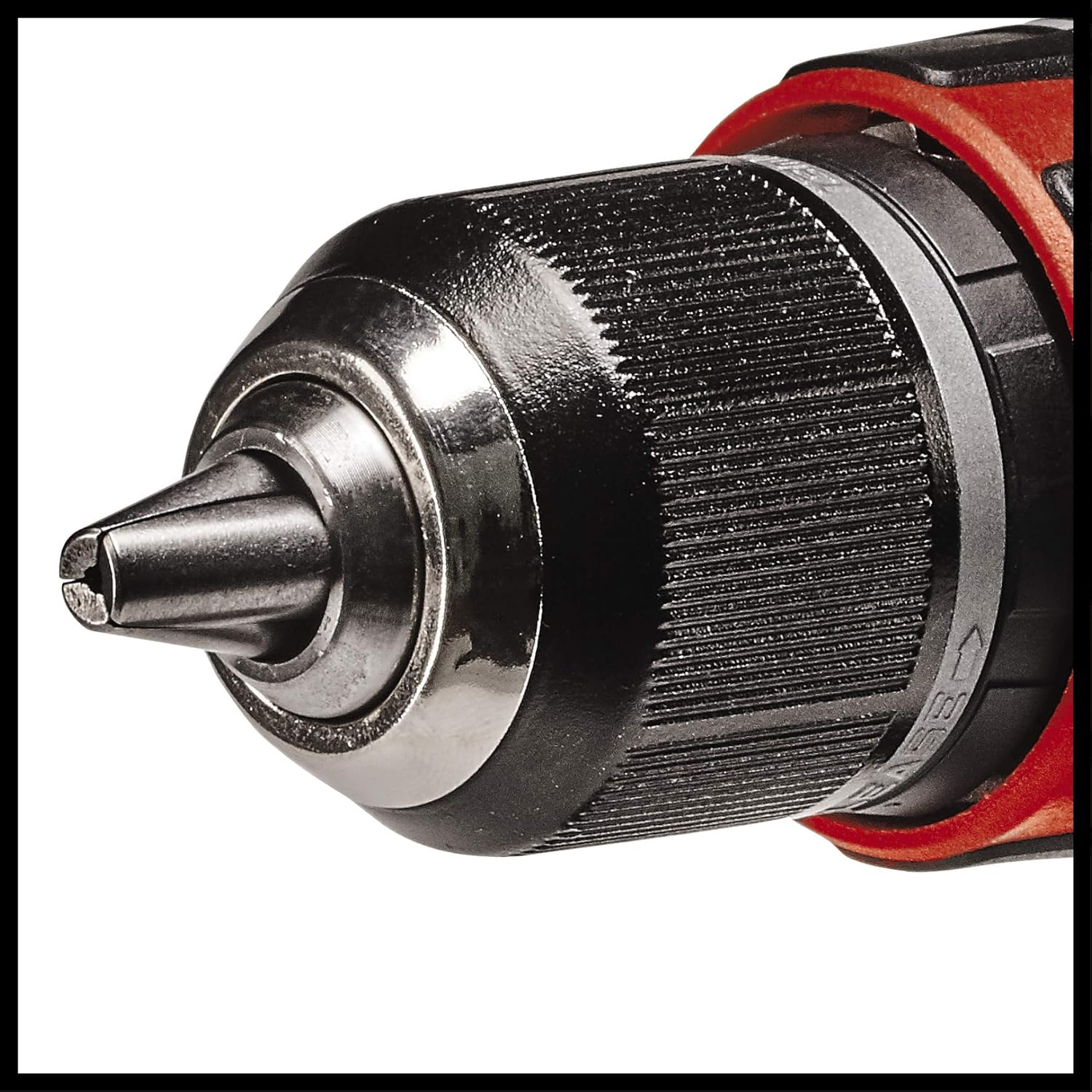
- Open the chuck by turning the chuck sleeve counter-clockwise until the jaws are wide enough to insert the bit.
- Insert the desired drill bit or screwdriver bit into the chuck. Ensure it is inserted as far as possible.
- Tighten the chuck by turning the chuck sleeve clockwise until the bit is securely clamped. For best results, use both hands to ensure maximum tightness.

4. Operating Instructions
4.1 Selecting Operating Mode (Drilling, Screwdriving, Impact Drilling)
The drill driver features a mode selector ring to choose between screwdriving, drilling, and impact drilling functions.
- Screwdriving: Rotate the ring to the screw symbol. Adjust the torque setting as needed.
- Drilling: Rotate the ring to the drill symbol.
- Impact Drilling: Rotate the ring to the hammer symbol for drilling in masonry.

4.2 Speed Selection (2-Speed Gearbox)
The drill driver is equipped with a 2-speed gearbox for optimal performance across different applications.
- Gear 1 (Low Speed): For screwdriving and drilling large diameters, providing higher torque.
- Gear 2 (High Speed): For drilling smaller diameters and faster operation.
4.3 Electronic Speed Control
The trigger switch provides variable speed control. Press the trigger gently for lower speeds and harder for higher speeds. This allows for precise control during operation.
4.4 LED Work Light
The integrated LED light illuminates the work area, improving visibility in dimly lit conditions. It activates automatically when the trigger is pressed.
4.5 Brushless Motor Technology
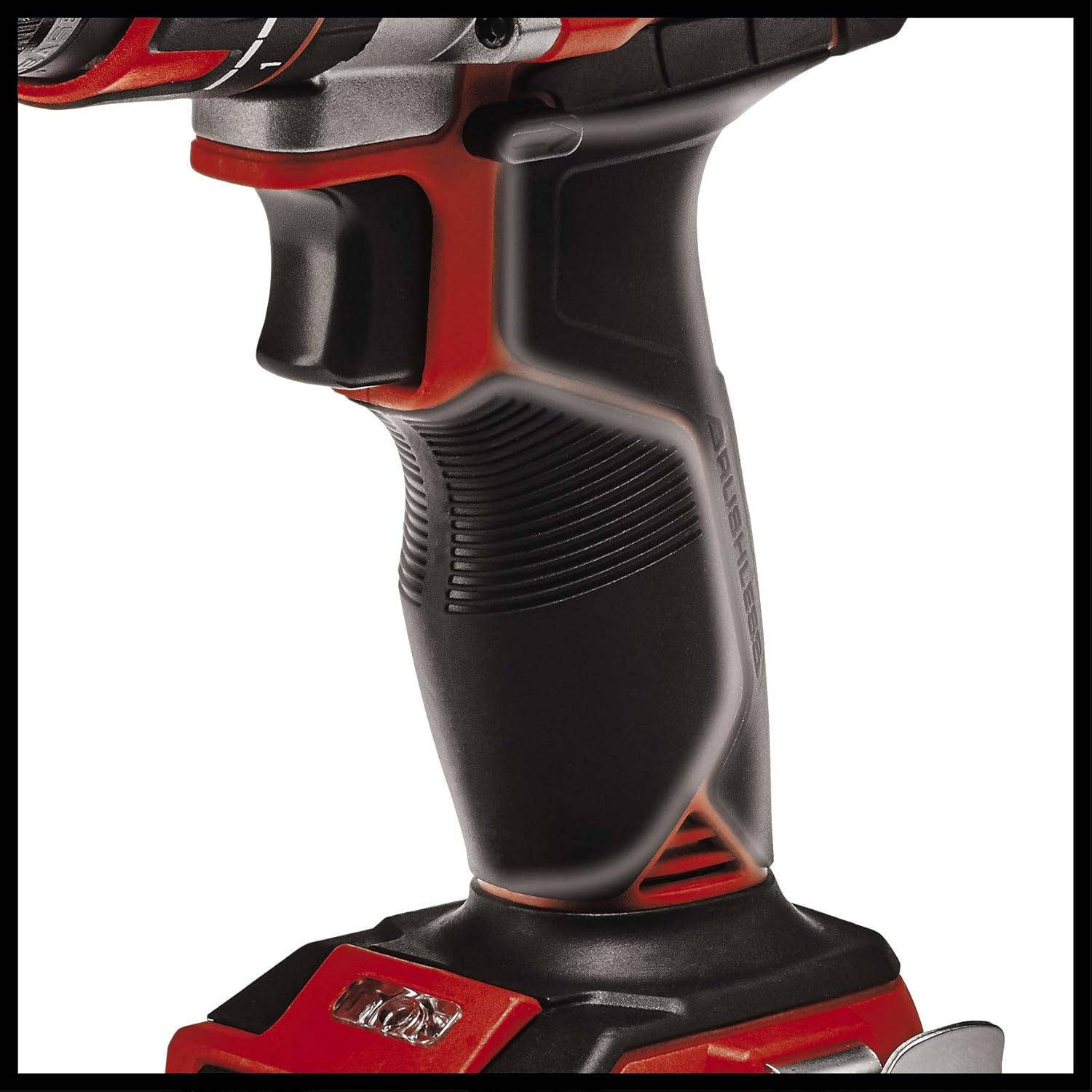
This drill driver features a brushless motor, which offers increased power, longer runtime, and extended service life compared to traditional brushed motors. It also reduces maintenance requirements.

4.6 Ergonomics and Grip
The ergonomic design and softgrip surfaces ensure comfortable handling and a secure grip, reducing user fatigue during prolonged use.
4.7 Product in Use
The following video demonstrates the Einhell TP-CD 18/50 Li-i BL Solo in various applications, including drilling into wood, masonry, and metal, as well as changing accessories.


5. Maintenance
Regular maintenance ensures the longevity and optimal performance of your drill driver.
- Cleaning: Keep the ventilation slots clean to prevent overheating. Use a soft brush or compressed air to remove dust and debris. Do not use water or chemical cleaners.
- Chuck Maintenance: Periodically clean the chuck jaws to ensure proper gripping of bits.
- Storage: Store the tool in a dry, secure place out of reach of children. Remove the battery pack before storage.
- Battery Care: Store battery packs in a cool, dry place. Do not expose them to extreme temperatures. Charge them regularly, even if not in use, to maintain battery health.
6. Troubleshooting
| Problem | Possible Cause | Solution |
|---|---|---|
| Tool does not start | Battery not inserted correctly or discharged. | Ensure battery is fully inserted. Charge the battery. |
| Reduced power/performance | Battery low or incorrect mode/speed selection. | Charge battery. Select appropriate speed and mode for the task. |
| Bit slips in chuck | Chuck not tightened sufficiently or dirty jaws. | Retighten chuck firmly. Clean chuck jaws. |
| Overheating | Blocked ventilation slots or continuous heavy use. | Clean ventilation slots. Allow tool to cool down. |
7. Specifications
| Feature | Specification |
|---|---|
| Model Number | 4513942 |
| Voltage | 18 Volts |
| Max. Torque | 50 Newton Meters |
| Max. Chuck Size | 13 Millimeters |
| Max. Rotational Speed | 1800 rpm |
| Number of Gears | 2 |
| Power Source | Battery Powered (Power X-Change) |
| Motor Type | Brushless |
| Weight | 1.21 Kilograms |
| Dimensions (L x W x H) | 20.8L x 7.6W x 22.1H centimeters |
| Included Components | Cordless Impact Drill Driver (Battery and Charger not included) |
8. Warranty and Support
Einhell products are manufactured to high-quality standards and undergo strict quality controls. This product comes with a standard manufacturer's warranty. Please refer to the warranty card included with your purchase or visit the official Einhell website for detailed warranty terms and conditions specific to your region.
For technical support, spare parts, or service inquiries, please contact Einhell customer service or an authorized service center. Keep your purchase receipt and model number (TP-CD 18/50 Li-i BL Solo, Article No. 4513942) readily available when contacting support.
Spare Parts Availability: 1 Year (as per product specifications).


