
Freestyle 2040011304
FreeStyle Libre Sensor Instruction Manual
Monitor Glucose on Your Phone with the FreeStyle LibreLink App
1. Introduction to FreeStyle Libre Sensor
The FreeStyle Libre Sensor is a continuous glucose monitoring (CGM) system designed to help individuals manage their glucose levels without the need for routine finger pricks. This system provides real-time glucose readings directly to your smartphone via the FreeStyle LibreLink App, offering a convenient and discreet way to track your glucose trends and patterns.
The sensor is applied to the back of your upper arm and can be worn for up to 14 days. It is designed to fit seamlessly into your daily life, allowing you to shower, swim, bathe, or exercise while wearing it.

Image: The FreeStyle Libre Sensor kit, showing the sensor, applicator, and product packaging.
2. What's in the Box
Each FreeStyle Libre Sensor package contains the following components:
- One FreeStyle Libre Sensor: This is the small, disposable sensor that continuously measures glucose levels.
- One Sensor Applicator: Used for easy and painless application of the sensor to the arm.
- Product Insert/Instructions for Use: Detailed instructions for safe and effective use.

Image: A close-up view of the FreeStyle Libre Sensor components, including the sensor and applicator.
Note: An official product video demonstrating the contents and getting started with FreeStyle Libre would typically be embedded here. Due to data limitations, the video cannot be displayed.
3. Who Can Use the FreeStyle Libre System?
The FreeStyle Libre System is approved for a broad range of patient populations. Consult with your healthcare professional to determine if the FreeStyle Libre System is suitable for your specific needs.
- Individuals with Type 1 diabetes mellitus
- Individuals with Type 2 diabetes mellitus
- Pregnant women
- Children above 4 years and young adults

Image: Visual representation of various users of the FreeStyle Libre System, highlighting its applicability across different demographics.
4. Key Features and Benefits
The FreeStyle Libre Sensor offers numerous advantages for glucose monitoring:
- Zero Finger Pricks: Continuously monitor your glucose levels without the need for painful routine finger pricks.
- Outstanding 14-Day Accuracy: Provides reliable glucose readings for up to 14 days, particularly accurate in the low glucose range.
- Powerfully Simple: Easy to apply and comfortable to wear, offering all the benefits of continuous glucose monitoring with minimal fuss.
- Lower HbA1c: Clinically proven to help lower HbA1c levels without finger pricks.
- Reduced Hypoglycaemia: Helps users spend less time in the low glucose range, both during the day and night.
- Increased Time In Range: Clinically proven to increase the time spent within your target glucose range.
- Reduction in Diabetes-Related Complications: May contribute to a reduction in hospital admissions and work absenteeism related to diabetes.

Image: A smartphone displaying a glucose reading of 112 mg/dL from the FreeStyle LibreLink app, demonstrating the ease of monitoring.

Image: A comparative chart illustrating the advantages of FreeStyle Libre over traditional glucometers, emphasizing features like continuous data and trend analysis.
5. Setup and Application
Applying the FreeStyle Libre Sensor is a simple three-step process:
- Apply: Use the provided disposable applicator to easily apply the sensor to the back of your upper arm. The application is designed to be painless.
- Scan: Once applied, use your NFC-enabled smartphone with the FreeStyle LibreLink app to scan the sensor. This initiates the sensor and begins glucose monitoring.
- Read: After the initial setup period (typically 1 hour), you can scan the sensor as often as needed to get real-time glucose readings and trends directly on your phone.

Image: A visual guide showing the "Apply, Scan, Read" steps for using the FreeStyle Libre Sensor.
To check smartphone compatibility for NFC connection, scan the QR code below:

Image: QR code to verify if your smartphone is NFC-enabled and compatible with the FreeStyle Libre sensor.
For compatibility check, visit: https://qr1.be/VDMA
6. Operation and Monitoring
Once the sensor is active, you can scan it with your smartphone as frequently as you need to obtain your current glucose reading, glucose trend arrow, and a historical graph of your glucose levels. This allows for comprehensive monitoring throughout the day and night.
Understanding the impact of food on your glucose levels is crucial for effective diabetes management. The FreeStyle Libre system provides insights into how different meals and activities affect your glucose, empowering you to make informed decisions.
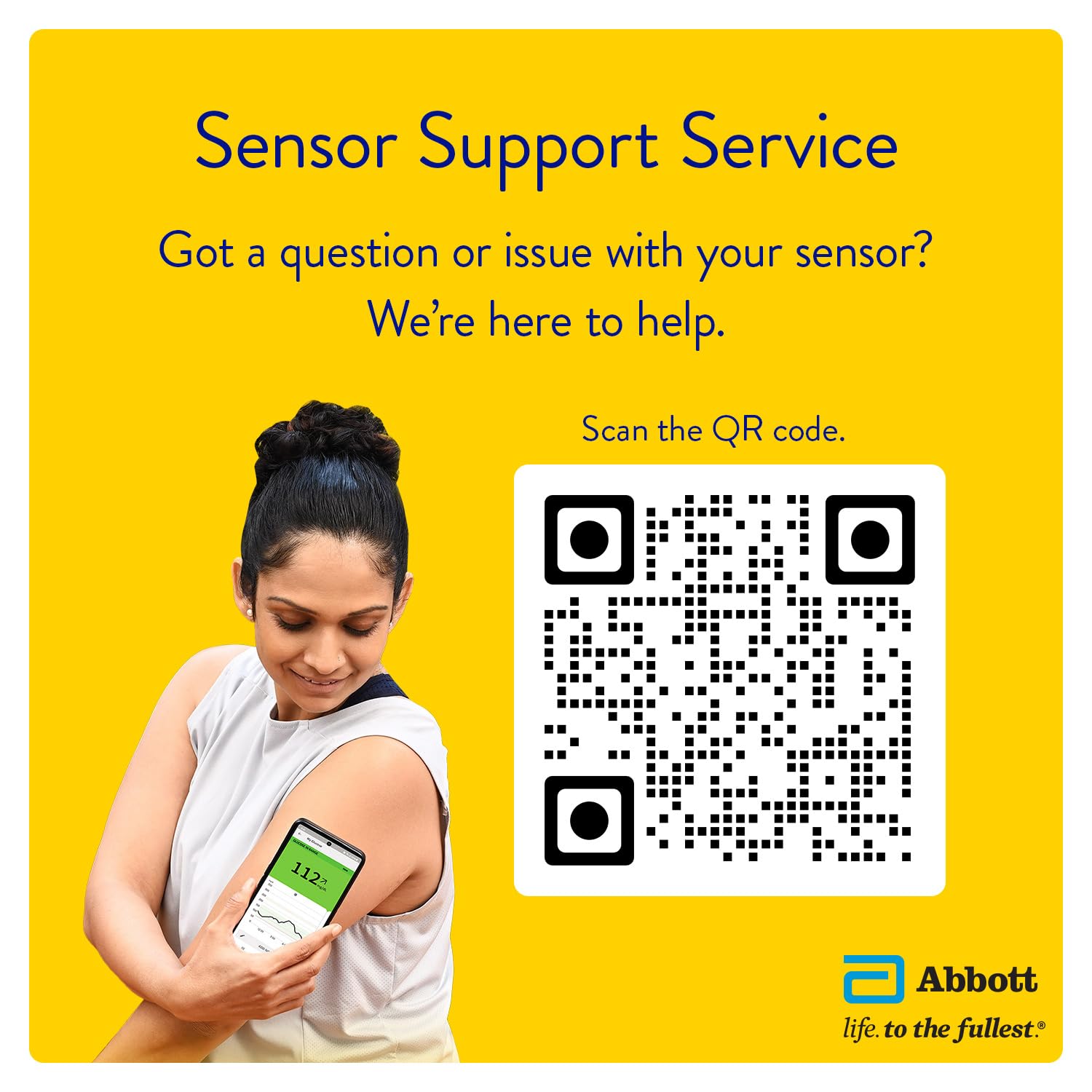
Image: A user scanning their FreeStyle Libre sensor during a meal to understand the immediate impact of food on glucose levels.
A quick scan of the sensor provides instant access to:
- Daily Patterns: Visualize your glucose patterns over time.
- Time In Target: See how much time you spend within your target glucose range.
- Low Glucose Events: Identify and track instances of low glucose.

Image: Icons illustrating the key data insights available through the FreeStyle Libre system: Daily Patterns, Time In Target, and Low Glucose Events.
7. Maintenance
The FreeStyle Libre Sensor is designed for durability and convenience. It is water-resistant and can be worn during various activities:
- Showering: The sensor can be worn while showering.
- Swimming: It is safe to swim with the sensor on.
- Bathing: The sensor can withstand bathing.
- Exercising: You can continue your exercise routine without removing the sensor.
Ensure the sensor is securely attached to your arm throughout its 14-day wear period. Avoid excessive rubbing or direct impact to the sensor site.
8. Troubleshooting
If you encounter any questions or issues with your FreeStyle Libre Sensor, the Sensor Support Service is available to assist you. Common issues may include sensor errors, inaccurate readings (always cross-reference with a blood glucose meter if concerned), or premature sensor detachment.
For immediate assistance, please scan the QR code below or contact customer support directly.

Image: QR code for accessing the FreeStyle Libre Sensor Support Service.
For Sensor Support Service, visit: https://qr1.be/OD7S
9. Product Specifications
| Specification | Detail |
|---|---|
| Brand | Freestyle |
| Model Name | FreeStyle Libre Sensor |
| Model Number | 2040011304 |
| Included Components | Sensor |
| Operating Time | 14 Days |
| Item Weight | 100 g |
| Product Dimensions (LxWxH) | 10 x 10 x 10 cm |
| Color | White |
| Manufacturer | Abbott |
| Battery Cell Composition | Silver Oxide |
| Are batteries included? | No (Batteries are internal to the sensor and not user-replaceable) |
| Date First Available | 7 May 2020 |
10. Support and Contact Information
For any queries or assistance regarding your FreeStyle Libre Sensor, please contact the customer care team:

Image: Customer care contact details for FreeStyle Libre.
- Call us at: 1800 2100 998
- Mail us at: adc-cs.in@abbott.com
- Operational Hours: Mon-Fri from 8:30am - 5:30pm (business days only; no operations on holidays)
Related documents2040011304


Ask a question about this manual
Ask about setup, troubleshooting, compatibility, parts, safety, or missing instructions. Manuals+ will review the question and use this page’s manual context to help answer it.