
1. Introduction
This manual provides essential information for the safe and effective operation, maintenance, and troubleshooting of your SHARP Smart Air Purifier, Model FXJ80UW. Please read this manual thoroughly before using the appliance and retain it for future reference.
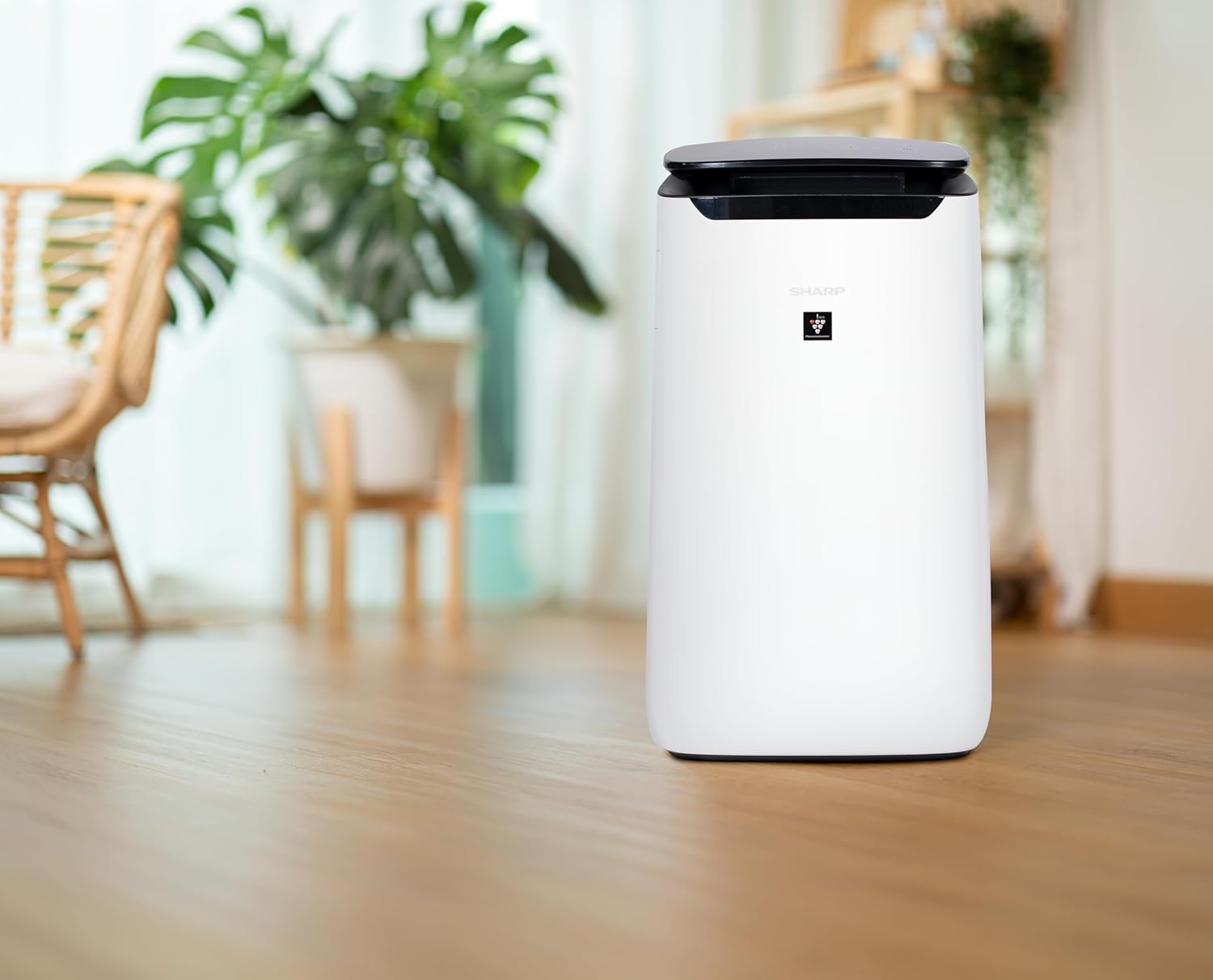
The SHARP FXJ80UW is designed to improve indoor air quality using advanced Plasmacluster Ion Technology and a comprehensive triple filtration system. It is suitable for extra-large rooms and offers smart control features via the SHARP AIR App and voice commands through Amazon Alexa.
2. Safety Information
Important Safety Instructions:
- Always unplug the air purifier before cleaning, performing maintenance, or when not in use.
- Do not operate the unit with a damaged cord or plug. If the cord or plug is damaged, contact qualified service personnel.
- Do not block air inlets or outlets. Ensure adequate clearance around the unit for proper airflow.
- Do not insert fingers or foreign objects into the air inlets or outlets.
- Keep the unit away from water and moisture. Do not use in bathrooms or other humid environments.
- This appliance is not intended for use by persons (including children) with reduced physical, sensory, or mental capabilities, or lack of experience and knowledge, unless they have been given supervision or instruction concerning use of the appliance by a person responsible for their safety.
- Children should be supervised to ensure that they do not play with the appliance.
- Use only genuine SHARP replacement filters.
3. Product Overview
Key Features:
- Smart Home Features: Monitor air quality and adjust settings remotely via the SHARP AIR App. Compatible with Amazon Alexa and Google Assistant for voice control.
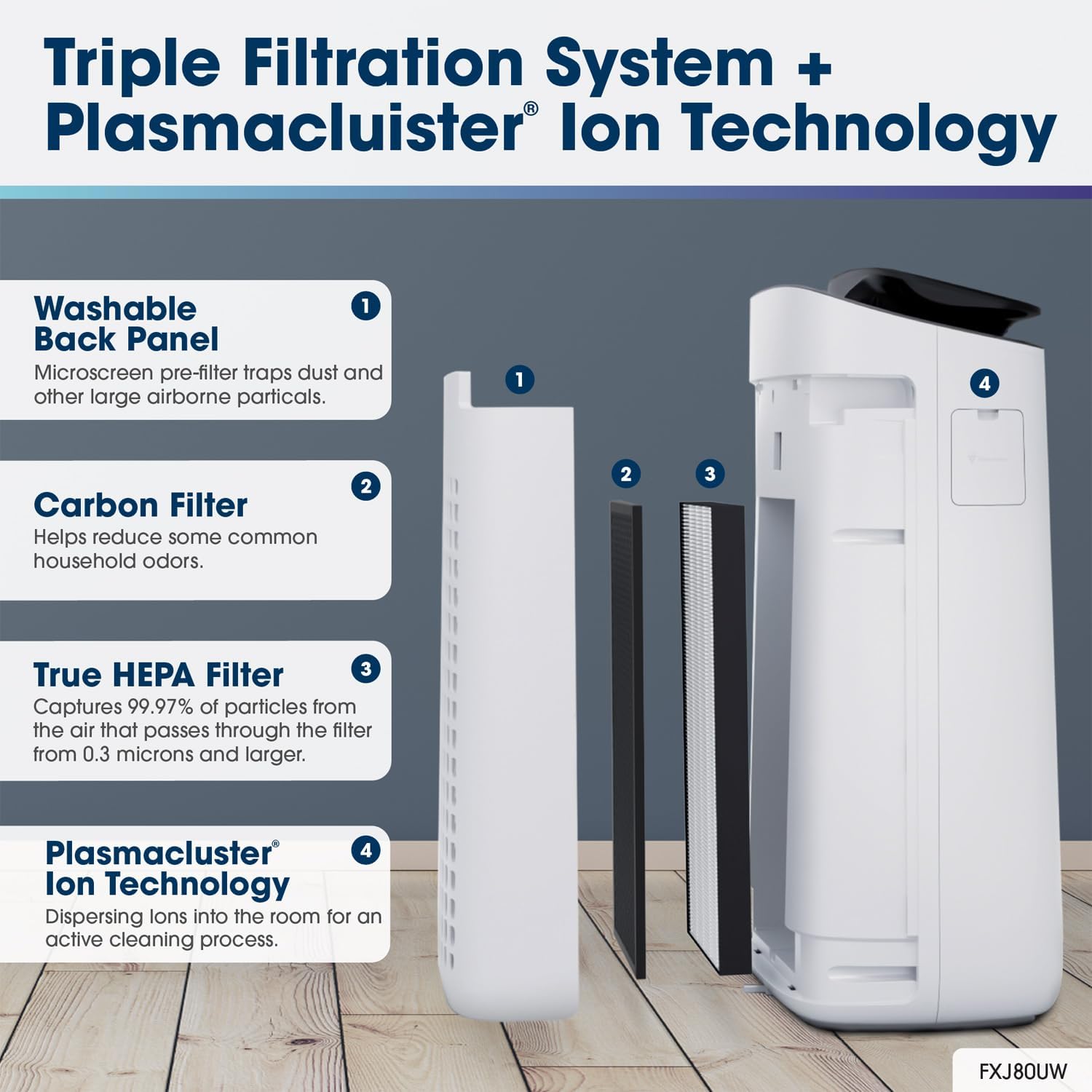
- Triple Filtration System: Includes a washable microscreen pre-filter, an activated carbon deodorizing filter, and a True HEPA filter.
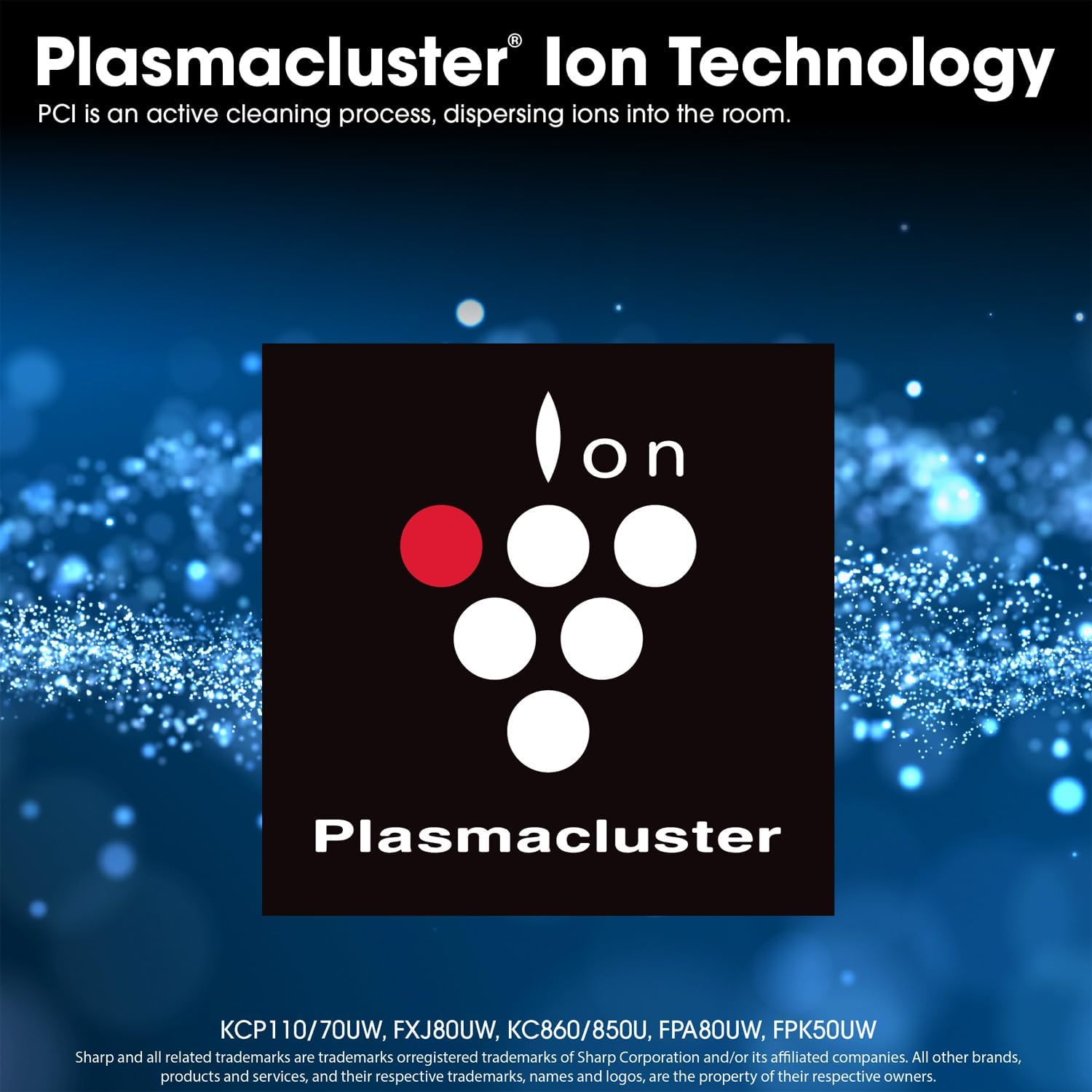
- Plasmacluster Ion Technology: Actively disperses ions into the room for enhanced air purification.
- Long-Life Filters: True HEPA and Activated Carbon filters can last up to 2 years, depending on usage and environment.
- Quiet Operation: Library Quiet Sleep setting operates as low as 23 dBA, ideal for bedrooms.
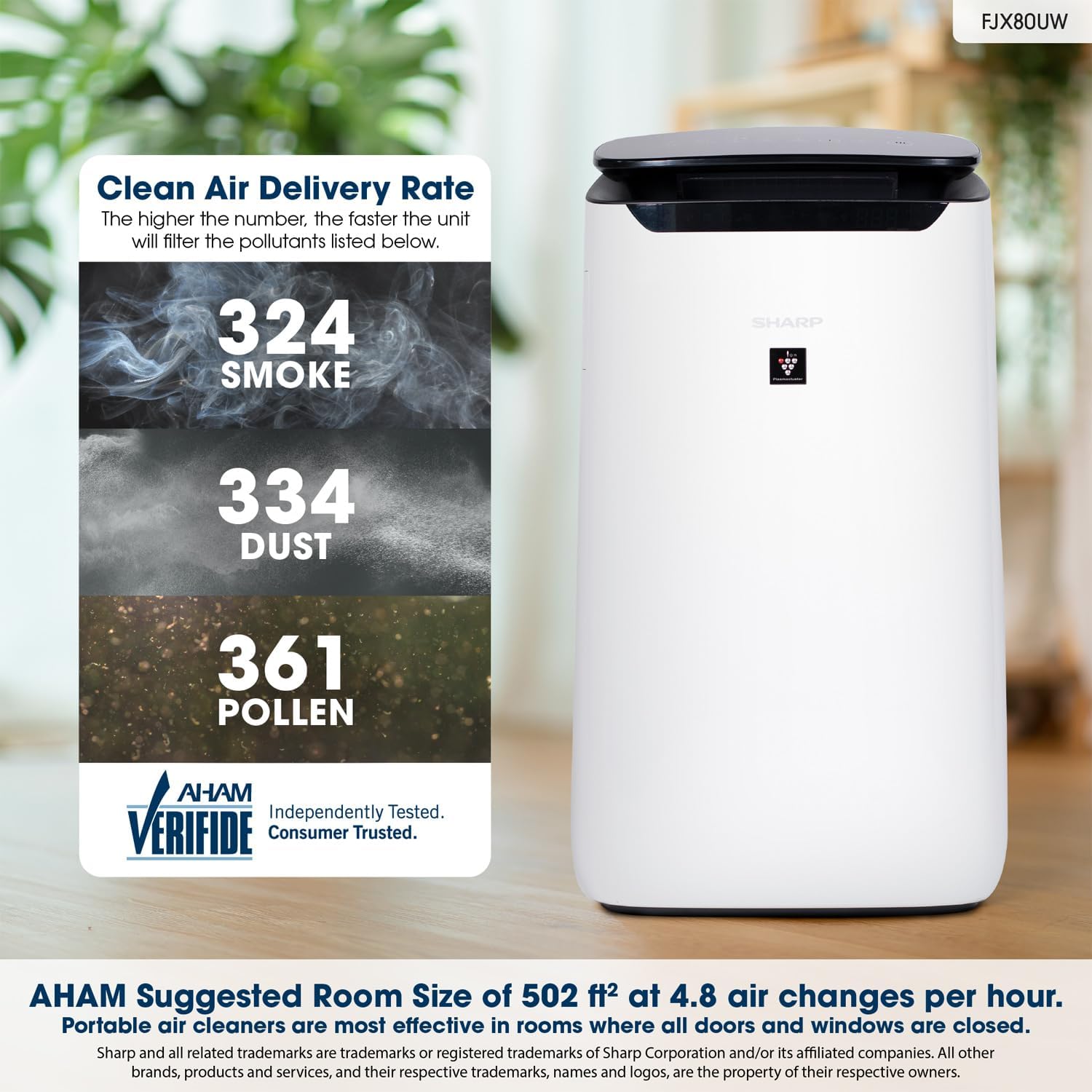
- Extra-Large Room Coverage: Effective for rooms up to 2,430 sq. ft. (1 air change per hour) or 502 sq. ft. (4.8 air changes per hour).
- Certifications: ENERGY STAR Rated, AHAM Verifide Tested, and California Air Resources Board (CARB) Certified.
Components:
- SHARP Smart Air Purifier Unit (FXJ80UW)
- Washable Microscreen Pre-filter (pre-installed)
- Activated Carbon Deodorizing Filter (pre-installed)
- True HEPA Filter (pre-installed)
- Power Cord
- User Manual (this document)
Product Views and Features:






4. Setup
Unpacking:
- Carefully remove the air purifier from its packaging.
- Remove all protective plastic films and packaging materials from the unit and filters.
- Ensure all components listed in the 'Components' section are present.
Filter Installation (Pre-installed):
The filters are pre-installed in the unit. Before first use, ensure that any plastic bags around the filters are removed. If you need to access the filters:
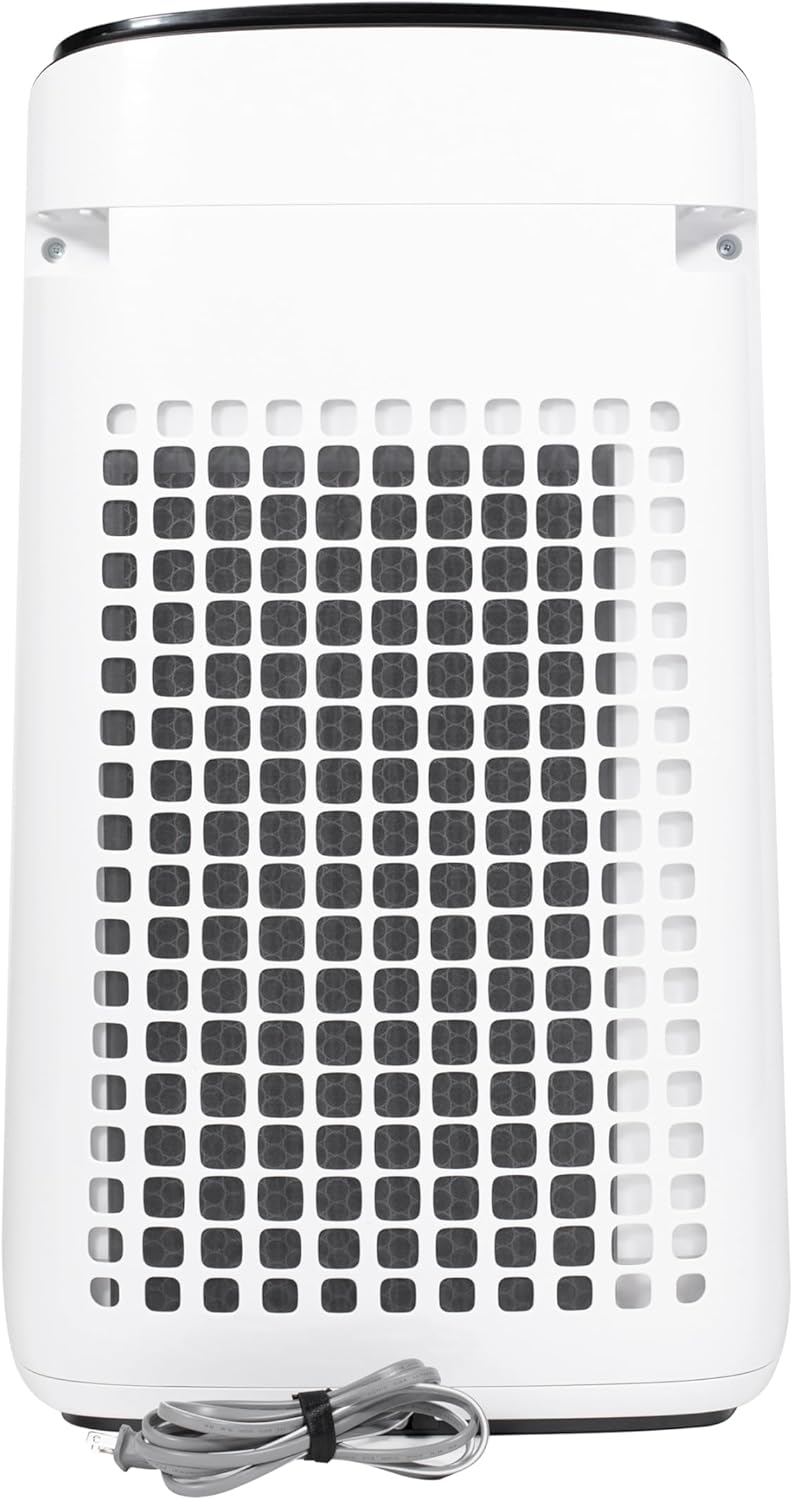
- Gently pull the back panel of the unit to remove it.
- The Activated Carbon filter and True HEPA filter are located behind the pre-filter. Remove any plastic wrapping from these filters if they are new or replacements.
- Insert the True HEPA filter first, followed by the Activated Carbon filter, ensuring they are oriented correctly.
- Reattach the back panel securely.

Placement:
- Place the air purifier on a firm, level surface.
- Ensure there is at least 8 inches (20 cm) of clearance around the air inlets (sides and back) and air outlet (top) for optimal performance.
- Avoid placing the unit near heat sources, direct sunlight, or areas with high humidity.
- Do not place the unit directly against a wall or furniture that could obstruct airflow.
Power Connection:
Plug the power cord into a standard electrical outlet. The unit is now ready for operation.
Smart Features Setup (Optional):
To utilize the smart features, download the SHARP AIR App from your device's app store (available for Apple and Android devices). Follow the in-app instructions to connect your air purifier to your Wi-Fi network and link it with Amazon Alexa or Google Assistant for voice control.
5. Operating Instructions
Control Panel Functions:
The control panel is located on the top of the unit. Refer to the 'Top view of the air purifier's control panel' image in Section 3 for button layout.
- Power Button (On/Off): Press to turn the unit on or off.
- Fan Speed Button: Cycles through Max, Med, Low, and Sleep fan speeds.
- Mode Button: Selects operating modes:
- Auto Mode: The unit automatically adjusts fan speed based on dust and odor sensor readings. A light sensor also adjusts display brightness.
- Pollen Mode: Optimized for pollen removal.
- Express Clean Mode: Provides rapid air purification for a short period.
- Sleep Mode: Operates at the lowest fan speed for quiet operation.
- Wi-Fi Indicator: Shows Wi-Fi connection status.
- Filter Reset Button: Press and hold for 3 seconds after replacing filters to reset the filter life indicator.
Using the SHARP AIR App:
Once connected, the app allows you to:
- Monitor real-time air quality.
- Adjust fan speeds and operating modes remotely.
- Set weekly schedules for operation.
- Check remaining filter life.
- Enable Auto Presence ON/OFF (if supported by your smart home setup).
Voice Control with Alexa:
After linking your SHARP AIR account with Alexa, you can use voice commands such as:
- "Alexa, turn on the air purifier."
- "Alexa, set the air purifier to Auto mode."
- "Alexa, what is the air quality?"
6. Maintenance
Regular maintenance ensures optimal performance and extends the lifespan of your air purifier.
Cleaning the Washable Microscreen Pre-filter:
Clean the pre-filter regularly, approximately once a month or more frequently depending on usage and air quality.
- Unplug the air purifier.
- Remove the back panel (pre-filter).
- Use a vacuum cleaner to remove dust from the surface. For heavier dirt, wash the filter with water and a mild detergent.
- Allow the filter to air dry completely before reattaching it to the unit. Do not use a dryer or direct heat.
Replacing the Activated Carbon and True HEPA Filters:
These filters have a lifespan of up to 2 years, depending on the environment and usage. The filter indicator light on the control panel will illuminate when replacement is needed.
- Unplug the air purifier.
- Remove the back panel.
- Remove the old Activated Carbon and True HEPA filters.
- Insert new genuine SHARP replacement filters, ensuring correct orientation.
- Reattach the back panel.
- Plug in the unit and press and hold the Filter Reset button for 3 seconds until the indicator light turns off.
Cleaning Sensors:
The dust and odor sensors should be cleaned periodically to ensure accurate readings.
- Unplug the air purifier.
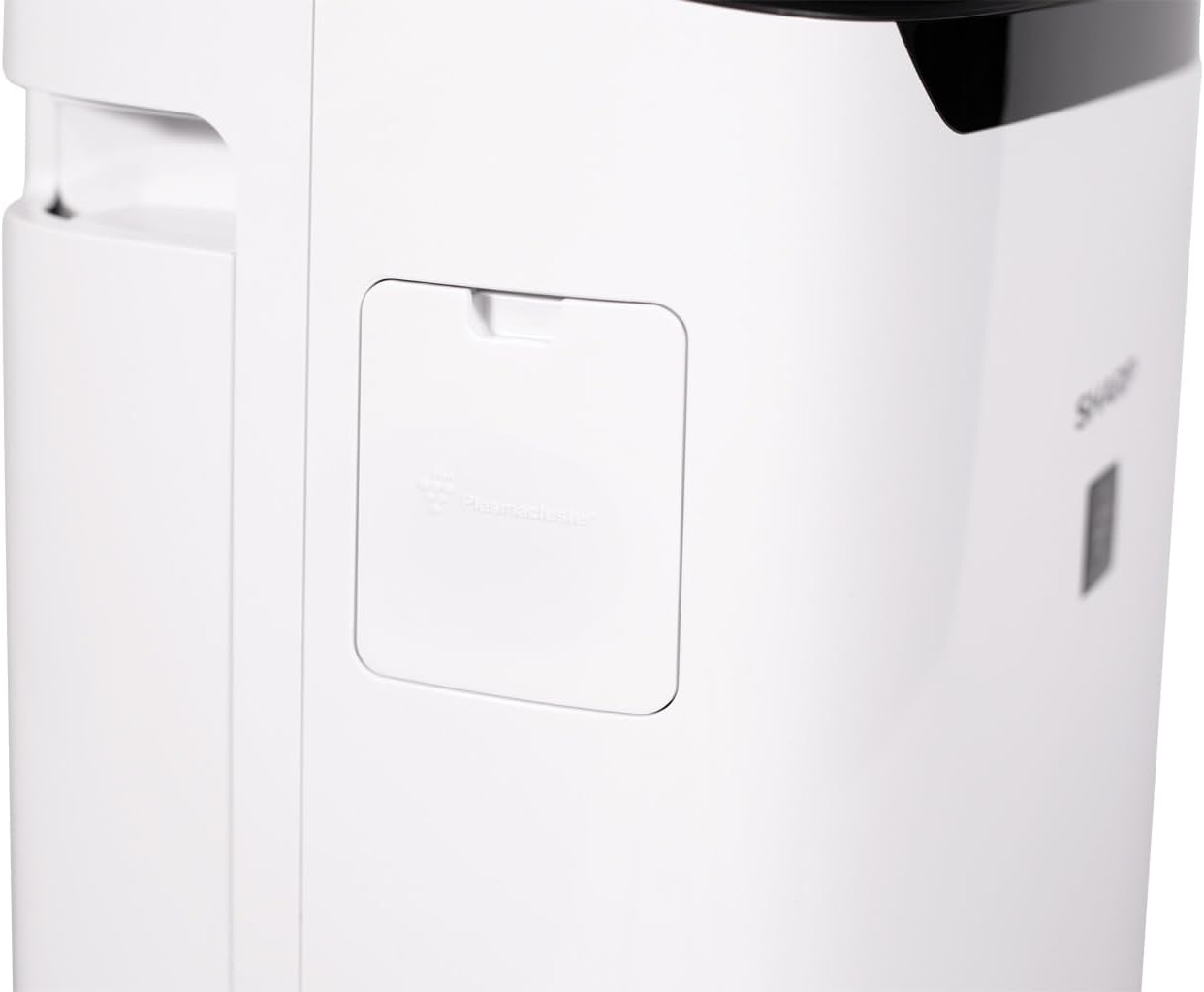
- Locate the sensor cover on the side of the unit.
- Open the cover and use a cotton swab or soft brush to gently clean the sensor lens and surrounding area.
- Close the sensor cover.

Exterior Cleaning:
Wipe the exterior of the unit with a soft, dry cloth. Do not use abrasive cleaners, waxes, or solvents.
7. Troubleshooting
| Problem | Possible Cause | Solution |
|---|---|---|
| Unit does not turn on. | Power cord is not properly plugged in. No power to the outlet. | Ensure the power cord is securely plugged into a working outlet. Check the circuit breaker. |
| Airflow is weak or no air comes out. | Filters are clogged. Air inlets/outlets are blocked. | Clean the pre-filter. Check if other filters need replacement. Ensure no obstructions around the unit. |
| Unusual noise. | Foreign object inside. Unit is not on a level surface. | Unplug and check for foreign objects. Place the unit on a stable, level surface. |
| Odor persists. | Activated Carbon filter is saturated. | Replace the Activated Carbon filter. |
| Wi-Fi connection issues. | Incorrect Wi-Fi password. Router too far. App issues. | Double-check Wi-Fi password. Move unit closer to router. Restart app/unit. Consult app's troubleshooting guide. |
| Air quality readings seem inaccurate. | Dust/odor sensors are dirty. | Clean the dust and odor sensors as per maintenance instructions. |
8. Specifications
| Specification | Value |
|---|---|
| Model Number | FXJ80UW |
| Color | White |
| Product Dimensions (D x W x H) | 16.4" x 11.5" x 28.7" |
| Item Weight | 24.3 pounds |
| Floor Area Coverage (AHAM Suggested) | 502 Square Feet (4.8 air changes/hour) |
| Max Coverage (1 air change/hour) | 2,430 Square Feet |
| Noise Level (Sleep Mode) | 15 dB |
| Particle Retention Size | 0.3 Micrometer (True HEPA) |
| Controller Type | Amazon Alexa, Android (SHARP AIR App) |
| Wattage | 190 watts |
| UPC | 074000663800 |
| Manufacturer | SHARP |
| Assembly Required | Yes (minor, filter unwrapping) |
| Included Components | Air purifier, warranty, manual |
| Certifications | ENERGY STAR, AHAM Verifide, CARB Certified |
| CADR (Smoke / Dust / Pollen) | 324 / 334 / 361 |
9. Warranty and Support
Warranty Information:
The SHARP Smart Air Purifier FXJ80UW comes with a 1 Year Limited Warranty from the date of purchase. This warranty covers defects in materials and workmanship under normal use. Please retain your proof of purchase for warranty claims.
Customer Support:
For technical assistance, troubleshooting beyond this manual, or warranty inquiries, please contact SHARP customer support. Refer to the official SHARP website or your product registration card for the most current contact information.
You can also refer to the official user manual PDF for more detailed information: Download User Manual (PDF)


