
Crosley CR704B-PA
Crosley Musician CR704B-PA User Manual
Comprehensive guide for your 8-in-1 entertainment system.
Introduction
Welcome to the world of analog and digital music with your new Crosley Musician CR704B-PA 8-in-1 Record Player. This versatile system combines classic audio formats with modern connectivity, allowing you to enjoy your favorite music from various sources. Please read this manual carefully to ensure proper setup, operation, and maintenance of your unit.
Safety Information
WARNING: This product can expose you to chemicals including lead, which is known to the State of California to cause cancer and birth defects or other reproductive harm. For more information go to www.P65Warnings.ca.gov.
To reduce the risk of electric shock, do not remove cover (or back). No user-serviceable parts inside. Refer servicing to qualified service personnel. Avoid exposure to rain or moisture.
Always ensure proper ventilation and avoid blocking any ventilation openings. Do not install near any heat sources. Use only attachments/accessories specified by the manufacturer.
What's in the Box
Verify that all items listed below are included in your package:
- CR704B Musician Turntable Unit
- 45 RPM Adapter
- 3.5mm Aux In Cable
Product Overview
The Crosley Musician CR704B-PA is an 8-in-1 entertainment system. Below are key components and controls.

Figure 1: Top view of the Crosley Musician CR704B-PA with the lid open, showing the turntable.

Figure 2: Front panel and side view highlighting various features including the 3-speed turntable, AM/FM radio, CD player, cassette player, Bluetooth receiver, Aux In, and Headphone Jack.
Front Panel Controls and Features:
- Power/Volume Knob: Controls power on/off and adjusts volume.
- Function Selector: Switches between Turntable, CD, Cassette, AM/FM Radio, and Bluetooth modes.
- Tuning Knob: Adjusts radio frequency.
- AM/FM Dial: Displays current radio frequency.
- CD Player: Tray for compact discs.
- Cassette Player: Slot for cassette tapes (located on the side).
- Aux In Jack: 3.5mm input for external audio devices.
- Headphone Jack: 3.5mm output for private listening.
- Built-in Stereo Speakers: Integrated speakers for audio output.
Turntable Components:
- Platter: Where records are placed.
- Spindle: Holds the record in place.
- Tone Arm: Holds the stylus and tracks the record grooves.
- Stylus (Needle): Reads the record grooves.
- Cueing Lever: Lifts and lowers the tone arm.
- Speed Selector: Adjusts turntable speed (33 1/3, 45, 78 RPM).
- 45 RPM Adapter: Used for records with large center holes.

Figure 3: Rear view of the unit, showing the power input and FM antenna connection.
Setup
- Unpacking: Carefully remove the unit from its packaging. Retain the packaging materials for future transport or storage.
- Placement: Place the unit on a flat, stable surface away from direct sunlight, heat sources, and excessive dust or moisture. Ensure adequate ventilation around the unit.
- Power Connection: Connect the AC power adapter to the DC IN jack on the back of the unit and then plug the adapter into a wall outlet.
- FM Antenna: Extend the FM wire antenna on the back of the unit for optimal radio reception.
Operating Instructions
General Operation:
- Power On/Off: Rotate the Power/Volume knob clockwise to turn the unit on. Rotate counter-clockwise to turn off.
- Volume Control: Adjust the Power/Volume knob to increase or decrease the sound level.
- Function Selection: Use the Function Selector to choose between PHONO (Turntable), CD, TAPE (Cassette), RADIO, or BLUETOOTH modes.
Turntable Operation:
- Lift the dust cover.
- Place a record on the turntable platter. If playing a 45 RPM single, place the 45 RPM adapter on the center spindle.
- Set the speed selector to the appropriate speed (33 1/3, 45, or 78 RPM) for your record.
- Move the tone arm clip to release the tone arm.
- Lift the cueing lever to raise the tone arm.
- Manually move the tone arm over the desired starting track of the record.
- Lower the cueing lever to gently place the stylus onto the record. Playback will begin.
- At the end of the record, the tone arm will automatically return to its rest and stop.
- To stop playback manually, lift the tone arm using the cueing lever, return it to the rest, and lower the cueing lever.

Figure 4: The turntable in operation, playing a vinyl record.
CD Player Operation:
- Set the Function Selector to CD mode.
- Press the OPEN/CLOSE button to open the CD tray.
- Place a CD with the label side facing up into the tray.
- Press the OPEN/CLOSE button again to close the tray.
- The CD player will read the disc, and the total number of tracks will be displayed.
- Press the PLAY/PAUSE button to start playback.
- Use the SKIP buttons (>>| or |<<) to navigate between tracks.
- Press the STOP button to stop playback.
Cassette Player Operation:
- Set the Function Selector to TAPE mode.
- Insert a cassette tape into the cassette slot on the side of the unit.
- Playback will begin automatically.
- Use the control buttons (Play, Stop, Fast Forward, Rewind) on the unit to manage playback.
- To eject the tape, press the EJECT button.
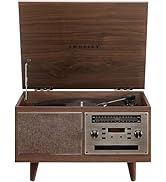
Figure 5: Detail of the cassette player slot.
AM/FM Radio Operation:
- Set the Function Selector to RADIO mode.
- Select either AM or FM using the AM/FM switch.
- Rotate the Tuning Knob to tune into your desired radio station.
- Adjust the FM wire antenna on the back of the unit for best reception.
Bluetooth Operation:
- Set the Function Selector to BLUETOOTH mode. The Bluetooth indicator light will flash.
- Enable Bluetooth on your mobile device (smartphone, tablet, etc.).
- Search for "Crosley Musician" or "CR704B-PA" in your device's Bluetooth settings and select it to pair.
- Once paired, the Bluetooth indicator light will stop flashing and remain solid.
- You can now stream audio from your device to the Crosley Musician's built-in speakers.
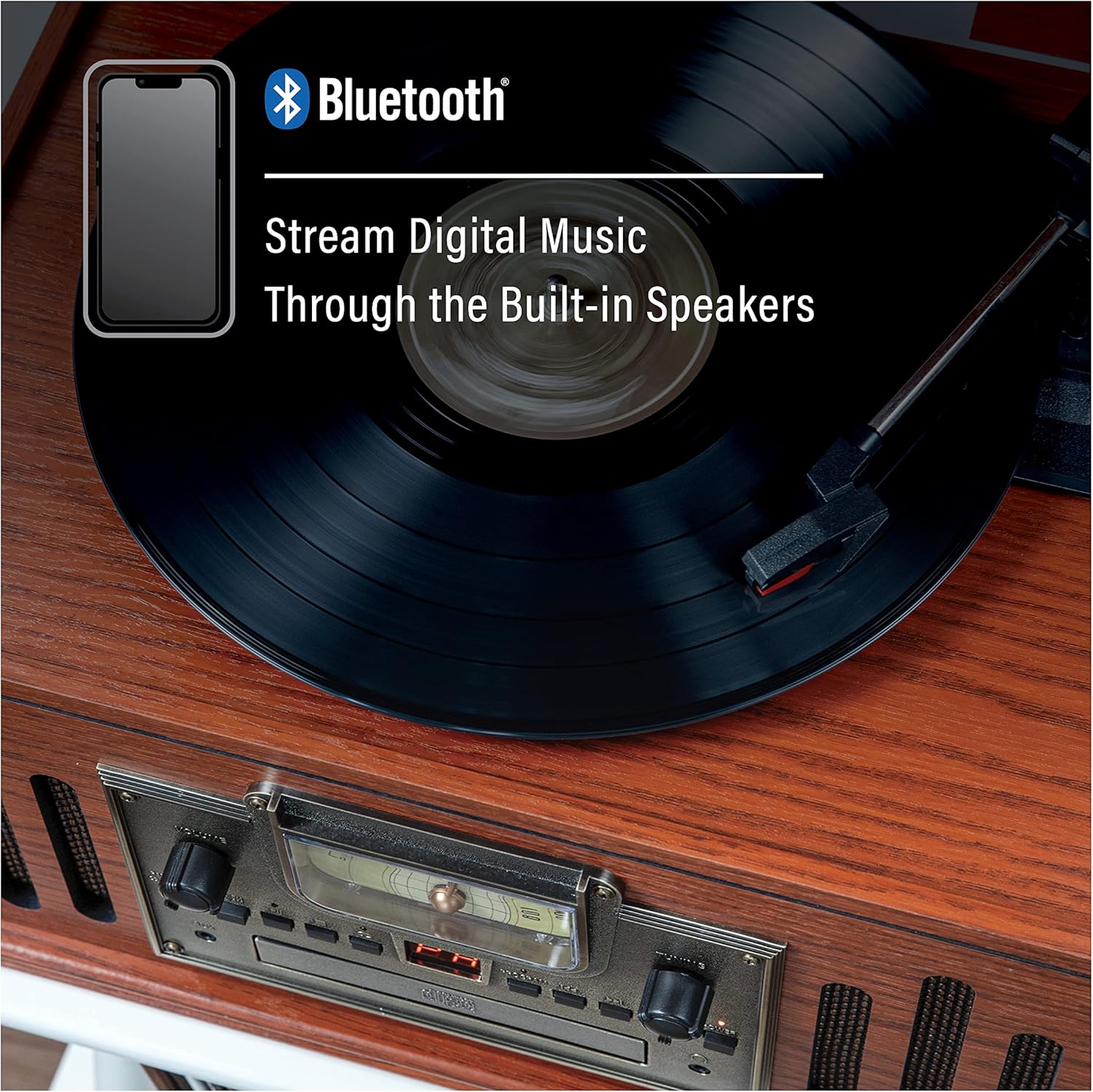
Figure 6: Demonstrates streaming digital music via Bluetooth to the unit.
Auxiliary Input Operation:
- Connect an external audio device (e.g., MP3 player, smartphone) to the AUX IN jack on the front panel using the provided 3.5mm Aux In Cable.
- Set the Function Selector to AUX mode (if available, otherwise ensure no other media is playing).
- Play audio from your connected external device. The sound will be output through the Crosley Musician's speakers.
Headphone Listening:
For private listening, plug a 3.5mm headphone jack into the Headphone Jack on the front panel. The built-in speakers will be muted automatically.
Maintenance
- Cleaning the Unit: Use a soft, dry cloth to clean the exterior of the unit. Do not use abrasive cleaners or solvents.
- Dust Cover: Keep the dust cover closed when not in use to protect the turntable and other components from dust.
- Stylus Care: Gently clean the stylus periodically with a soft brush, brushing from back to front. Replace the stylus when sound quality deteriorates (replacement needle: NP6).
- Record Care: Keep records clean and free of dust. Store them vertically in their sleeves to prevent warping.
- CD/Cassette Care: Handle CDs by the edges to avoid fingerprints. Keep cassettes in their cases when not in use.
Troubleshooting
| Problem | Possible Cause | Solution |
|---|---|---|
| No power | Power cord not securely connected. | Ensure power cord is firmly plugged into the unit and wall outlet. |
| No sound or low sound | Volume is too low. Incorrect function selected. Headphones connected. | Increase volume. Select correct function (PHONO, CD, TAPE, RADIO, BLUETOOTH). Disconnect headphones. |
| Turntable not spinning | Unit not powered on. Speed selector incorrect. | Turn on the unit. Check speed selector (33 1/3, 45, 78 RPM). |
| Poor radio reception | FM antenna not extended or positioned correctly. | Fully extend and adjust the FM wire antenna for better reception. |
| Bluetooth not connecting | Unit not in Bluetooth mode. Device not in pairing mode. | Set function to BLUETOOTH. Ensure your device's Bluetooth is on and searching. |
Specifications
- Model: CR704B-PA
- Power Source: DC 9V 1.3A
- Power Consumption: 12W (Max)
- Dimensions (W x D x H): 17.12 x 12.48 x 9.84 inches
- Weight: 17 pounds
- Turntable Speeds: 33 1/3, 45, 78 RPM
- Connectivity: Bluetooth, Auxiliary Input
- Included Components: 3.5mm Aux In Cable, 45 RPM Adapter, CR704B Musician Turntable
- Replacement Needle: NP6
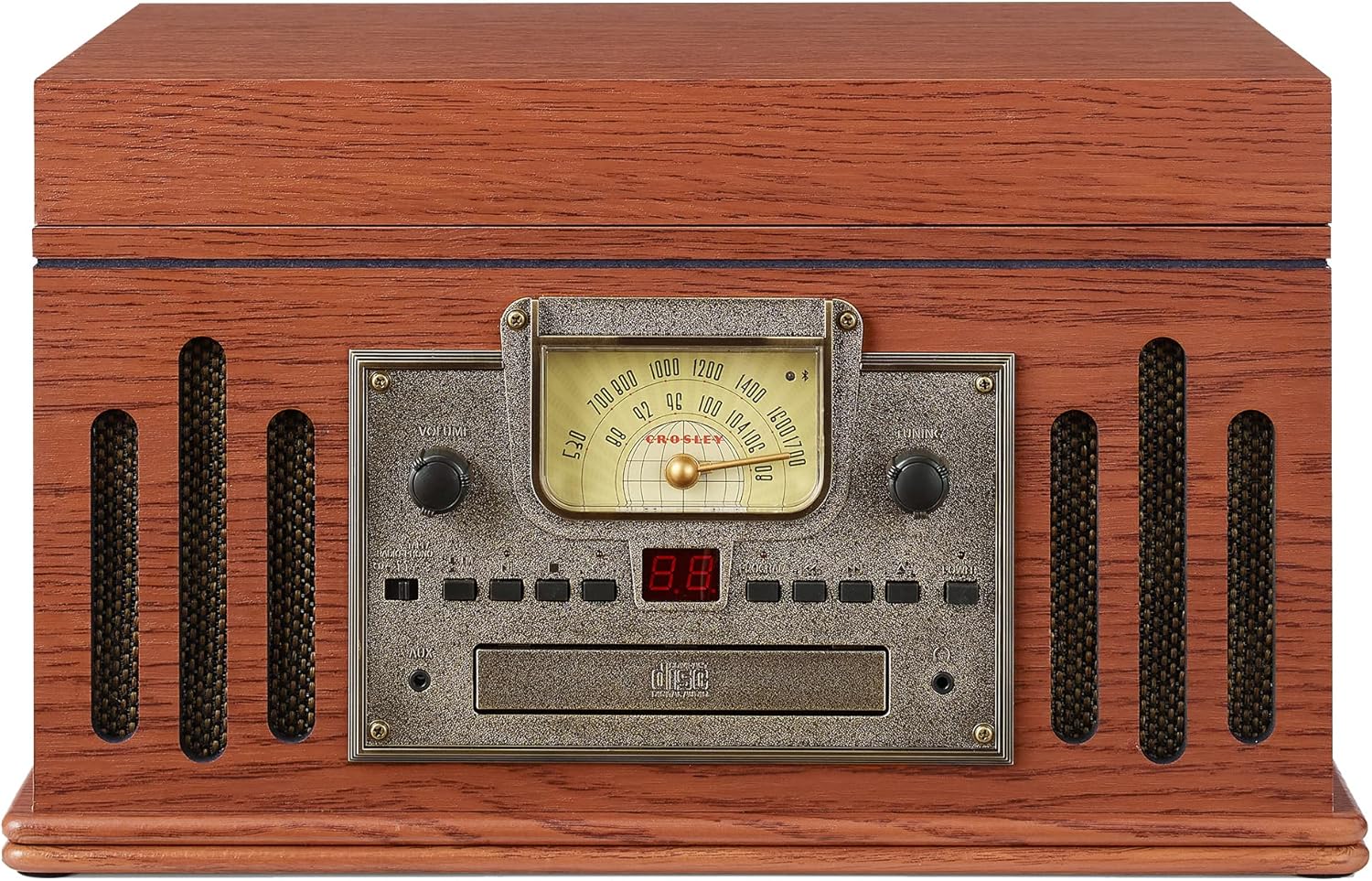
Figure 7: Overall dimensions of the unit.
Warranty and Support
For warranty information and customer support, please refer to the documentation included with your purchase or visit the official Crosley website. Crosley Radio products are proudly designed in the USA and come with USA-based customer support.
Manufacturer: Crosley
Contact: Refer to official Crosley support channels for assistance.